New Trade Zone
Trade Zone is now live
Use the new Trade Zone for auctions and instant-price trades so Pokemon and item offers are easy to find.

Abhishek123123
Registered User
-
Joined
-
Last visited
-
Please tell a suitable time to trade or you can contact me on discord (.lazyknight)
-
the auction is over congratulations @Howieeh
-
bump exactly 1 hour remaining
-
bump
-
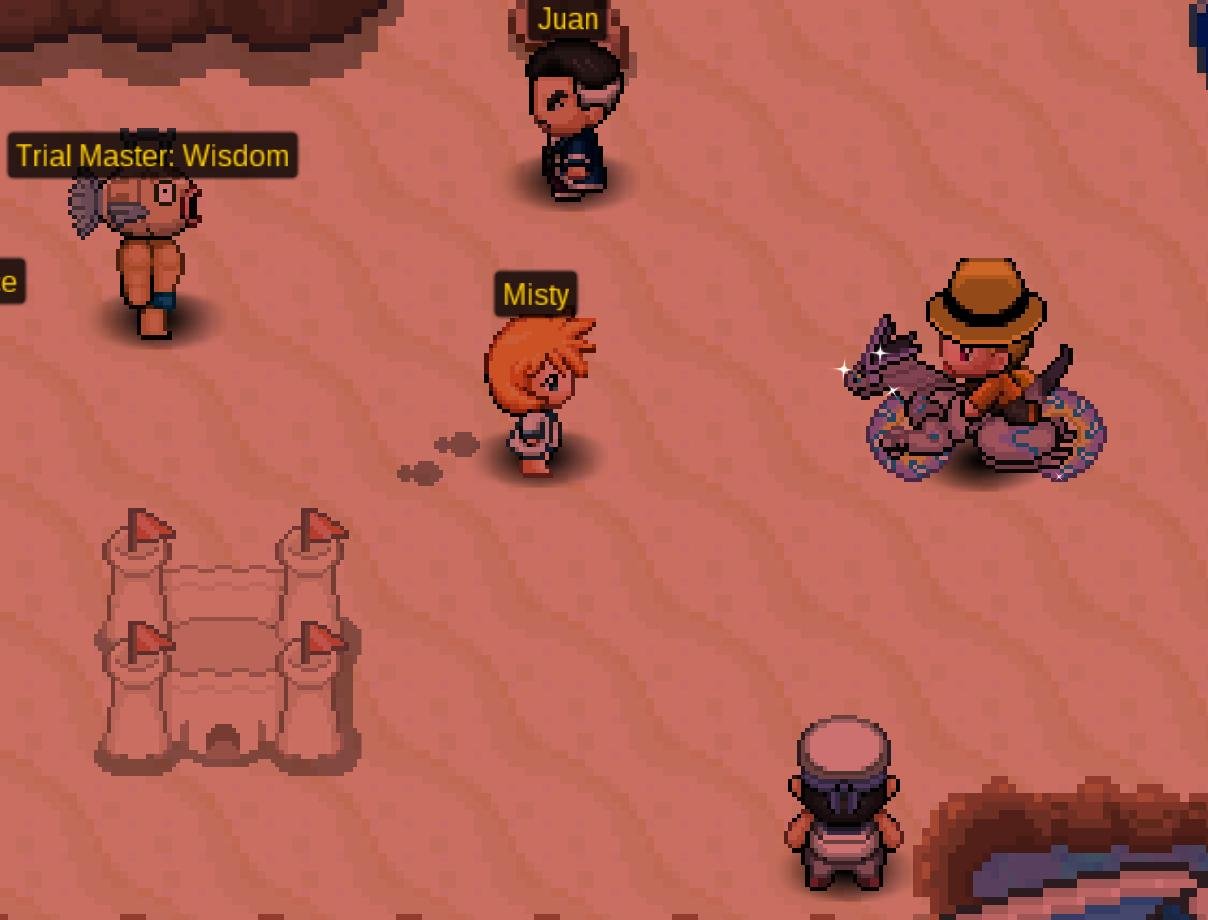
The auction is start after the first bid and last for 48 hours after that, the auction will only end if no bids are placed within 15 min after the last bid. Once those 15 min are crossed the auction will end and no further bids shall be recorded. Starting offer - 4m Minimum raise - 100k (Any bid not adhering to this will be ignored) You can also pay in items - Coin capsule (500k); IV reroll (700k) It is a beautiful mount I hope you enjoy riding on this here are some pictures I took for your reference:
.jpeg.afbbf983e5c0802411a6d1ac813cb471.jpeg)


-
15 min auction rule is applicable*
-
-
Can be Closed
-
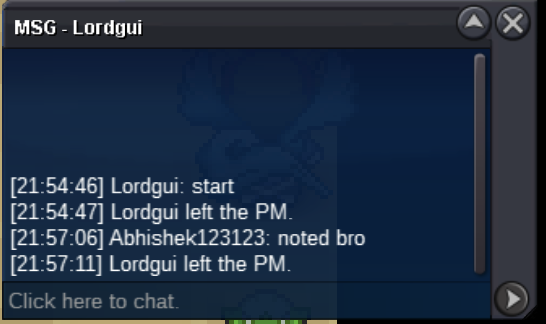
bumpstarted, auction ends at 21:54:46 IST WEDNESDAY
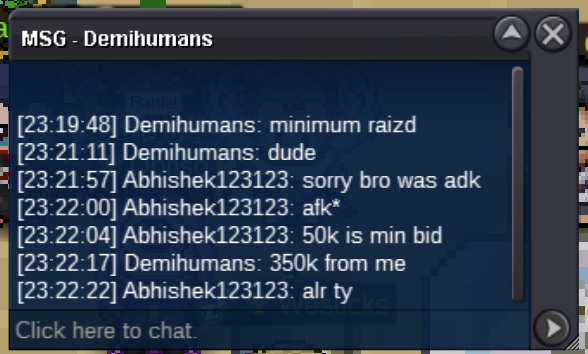
 S.O. 300K Min bid: 50k Insta: None Time: 48 hours after first bid Payment: Pokedollars, CC (490K), IV RR (700K)
 Oh ok I was able to get the stone later. Thanks for respondingDuring the cameruptite quest in the swimming trial I am first for the entire race but in the last the other swimmers some how teleport close to the finish line and start swimming faster than my surf mount making me last. This has happened 2-3 times with me please fix this bug.