New Trade Zone
Trade Zone is now live
Use the new Trade Zone for auctions and instant-price trades so Pokemon and item offers are easy to find.

Ryantok
Registered User
-
Joined
-
Last visited
-
Yes i can come online now. I will meet you at murky town PC
-
I will be online now and from 10am-11am GMT time today at murky town PC . Do let me know if you are able to help me during these timings. Thanks I have used escape rope to return back to murky town PC. Still experiencing the same problem (unable to return back to vermillion)
-
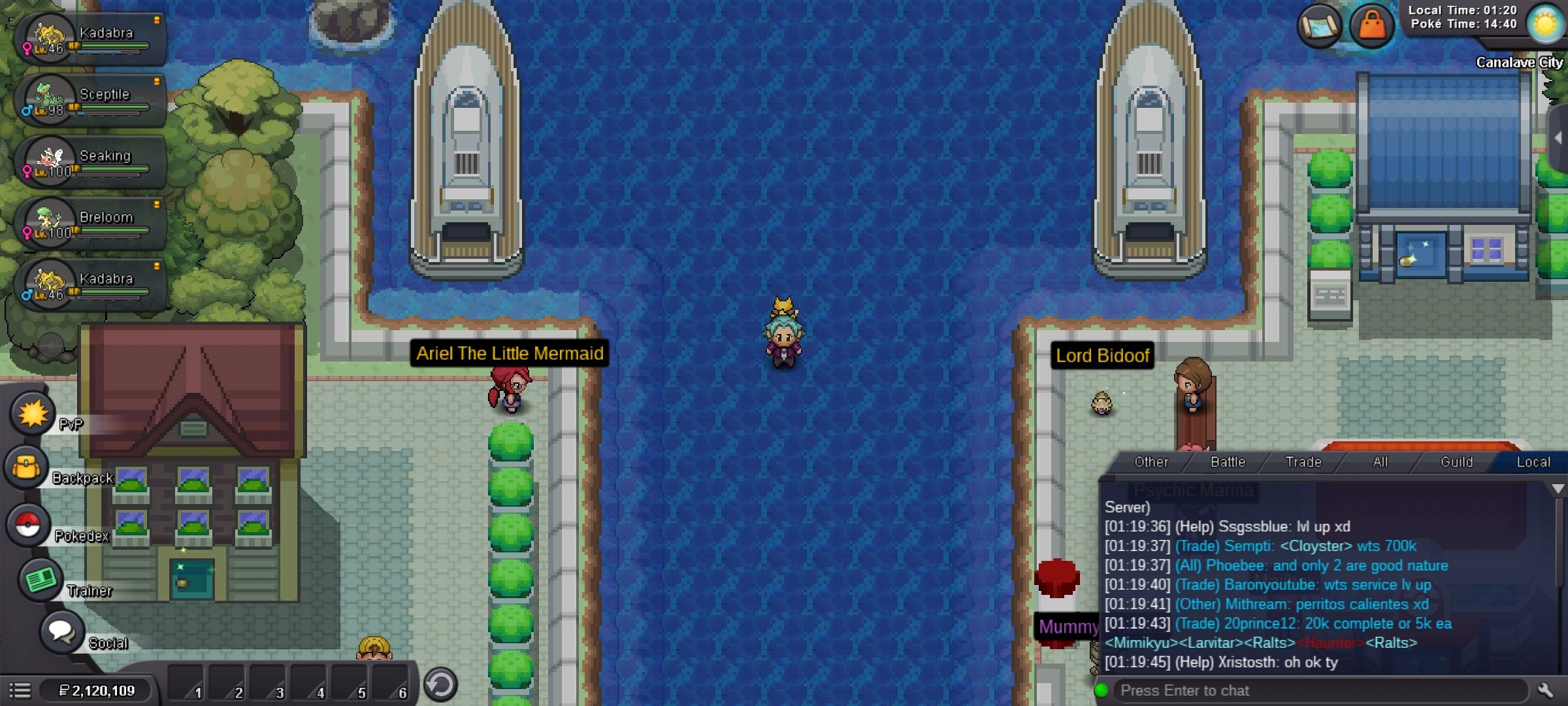
Thank you for your prompt response. I will be at Canalave city from 10am-11am GMT time today 11 Nov. Location as shown below
-
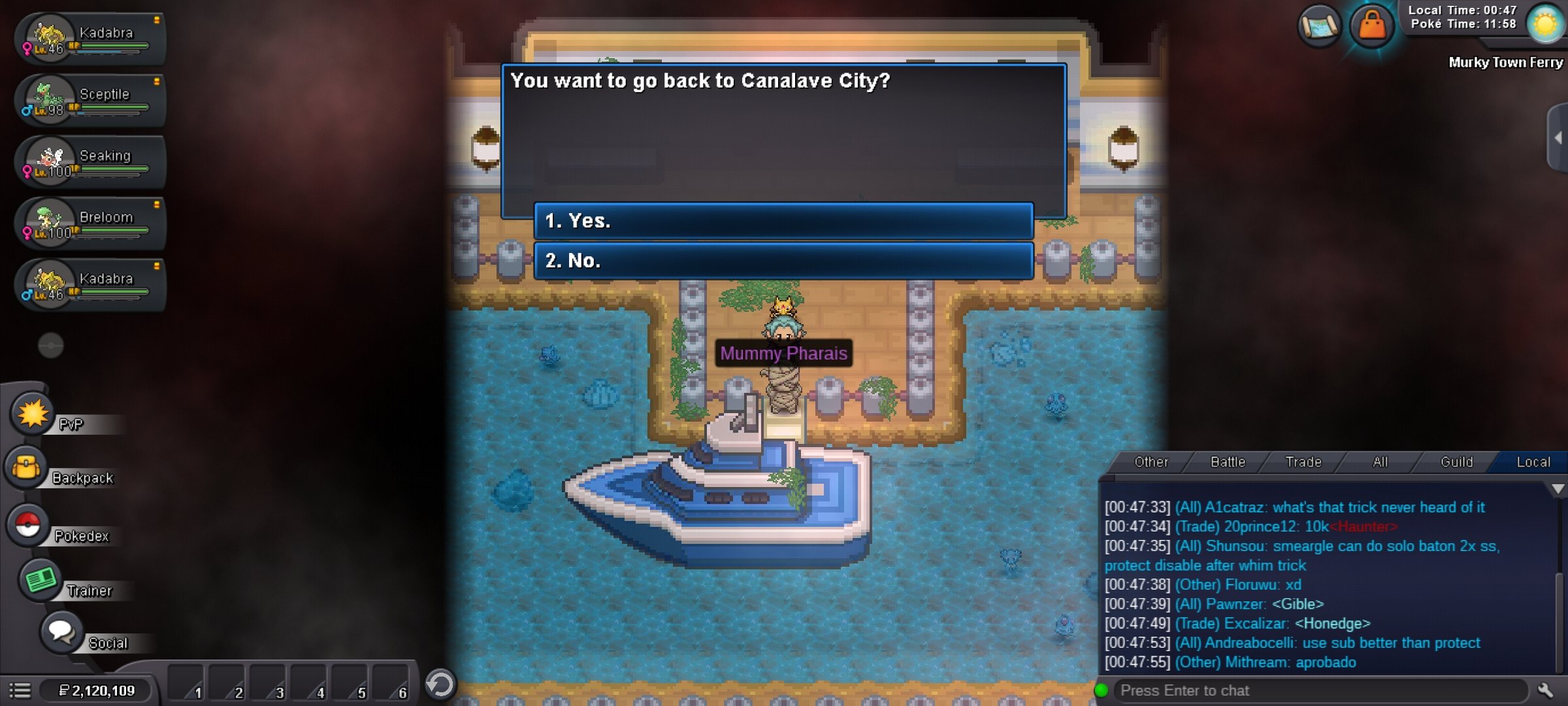
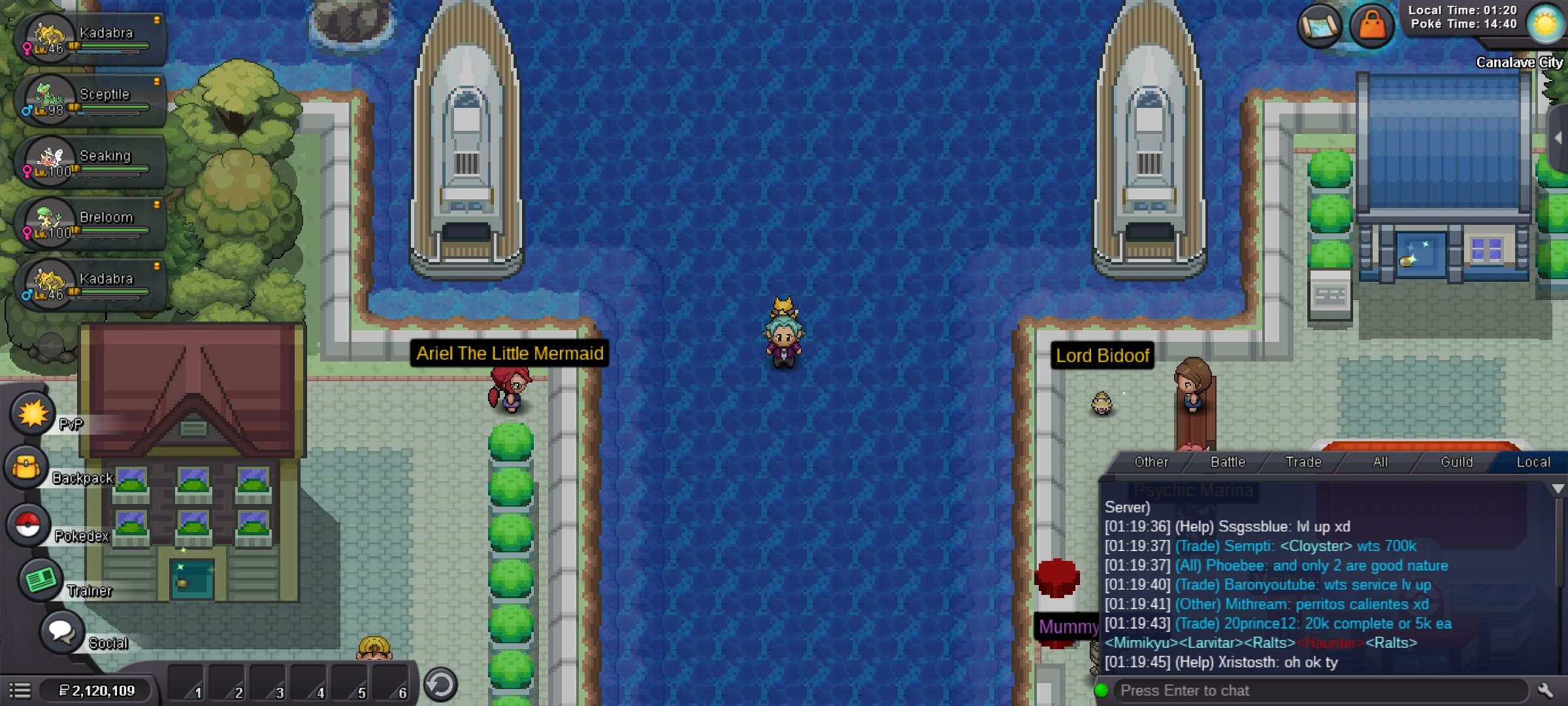
Hi, I am currently experiencing a game bug at Murky town. Approached the sailor several times to return back to vermillion city but was brought to Canalave city. When back to canalave city, i cannot proceed with the game because I am positioned in the middle of the waters (stuck near 2 ships). Used multiple escape ropes to return back to murky town's PC to reattempt. Please help me with this problem i encountered such that i can proceed with the game.
-
Okay thanks for replying
-
Same i also encountered this problem. Hope this bug is solved
-
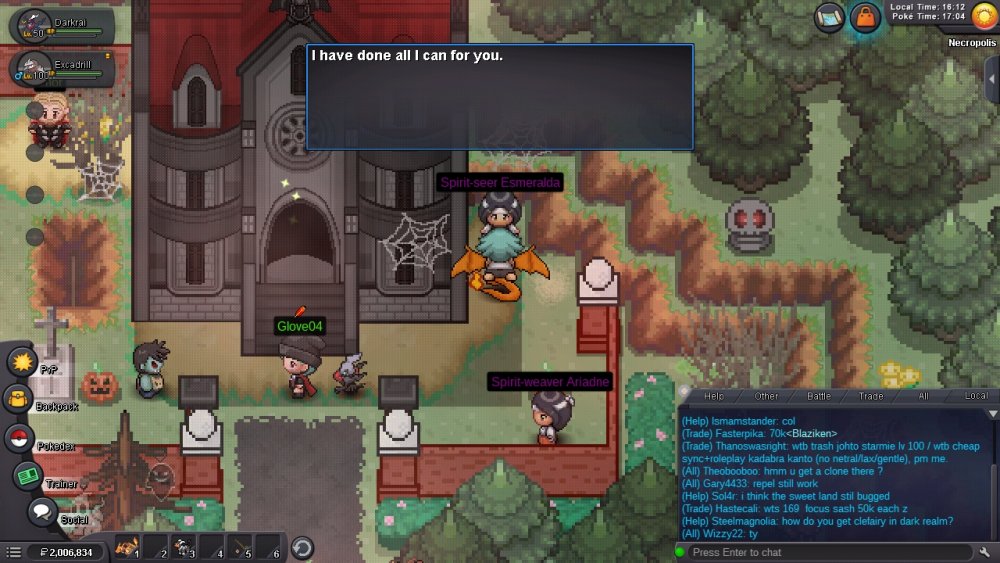
The reroll later was a lot better so i definitely want to accept it..but connection lost n reroll of my darkrai did not occur. Plz give me a chance to at least reroll it once. Plz help me. Truly appreciate help
-
I have to fight level 90 pokemon. They are darkrai guards. I was told that they should not be that high level. (Lvl 70) Plz fix this bug. Thankss