




New Trade Zone
Trade Zone is now live
Use the new Trade Zone for auctions and instant-price trades so Pokemon and item offers are easy to find.

Soooohen
Suspended
-
Joined
-
Last visited
Everything posted by Soooohen
-
nice one
-
whats your ingame-name?
-
-
2h left
-
bump
-
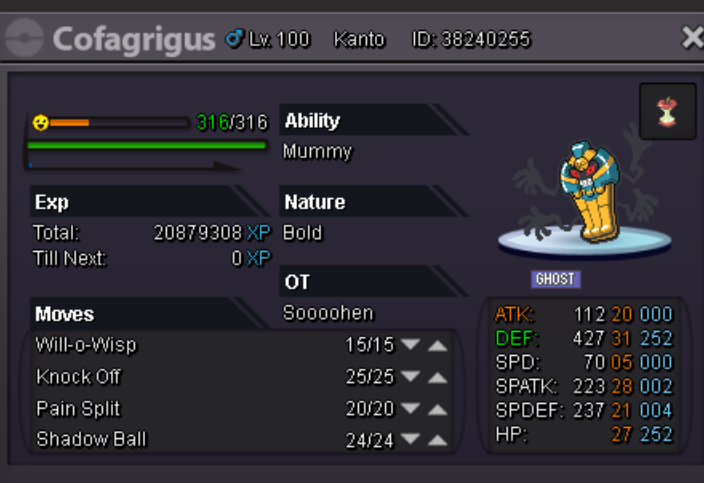
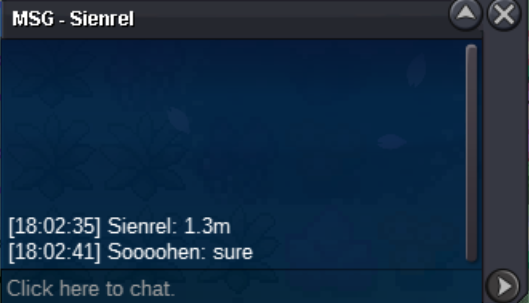
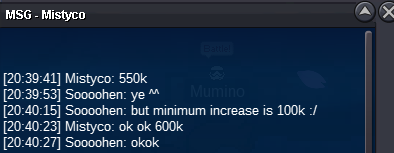
start offer 600k by Mrjoncatchem minimum increase is 100k ends in 24h Sold to mrjoncatchem
-
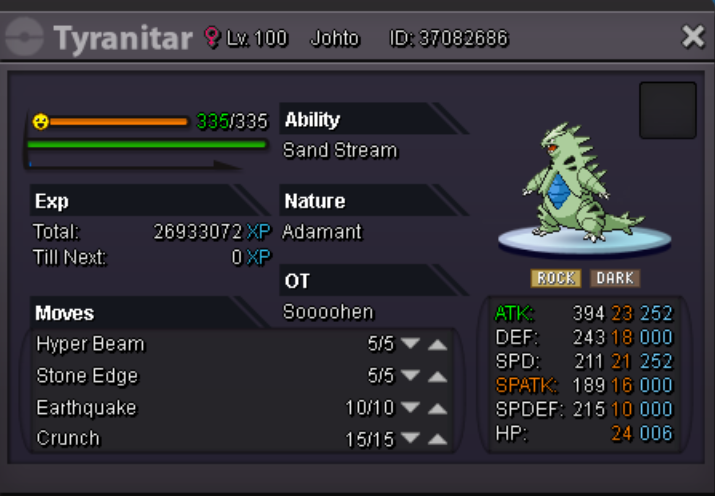
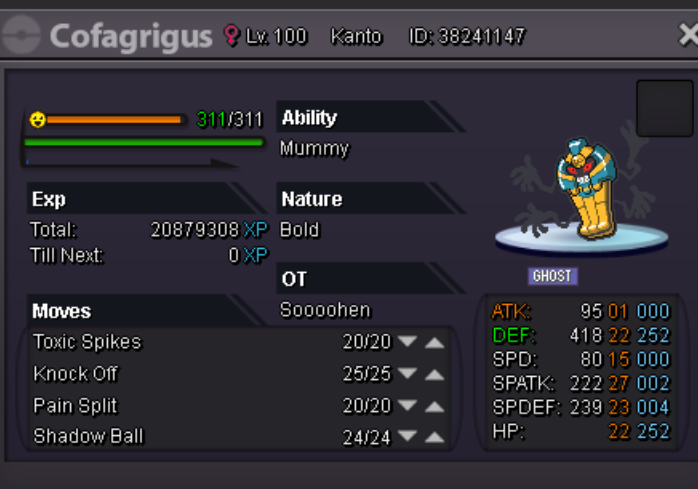
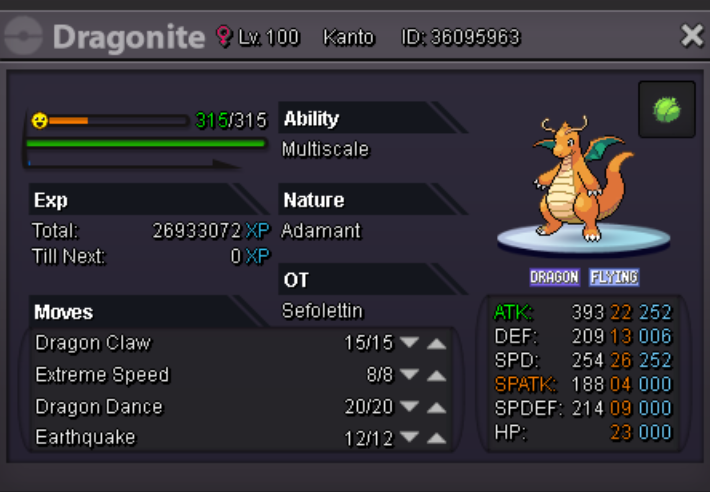
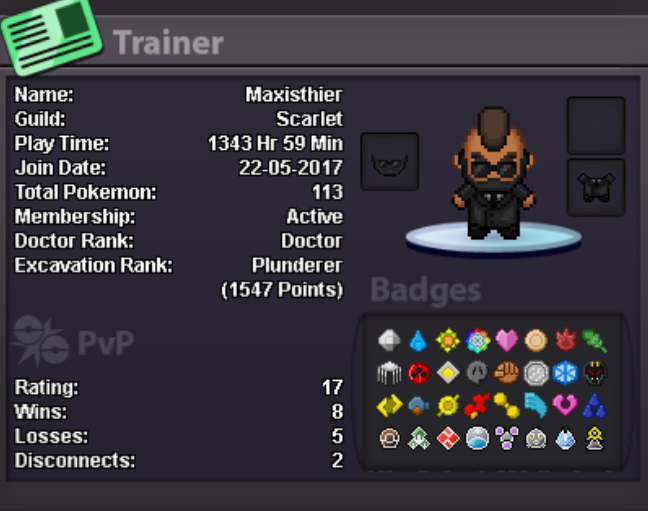
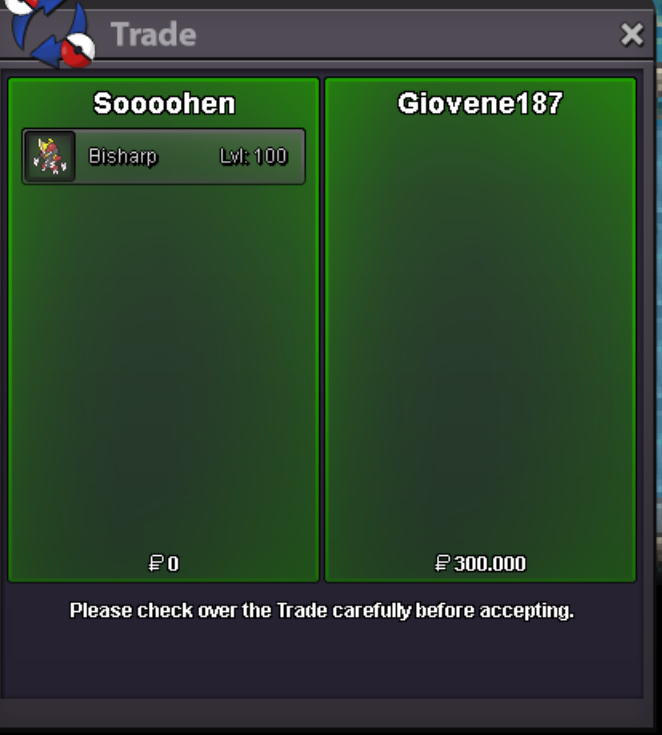
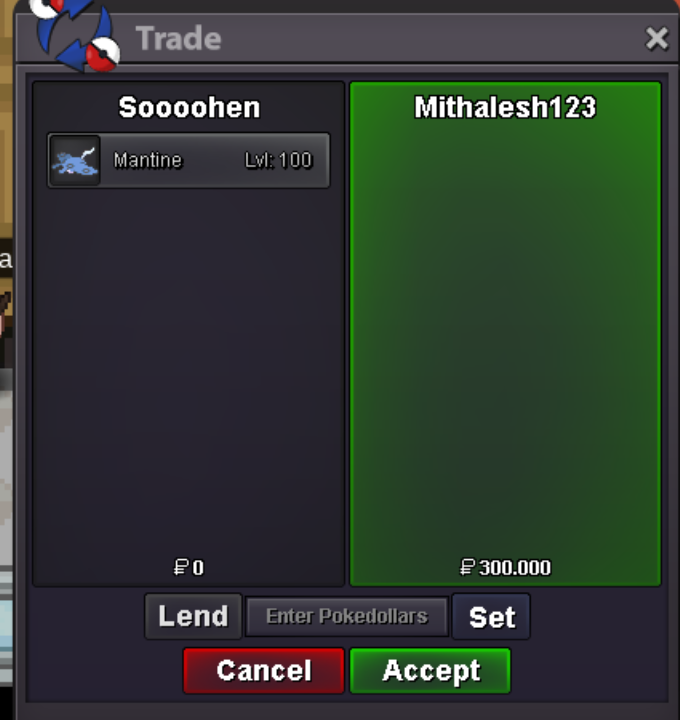
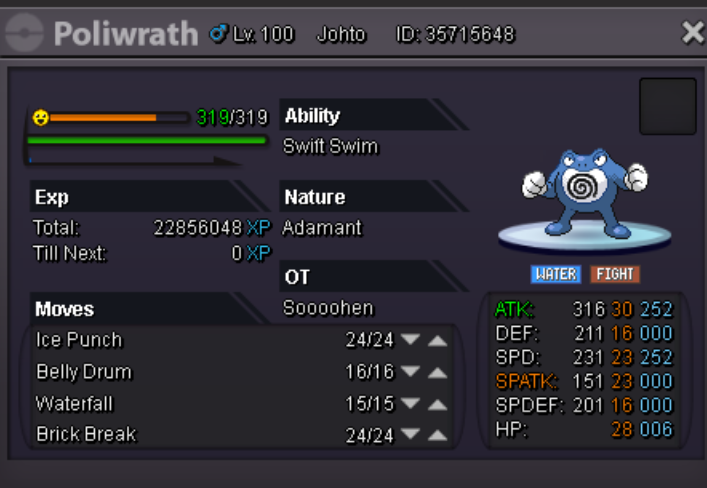
Welcome to the 187 PokeShop! Payment methods are pokedollars, reroll tickets - 600k and coin capsules - 400k If you interesed in some pokes feel free to contact us on discord [spoiler=Discord ]heeeen#7358 Venox#7738 black girl called steve#6737 soooohen [spoiler=""] 800k 800k 700k 500k 400k 300k 250k Venoox [spoiler=""] 600k 250k 200k 175k 175k Maxisthier [spoiler=""] 500k 400k 350k 300k 300k 250k 200k 200k 200k 200k 150k 150k 100k SOLD
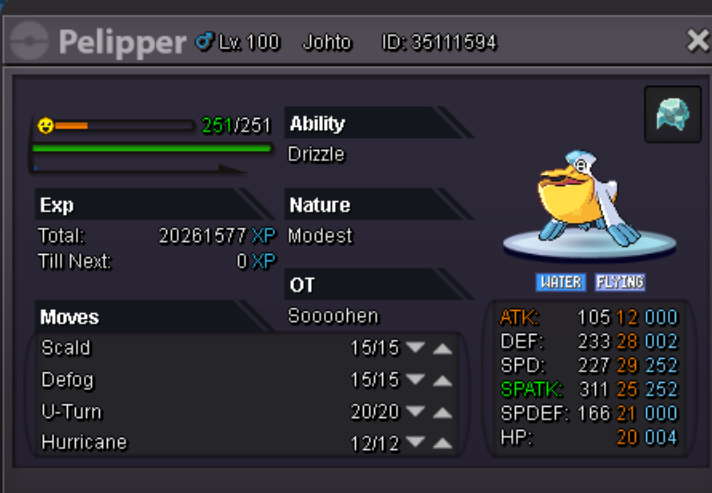
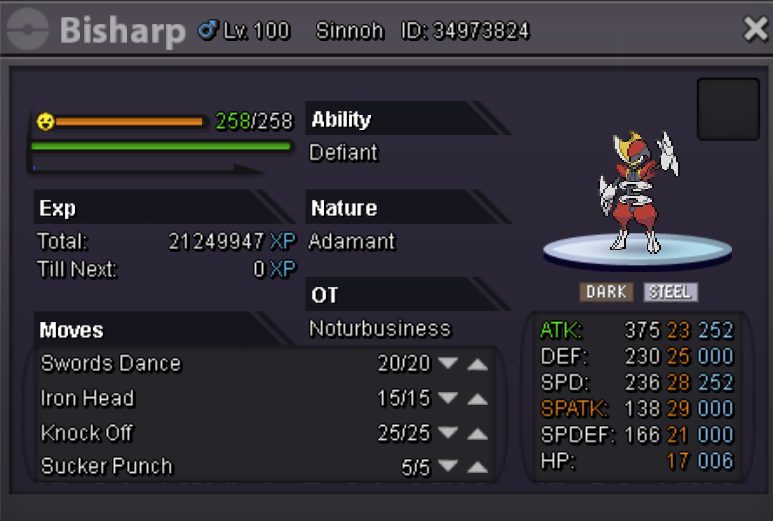
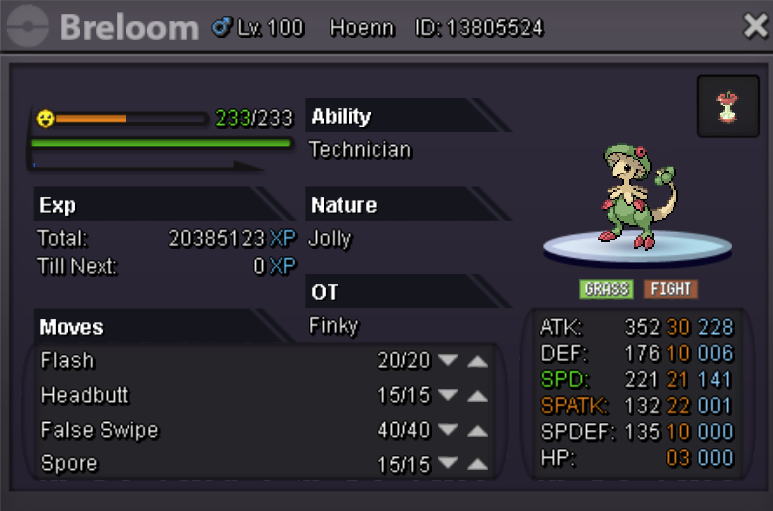
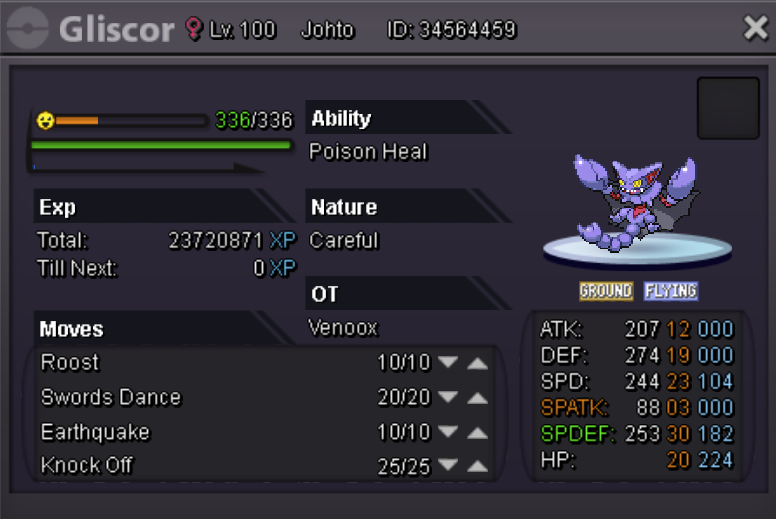

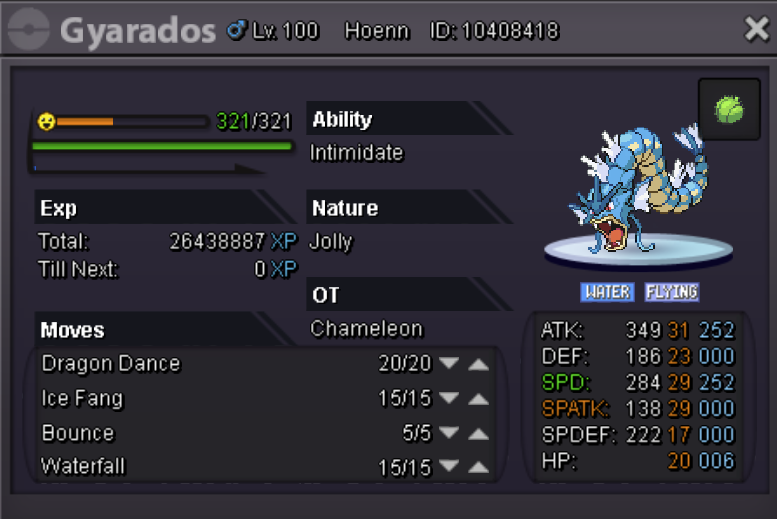
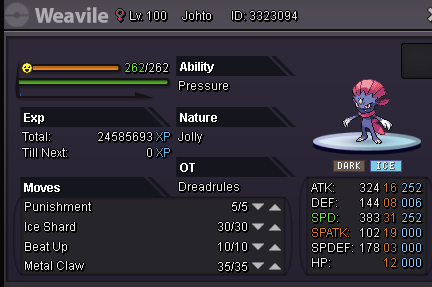
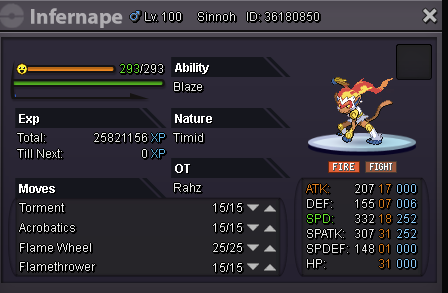
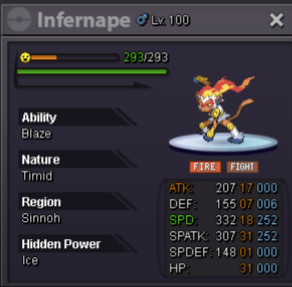
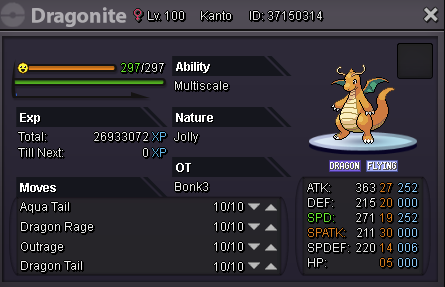
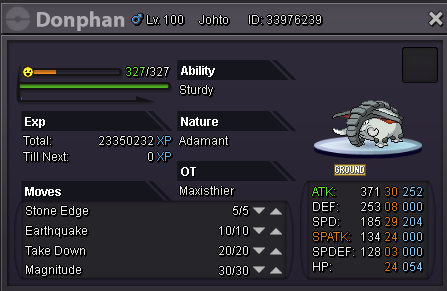
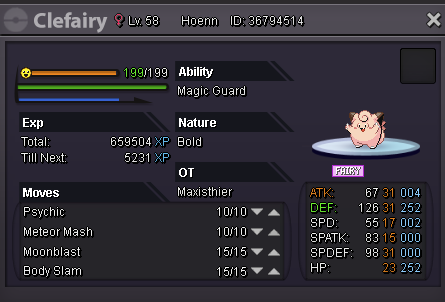
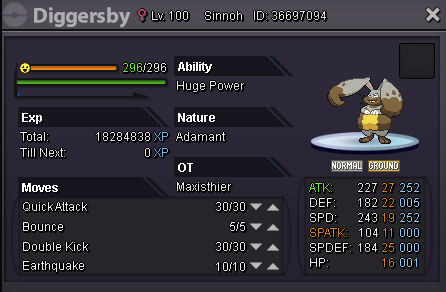
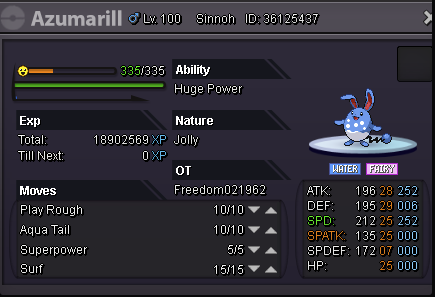

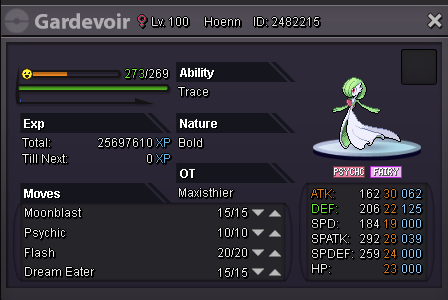
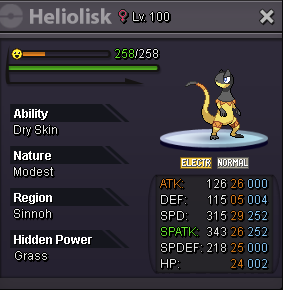
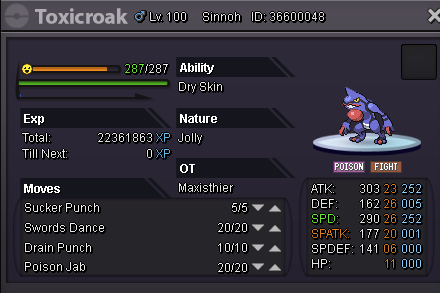
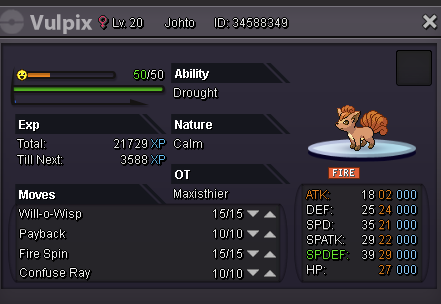
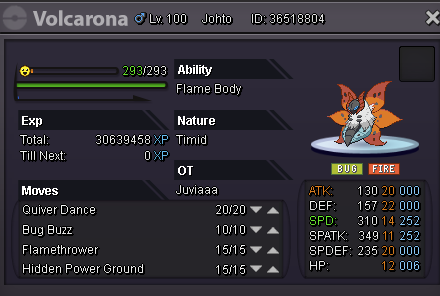
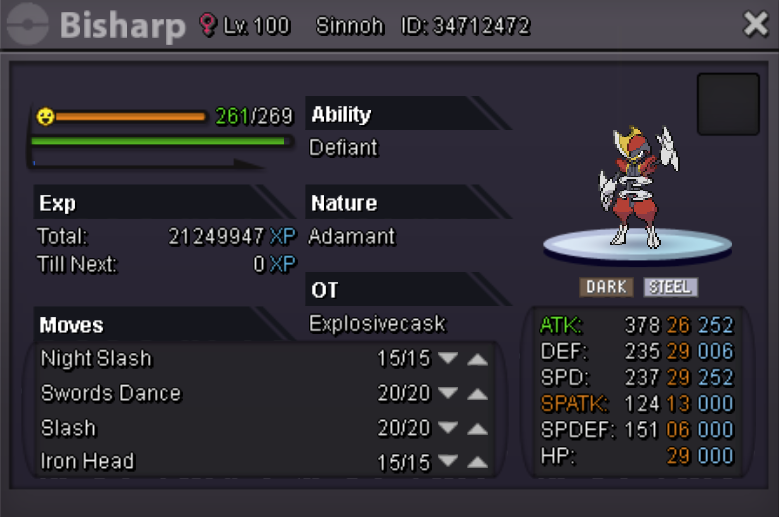

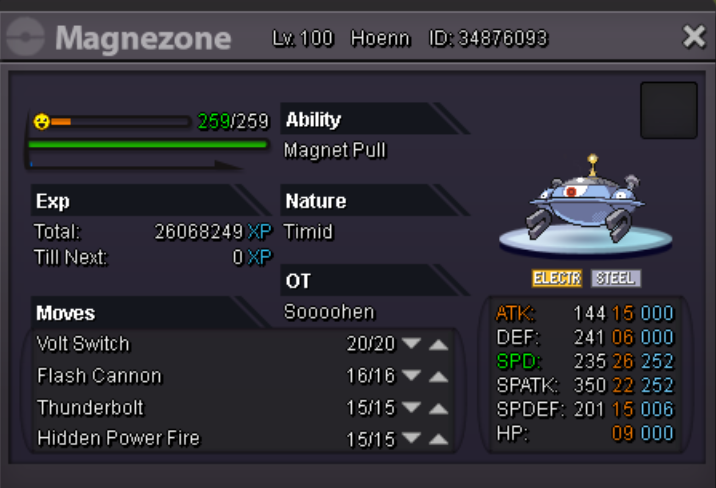
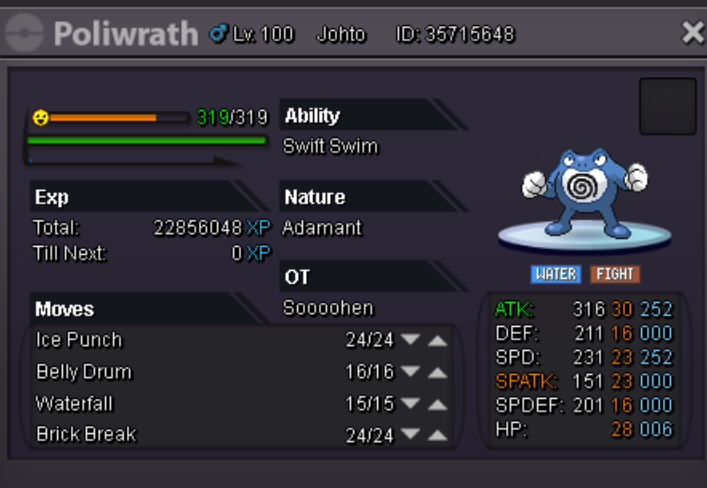
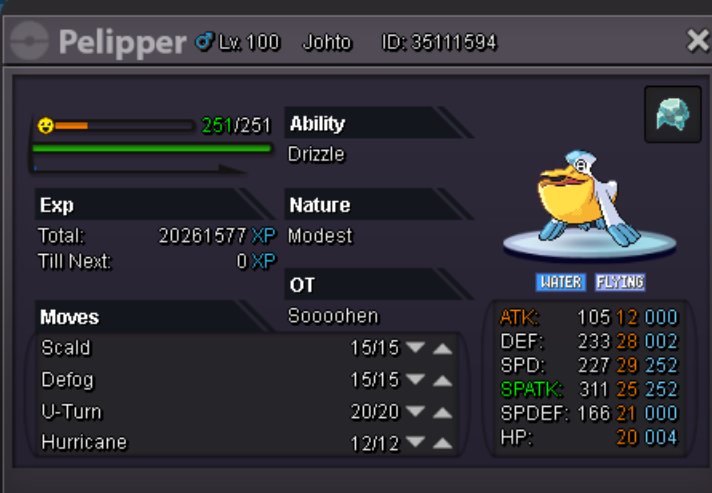
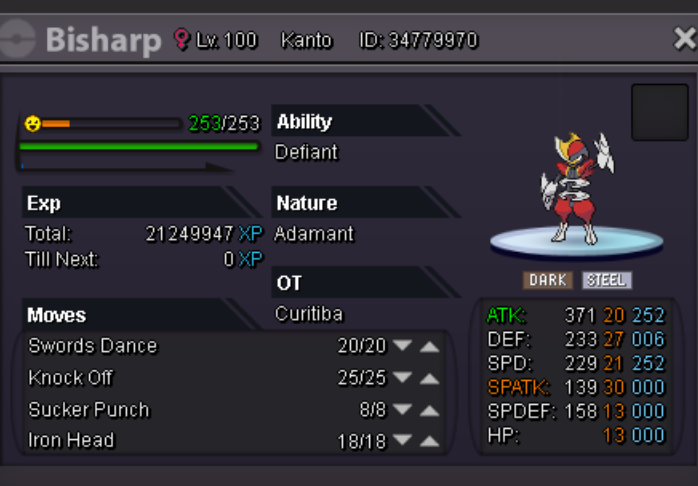
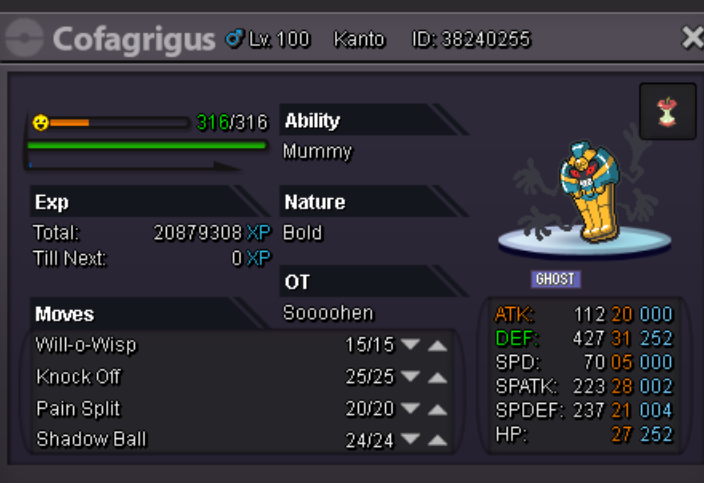
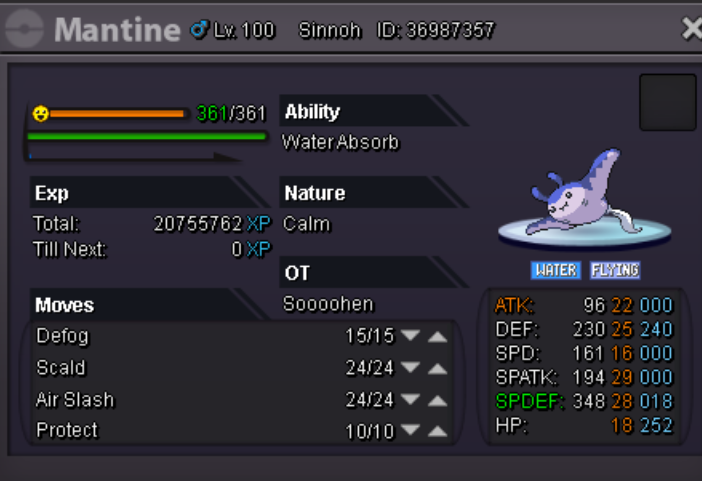

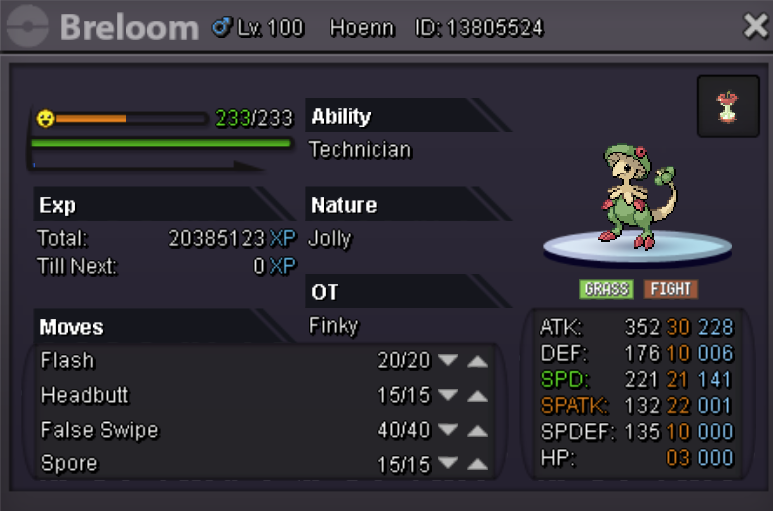
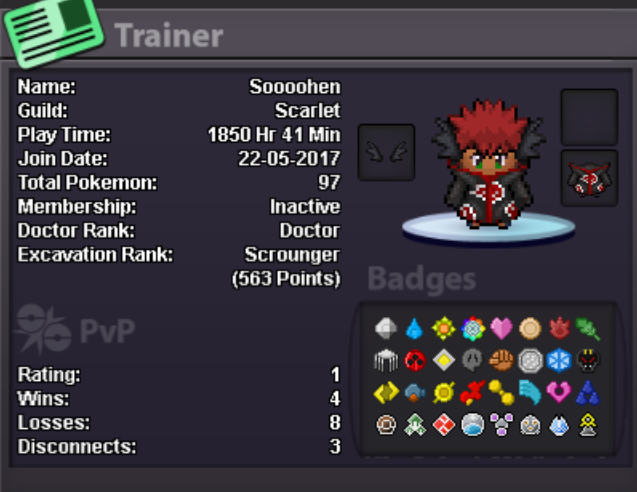
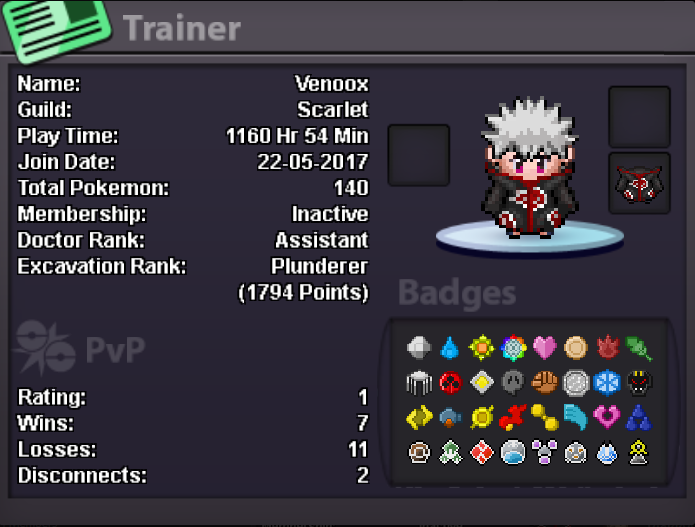


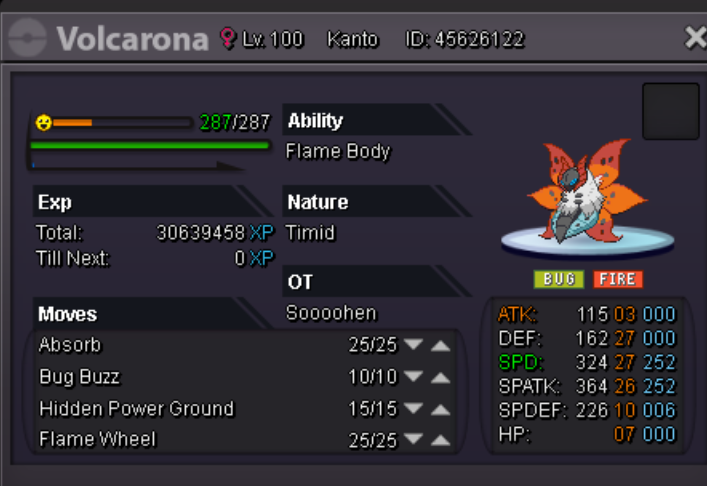


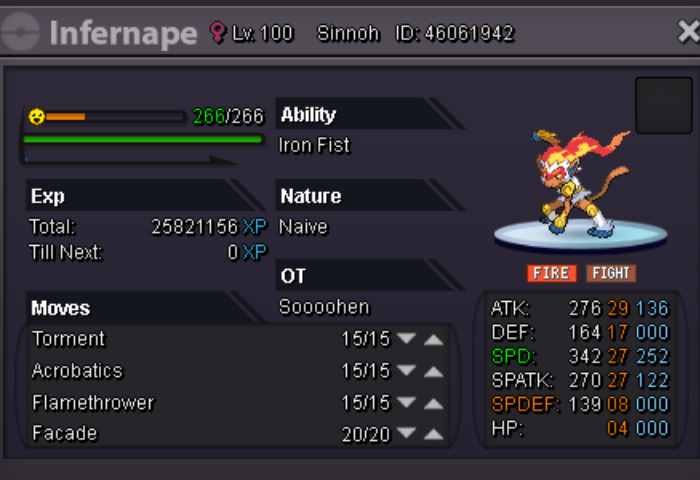


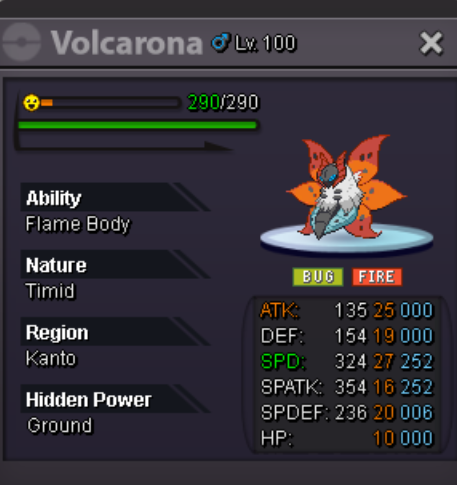
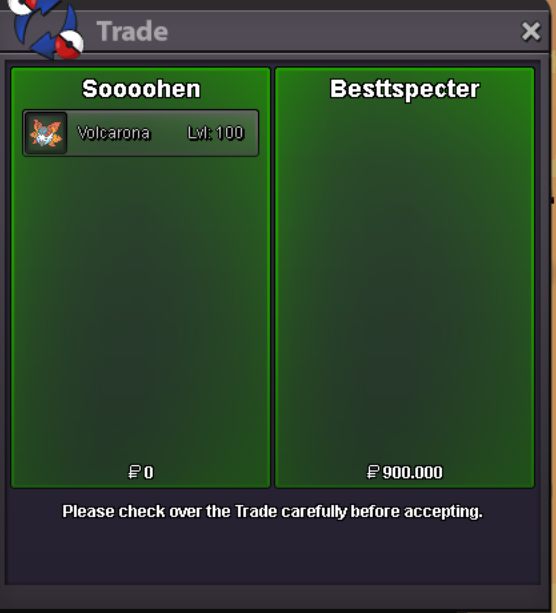

-
thanks dudestart offer: 500k minimum increase is 100k end: 48h after first offer
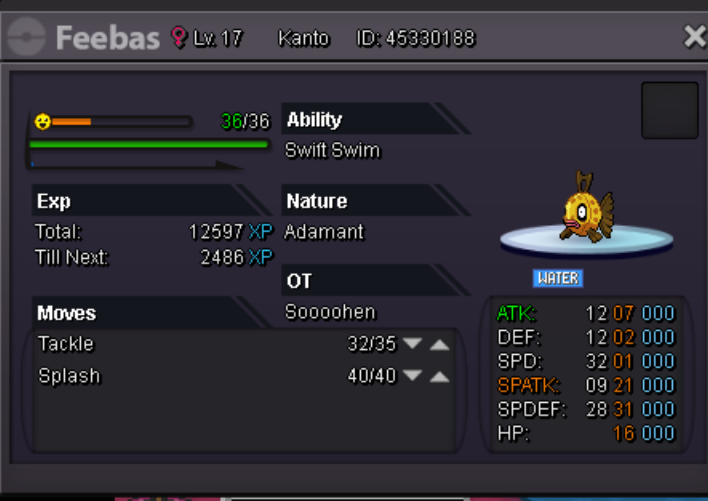
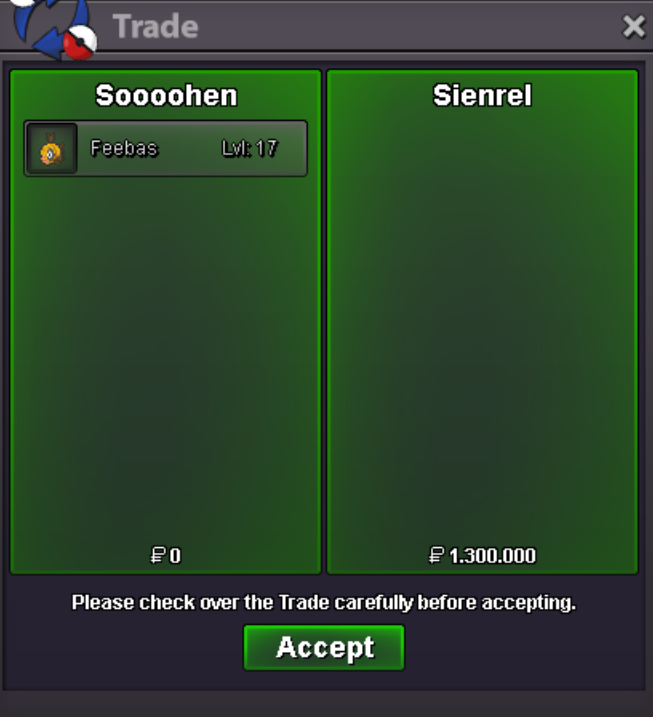 want to buy weavile. discord: heeeeeen嫌い#7358who won? @SilverAge2m for chandelurehe said at 12:18 PM "1h left for chandelure"and you bet 2min after 1:18 AMat 12:18 PM the said 1h left
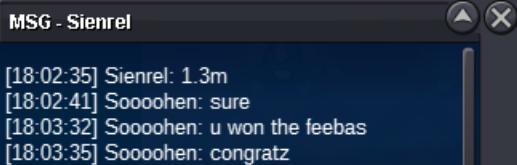
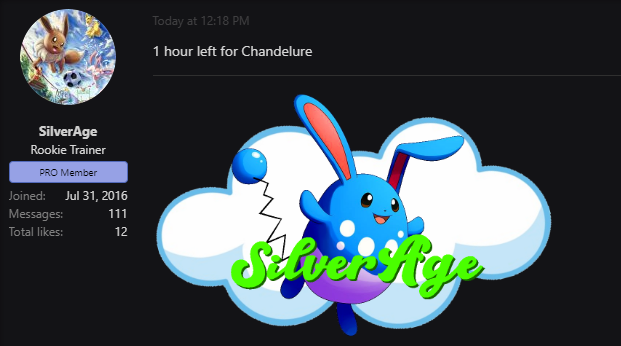 i won already with 1.6m???it ended 3min beforbut isnt the auction over?1.8m for chandelure1.6m for chandelure.

Account
Navigation
Search
Configure browser push notifications
Chrome (Android)
- Tap the lock icon next to the address bar.
- Tap Permissions → Notifications.
- Adjust your preference.
Chrome (Desktop)
- Click the padlock icon in the address bar.
- Select Site settings.
- Find Notifications and adjust your preference.
Safari (iOS 16.4+)
- Ensure the site is installed via Add to Home Screen.
- Open Settings App → Notifications.
- Find your app name and adjust your preference.
Safari (macOS)
- Go to Safari → Preferences.
- Click the Websites tab.
- Select Notifications in the sidebar.
- Find this website and adjust your preference.
Edge (Android)
- Tap the lock icon next to the address bar.
- Tap Permissions.
- Find Notifications and adjust your preference.
Edge (Desktop)
- Click the padlock icon in the address bar.
- Click Permissions for this site.
- Find Notifications and adjust your preference.
Firefox (Android)
- Go to Settings → Site permissions.
- Tap Notifications.
- Find this site in the list and adjust your preference.
Firefox (Desktop)
- Open Firefox Settings.
- Search for Notifications.
- Find this site in the list and adjust your preference.