New Trade Zone
Trade Zone is now live
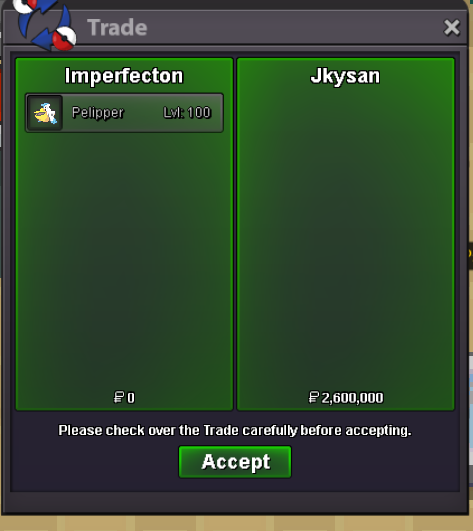
Use the new Trade Zone for auctions and instant-price trades so Pokemon and item offers are easy to find.

Imperfecton
Suspended
-
Joined
-
Last visited
Everything posted by Imperfecton
-
250k
-
End :16:35 (gmt +7)
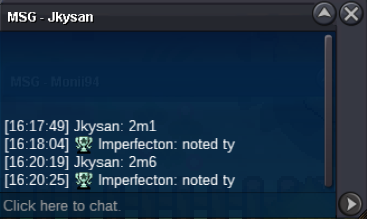 End: 16:33 (gmt+7)
 End: 16:30 (gmt +7)
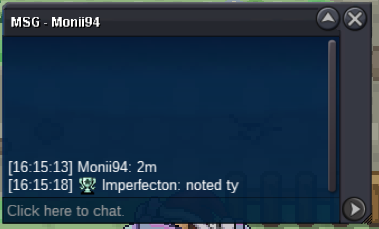 End: 16:23 (gmt +7)
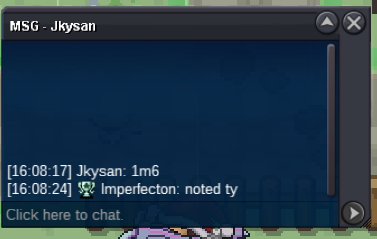 End: 16:21 (gmt +7)
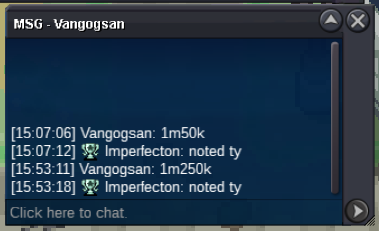
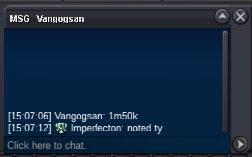
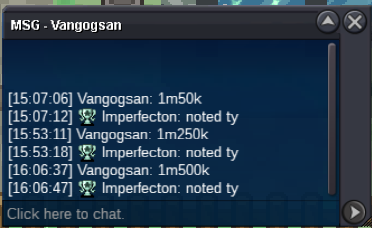 +15 mins remaning29 mins leftAround 2hrs 30 mins leftAround 26 hrs leftEnd: 16:02 14/7/2024 (GMT+7)C.o: 1m250k by Vangosan Min bid: 50k No insta Duration: 16:02 14/7/2024 (GMT+7) Accept payments: - Pokemon Dollars - Coin Capsule (400k) - IV Reroll (500k) - NRR (250k)
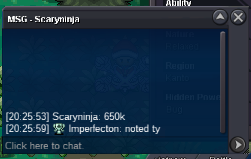
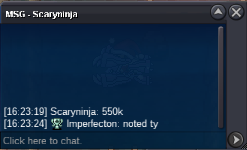
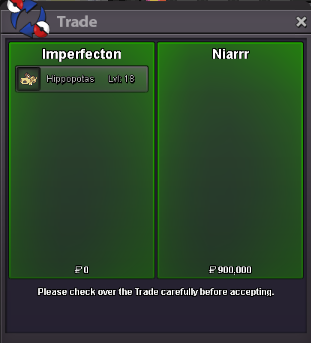
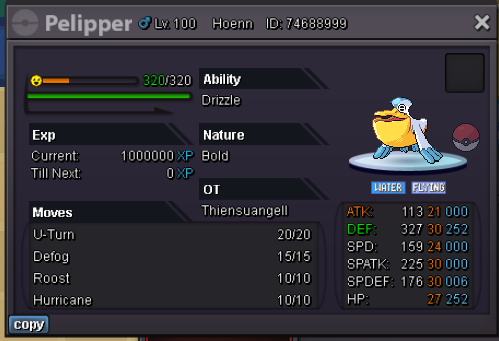 Around 12h leftC.o Niarrr 900k Min bid: 50k No insta Duration: End Accept payments: - Pokemon Dollars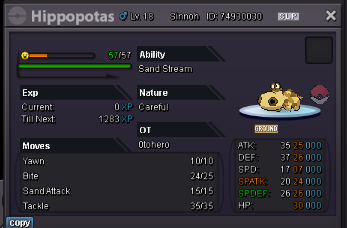
Account
Navigation
Search
Configure browser push notifications
Chrome (Android)
- Tap the lock icon next to the address bar.
- Tap Permissions → Notifications.
- Adjust your preference.
Chrome (Desktop)
- Click the padlock icon in the address bar.
- Select Site settings.
- Find Notifications and adjust your preference.
Safari (iOS 16.4+)
- Ensure the site is installed via Add to Home Screen.
- Open Settings App → Notifications.
- Find your app name and adjust your preference.
Safari (macOS)
- Go to Safari → Preferences.
- Click the Websites tab.
- Select Notifications in the sidebar.
- Find this website and adjust your preference.
Edge (Android)
- Tap the lock icon next to the address bar.
- Tap Permissions.
- Find Notifications and adjust your preference.
Edge (Desktop)
- Click the padlock icon in the address bar.
- Click Permissions for this site.
- Find Notifications and adjust your preference.
Firefox (Android)
- Go to Settings → Site permissions.
- Tap Notifications.
- Find this site in the list and adjust your preference.
Firefox (Desktop)
- Open Firefox Settings.
- Search for Notifications.
- Find this site in the list and adjust your preference.