




New Trade Zone
Trade Zone is now live
Use the new Trade Zone for auctions and instant-price trades so Pokemon and item offers are easy to find.

Artiga24
Registered User
-
Joined
-
Last visited
Everything posted by Artiga24
-
trade done 🙂 💯
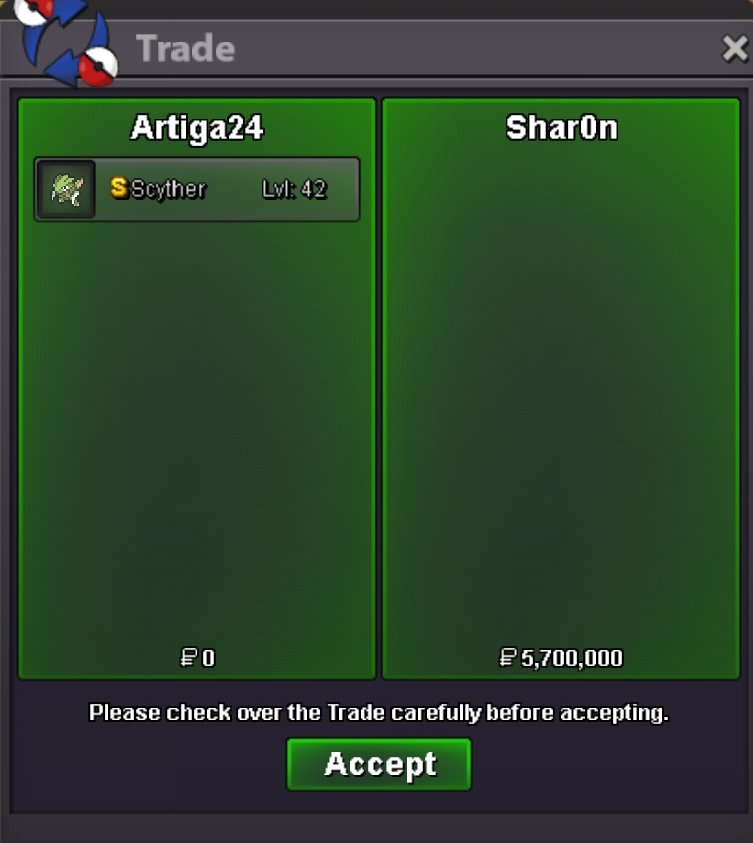
-
how do we know if the server transfer is already avialable?? Thank you good morning (PH time) 🙂 Respectfully; Artiga24
-
Trade cannot proceed yet because of server transfer issues... hope we get a notification if the issue has been fixed..
-
end of bid!!!! winner Shar0n.. Congratulations!!! please pm when you will be available for trade thx 🙂
-
the bidding is still on going Shar0n. the bidding will end at exactly 4:33pm Philippines time Sunday.. Right now its still 11:04am Sunday. and Hasan68 also informed me earlier that he will be sleeping at the end of the bid time so he said to bid until a certain amount (his limit) if someone bids. attached here is the screen shot of the bid... He also said to bid 100k up from the last bid until his limit is reached. if the limit is reached no further bids will be done..

-
Hasan68 offers 5.2m

-
bump
-
hasan68 starts bid
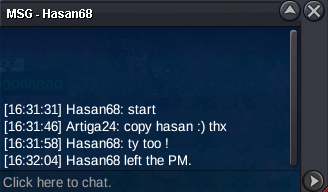
-
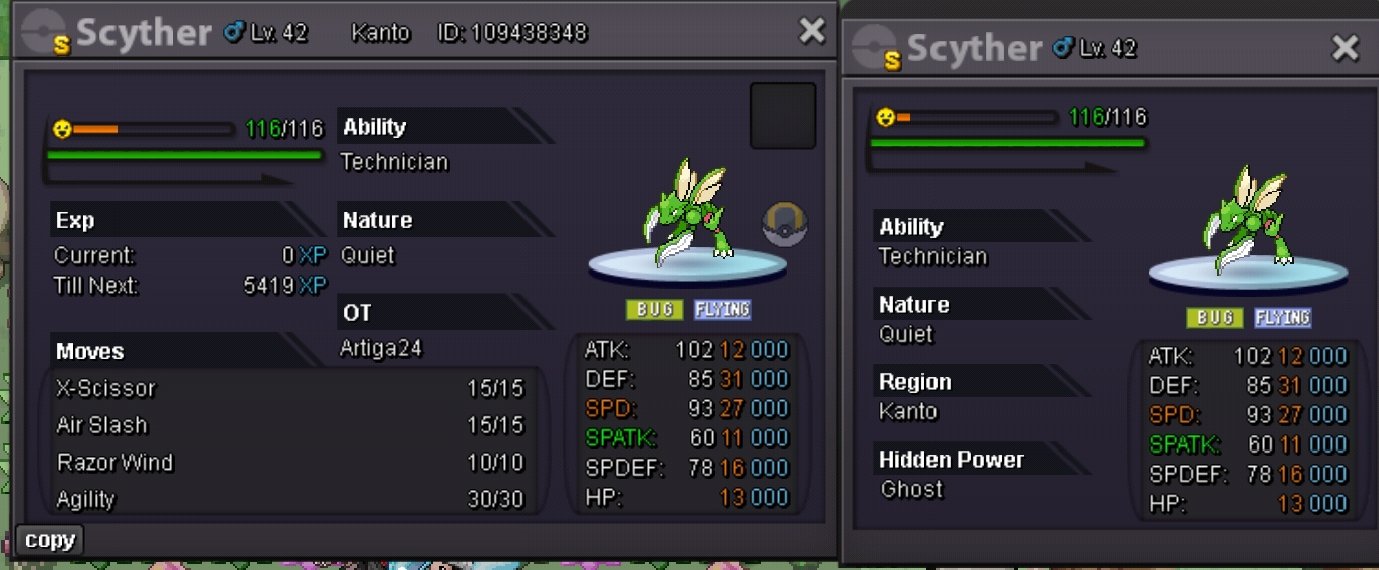
SHINY SCYTHER Start Price: 5m End Point: 48 hours after first bid Insta Price: N/A Minimum Raise: 100k Accepted Payments: Pokedollars, Coin Capsules (x1 Coin Capsule = 500k)
-
bump
-
bump
-
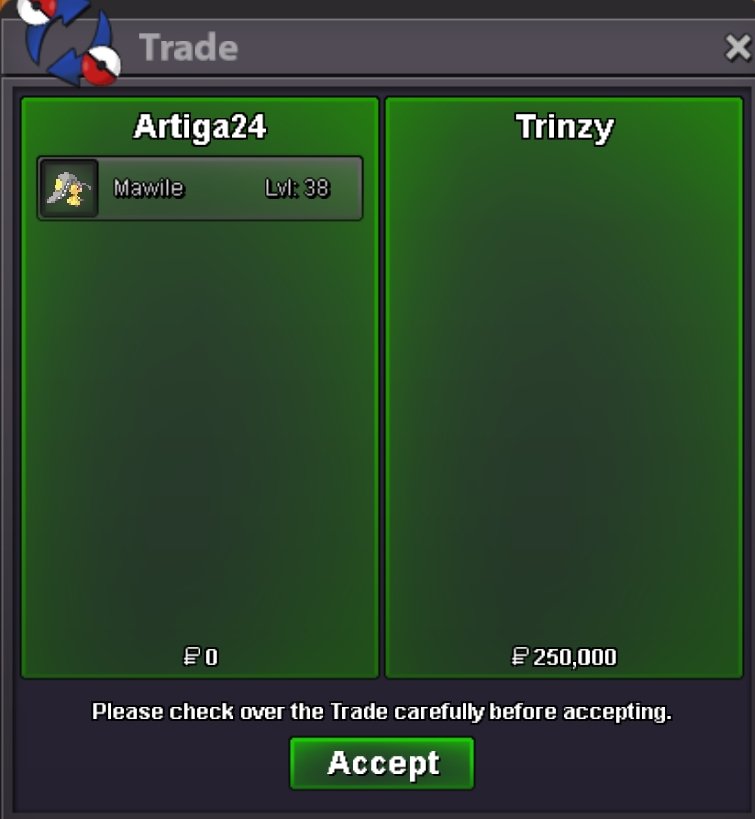
trade done ... thx trinzy
-
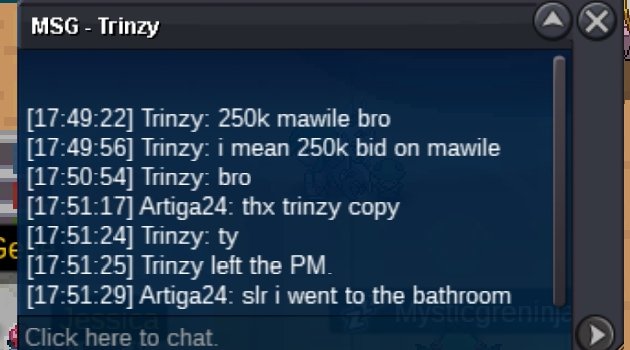
mawile bid winner trinzy pm if online thx so much
-
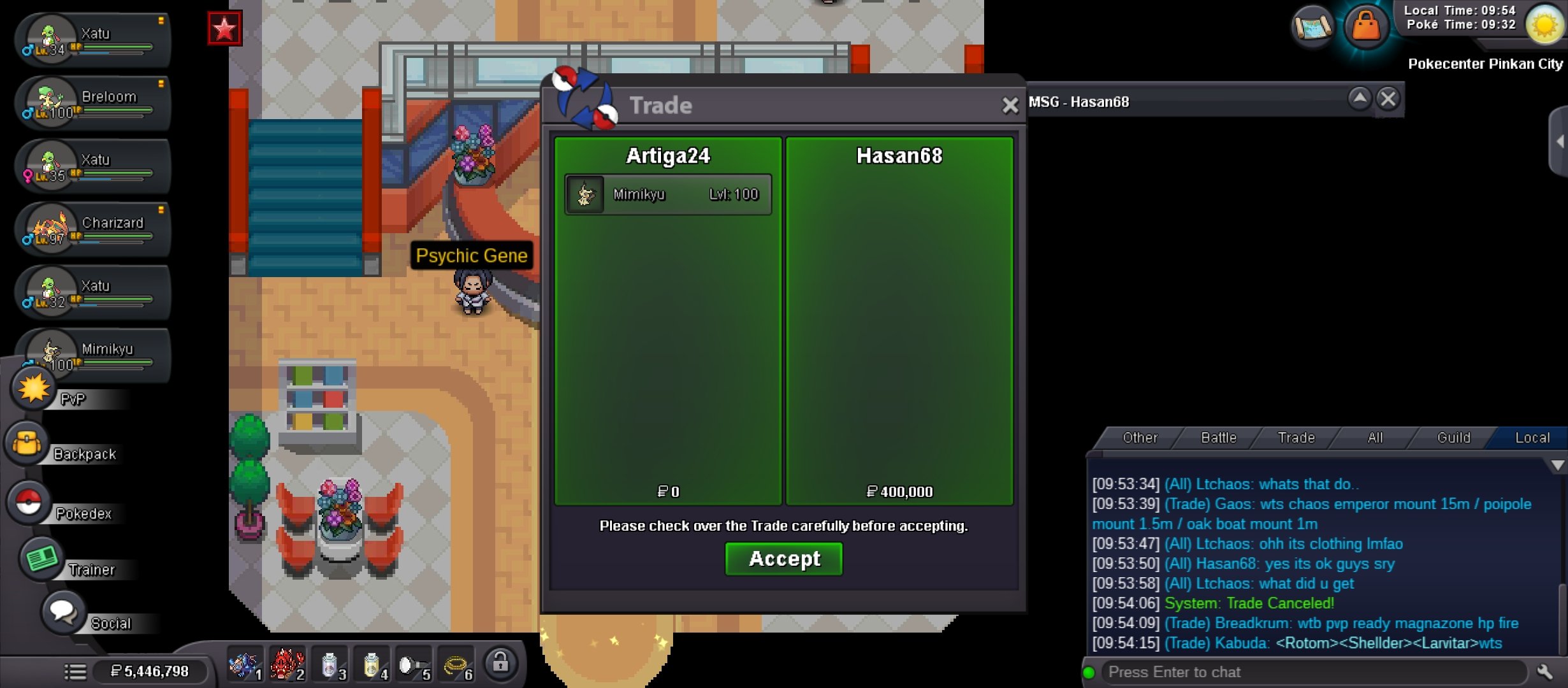
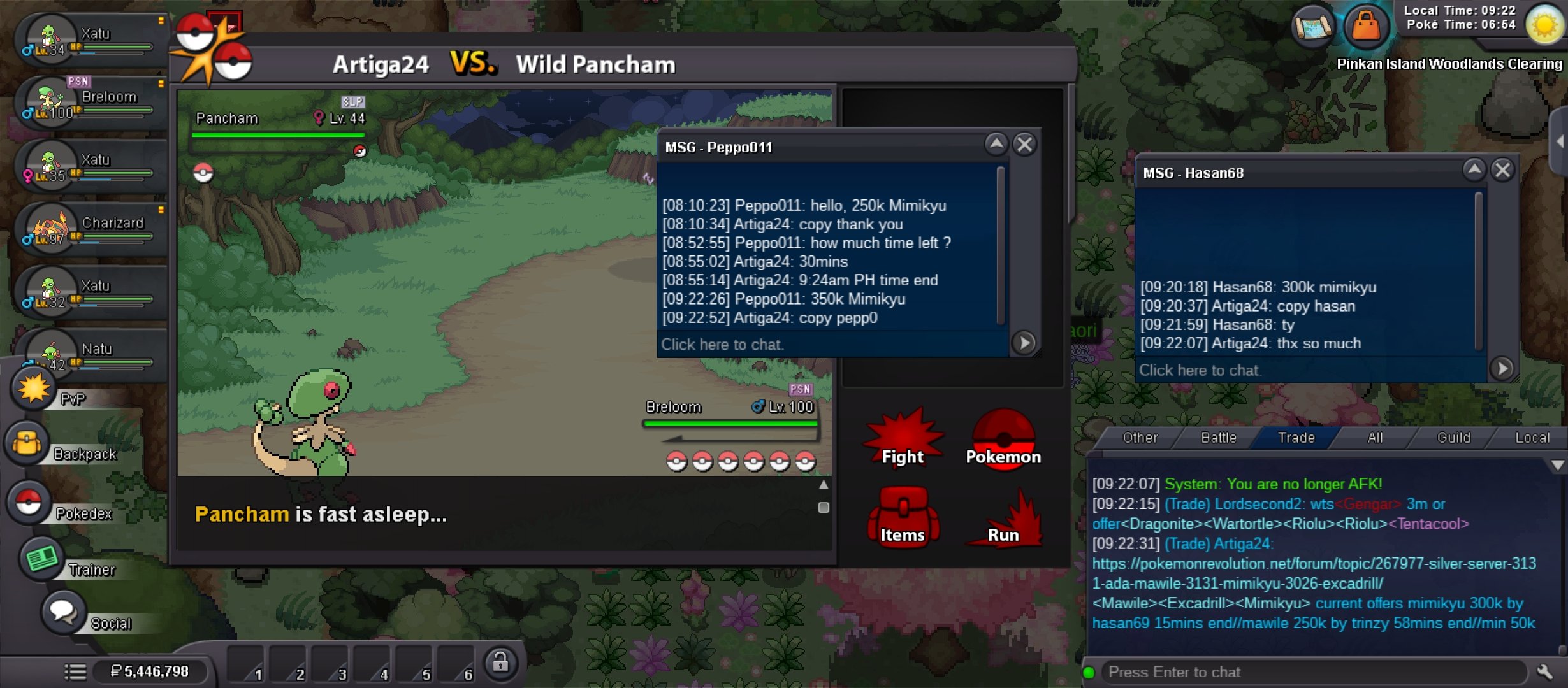
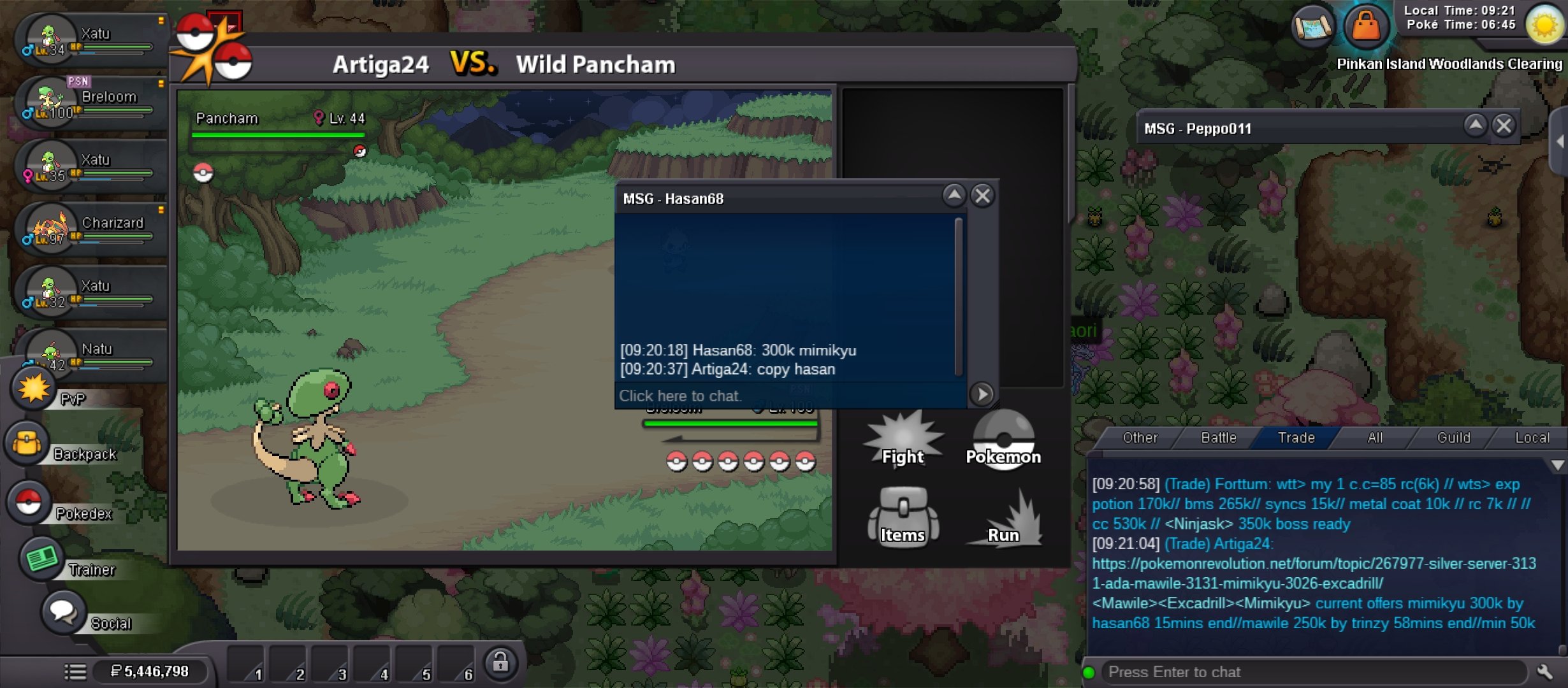
Hasan69 wins mimikyu bid thank you below is the screen shot of the bid made that could not be uploaded earlier.. thx
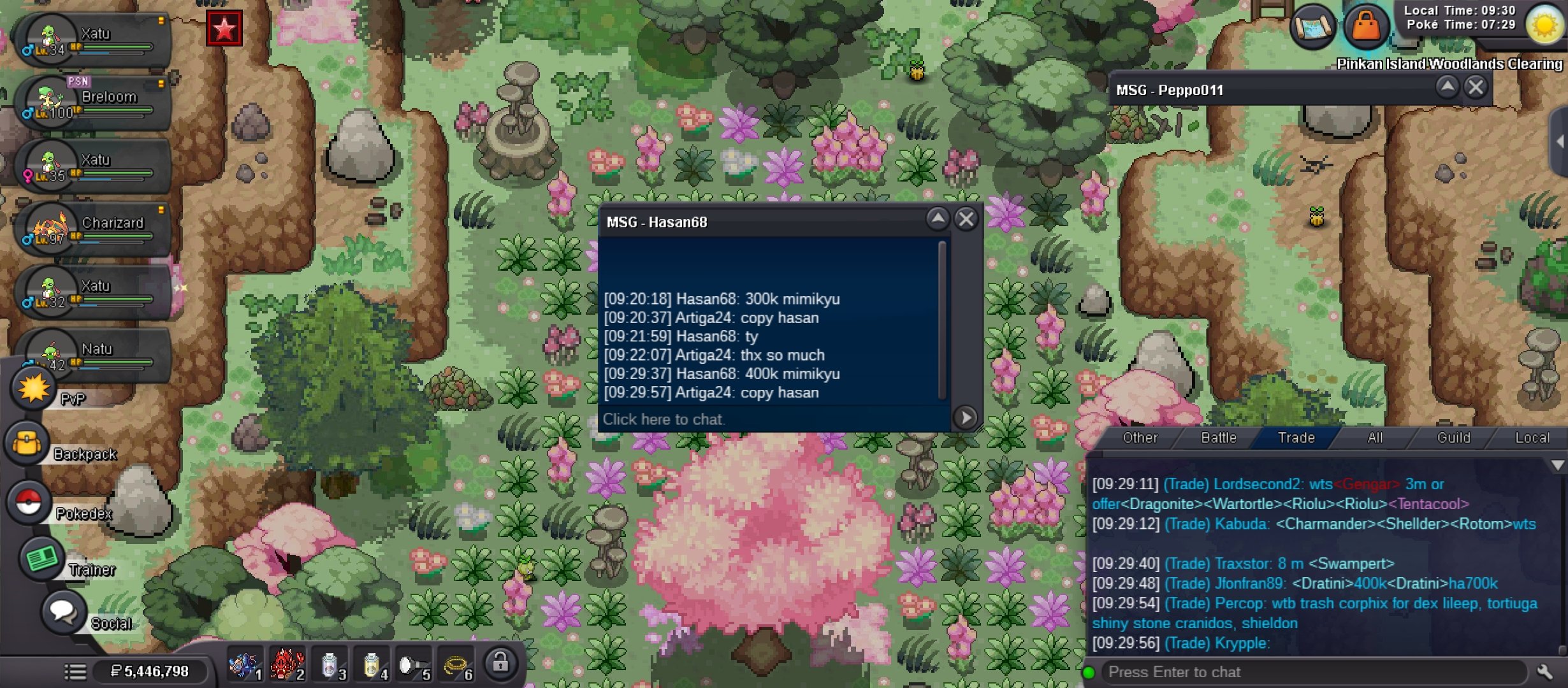 hasan69 400k mimikyu cant upload cause of internet connectionnew mimikyu offer
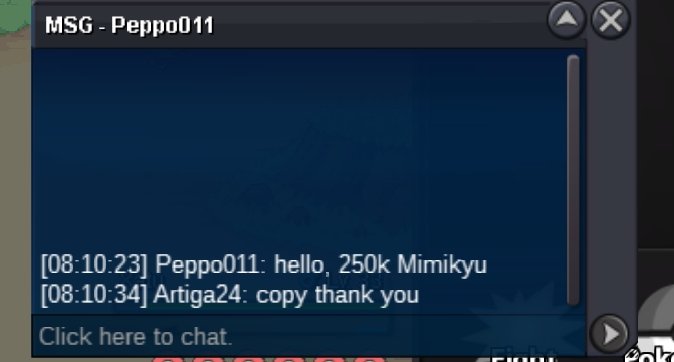 we have approximately 5hours to go till the bidding ends brother... ill be on and off the game the whole day today..bump8000075003


Account
Navigation
Search
Configure browser push notifications
Chrome (Android)
- Tap the lock icon next to the address bar.
- Tap Permissions → Notifications.
- Adjust your preference.
Chrome (Desktop)
- Click the padlock icon in the address bar.
- Select Site settings.
- Find Notifications and adjust your preference.
Safari (iOS 16.4+)
- Ensure the site is installed via Add to Home Screen.
- Open Settings App → Notifications.
- Find your app name and adjust your preference.
Safari (macOS)
- Go to Safari → Preferences.
- Click the Websites tab.
- Select Notifications in the sidebar.
- Find this website and adjust your preference.
Edge (Android)
- Tap the lock icon next to the address bar.
- Tap Permissions.
- Find Notifications and adjust your preference.
Edge (Desktop)
- Click the padlock icon in the address bar.
- Click Permissions for this site.
- Find Notifications and adjust your preference.
Firefox (Android)
- Go to Settings → Site permissions.
- Tap Notifications.
- Find this site in the list and adjust your preference.
Firefox (Desktop)
- Open Firefox Settings.
- Search for Notifications.
- Find this site in the list and adjust your preference.