New Trade Zone
Trade Zone is now live
Use the new Trade Zone for auctions and instant-price trades so Pokemon and item offers are easy to find.

Cheochang
Registered User
-
Joined
-
Last visited
-
thank you I am in my account and I put some belas to you recover my account XD thank you thank you thank you
-
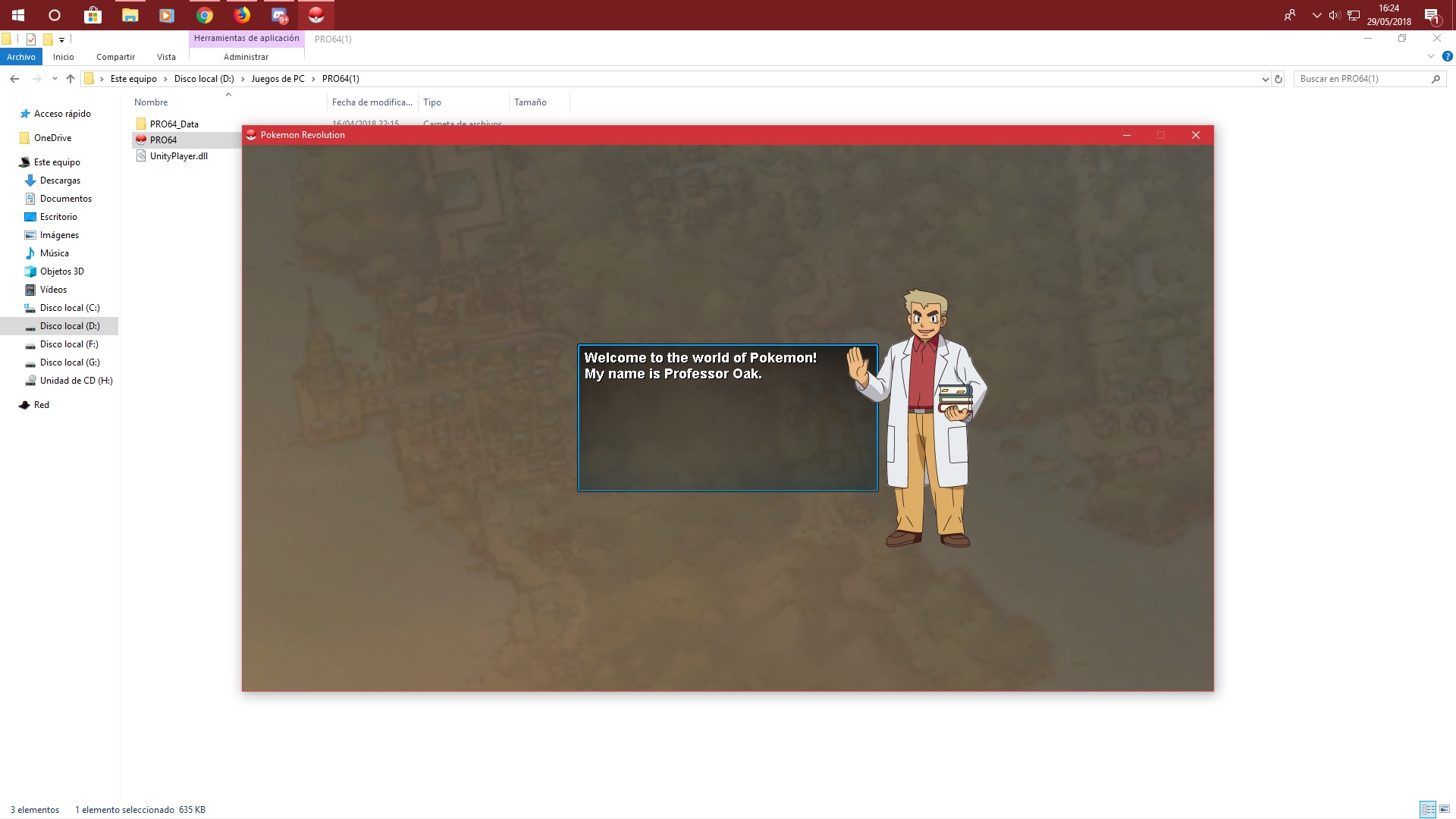
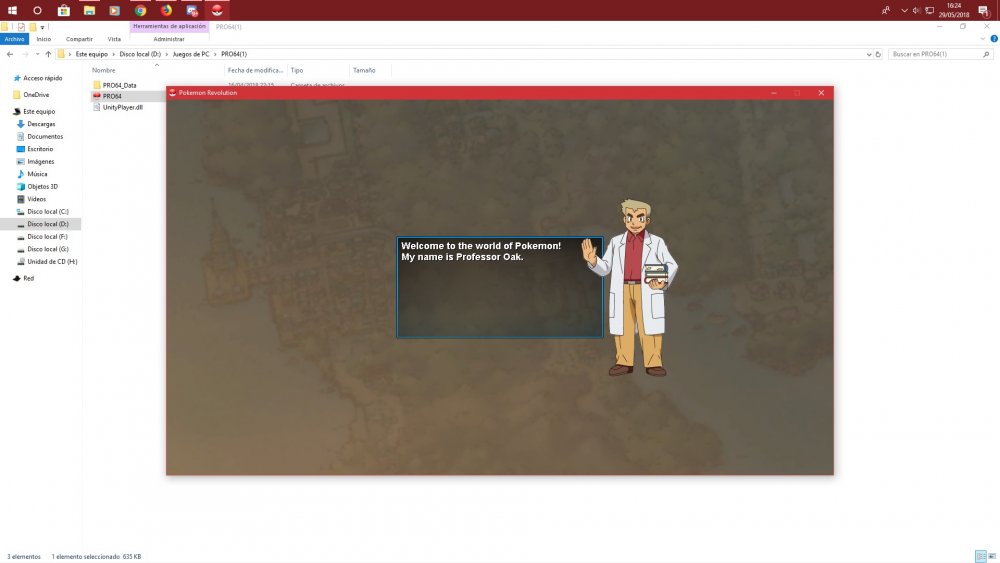
this I get what happens without wanting to synchronize with network and before the server that played was blue but I did without knowing and now at the beginning in silver I get this as a new game
-
mi cuenta de pokemon estaba en blue y como no sabia le di sin querer a red para sincronizar las cuentas y ahora cuando voy al juego me sale como juego nuevo quiero mis datos ayuda . my pokemon account was in blue and as I did not know I accidentally gave a network to synchronize the accounts and now when I go to the game it comes out as a new game I want my data help
-
help I did something wrong the server was blue and I did it without knowing on the net how can I repair that help me get it out as a new account help please