New Trade Zone
Trade Zone is now live
Use the new Trade Zone for auctions and instant-price trades so Pokemon and item offers are easy to find.

Ahmadketchum
Suspended
-
Joined
-
Last visited
Everything posted by Ahmadketchum
-
It would sooo nice to be able to store your Pokemon in boxes/tabs So you didn’t constantly have to swap and re-arrange.. Make it like the old games where I can put certain pokes in box one, then some in box 2, ect without filling the box up. It’s a pain having to just deposit them all to the last available box and not having a real way to sort and order them.
-
Im not saying I need items or Pokemon fixes. Just the gym badges so I don’t have to redo all the regions
-
No, I guess I don’t understand why trading items and Pokemon would affect getting my Gym badges back... I traded them Because it’s pretty much useless now. Blue and red both go to silver
-
Well I kept my Pokemon and outfits, and mounts and TMs. I lost my gym badges, my HMs, and my dex data
-
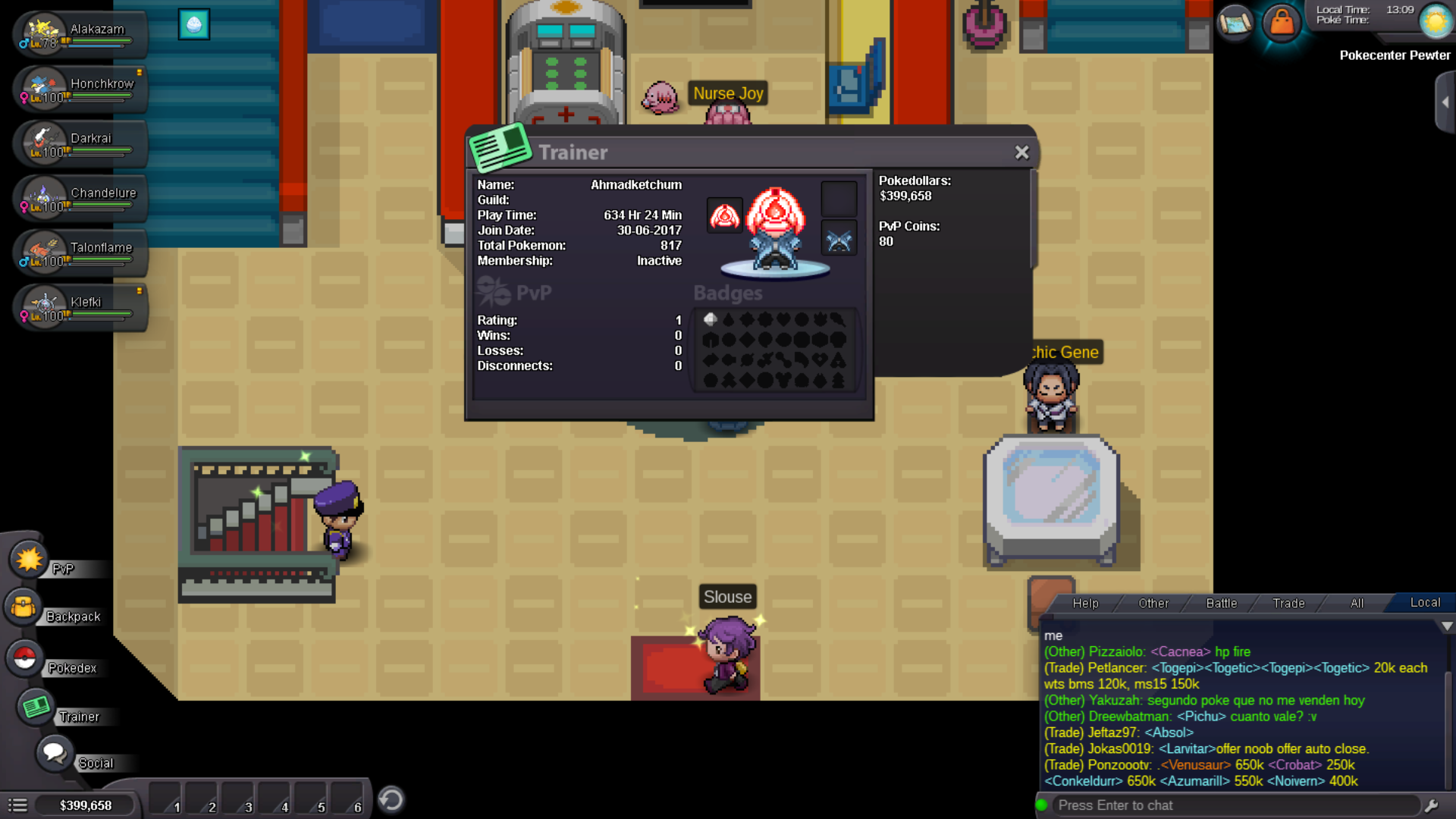
Im Guessing my account didn't merge correctly, I Lost all my gym badges for all regions..... Maybe look into it for me, would appreciate it! (I just started getting them back while I wait. i cant trade use the subway lol) Oh and my Pokédex data is messed up. 0 evos.
-