




New Trade Zone
Trade Zone is now live
Use the new Trade Zone for auctions and instant-price trades so Pokemon and item offers are easy to find.

Cattybandit
Registered User
-
Joined
-
Last visited
Everything posted by Cattybandit
-
1m alolan marowak
-
@Hikora @Themarvelman Please contact me on discord for fastest reply id- cattybandit i am around for 5 hours today and then all of all of tomorrow (after 11:30 am GMT+0)
-
Hi im available for around 6 hours from this post. Lmk when you are available. For fastest contact dm me on discord - cattybandit
-
I am around for around 9 hours from this message. Lmk when you are free usually
-
hi i am free for like 5 hours today
-
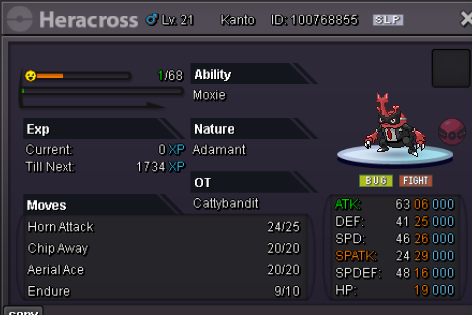
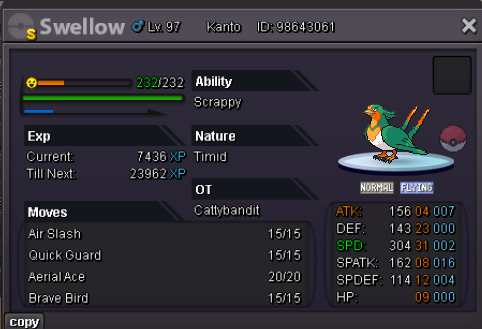
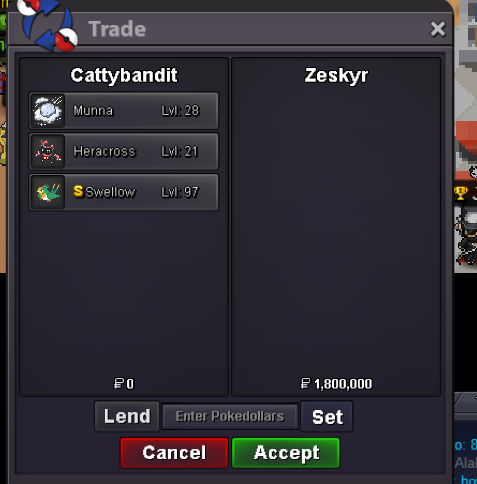
bumpHeracross S.O 1m Min Bid 100k Duration 48 hours after starting offer is met Accepted Payments: CC 490k and Pokedollars. Munna S.O 650k Min Bid 50k Duration 48 hours after starting offer is met Accepted Payments: CC 490k and Pokedollars. Swellow S.O 100k Min Bid 50k Duration 48 hours after starting offer is met Accepted Payments: CC 490k and Pokedollars.

 Hi i am fee currently for around 10 hours or so.When are you free to meet? i cant really meet today but i am free all of tomorrow. My timezone is GMT+0 for reference300k teddi 1, 2, 3, 4, 5Hi can you do 385?400kbumpIll be available in maybe like 5 hours if that suits? if not im free the while of tomorrowwtb
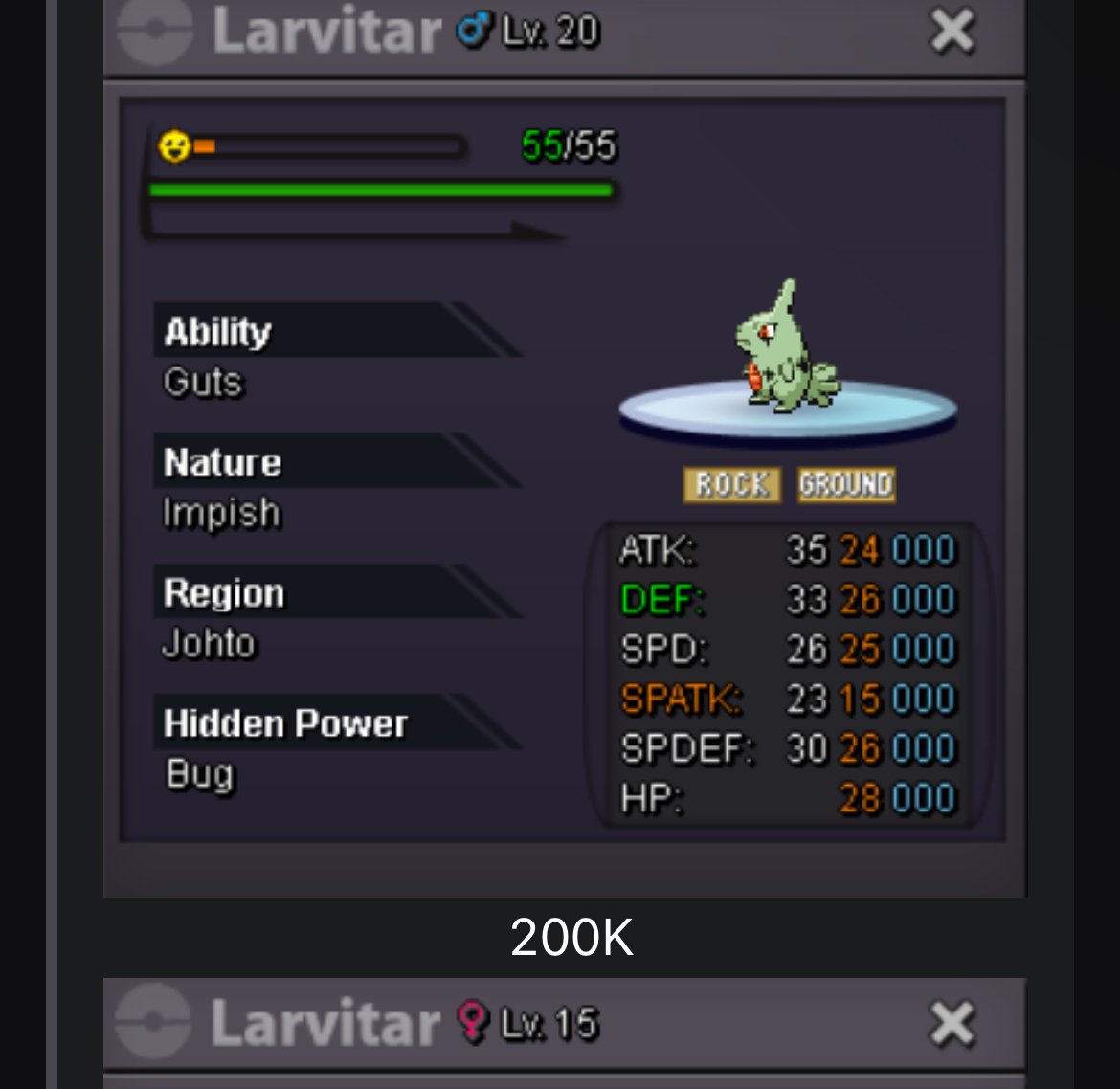 Start
Start
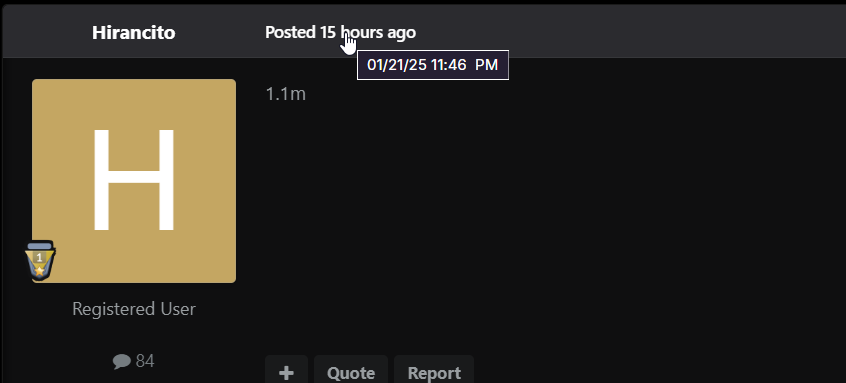
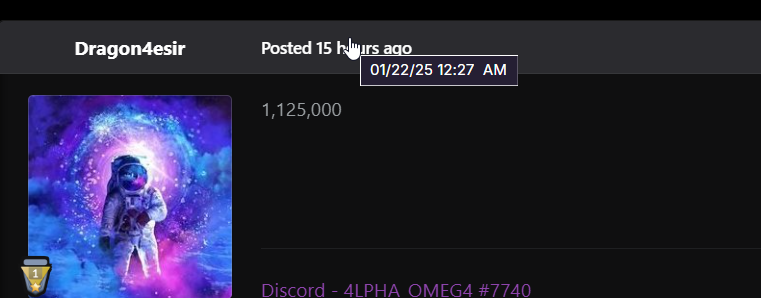
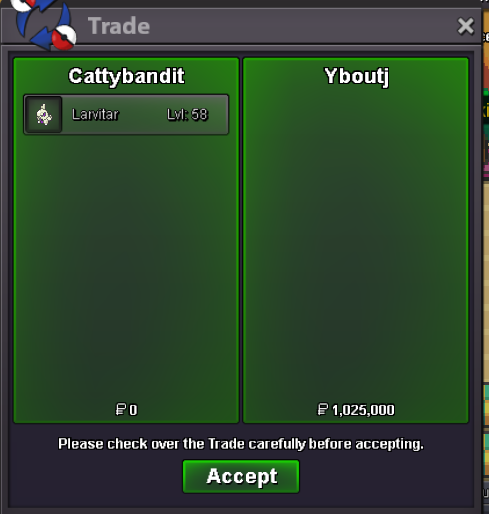
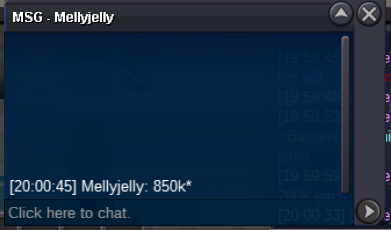
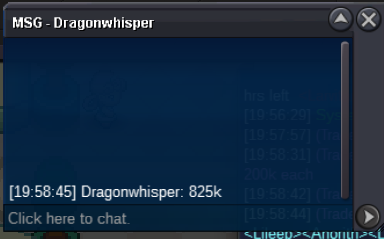
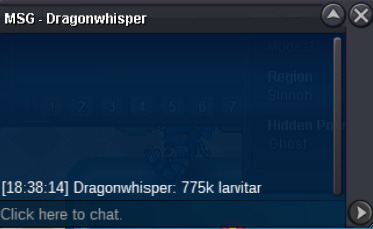
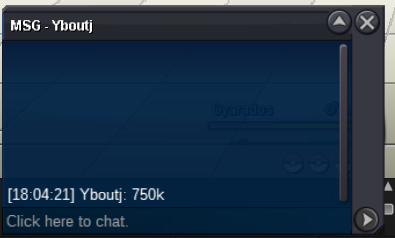
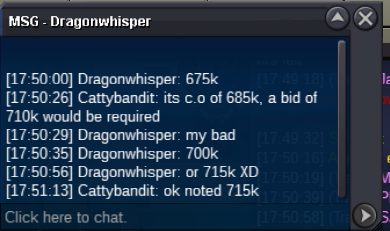
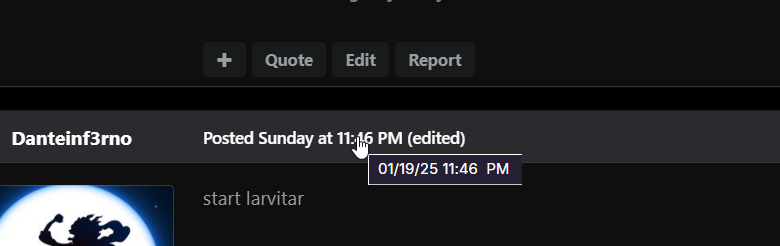 @Dragon4esir @Hirancito both your bids was too late. @Hirancito you bid exactly 48hrs after start so bid isnt valid since forums is to the minute. @Yboutj you won with 1.025m, ill be available for trade in a few hoursbump approx 40 mins left


Account
Navigation
Search
Configure browser push notifications
Chrome (Android)
- Tap the lock icon next to the address bar.
- Tap Permissions → Notifications.
- Adjust your preference.
Chrome (Desktop)
- Click the padlock icon in the address bar.
- Select Site settings.
- Find Notifications and adjust your preference.
Safari (iOS 16.4+)
- Ensure the site is installed via Add to Home Screen.
- Open Settings App → Notifications.
- Find your app name and adjust your preference.
Safari (macOS)
- Go to Safari → Preferences.
- Click the Websites tab.
- Select Notifications in the sidebar.
- Find this website and adjust your preference.
Edge (Android)
- Tap the lock icon next to the address bar.
- Tap Permissions.
- Find Notifications and adjust your preference.
Edge (Desktop)
- Click the padlock icon in the address bar.
- Click Permissions for this site.
- Find Notifications and adjust your preference.
Firefox (Android)
- Go to Settings → Site permissions.
- Tap Notifications.
- Find this site in the list and adjust your preference.
Firefox (Desktop)
- Open Firefox Settings.
- Search for Notifications.
- Find this site in the list and adjust your preference.