New Trade Zone
Trade Zone is now live
Use the new Trade Zone for auctions and instant-price trades so Pokemon and item offers are easy to find.

Fafouney
Registered User
-
Joined
-
Last visited
-
Added +24 31 Spd Jolly Annihilape. 384

-
Added almost epic Modest Primarina 383
-
Got all the data ready up to today, including the newest additions from Hoenn rework.
-
Bold Cofagrigus now has Hex instead of Shadow Ball. Chesnaught now has an adequate Body Press set and fixed the old EV spread. Gave both Skarmory a different Gen 9 set, one troublemaker and one trouble solver. Gave Careful Aggron Body Press instead of Fire Punch. Fixed Relaxed Pelipper's old Gen 7 spread. Careful Corviknight now has Iron Head instead of Power Trip for the meta Fairies. Gave Typhlosion Scorching Sands instead of Burn Up. Added a +24 Timid 31 Spd Typhlosion-Hisui. 382
-
Added: +24 Bold H.A Toxapex +22 Modest Comfey +25 Timid 31 Spd Inteleon Almost epic Bold Primarina +22 Modest Vikavolt +20 Jolly Togedemaru Gave Careful Tyranitar Knock Off and fixed its old Gen 7 spread. 381
-
After some struggle my 10 years PvP collection is once again opened for renting! On top of that: Added: +20 31 Spd Adamant Unburden Sneasler. +22 Impish H.A Gliscor. +21 31 Spd Careful Mandibuzz. +27 Bold H.A Azumarill. +25 Adamant Metagross. +26 Impish Corviknight. +25 Careful Corviknight. +20 Bold H.A Hatterene. +15 Quiet H.A Hatterene. +25 31 Spd Bold Togekiss. +22 31 Spd Adamant Barraskewda. +20 31 31 Adamant Tsareena. +21 31 Spd Naive H.A Nidoking. Replaced: Timid Ampharos with a 29+ 31 Spd one. Adamant full HP Aegislash with a +25 one. 375

-
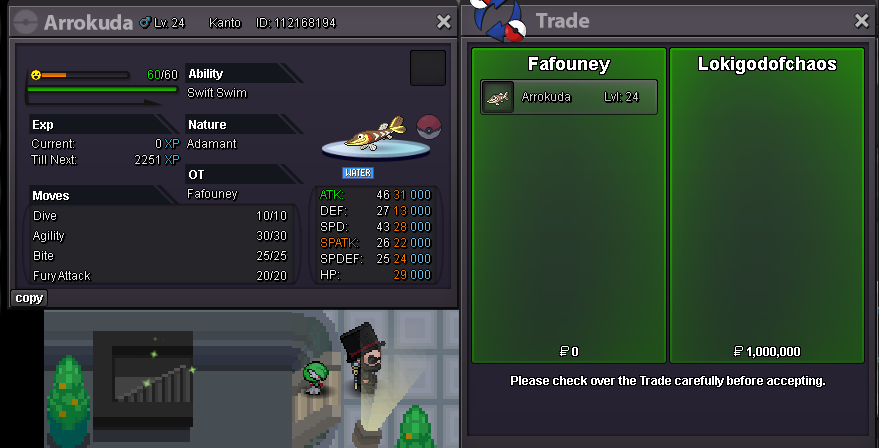
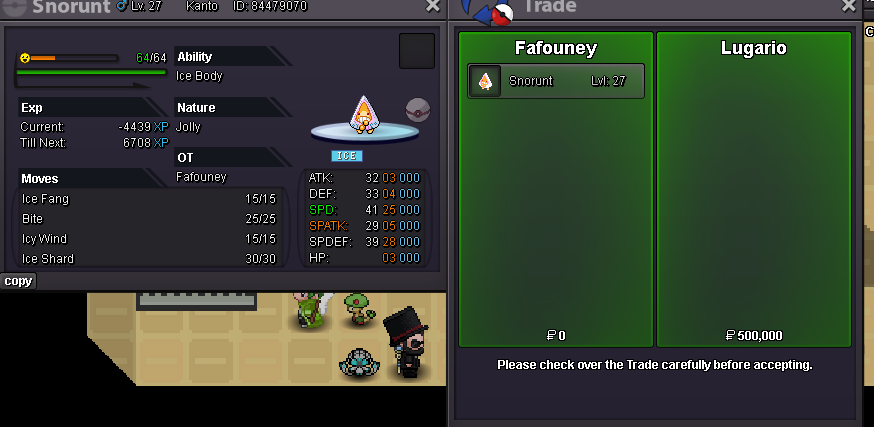
Another happy customer
-
Done
-
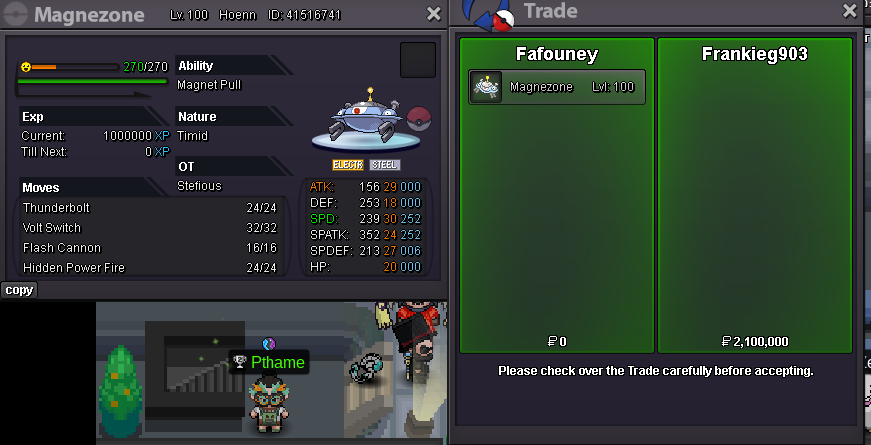
Hey @Frankieg903 you won, feel free to send me a message either in game or on discord for your availabilities.
-
Ends 24h after this post.
-
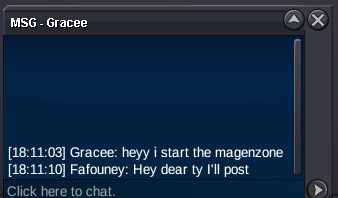
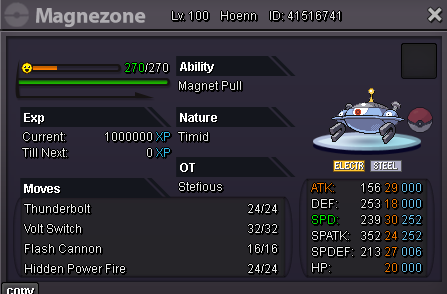
Start Offer: 2m. Min Bid: 100k. Insta: None. Duration: 24 hours after the first bid. Accepted payments: Reroll Ticket: 700k each. Nature Reroll: 350k each. Coin Capsule: 500k each. Pokedollars. Reminders: - If you intend to purchase with an alt account, specify the account alongside your bid. - If a bid is received in the final 15 minutes of the auction, the end point will be delayed by 15 minutes from that bid, and will be delayed by 15 minutes for each new bid thereafter, until the current offer has been held for a full 15 minutes. Contact: IG: Fafouney Discord: fafouney (224141264130408448)

-
Sorry to have lost my temper, glad it wasn't malicious intent.
-
You wanna play that game? 50m400k
-
50m
-
Done