




New Trade Zone
Trade Zone is now live
Use the new Trade Zone for auctions and instant-price trades so Pokemon and item offers are easy to find.

Andreas10
Registered User
-
Joined
-
Last visited
Everything posted by Andreas10
-
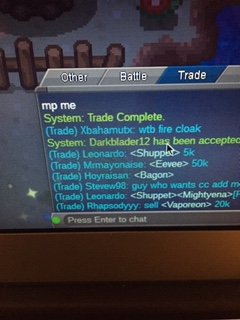
So this guy darkblader12 wanted me to do ev service for him, so he gave me his poke and sent me a friend request I accept the request and said it will be done in 40 min. So I left the pm and when I went to my friends list he wasn't there and then I did /pm Darkblader12 and I pm him but it said he was offline and 5 sec before he was online and I took a pic of the server saying "you are now friend with darkblader12" can someone pls help me contact Darkblader12 so I can return his poke. Sorry if the pic is bad XD
-
Hi, so I traded a johto Pokémon to someone still in Kanto not knowing it would lock up in his pc. I was helping him evolve his haunter and he wanted to trust me so I said I would put one of my pokes in and then he would trade it back when I trade is haunter back. Is there anyway I can get my Pokémon back without having to wait for him to get to johto. From, andreas10