




New Trade Zone
Trade Zone is now live
Use the new Trade Zone for auctions and instant-price trades so Pokemon and item offers are easy to find.

Emilio1711
Registered User
-
Joined
-
Last visited
Everything posted by Emilio1711
-
Action closed for now i will keep it myself.
-
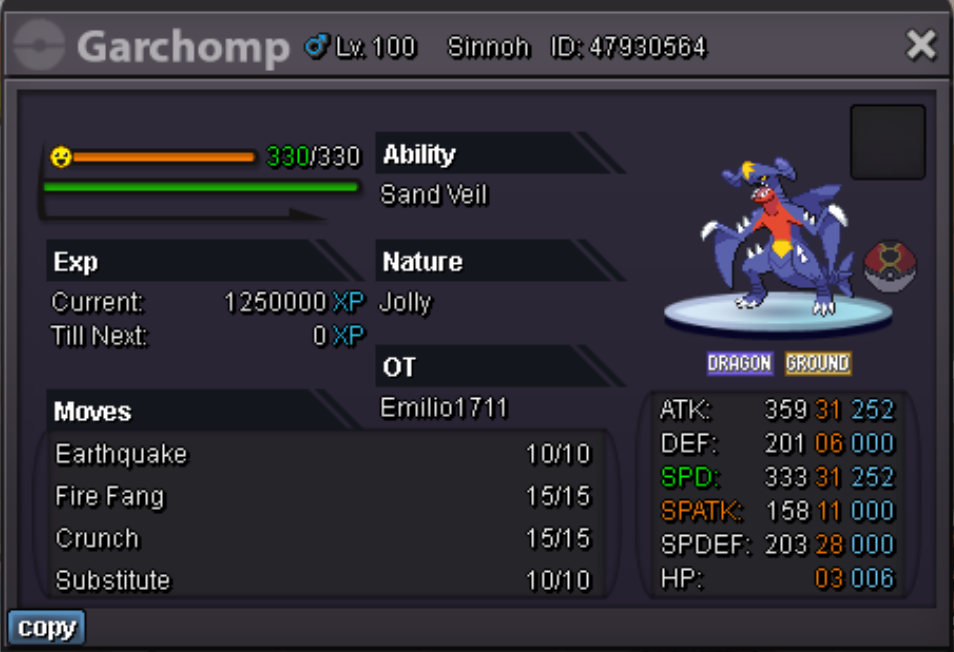
This garchomp it not only strong its also fast and when i say fast i said fast. 31 speed jolly and 31 attack dont miss this chance! Goodluck Everyone!!!! S.O. 800k Min bid 50k Insta No Time 24h After first bid. (In the final section of the action people have the chance to overbid eachother max 5 min between offers).
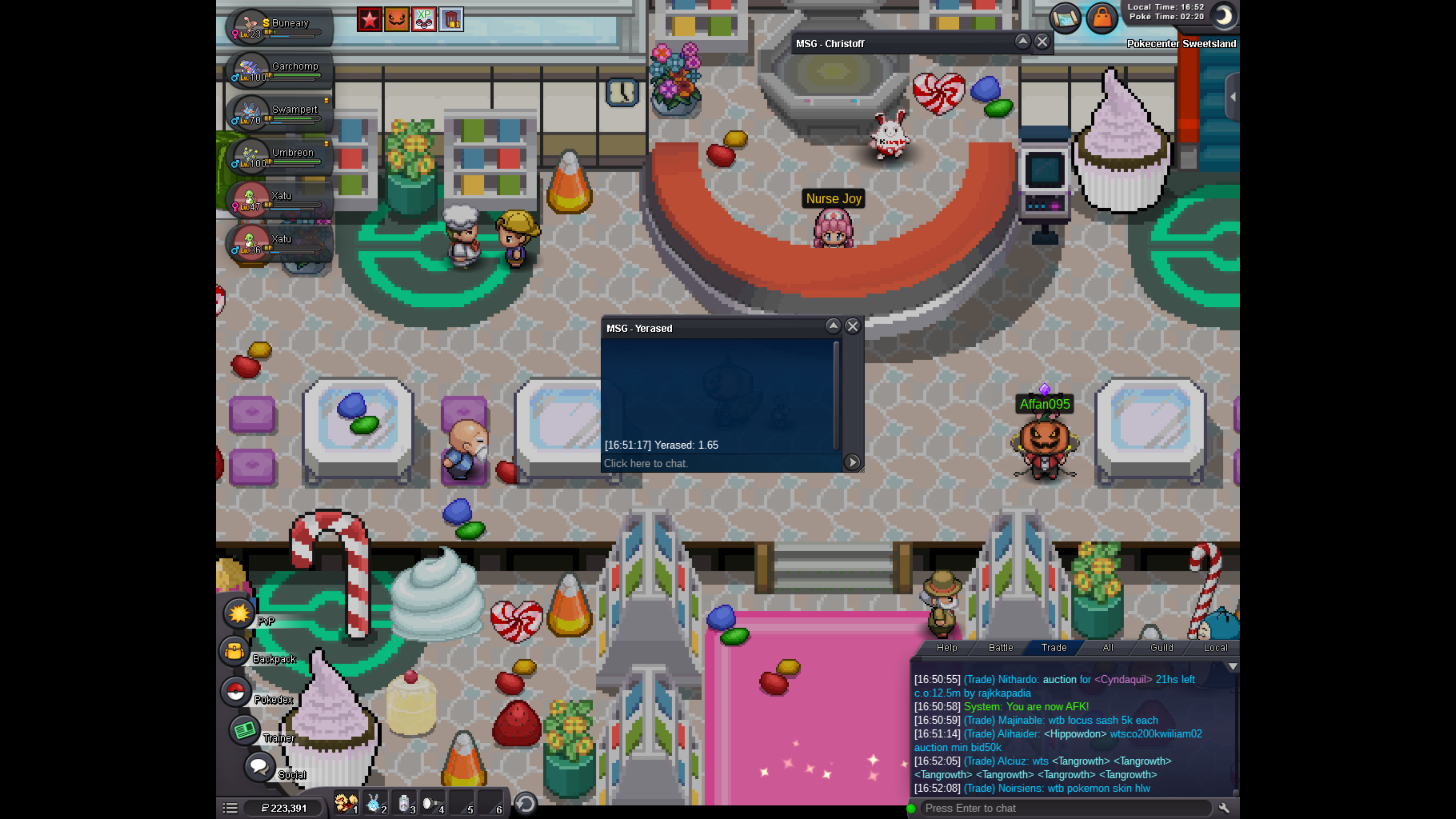
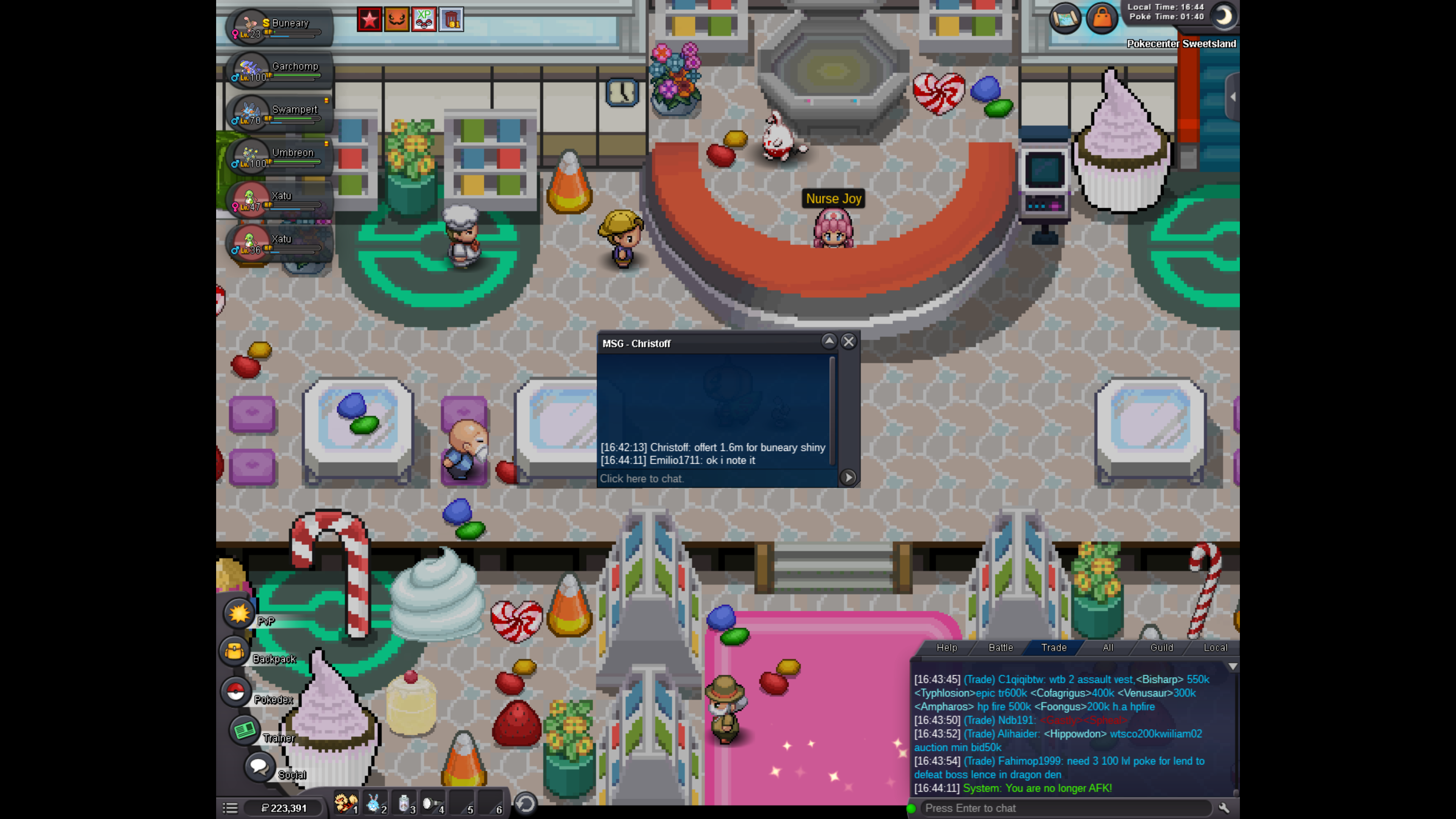
 Buneary got a new owner this post can be closed
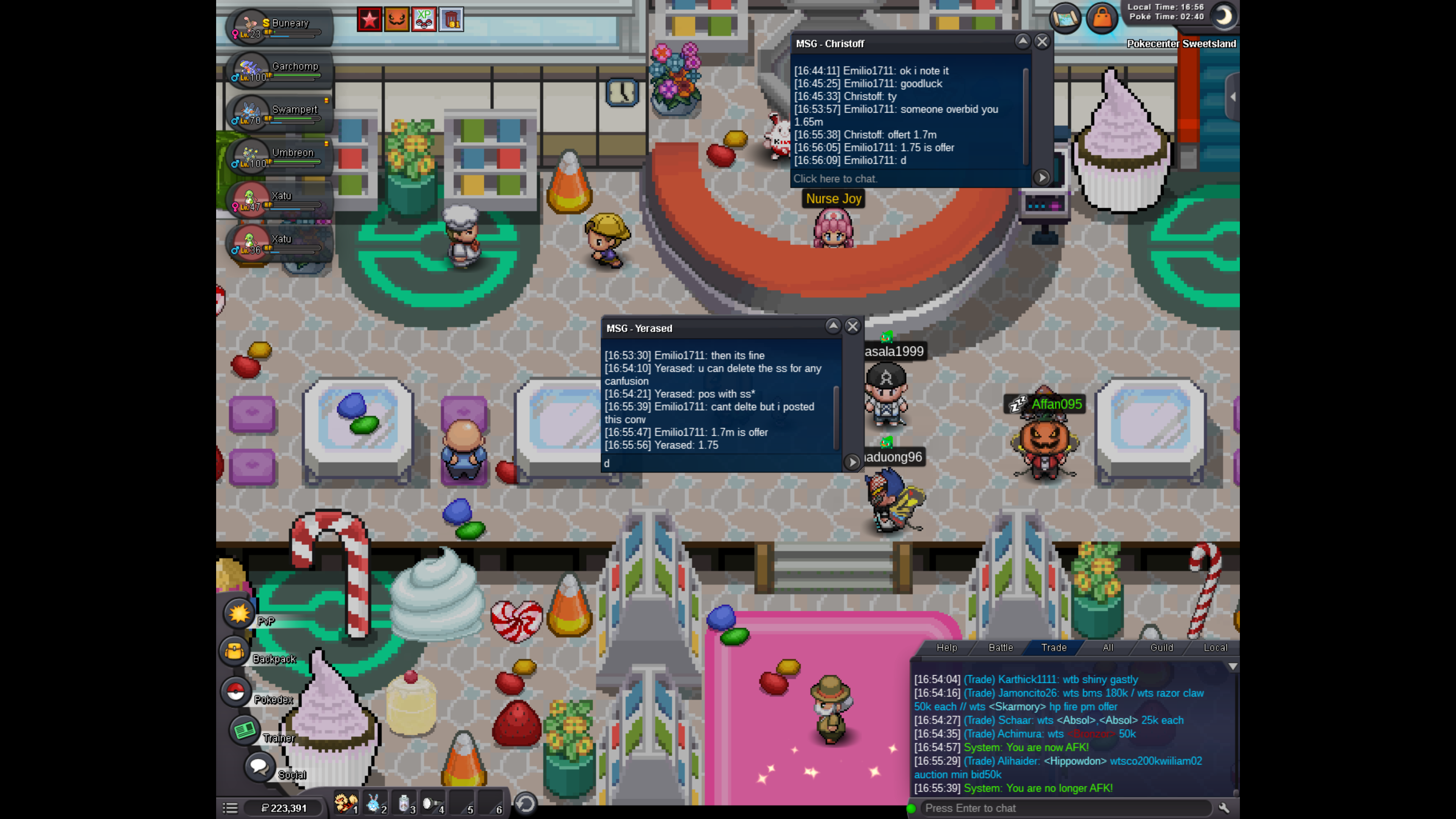
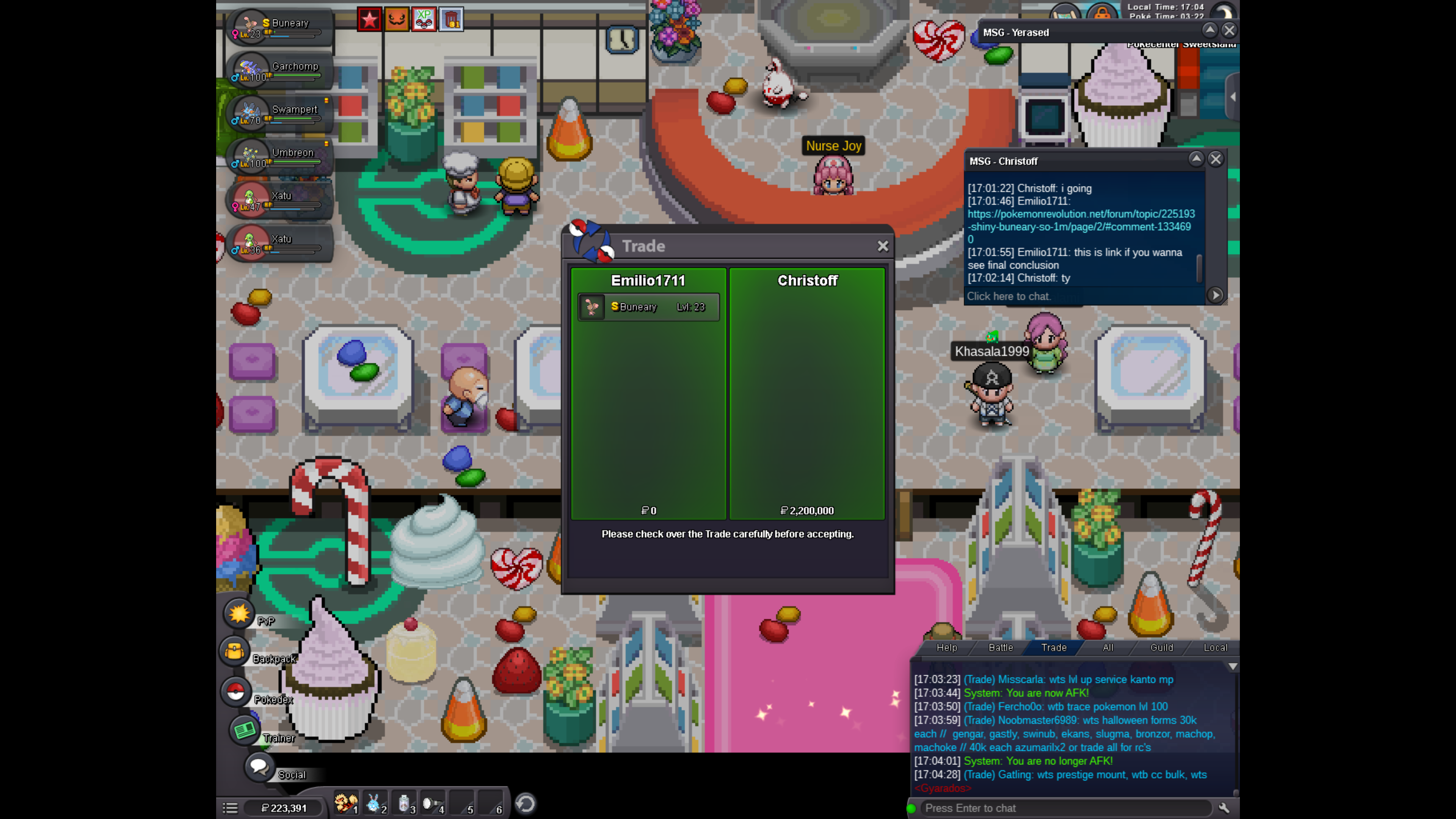 SOLD for 2.2m
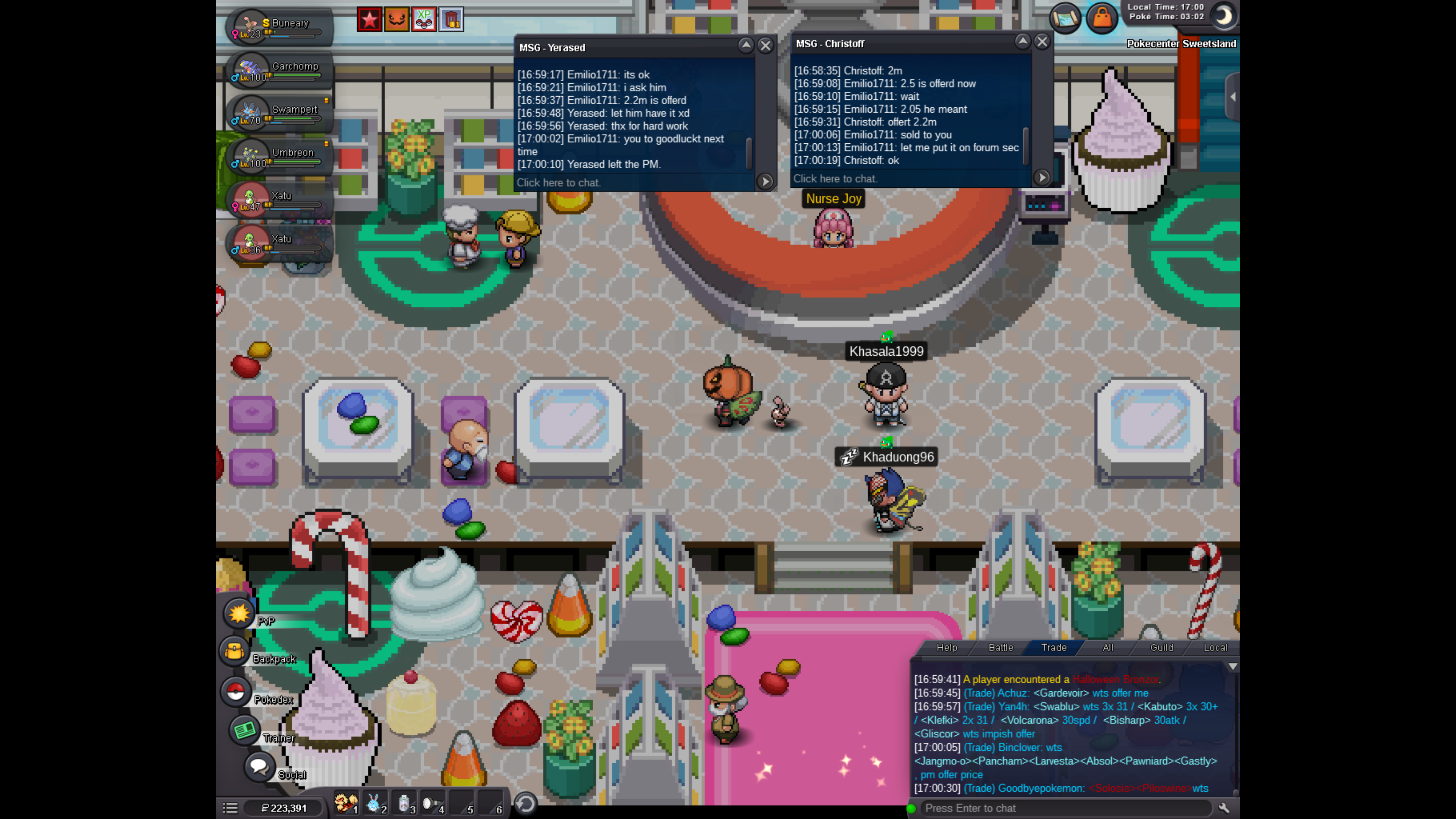 was the same person
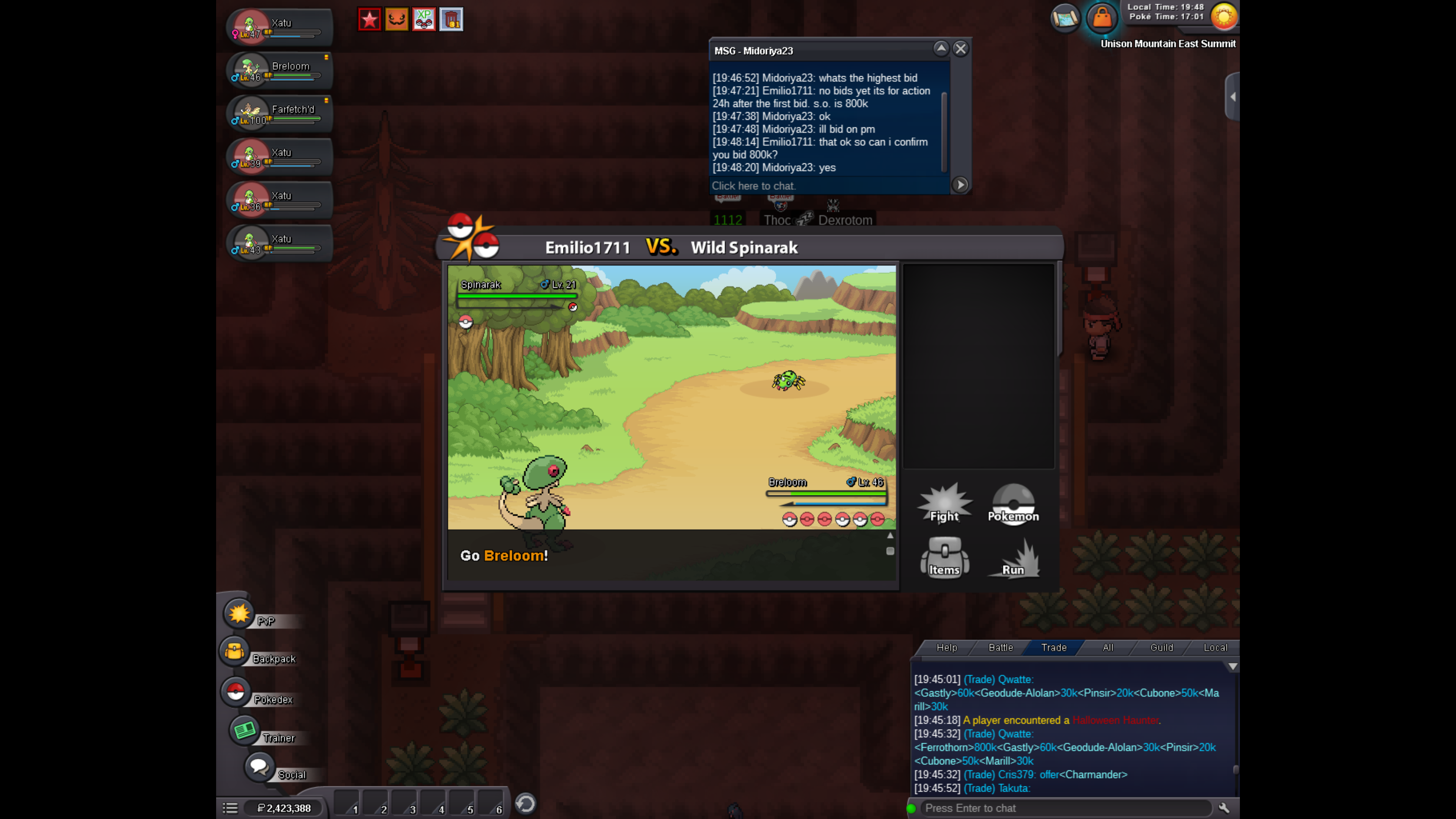
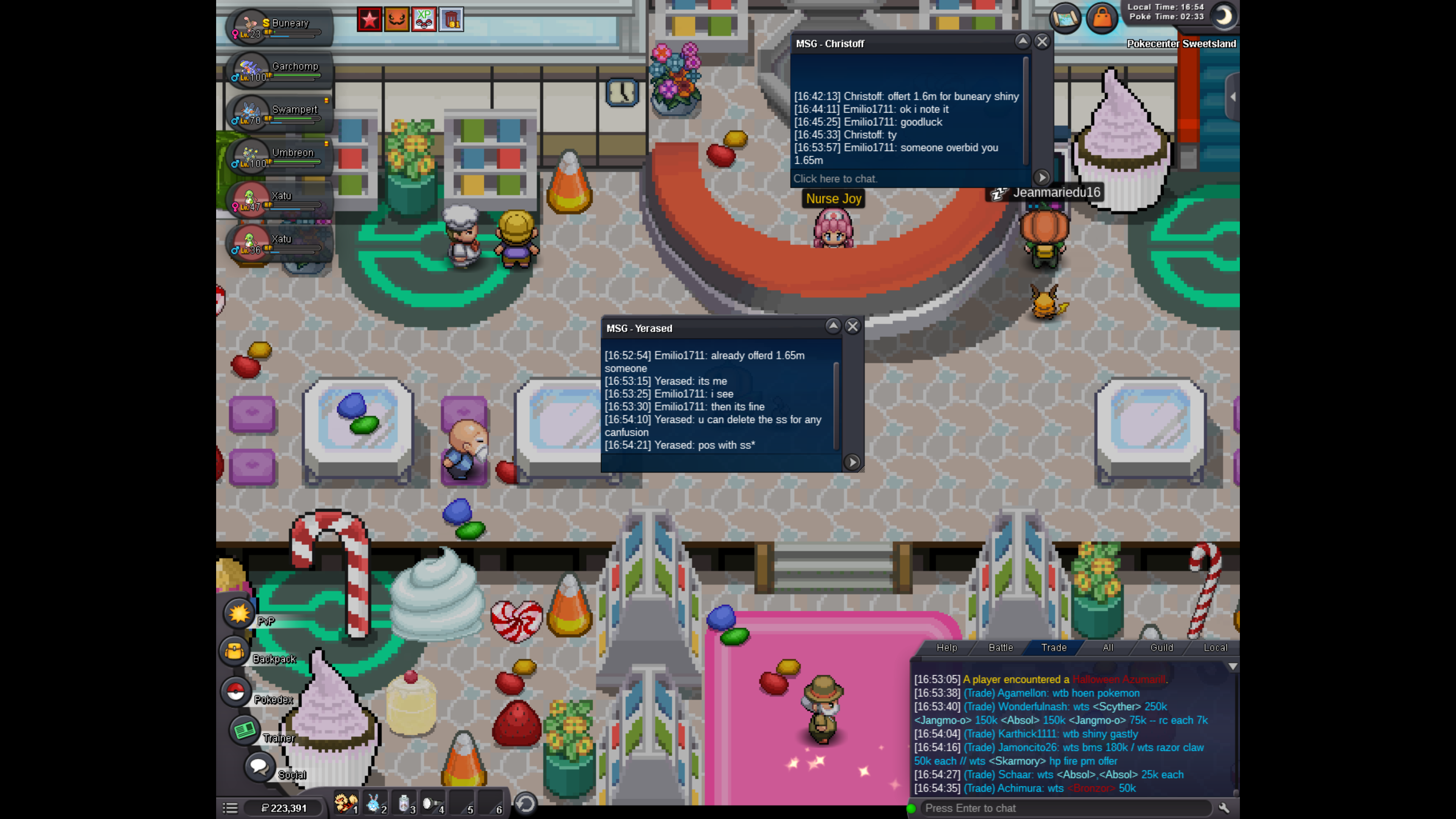 Crimsonye was firstLess then 30 minutes left goodlucky everyone!Less then a hour left goodluck everyone Winner can pm me in game Emilio1711 or add me on discord Rosarium1#0970 so we close the deal. Action closing 24 hours after first bid was made.C.O now 1.2m
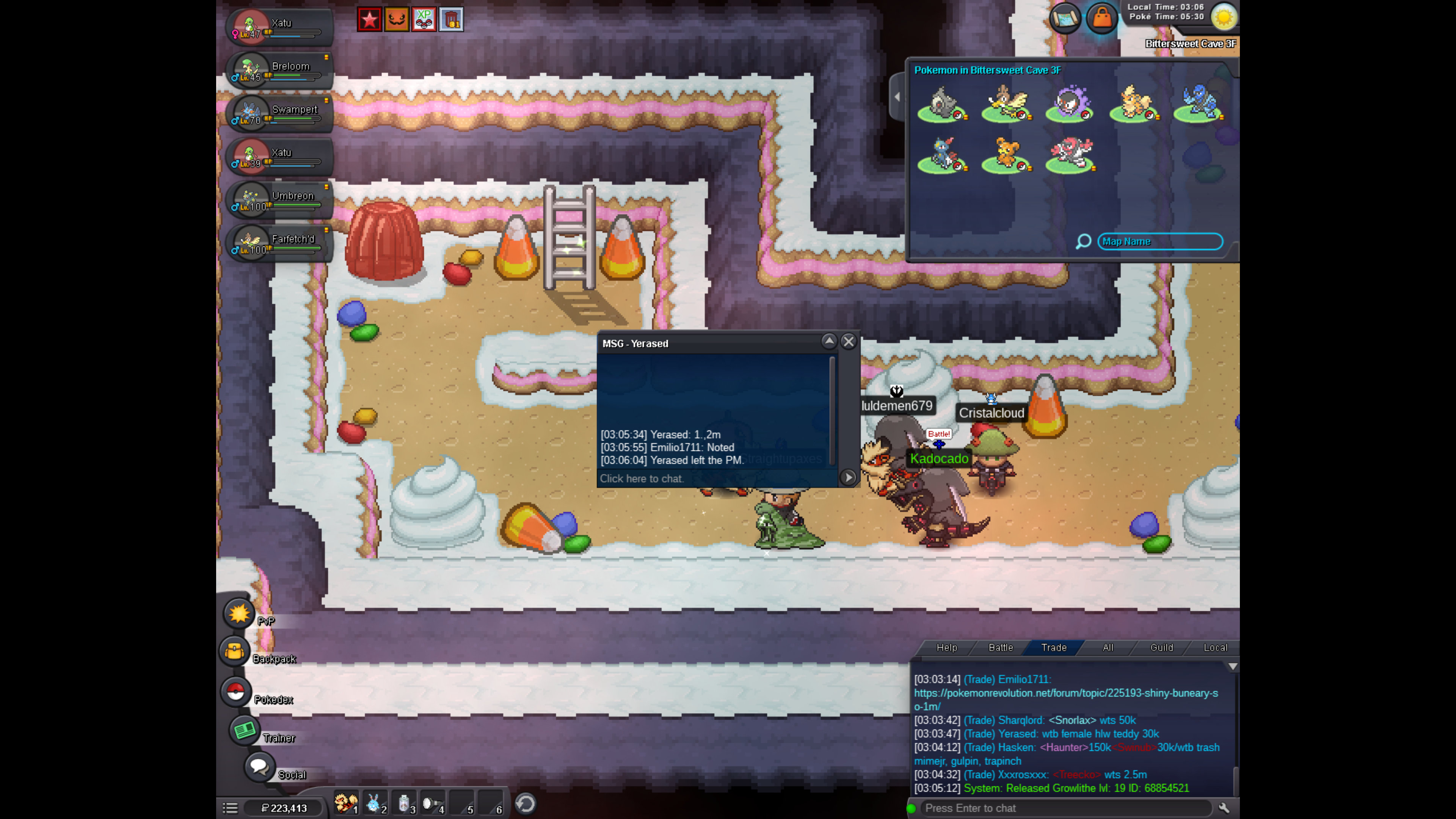 Shiny Buneary S.O 1m - Selling Pokémon - Gold - Pokemon Revolution OnlineSelling Shiny Snivy - Selling Pokémon - Gold - Pokemon Revolution Online Selling shiny snivy in Selling pokemon Gold C.O 10mBUMP - 20 hours left.Changing S.O: 1m Min bid: 50k insta: 3m Time: 24 hours after first bid. If no bids are done 24 hours after this post action will be closedbumpFor Sell S.O: 3m - Changed to 1m Min Bid: 100k - Changed to 50k Accepting Pokedollars. Insta: 6m - Changed to 3m Time: 24 Hours after first bid.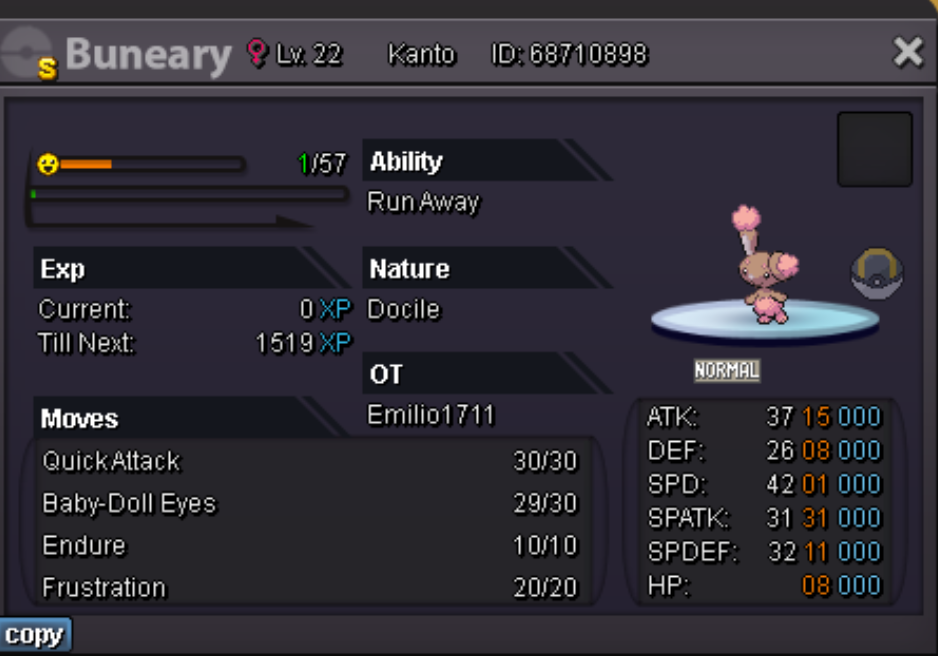


Account
Navigation
Search
Configure browser push notifications
Chrome (Android)
- Tap the lock icon next to the address bar.
- Tap Permissions → Notifications.
- Adjust your preference.
Chrome (Desktop)
- Click the padlock icon in the address bar.
- Select Site settings.
- Find Notifications and adjust your preference.
Safari (iOS 16.4+)
- Ensure the site is installed via Add to Home Screen.
- Open Settings App → Notifications.
- Find your app name and adjust your preference.
Safari (macOS)
- Go to Safari → Preferences.
- Click the Websites tab.
- Select Notifications in the sidebar.
- Find this website and adjust your preference.
Edge (Android)
- Tap the lock icon next to the address bar.
- Tap Permissions.
- Find Notifications and adjust your preference.
Edge (Desktop)
- Click the padlock icon in the address bar.
- Click Permissions for this site.
- Find Notifications and adjust your preference.
Firefox (Android)
- Go to Settings → Site permissions.
- Tap Notifications.
- Find this site in the list and adjust your preference.
Firefox (Desktop)
- Open Firefox Settings.
- Search for Notifications.
- Find this site in the list and adjust your preference.