




New Trade Zone
Trade Zone is now live
Use the new Trade Zone for auctions and instant-price trades so Pokemon and item offers are easy to find.

Millymagic
Registered User
-
Joined
-
Last visited
-
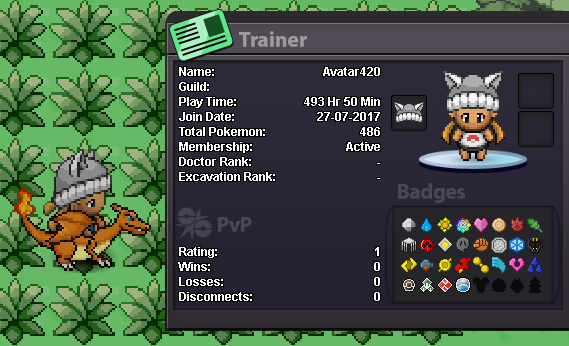
Status : Awaiting Start Starting at 400k Instant: 600k Minimum raise: 50k Auction starts at first offer and will last 6 hours Current Offer: N/A Start time: TBD End time: TBD IGN: Avatar420

-
° what can you contribute to Eternity? Integrity,Active,Progressive (in all aspects of the game), plan to boss and farm learn the PVP game eventually. ° what is your real life and in game name? Call me "D" in game MillyMagic and Avatar420 ° how old are you and where are you from? HAHA 45 East Coast USA discord tag? how often are you online there? Bruschi all day every day while playing Just came back a couple months ago played back in 2016 when sinnoh came out .Plan to stay

-
Location i was in johto and used herb revival inside bug catcher contest if that matters... headbutt issue also Johto Goldenrod City back to beginning this happened thnx
-
1.Heal Herb revived pokemon but did not heal 2.When using headbutt sometimes map load screen appears sometimes it puts you back to entry spot of entering a new map if it had just been entered and sometimes it continues or leaves you in fron of tree you were trying to headbutt Hope posting this is helpful thanks