Skip to content
View in the app

A better way to browse. Learn more.

Pokemon Revolution Online

A full-screen app on your home screen with push notifications, badges and more.

To install this app on iOS and iPadOS
  1. Tap the Share icon in Safari
  2. Scroll the menu and tap Add to Home Screen.
  3. Tap Add in the top-right corner.
To install this app on Android
  1. Tap the 3-dot menu (⋮) in the top-right corner of the browser.
  2. Tap Add to Home screen or Install app.
  3. Confirm by tapping Install.
New Trade Zone
Trade Zone is now live
Use the new Trade Zone for auctions and instant-price trades so Pokemon and item offers are easy to find.
Open Trade Zone

Brainless96

Registered User
  • Joined

  • Last visited

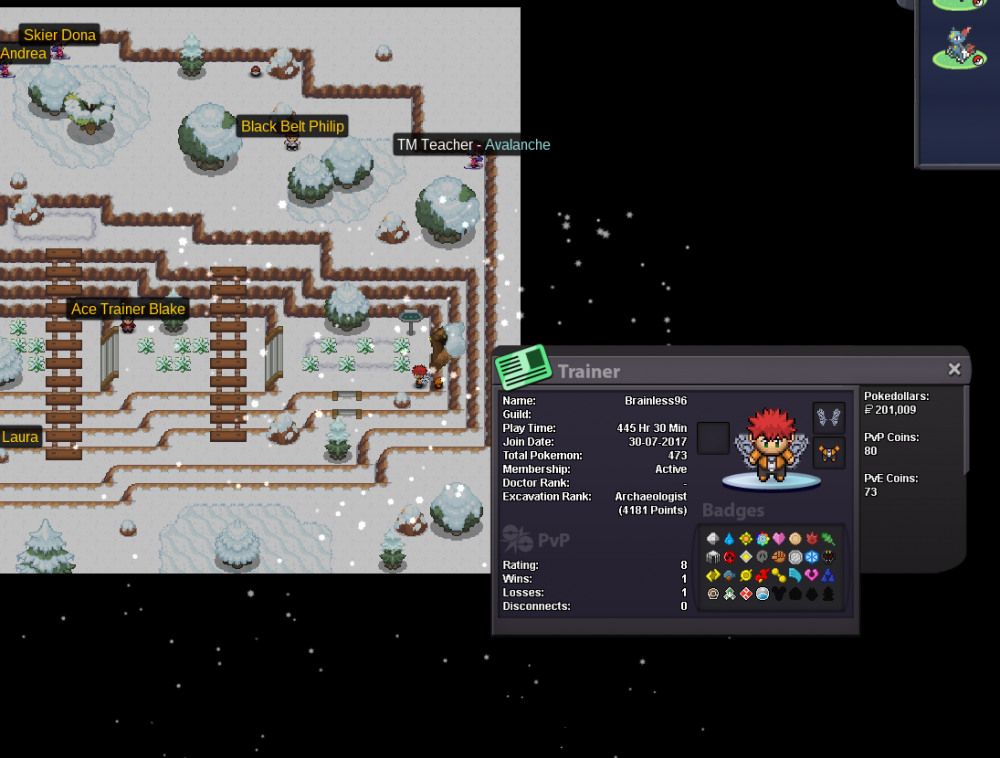
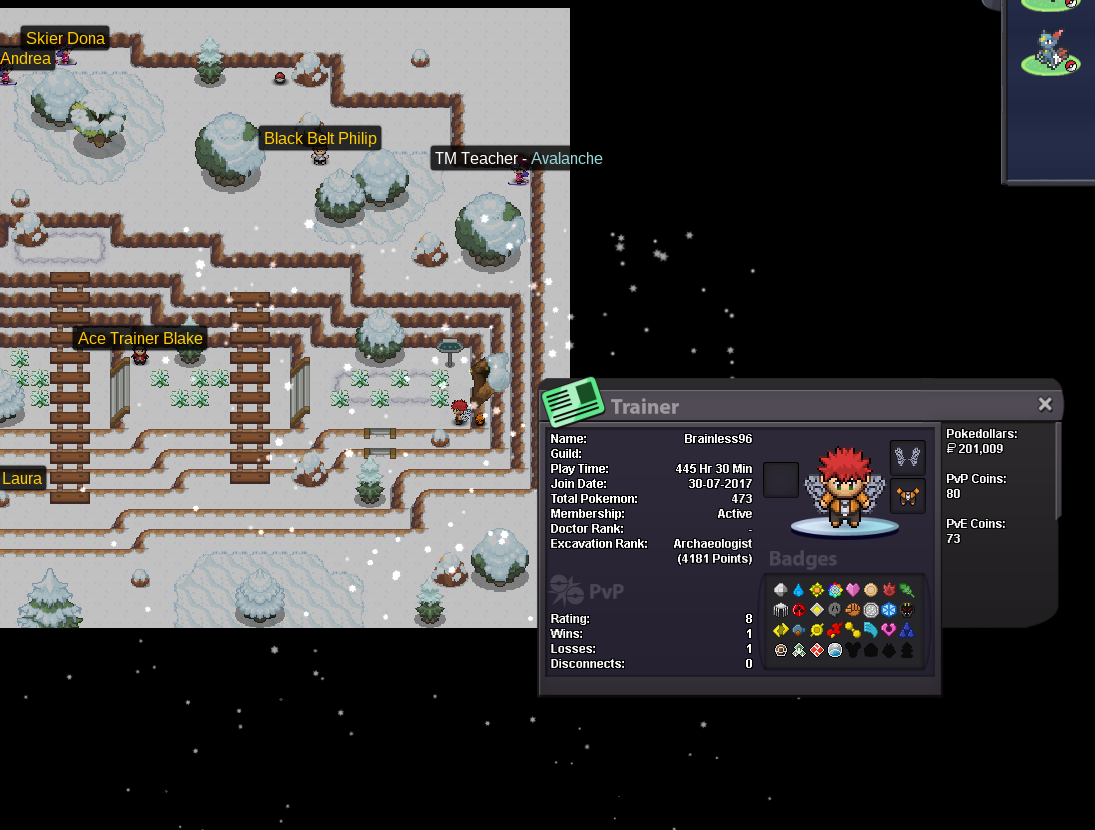
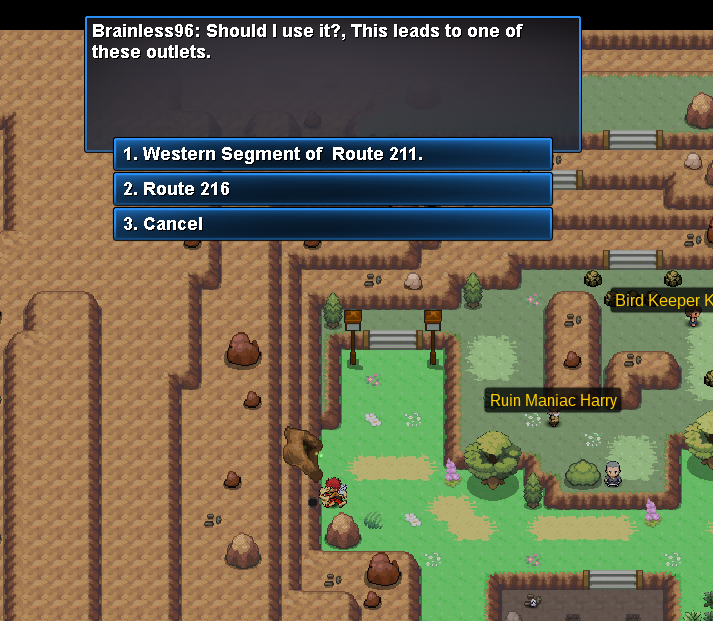
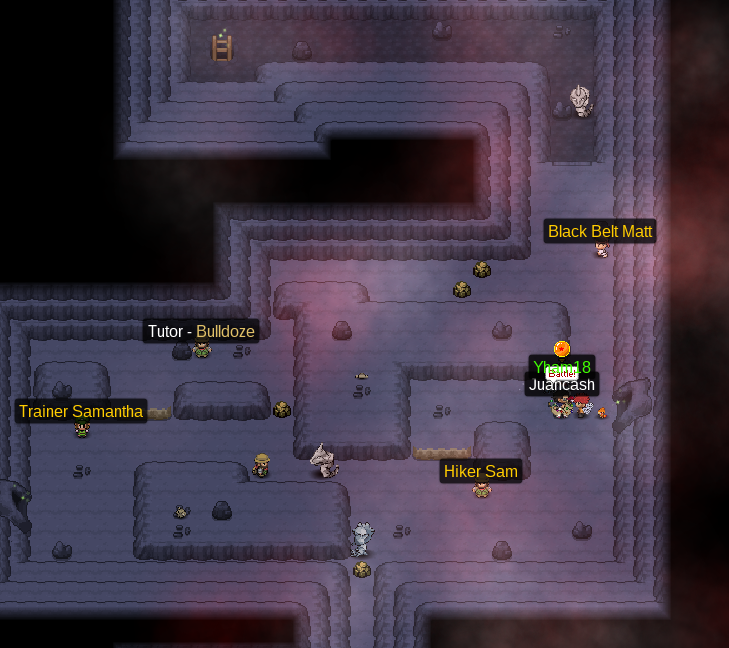
  1. So I just got to the eastern section of route 211 for the first time and accessed the dig shortcut. The options were; 1. western segment of route 211 or 2. cancel . I hit cancel and was instead tped to Route 216. I then was able to go back into the cave and battle the Team Galactic Grunts. I then returned to the cave and unlocked that dig spot for the first time and now I can go to all three locations. When I enter the cave the way is still blocked off and I can't get past the Onix to the north. I'm tempted to see if I can try and skip and battle the 7th gym but that would likely be a bad idea so I'll probably go and battle the 5th gym
Account

Navigation

Search

Search

Configure browser push notifications

Chrome (Android)
  1. Tap the lock icon next to the address bar.
  2. Tap Permissions → Notifications.
  3. Adjust your preference.
Chrome (Desktop)
  1. Click the padlock icon in the address bar.
  2. Select Site settings.
  3. Find Notifications and adjust your preference.