




New Trade Zone
Trade Zone is now live
Use the new Trade Zone for auctions and instant-price trades so Pokemon and item offers are easy to find.

Sasageyo
Registered User
-
Joined
-
Last visited
Everything posted by Sasageyo
-
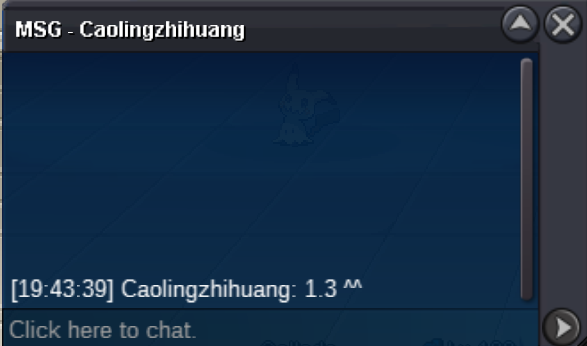
@Kingdy Congratulations! 🎉🎉 Contact me when you are available to do the trade.Caolingzhihuang - 1.3m Around 17h left
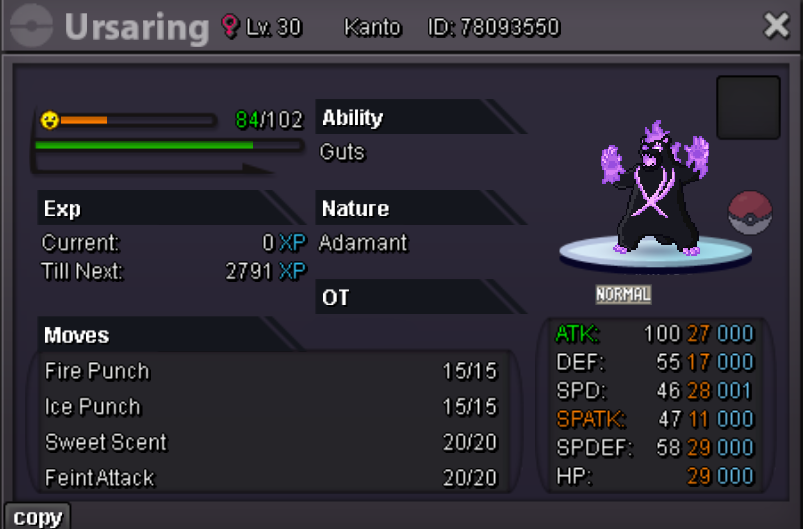
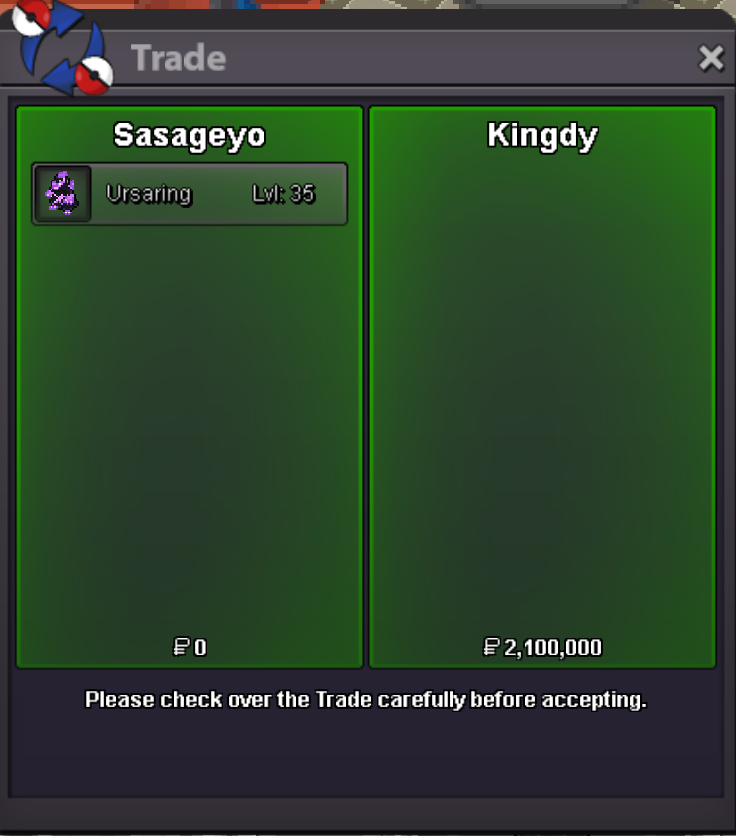
 Bump🎃Epic Halloween Ursaring🕷️ Starting bid - 1M Min bid - 100k NO INSTA Auction ends 48h after first bid Accepted payments Pokedollars Coin capsules: 450k Contact me: IGN: Sasageyo Discord: Lusanao
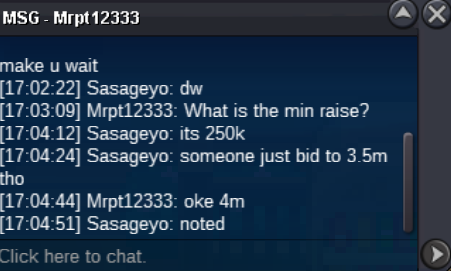
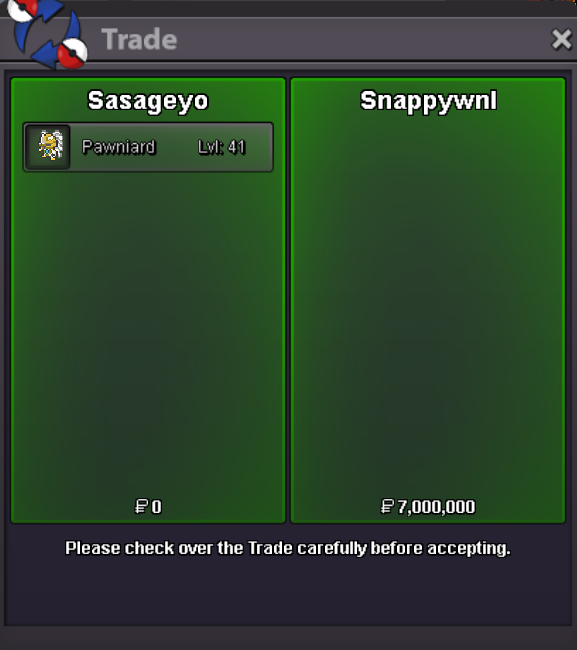
 Its available, pm me here or on discord when u are available to trade.What do you mean?bumpCongratulations to SnappyWNL for winning the auction! Contact me for the trade here or on discord.Mrpt12333 - 4m
 Hypethecrowd - 3.5m 2h37min left
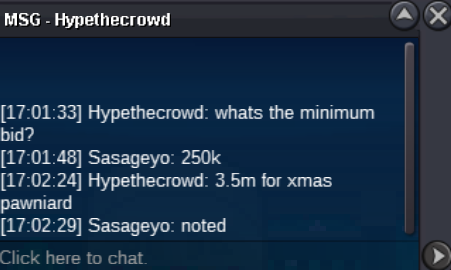 Bump🎄 XMAS Pawniard 🎄 Starting offer : 2m Min Bid : 250k CC : 450k NO INSTA AUCTION ENDS 48 HOURS AFTER FIRST BID (15min rule applies) Contact me: IGN: Sasageyo Discord: Lusanao
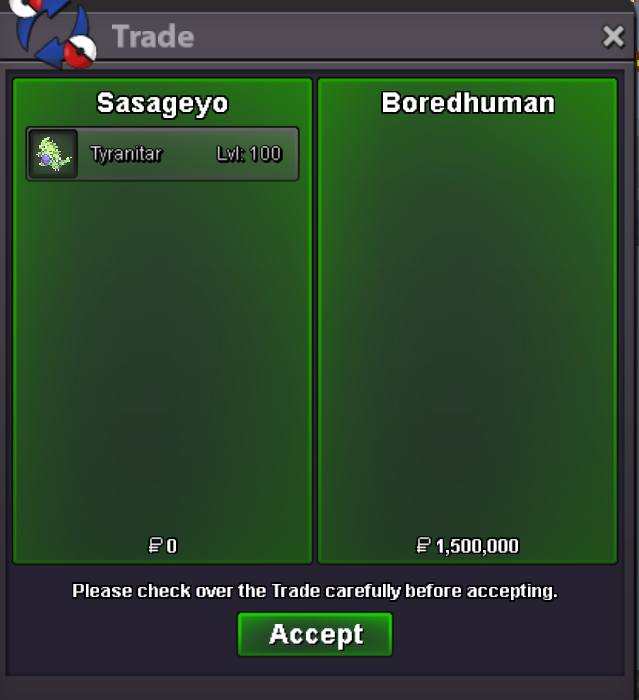
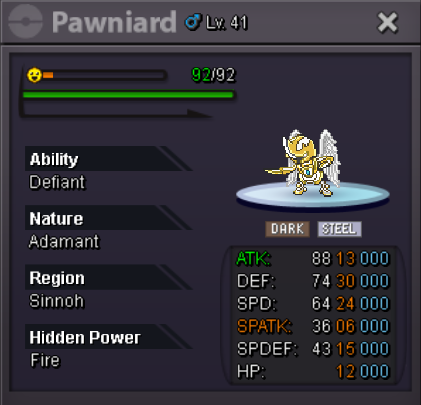 bumpBumpBumpPayment methods Pokedollar Coin Capsule = 420k Trained Pokemon If you want a pokemon that I have multiple of you can write the number attached to them (Eg: Wtb Garchomp 3). Contact me: Discord - Lusanao IGN - Sasageyo *Note: Forms and untrained pokemon will be added in the future.
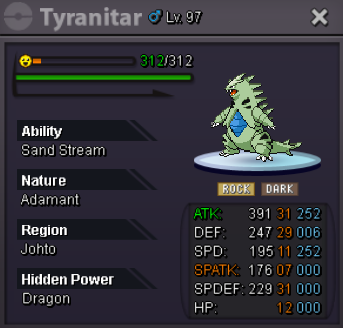


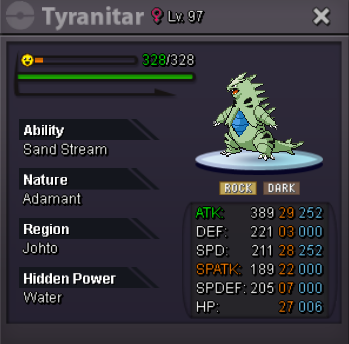
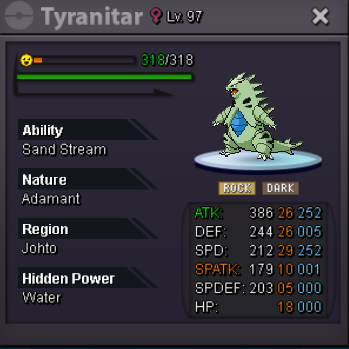
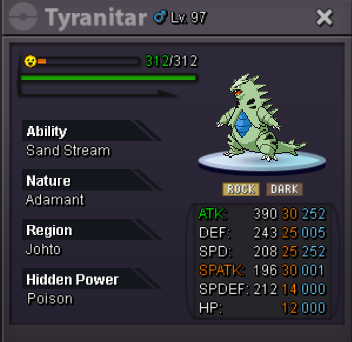

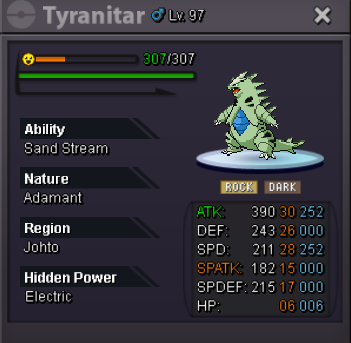
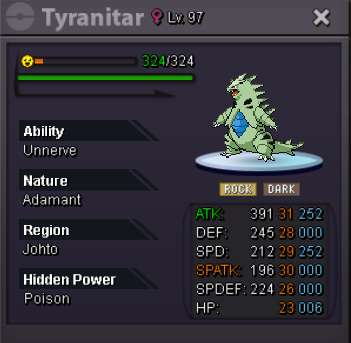
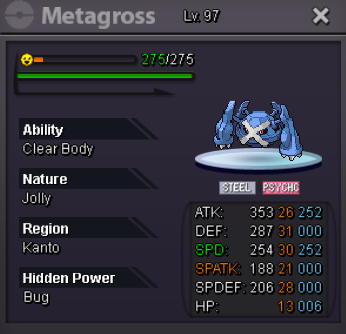
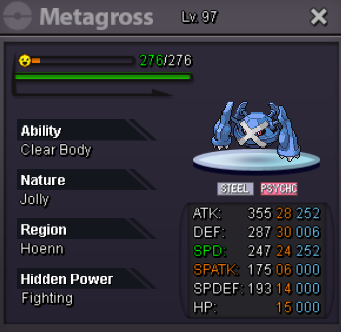
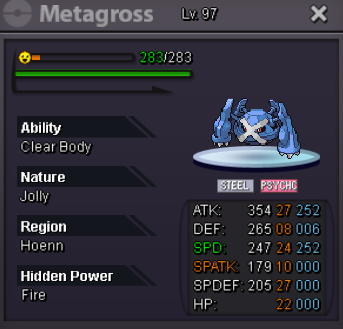
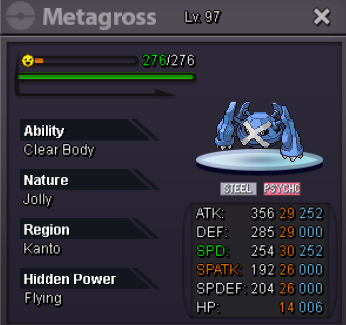
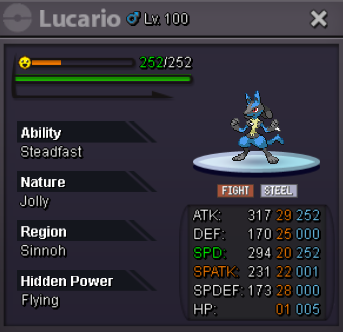
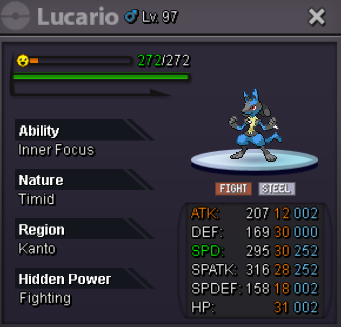
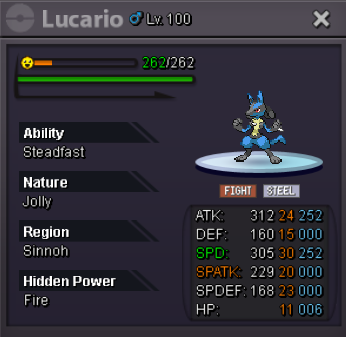
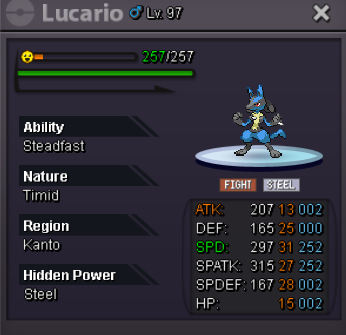
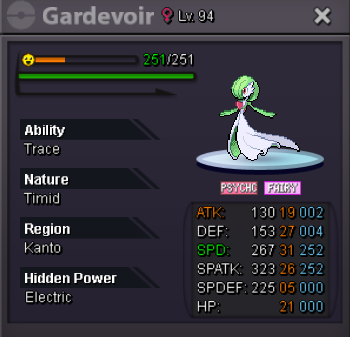
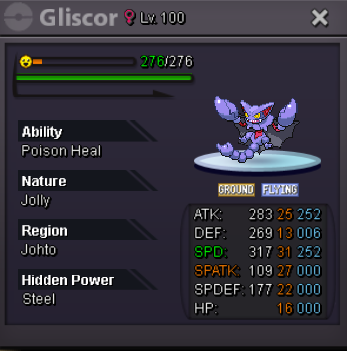
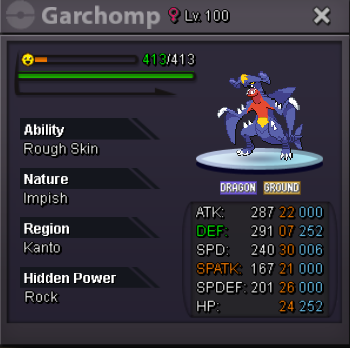
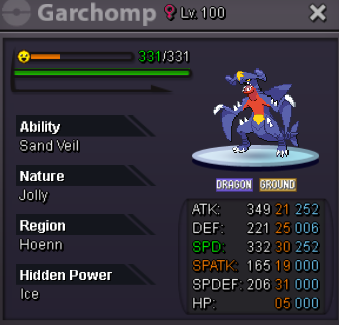
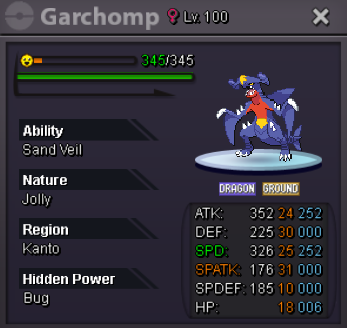
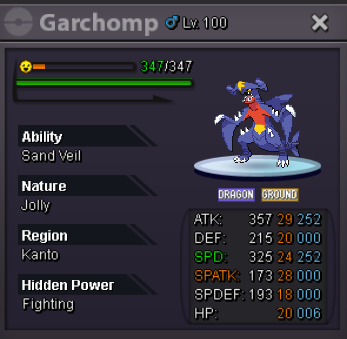
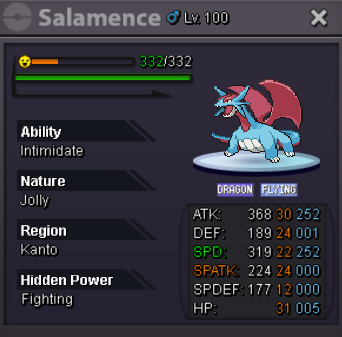
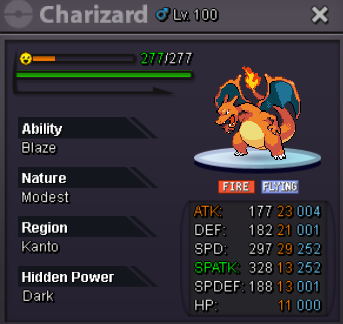
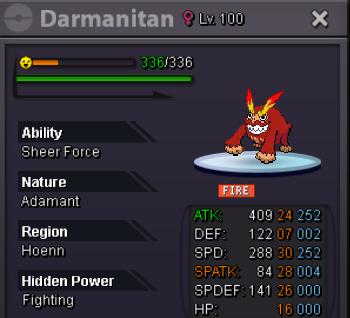
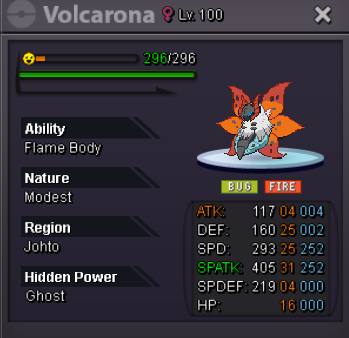
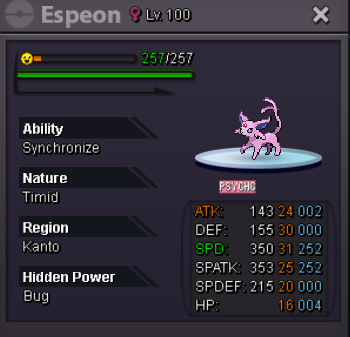
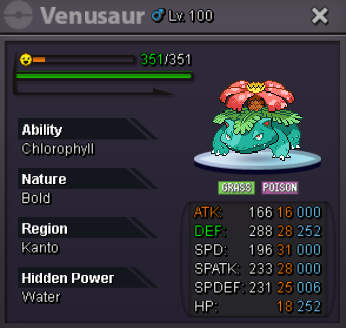
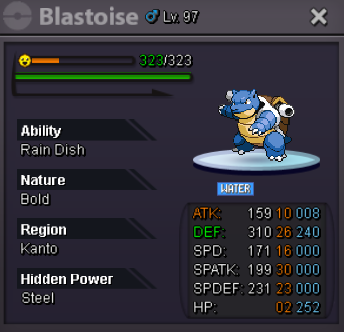
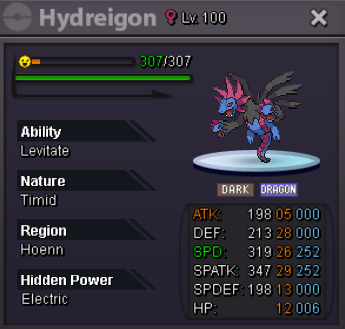
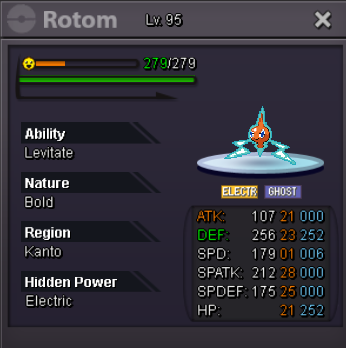
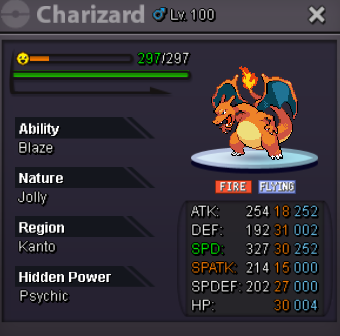
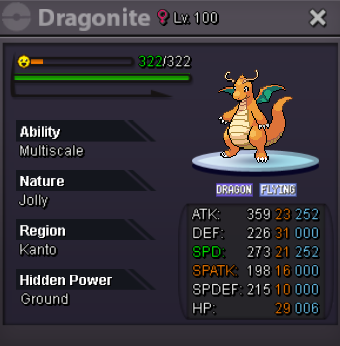
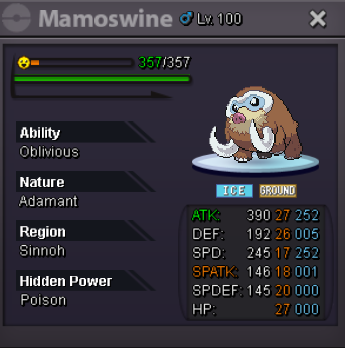
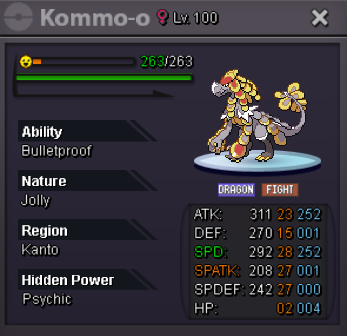
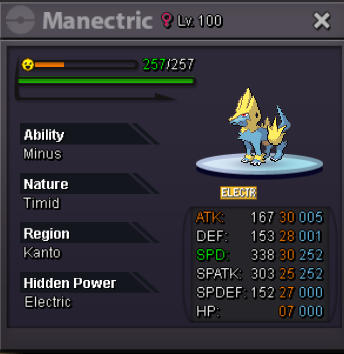
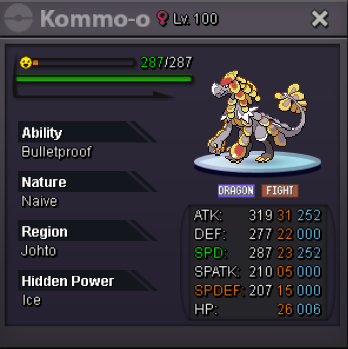
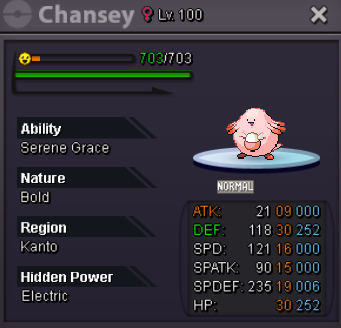
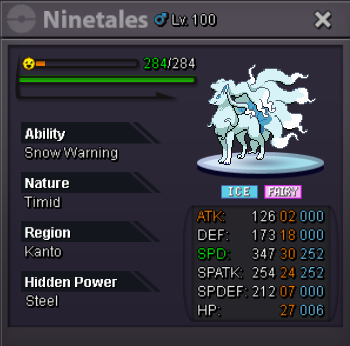
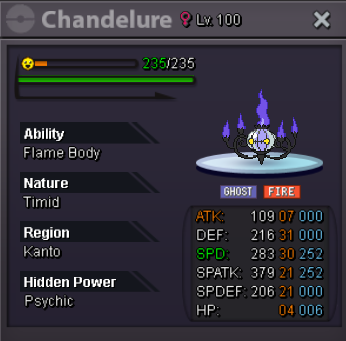


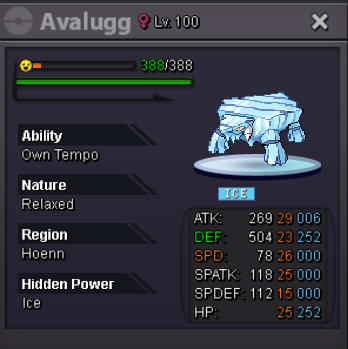
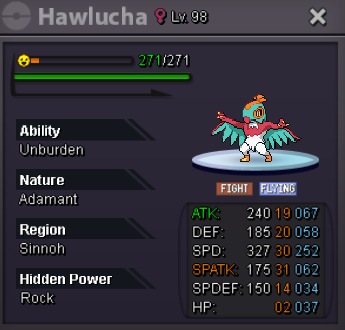

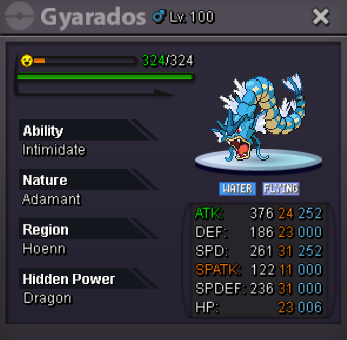
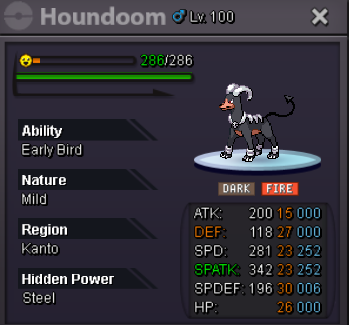
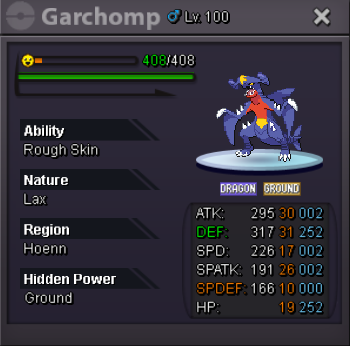
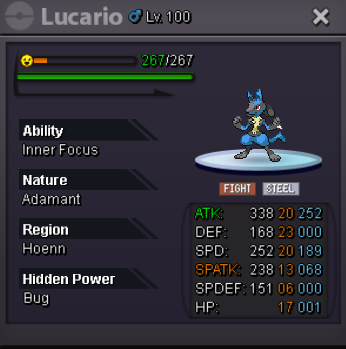
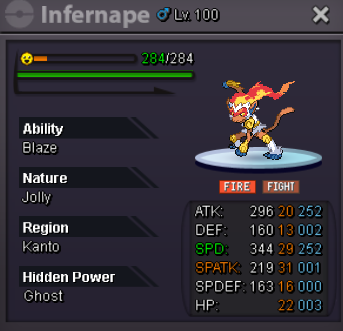
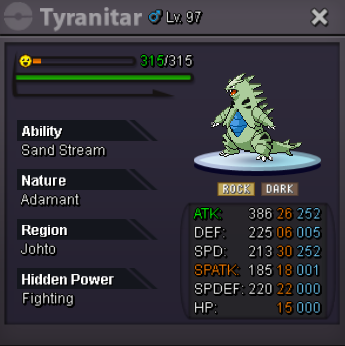
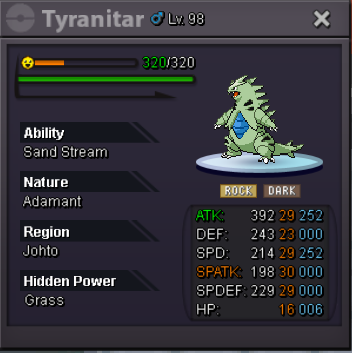
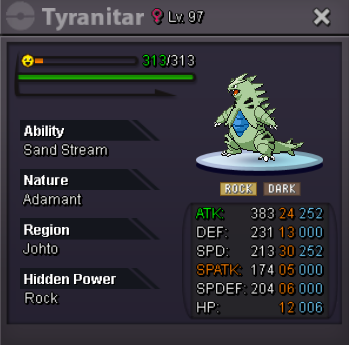 3.3m3.1m2.7m2.5m

Account
Navigation
Search
Configure browser push notifications
Chrome (Android)
- Tap the lock icon next to the address bar.
- Tap Permissions → Notifications.
- Adjust your preference.
Chrome (Desktop)
- Click the padlock icon in the address bar.
- Select Site settings.
- Find Notifications and adjust your preference.
Safari (iOS 16.4+)
- Ensure the site is installed via Add to Home Screen.
- Open Settings App → Notifications.
- Find your app name and adjust your preference.
Safari (macOS)
- Go to Safari → Preferences.
- Click the Websites tab.
- Select Notifications in the sidebar.
- Find this website and adjust your preference.
Edge (Android)
- Tap the lock icon next to the address bar.
- Tap Permissions.
- Find Notifications and adjust your preference.
Edge (Desktop)
- Click the padlock icon in the address bar.
- Click Permissions for this site.
- Find Notifications and adjust your preference.
Firefox (Android)
- Go to Settings → Site permissions.
- Tap Notifications.
- Find this site in the list and adjust your preference.
Firefox (Desktop)
- Open Firefox Settings.
- Search for Notifications.
- Find this site in the list and adjust your preference.