




New Trade Zone
Trade Zone is now live
Use the new Trade Zone for auctions and instant-price trades so Pokemon and item offers are easy to find.

Fetxiz
Suspended
-
Joined
-
Last visited
Everything posted by Fetxiz
-
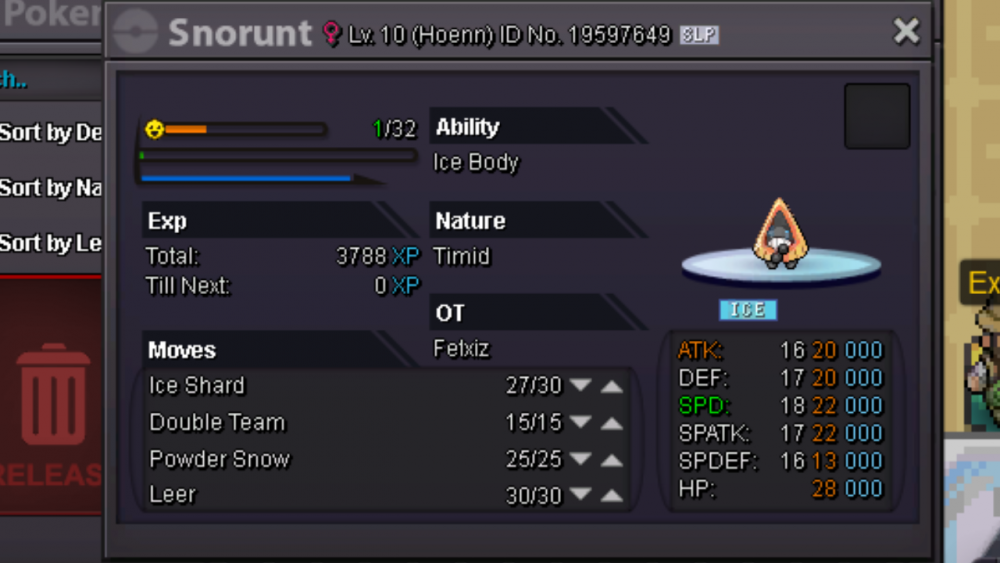
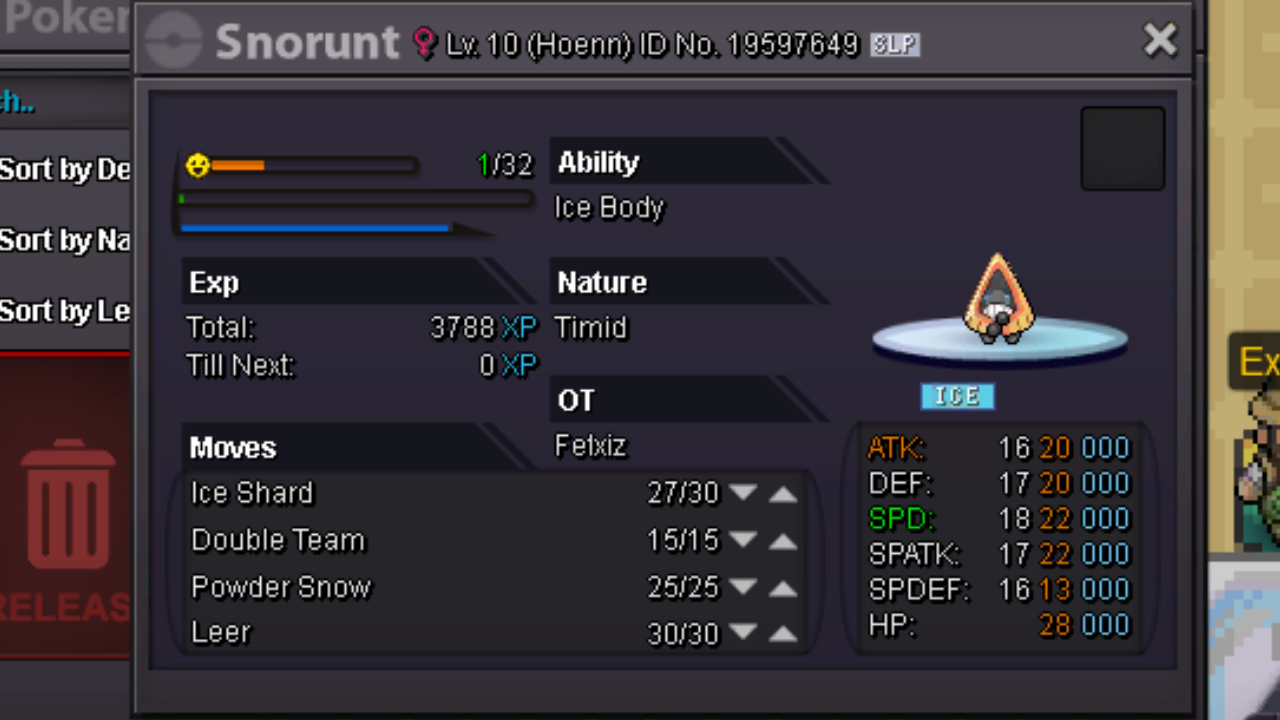
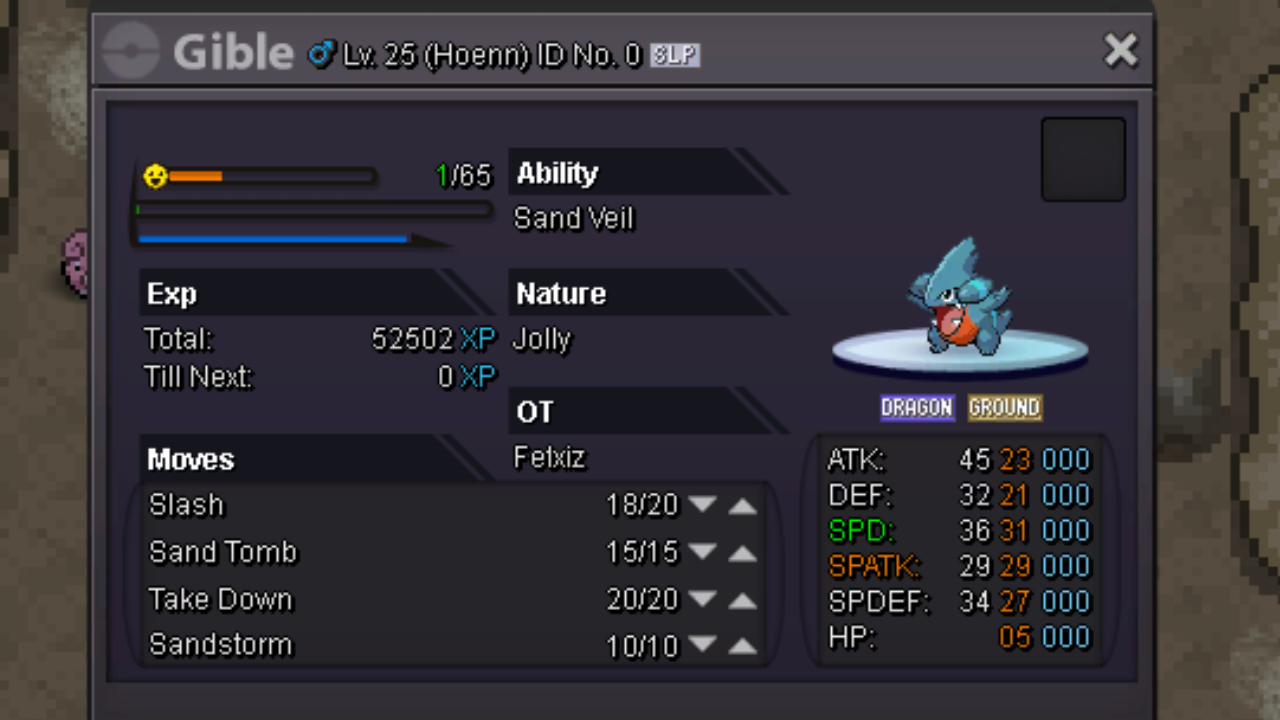
in snorunt in the 300k but 500k + if it is ev train and level 100
-
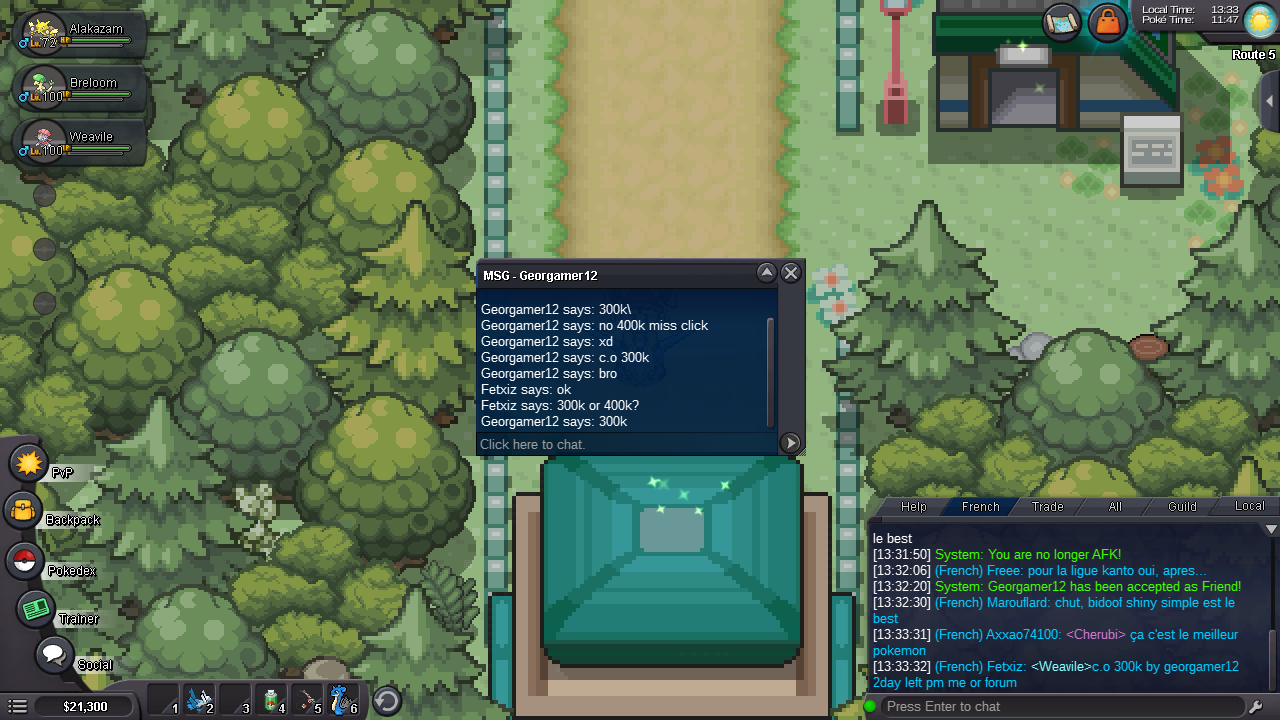
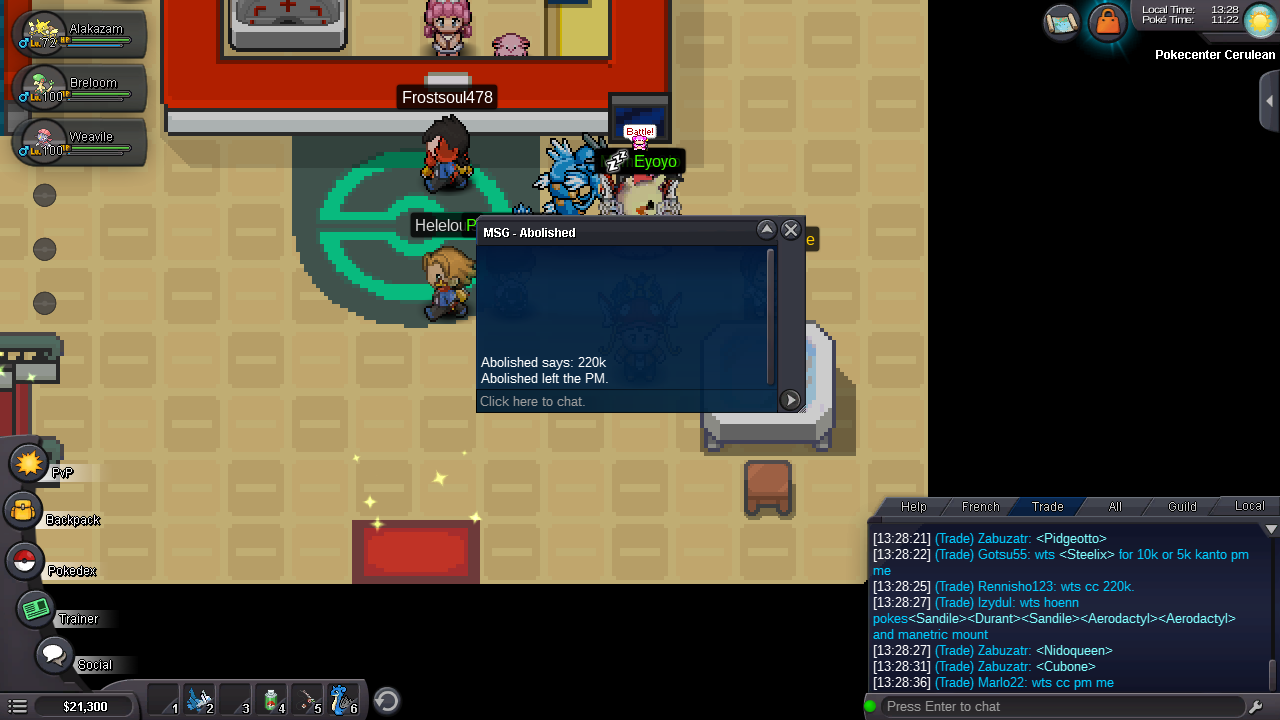
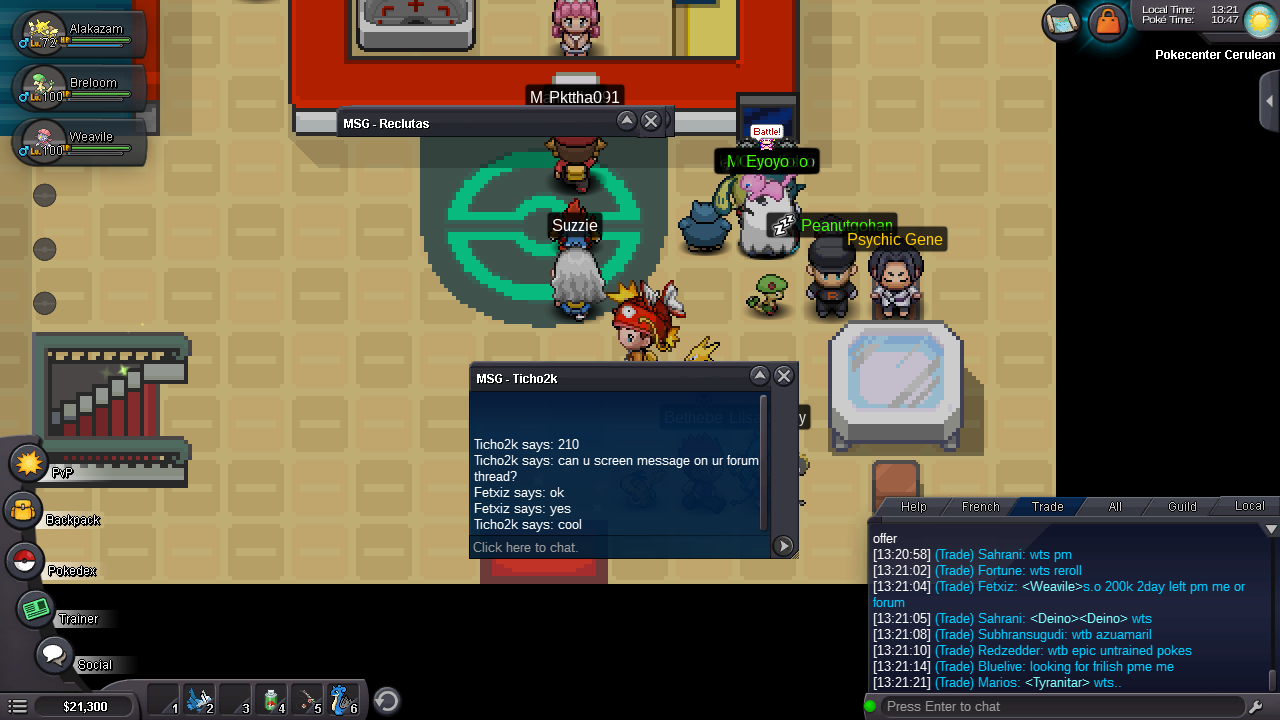
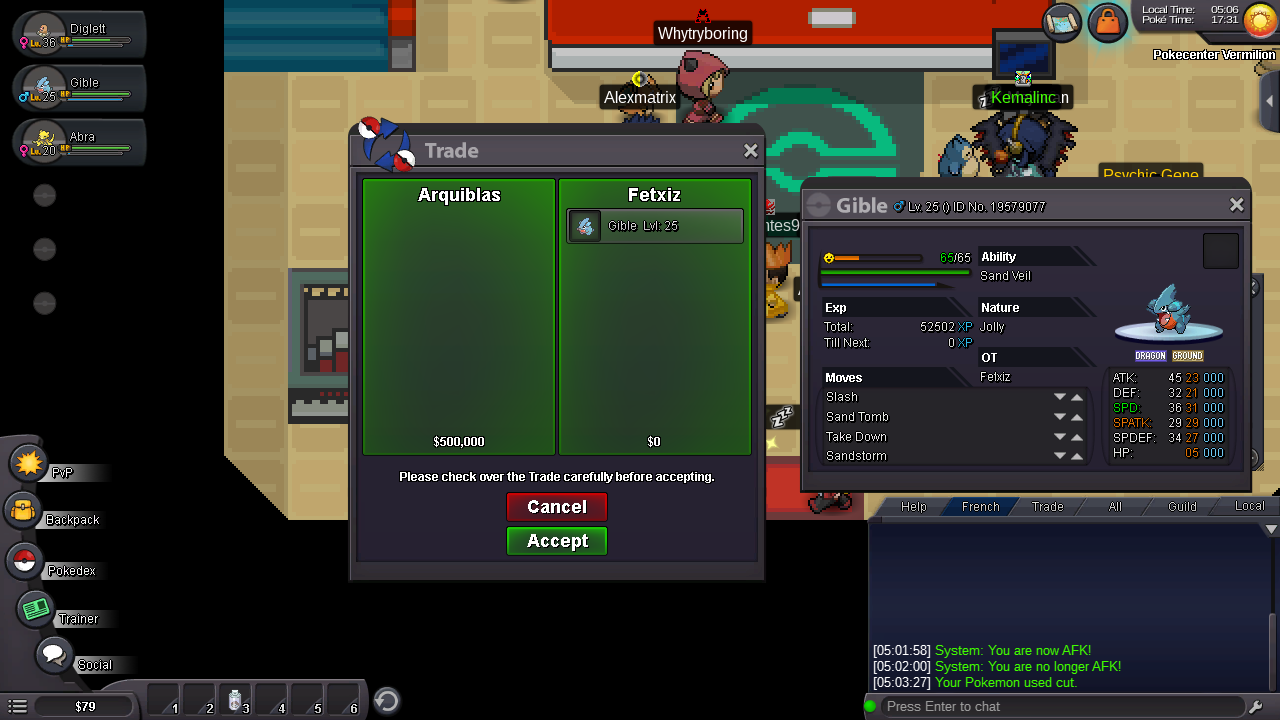
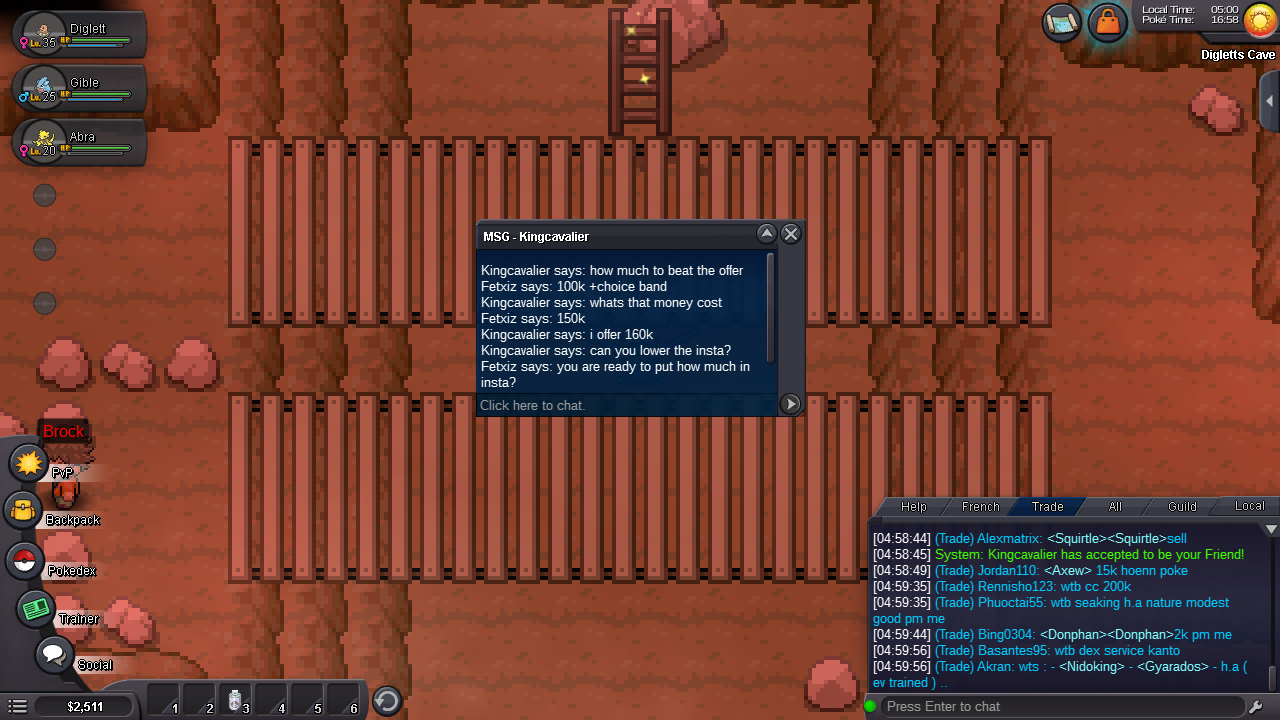
I accept cc I accept PvP objects I accept the mount c.o 550k by kefanset102 1day left insta 1m
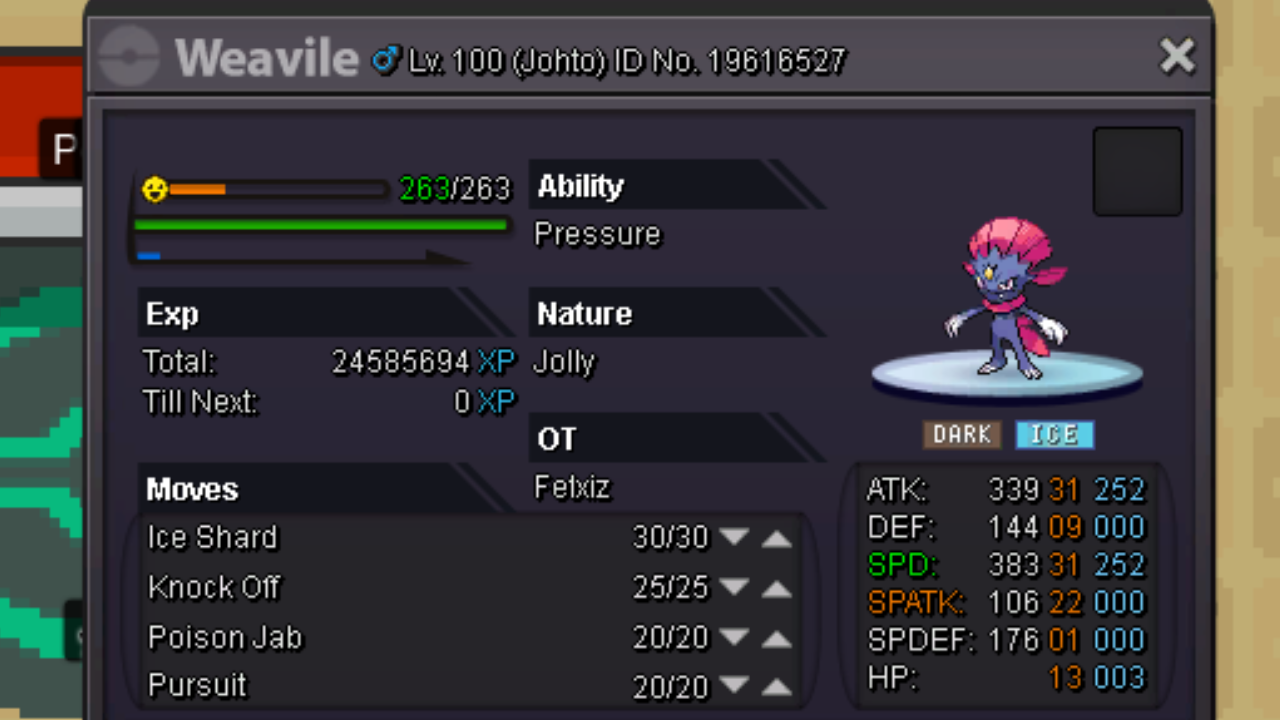
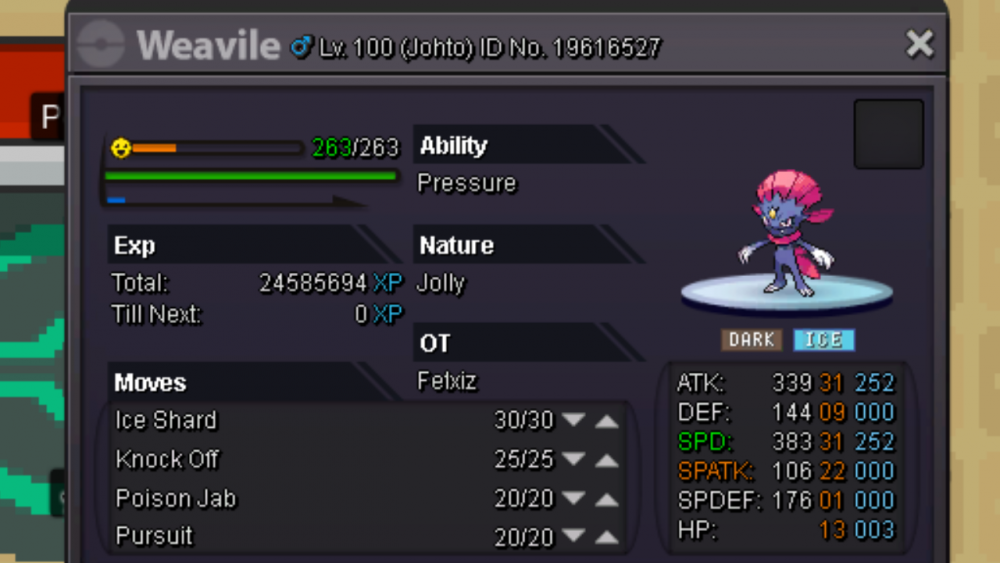 sold by grimjowslucario and donphan 500 + bisharp 400k macknogneur 350k metagross 300k150k forakie 400k greninja 500k greninja 200k vulpix 250k piplup500k +togepi timid serena grace 150-200K50k magneton and 75k murkrow300k500k-1m50k chansey and 30k pinsir50k for all500k300kHello when are you available?Hello i sell my snorunt timid femelle Wtsoffer
 when are you available?What's your Name/IGN? fetxiz ● How old are you? 16year ● Are you active in Discord? Yes ● Where are you from? France-corbreuse ● What's your playtime?/How often do you play PRO? 24heure and 10 hours a day ● What's your goal in PRO? Pvp and farm ● Why do you want to be part of Chaos?because you are a guild pvp and I like your concepts ● What's your favorite Pokemon and why?Pikachu I find him cute ● What's your favorite animal and why? Cat I find him cuteI accept cc I accept mount I accept pvp item sold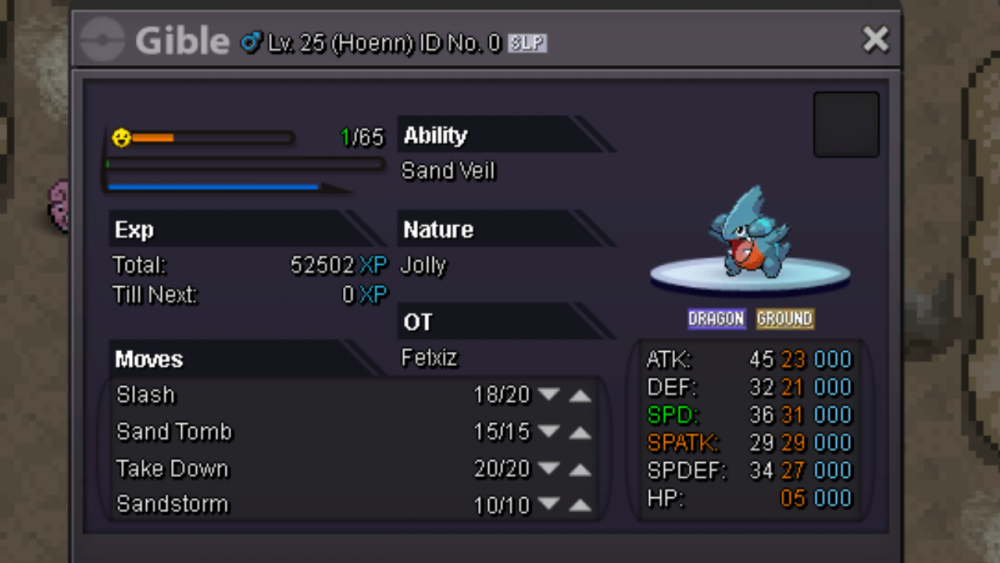

Account
Navigation
Search
Configure browser push notifications
Chrome (Android)
- Tap the lock icon next to the address bar.
- Tap Permissions → Notifications.
- Adjust your preference.
Chrome (Desktop)
- Click the padlock icon in the address bar.
- Select Site settings.
- Find Notifications and adjust your preference.
Safari (iOS 16.4+)
- Ensure the site is installed via Add to Home Screen.
- Open Settings App → Notifications.
- Find your app name and adjust your preference.
Safari (macOS)
- Go to Safari → Preferences.
- Click the Websites tab.
- Select Notifications in the sidebar.
- Find this website and adjust your preference.
Edge (Android)
- Tap the lock icon next to the address bar.
- Tap Permissions.
- Find Notifications and adjust your preference.
Edge (Desktop)
- Click the padlock icon in the address bar.
- Click Permissions for this site.
- Find Notifications and adjust your preference.
Firefox (Android)
- Go to Settings → Site permissions.
- Tap Notifications.
- Find this site in the list and adjust your preference.
Firefox (Desktop)
- Open Firefox Settings.
- Search for Notifications.
- Find this site in the list and adjust your preference.