New Trade Zone
Trade Zone is now live
Use the new Trade Zone for auctions and instant-price trades so Pokemon and item offers are easy to find.

Recursion
Registered User
-
Joined
-
Last visited
-
[glow=green]Fixed![/glow] I upgraded Ubuntu to 16.04 and then used crouton to update my chroot to the latest version.
-
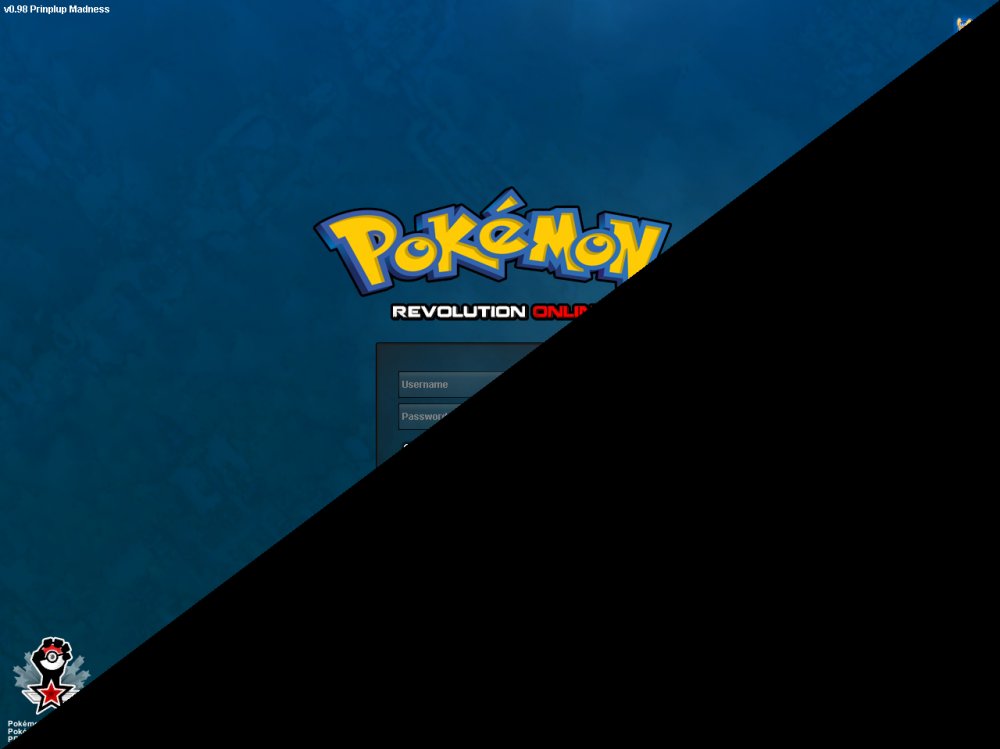
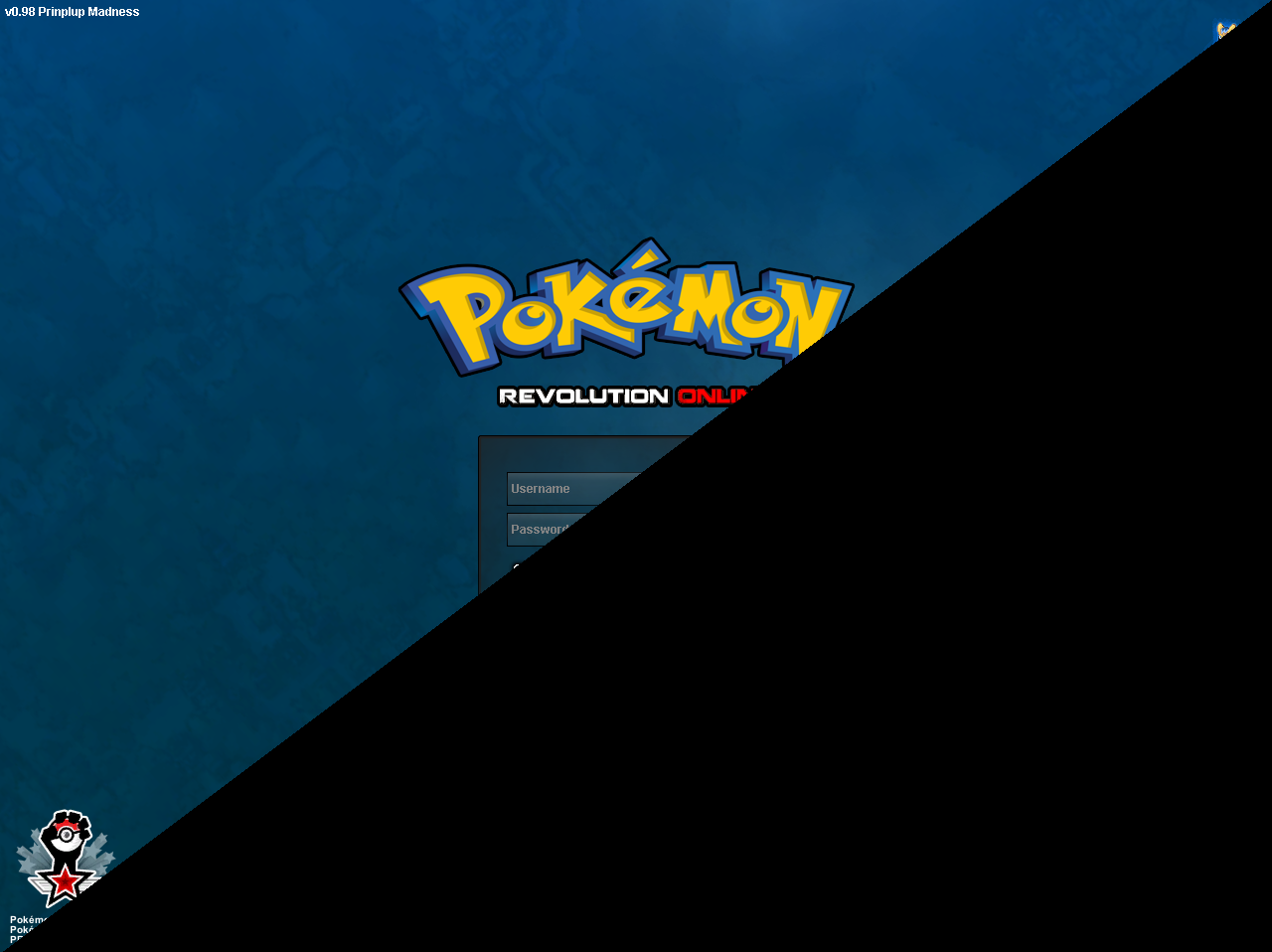
Hi [mention]Xaiyah[/mention] , I followed the instructions in the guide and additionally have tried all linux-related solutions I could find on the forums. Here's some additional information about my system: <i> </i>Linux localhost 3.18.0-14597-g61c88fee5b70 #1 SMP PREEMPT Mon Jul 17 21:27:30 PDT 2017 x86_64 x86_64 x86_64 GNU/Linux DISTRIB_ID=Ubuntu DISTRIB_RELEASE=14.04 DISTRIB_CODENAME=trusty DISTRIB_DESCRIPTION="Ubuntu 14.04.5 LTS"
-
I'm running Ubuntu 14.04 via Crouton on a chromebook. I can still see my mouse and successfully click buttons on the blacked out half of the screen. Any ideas on how I can fix this? <i> </i>server glx version string: 1.4 client glx version string: 1.4 GLX version: 1.4 OpenGL core profile version string: 3.3 (Core Profile) Mesa 10.1.3 OpenGL core profile shading language version string: 3.30 OpenGL version string: 3.0 Mesa 10.1.3 OpenGL shading language version string: 1.30