New Trade Zone
Trade Zone is now live
Use the new Trade Zone for auctions and instant-price trades so Pokemon and item offers are easy to find.

Mokanji
Registered User
-
Joined
-
Last visited
Everything posted by Mokanji
-
Sure, tell me when you are online or contact me on discord. :D
-
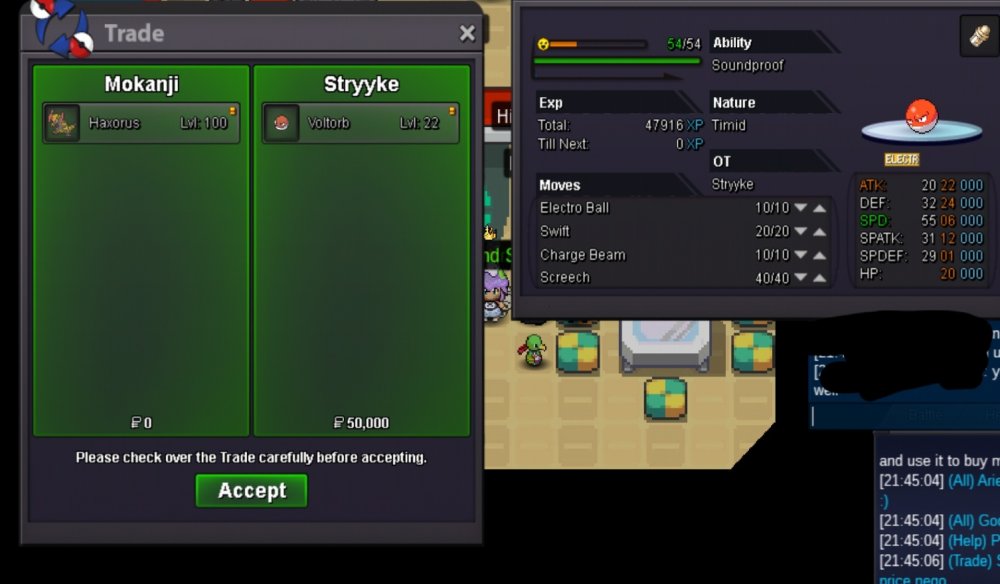
Haxorous Sold.
-
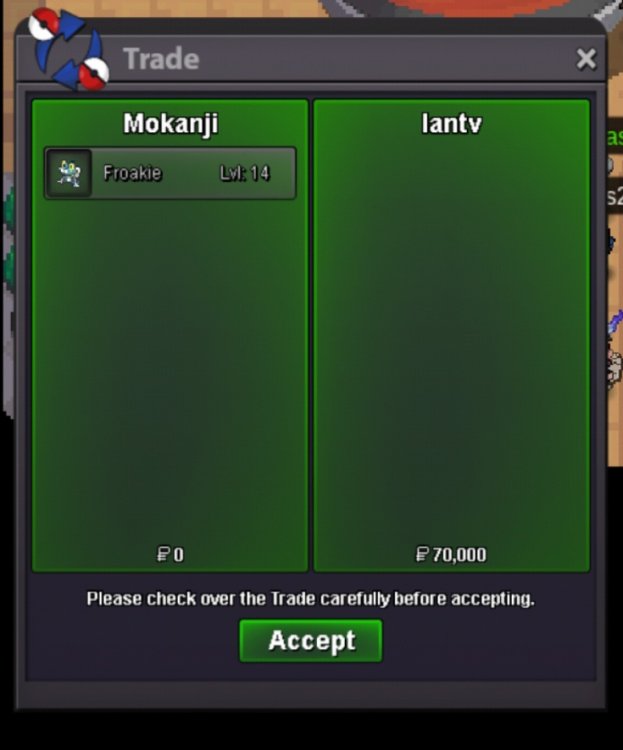
Sold
-
Rotom and Clefairy Sold
-
Bump Start New 3 Auctions
-
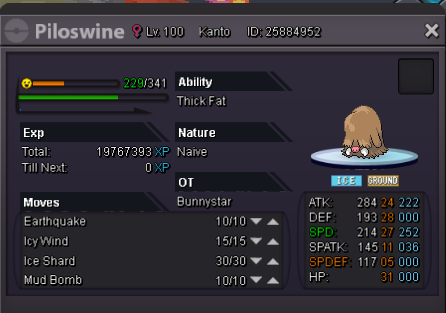
Username : mokanody30 Server: Silver
-
-
-
Last update the new android client is kinda buggy,when u click on names from chats down blow to pm or add friend in most of the time dont work,on pm window you when u type a message it is sent directly ,it used to stay there until u click the arrow to send it,you can not get the dashboard menu (on pc when u click f2) anymore on Android client .
-
Well ,Thanks for getting in touch ,But i didn't lose to it ,i didnt even disconnect
-
Just did the quest normally and finished it and csught thr kyurem,then went back fo my pc and checked it,and someone told me to reroll it using the free reroll joey's mom should have given me but it didnt receive it https://ibb.co/zhp5PvY