




New Trade Zone
Trade Zone is now live
Use the new Trade Zone for auctions and instant-price trades so Pokemon and item offers are easy to find.

Lastin98
Registered User
-
Joined
-
Last visited
Everything posted by Lastin98
-
How can I get rid of it can cause trouble like this. I don't want to start over. that much progress will go to waste.
-
I think I stayed there, I have no salvation.
-
Why did I encounter such a problem?
-
I can't enter the game right now

-
I'm here I can't move anywhere
-
I stayed in the poker necropolis. I can't move. Please help me
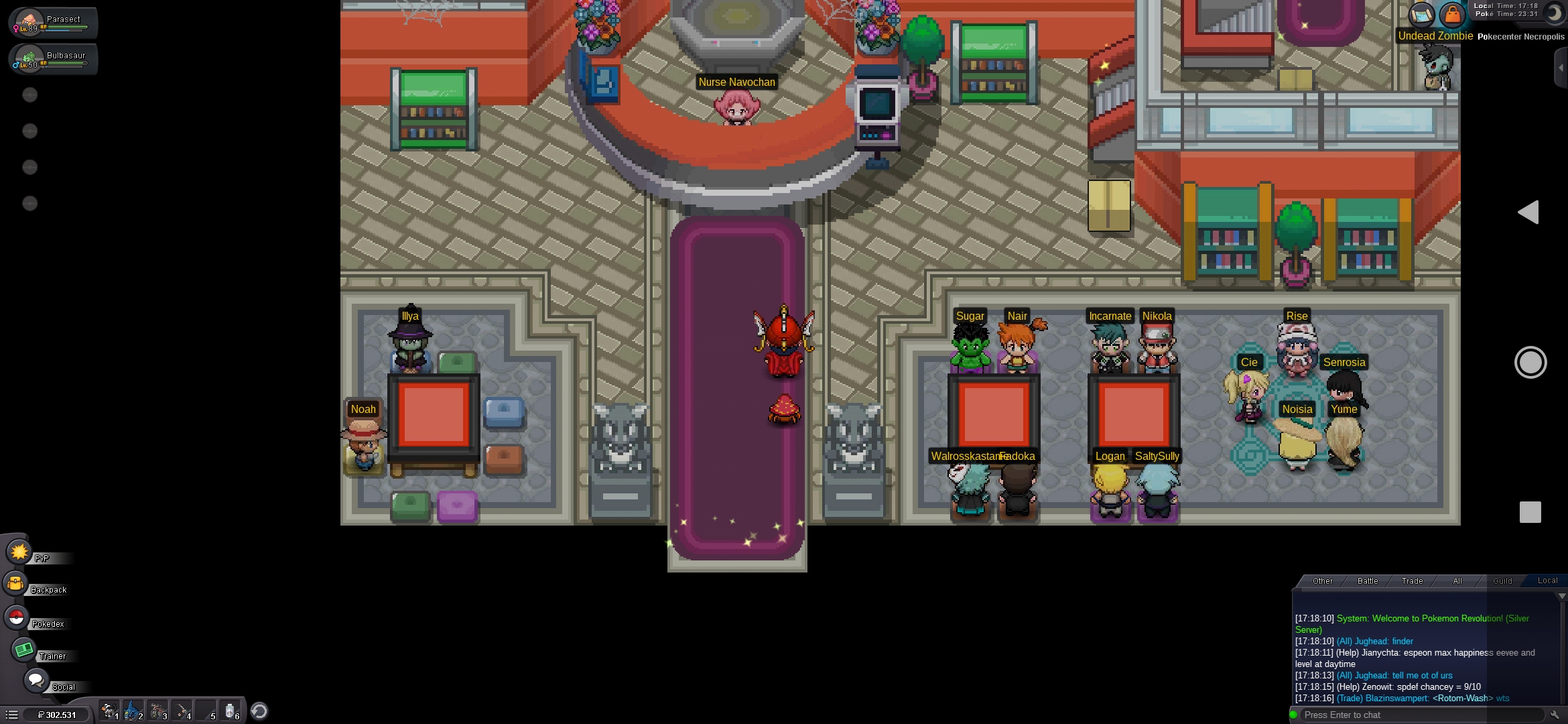 Poker nekropolünde kaldım. Hareket edemiyorum Lütfen bana yardım et
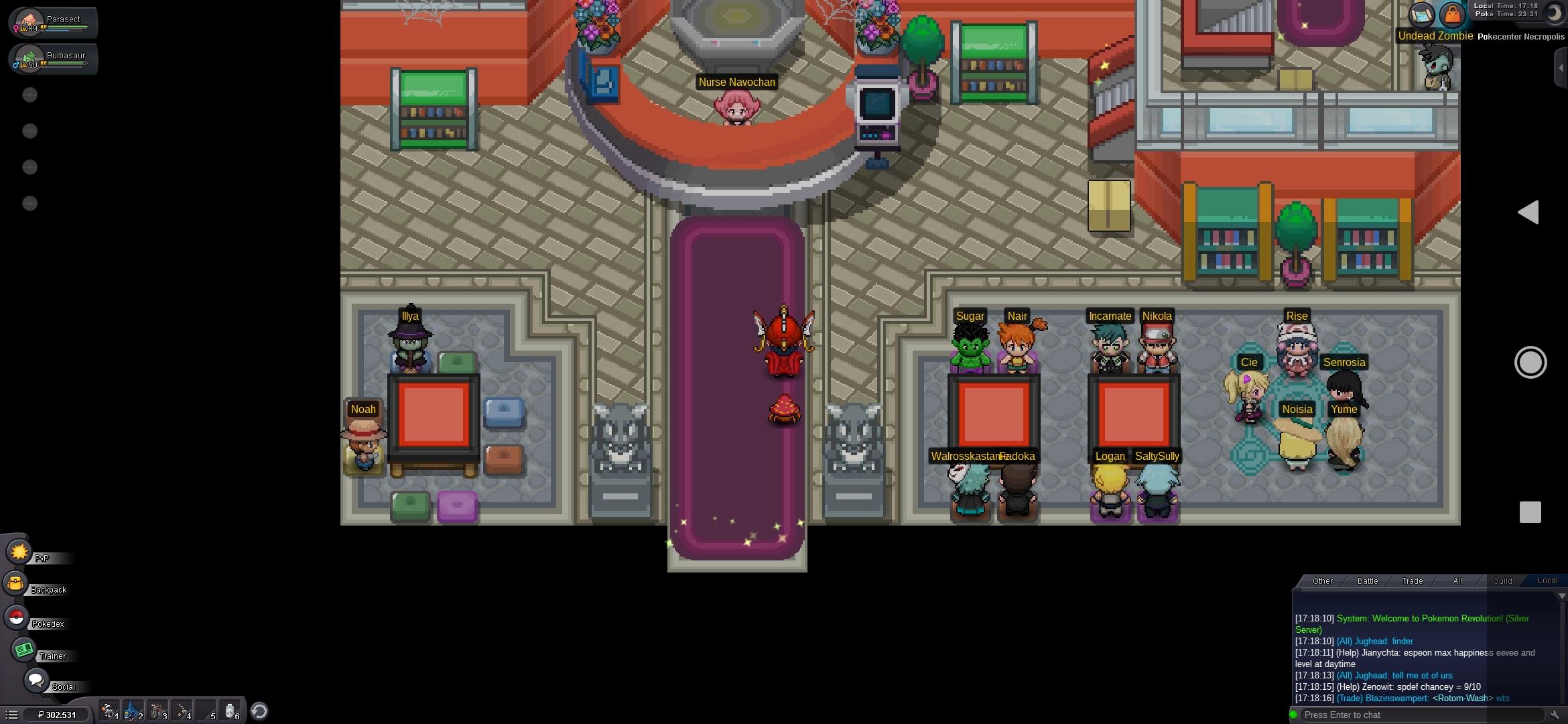 Poker nekropolünde kaldım. Hareket edemiyorum Lütfen bana yardım et.
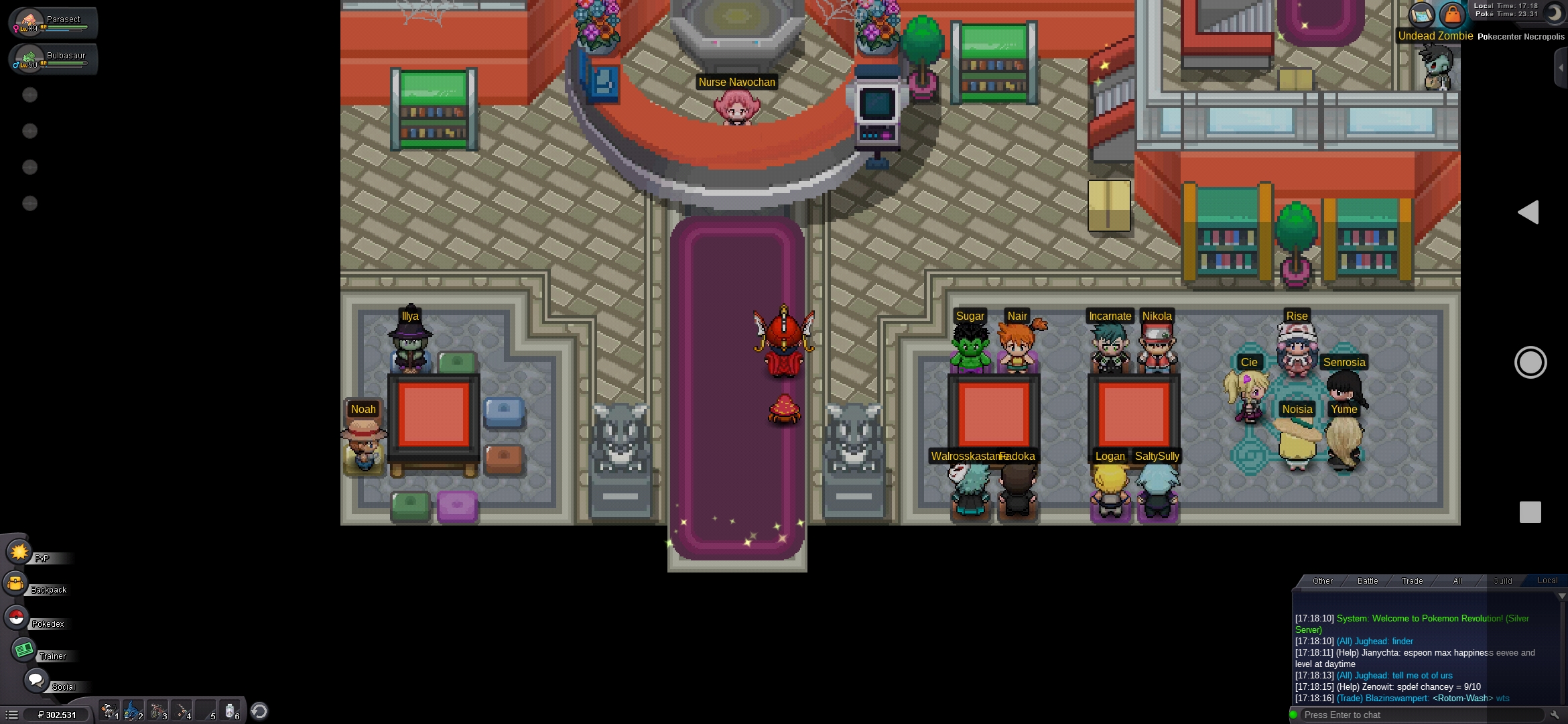 it is still starting again in the kanto region. professor oak comes to the screen.
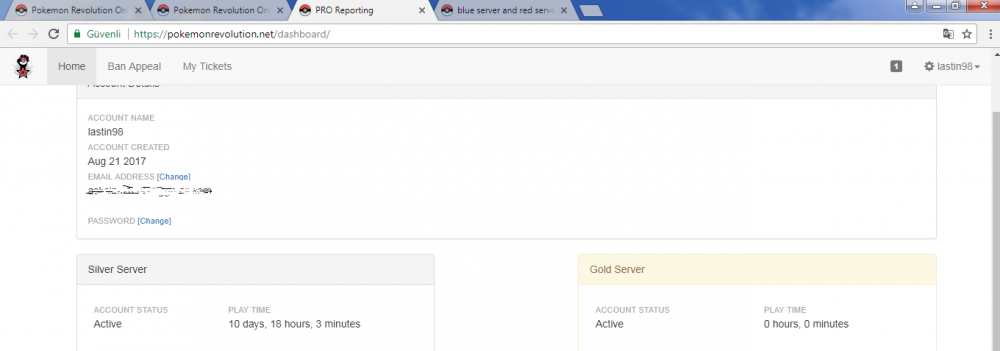 I have the same problem.Although this is the game that started in the kanto regionblue server and red server combination game is reset.

