




New Trade Zone
Trade Zone is now live
Use the new Trade Zone for auctions and instant-price trades so Pokemon and item offers are easy to find.

Chriswicker1306
Registered User
-
Joined
-
Last visited
Everything posted by Chriswicker1306
-
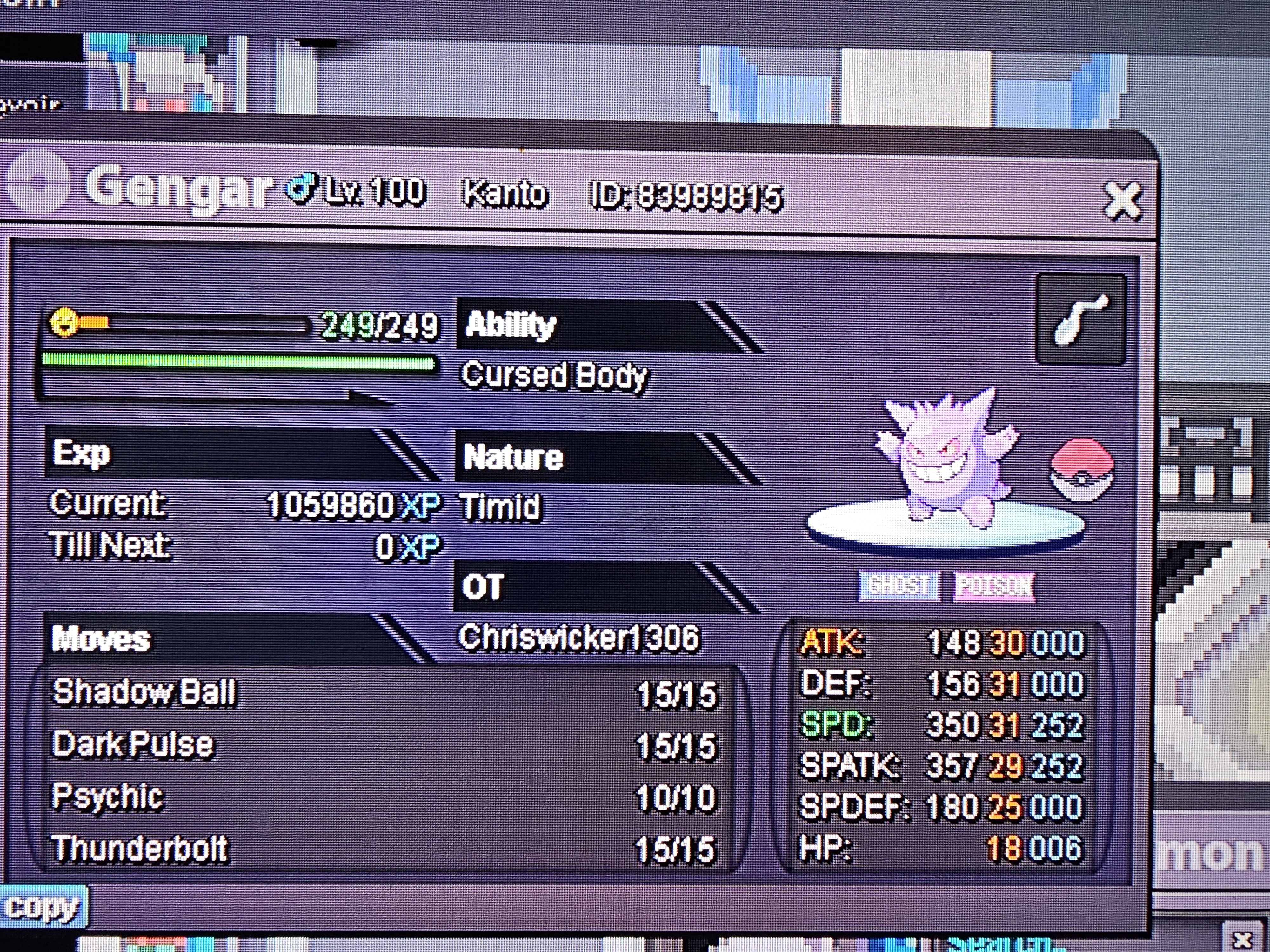
I got everything back now, didn't realize I had to merge my old save, my bad. Look at my gengar I got back though, ain't he adorable haha
-
So i haven't played in a good while and I decided to log in again today and I have nothing. I used to have BR pokemon, mounts, shinies, all sorts of things, used to even to giveaways and its all gone. i tried both servers. i went back through my discord chats to make sure this was the right game and account and it definitely is. I am at a loss i really am. The age of my account and previous posts should show this all to be true.
-
so, what does everyone do when the servers are down? myself, i enjoy smashing the reload button on the server status screen to see when its back up. or eat while smashing said button. :etc:
-
probably naruto or pokemon
-
i dont wanna do sinnoh till theres an in game map cuz im lazy xD
-
i got a 93.##% percent on the 151 quiz. it said i mispelled seaking and a few others but i checked and they are wrong. but i placed top 25 so better than nothing i guess haha
-
my baby, that i sold for alot cheaper than i guess it was worth xD