New Trade Zone
Trade Zone is now live
Use the new Trade Zone for auctions and instant-price trades so Pokemon and item offers are easy to find.

Itesu
Registered User
-
Joined
-
Last visited
-
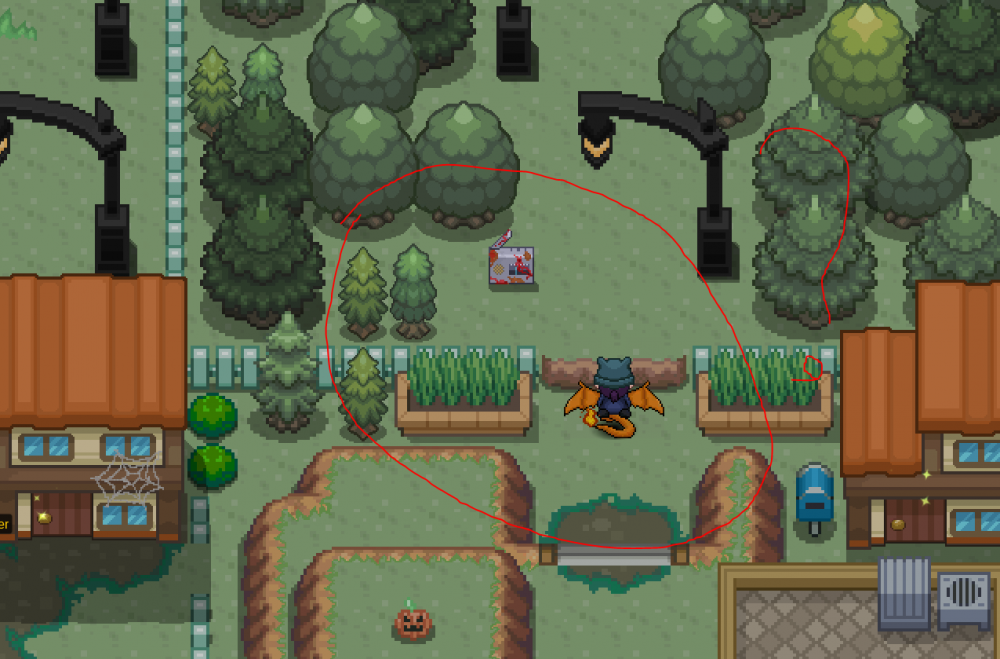
I wanted to ask what exactly you have to do in Vermillion, because apparently many users are there. And I also saw this radio over the hill but it does not seem to be there, is there any way to get there?
-
Yes I will wait but thank you for doing so.
-
Would be really nice if you could do that with the update only today and then accidentally done it wrong because I do not know at all.
-
I signed in to the red server. But everything is gone because of this Silver Server and Golden Server. I have also followed through a discord moderator everything so I can somehow get all the things and my account back. When I wanted to log in the Silver Server, the scene with the professor came again. I hope someone responds to it and can help me get my account back, because I put a lot of time into it. Incidentally, my account name is Itesu First of all I made an account on the golden server at the beginning. Itesu means BECAUSE I thought that my account would be there. So as I said I've already tried with the merge but somehow still comes from the scene of the professor and I do not know if that's normal.
-
Same. I don't find the last Spirit