




New Trade Zone
Trade Zone is now live
Use the new Trade Zone for auctions and instant-price trades so Pokemon and item offers are easy to find.


Manthis
Registered User
-
Joined
-
Last visited
Everything posted by Manthis
-
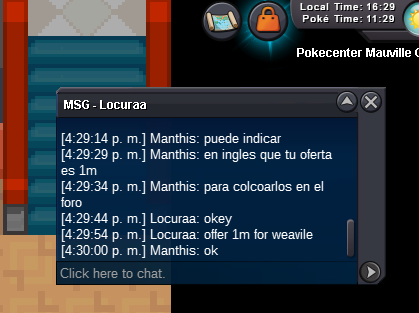
The winner of the auction is Locuraa
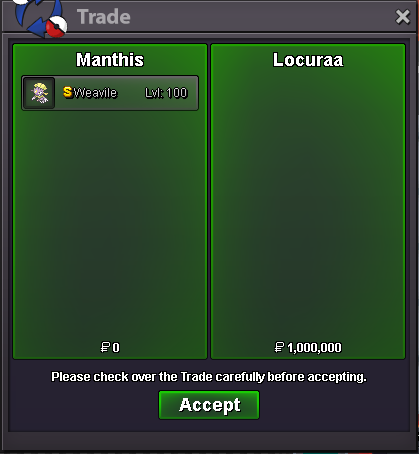 offered 1m
 BumpBumpStarting offer = 900k min raise = 100k insta = 2m Auction ends in 12 hours from 1st bid Contact me on Discord: Manthis # 8009
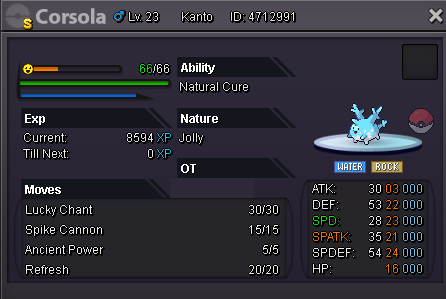
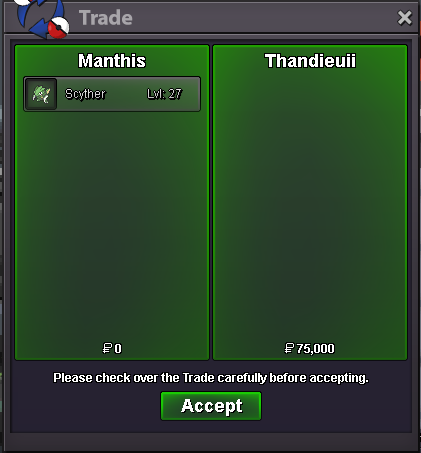
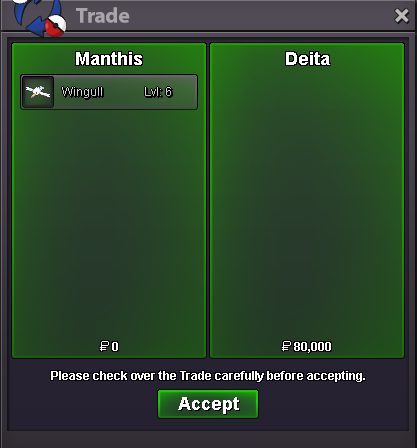
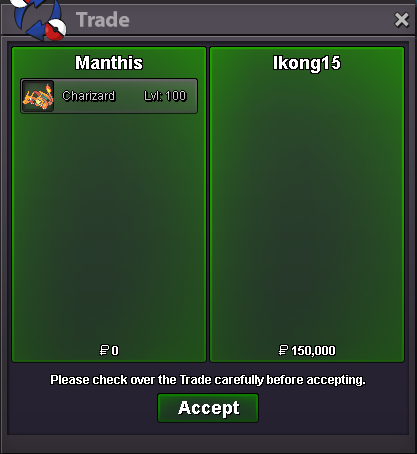
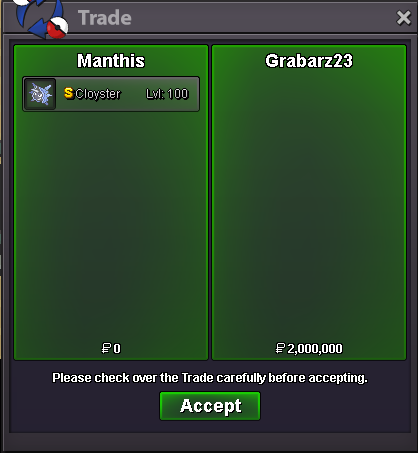
 it's hp steelI want to acquire this pokemonno thank you very muchThe last buyer of the pokemon was made back indicating that he does not have the money, please the indications of the caseTienda Pokémon Manthis Pokémon entrenado nivel 100 Pokémon sin entrenamiento Contacto : IGN: Manthis Discordia: Manthis # 8009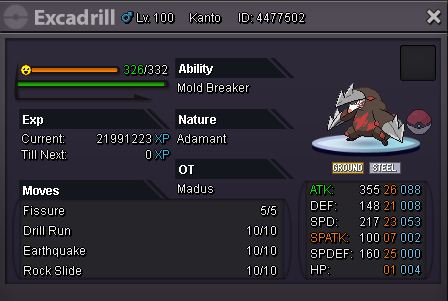


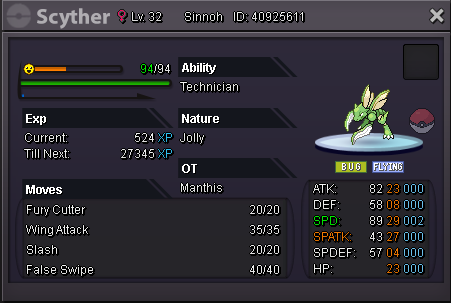


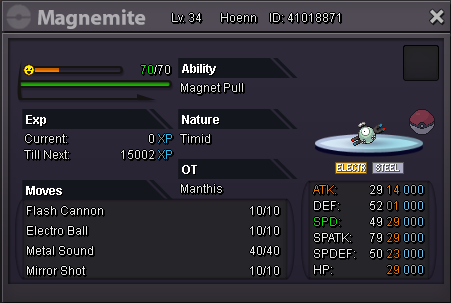
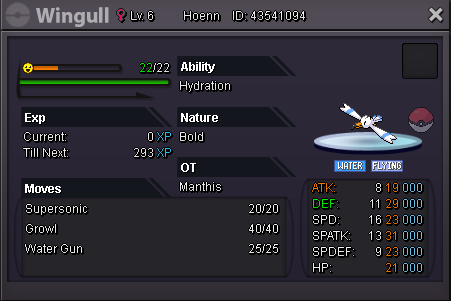
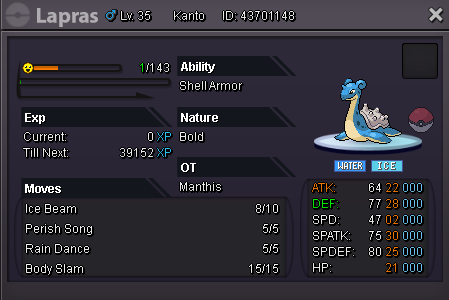


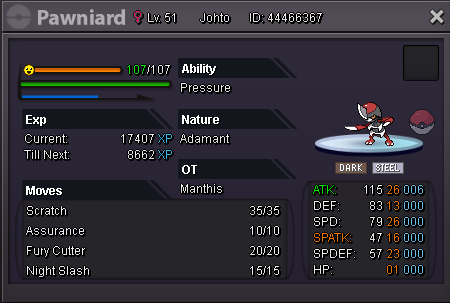


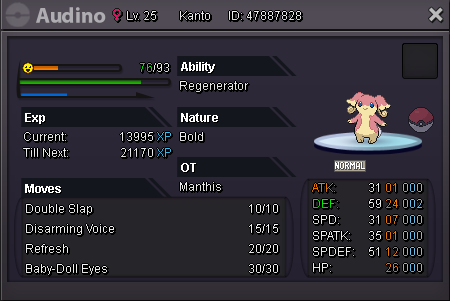

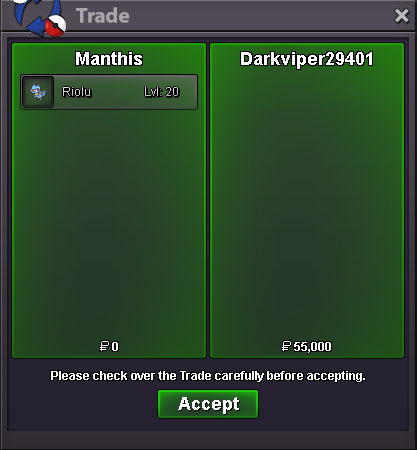
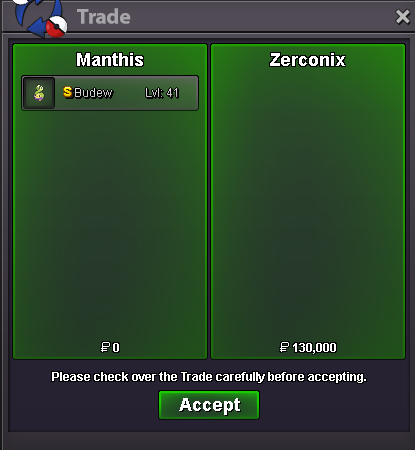
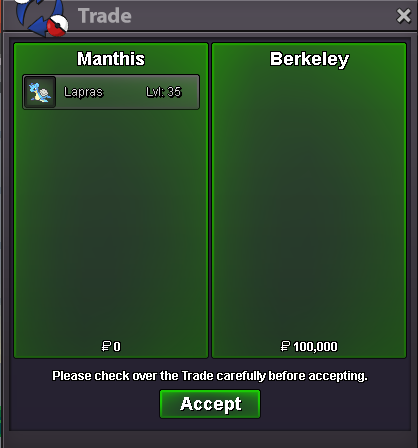
 The winner of the auction is gianni345 Contact me on Discord: Manthis # 8009YES, okay we will start the auction with 3m from now on.Bienvenido a Manthis Store 1.5M 400K 1M(sold) 2M (vendido) 300 mil 130 mil (sold) 1 M 300 mil 800K Contacto : IGN: Manthis Discordia: Manthis # 8009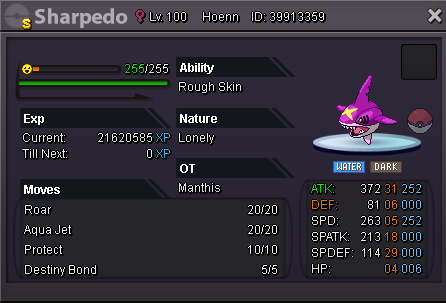

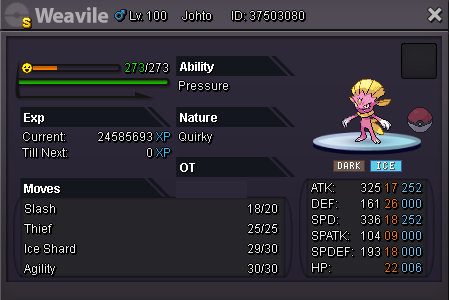
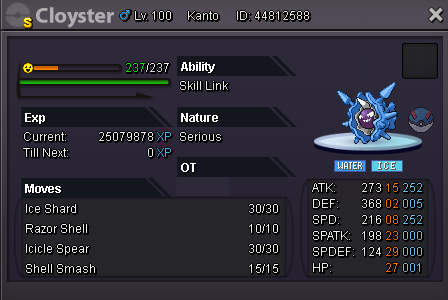




Account
Navigation
Search
Configure browser push notifications
Chrome (Android)
- Tap the lock icon next to the address bar.
- Tap Permissions → Notifications.
- Adjust your preference.
Chrome (Desktop)
- Click the padlock icon in the address bar.
- Select Site settings.
- Find Notifications and adjust your preference.
Safari (iOS 16.4+)
- Ensure the site is installed via Add to Home Screen.
- Open Settings App → Notifications.
- Find your app name and adjust your preference.
Safari (macOS)
- Go to Safari → Preferences.
- Click the Websites tab.
- Select Notifications in the sidebar.
- Find this website and adjust your preference.
Edge (Android)
- Tap the lock icon next to the address bar.
- Tap Permissions.
- Find Notifications and adjust your preference.
Edge (Desktop)
- Click the padlock icon in the address bar.
- Click Permissions for this site.
- Find Notifications and adjust your preference.
Firefox (Android)
- Go to Settings → Site permissions.
- Tap Notifications.
- Find this site in the list and adjust your preference.
Firefox (Desktop)
- Open Firefox Settings.
- Search for Notifications.
- Find this site in the list and adjust your preference.