New Trade Zone
Trade Zone is now live
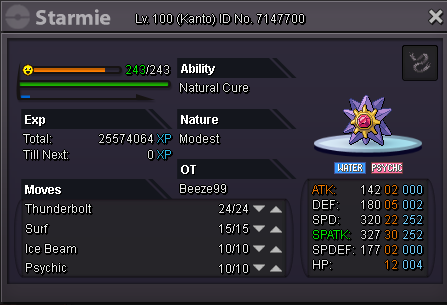
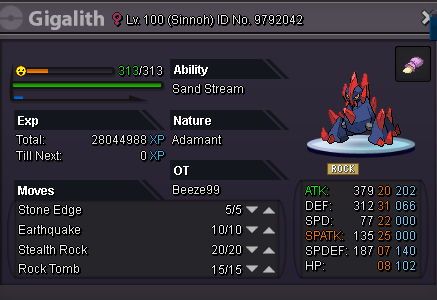
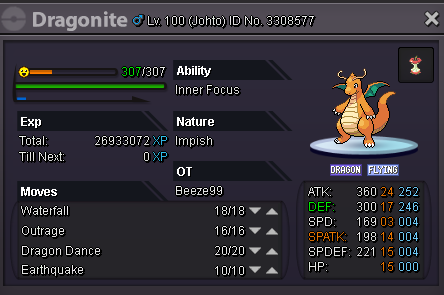
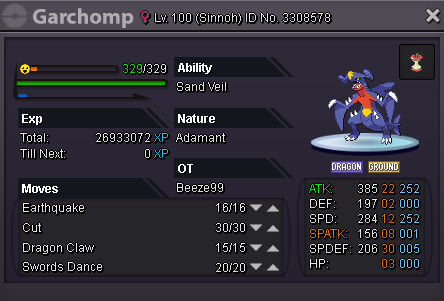
Use the new Trade Zone for auctions and instant-price trades so Pokemon and item offers are easy to find.

Beeze99
Registered User
-
Joined
-
Last visited
-
-
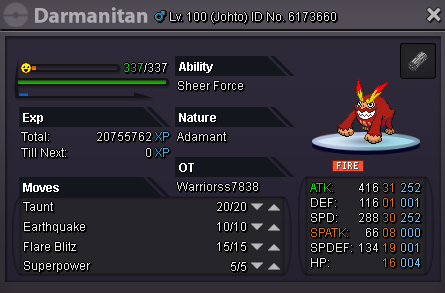
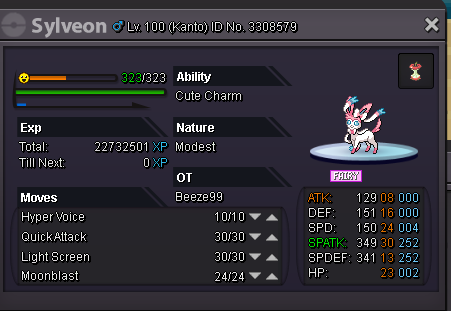
NPC Name: Young Daphne Dialogue: -smile- Meeerry Christmas!! My Sister is the best Pokemon trainer and she's getting many many wins and we're taking lots of Money and presents from every trainer! We're getting lots and lots of gifts! I'm going to have lots and lots of presents this year~! Special Request (If any): Make them a young girl with Blonde hair and a Santa hat(Alerted by you).They would be somewhere before you encounter Sophie. NPC Name: Beauty Sophie Starting Dialogue: Oh a Trainer!Are you going to battle me?(You can click Yes/No if you choose no dialogue ends) I'm Getting up my Winning Streak because i'm feeling in the Christmas Spirit,Sweet heart!~ I've got a big pile of Presents in my bag! If you can somehow beat me,I'll give you all the 'presents' that's in my bag,but that'll never happen! Losing Dialogue: :Frown: - Awhawh ......you ended my Christmas Miracle streak..My Poor Christmas Spirit is Broken. Since you beat me ,I have to give you all the presents in the Bag. -You get a written message 'I.O.U 100,000 Pokedollars' - On Cooldown Dialogue: -Exclaim- Oh, um..woops!One of My Reindeers got away from me! I'd better go after it before someone get's knocked down! Team: Sylveon,Deerling,Darmanitan,Sawsbuck Special Request (If any): Make them a Woman with Blonde hair.has a red bag on the ground next to her.