




New Trade Zone
Trade Zone is now live
Use the new Trade Zone for auctions and instant-price trades so Pokemon and item offers are easy to find.

Ajiphoenix89
Registered User
-
Joined
-
Last visited
Everything posted by Ajiphoenix89
-
@HappyMango Thank you so much for the help. I was able to fight stan. I don't recall initiating the quest but looks like I was wrong. Thank you for your help. I have opened another forum under the same name in Bugs section. Please ignore or close it. ty.
-
I have completed Hoenn League about 3 years ago and started old Sinnoh quest then. Later I had to quit the game and I tried to resume my journey yesterday but found out that the quest is changed. Now I can't locate the new NPC Paul at Lilycove city.
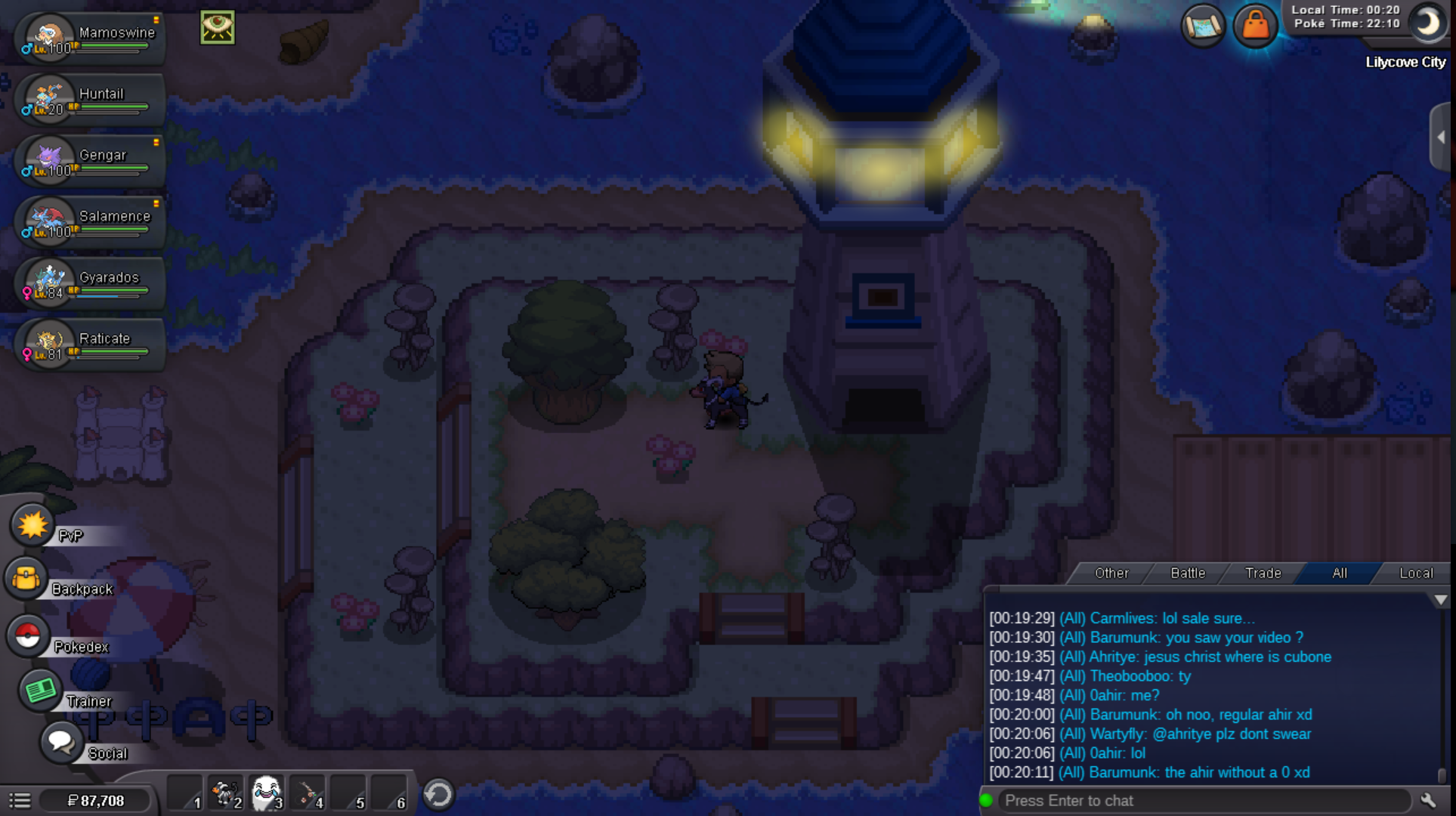
-
Is there anyway I can contact a MOD if not through forums?
-
@Lyn1311 I tried going to littleroot town but there was no one there.
.png.970f8f5f81b6f142a38a40c2a61085c0.png)
-
Can anyone help me on this? ty
-
I started the old Sinnoh quest about 3 years ago but then I had to quit the game. Now I was planning to resume my quest today but found out that the quest was changed. Now I can't find paul at Lilycove city nor Hannah at Pokemon League Hoenn. Can anyone help me to resume my quest and get to Sinnoh.

-
I logged into the game after 4 years break and I was spawned at Dreadtown PC. I remember I was in the middle of quest to reach Sinnoh, But now I cannot resume the quest because I cannot get out of this Event Region. Is there any way to get out of this region without completing the Halloween Quest?
.png.6944ad27b879e971c67d97e1c2251246.png)