New Trade Zone
Trade Zone is now live
Use the new Trade Zone for auctions and instant-price trades so Pokemon and item offers are easy to find.

Kemonius
Registered User
-
Joined
-
Last visited
-
Hi, sorry for the late reply ! I tried it just now and nothing has changed. Have a good day, Kemonius
-
Alright, thanks for your answer :)
-
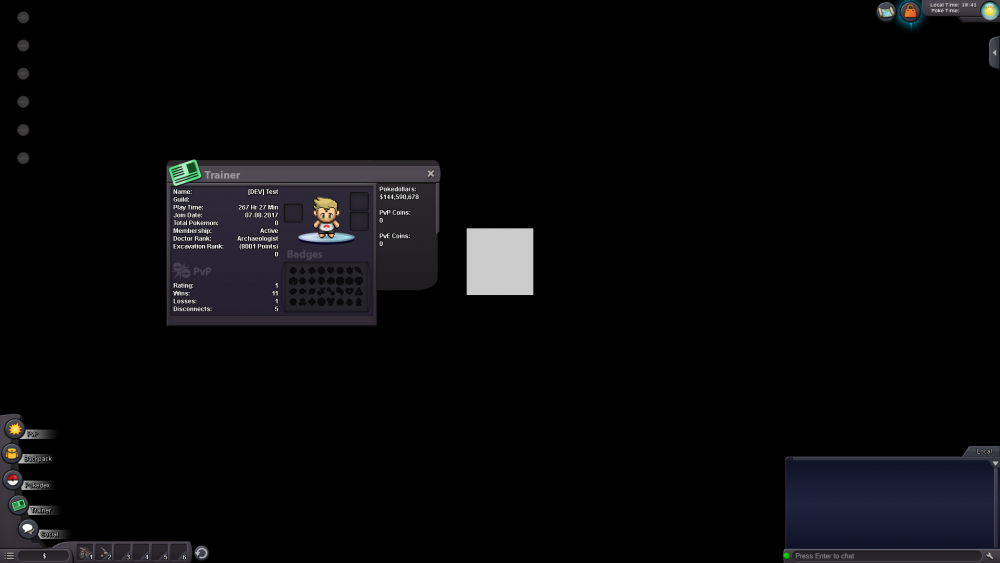
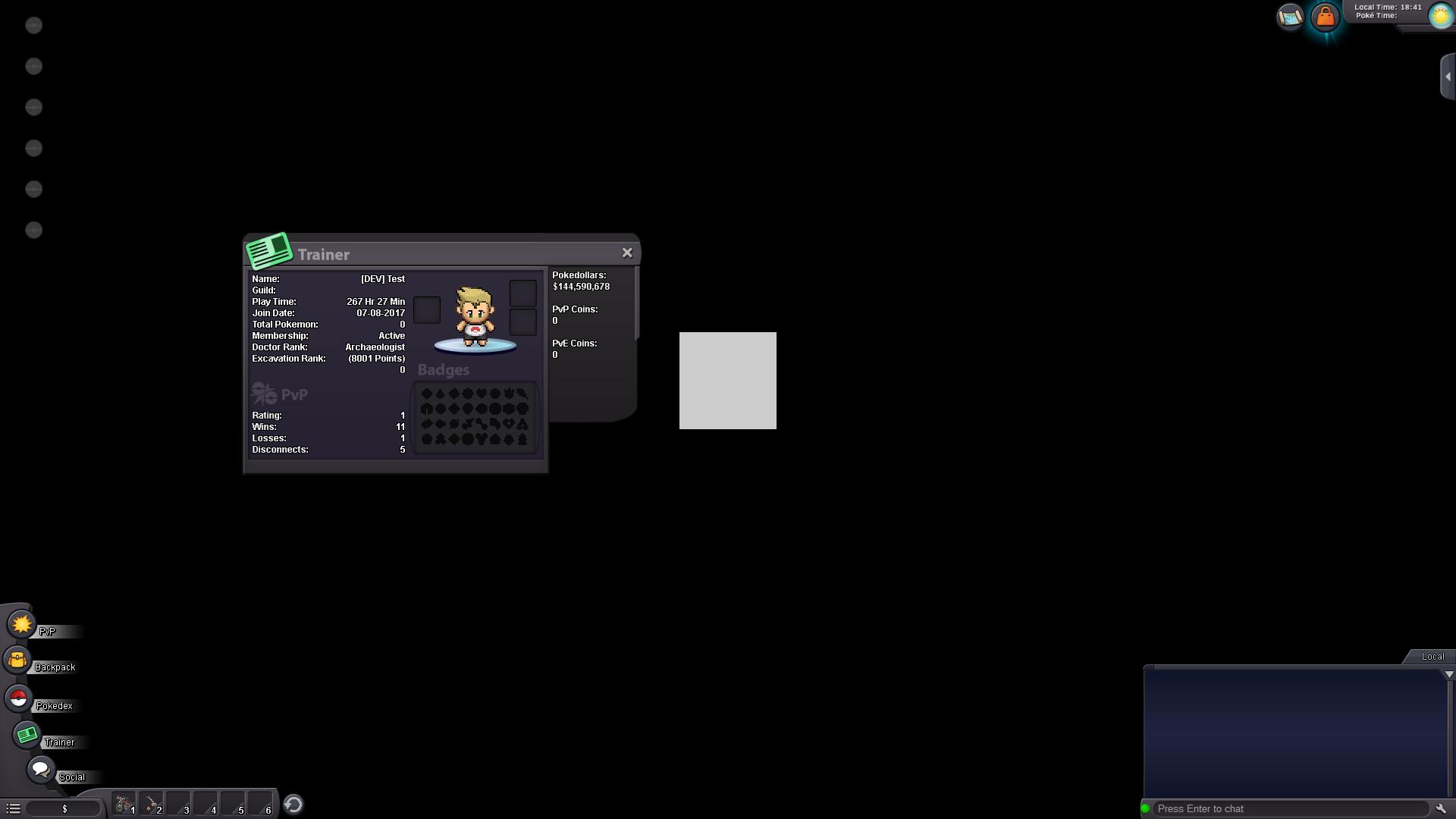
Hi everyone, I quit playing the game around 6 months ago. Yesterday I felt like playing again, so I logged on, but found mysef stuck in an empty area (black with a light grey square where the character is meant to be). I have no access to my pokedex, my inventory shows no items. I cannot type anything in chat either. Note that, strangely enough, my username changed to [DEV]Test (from Kemonius), with active membership and over $100M. After a brief period of time (around 30s), I get disconnected from the game. If I log into the Gold server, which I never played on, I get professor Oak's regular greetings and the game seems to be working fine. Do you have any idea how I can resolve this issue ? Thank you for your time, Kemonius (Below shows the screen when I log on)