New Trade Zone
Trade Zone is now live
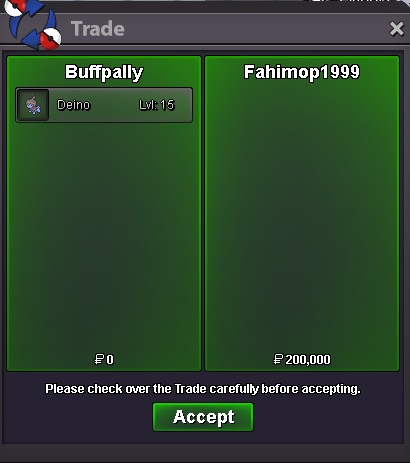
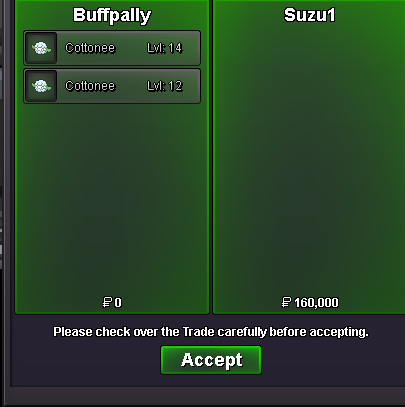
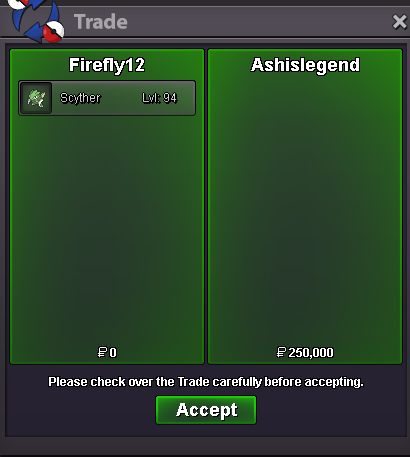
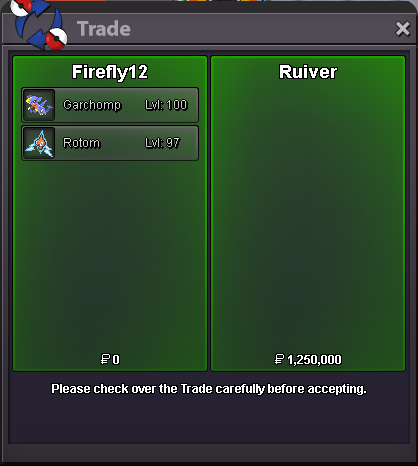
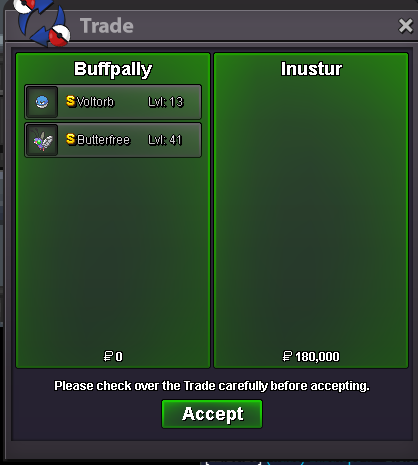
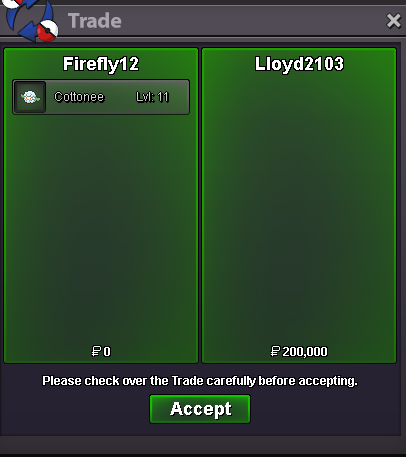
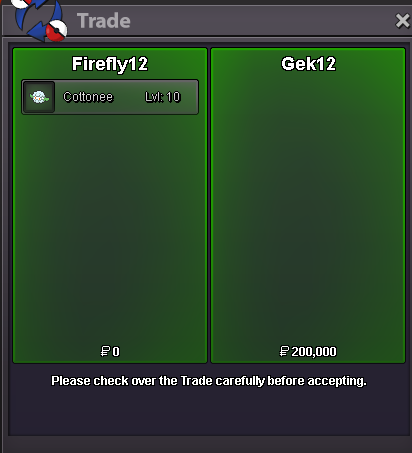
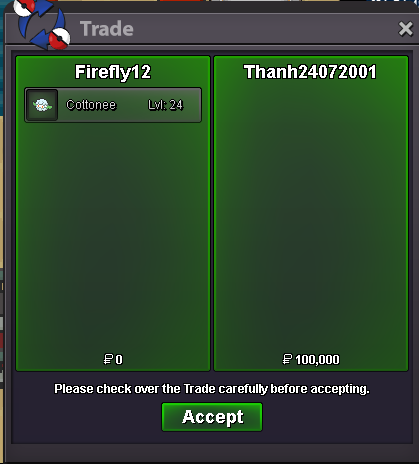
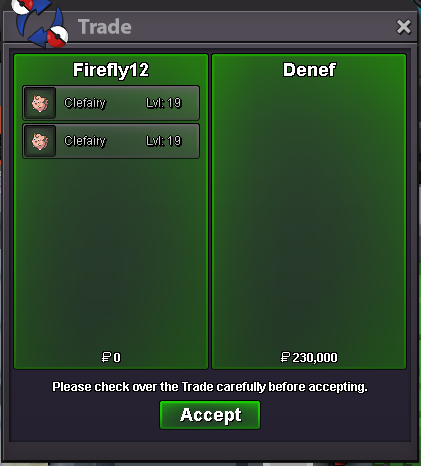
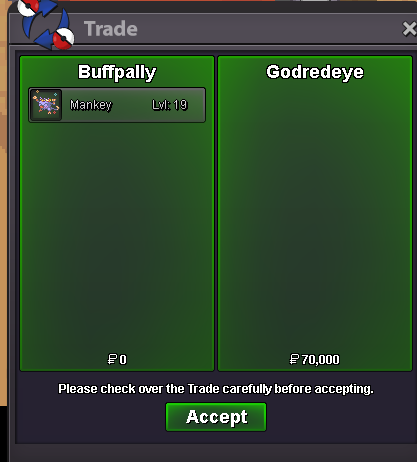
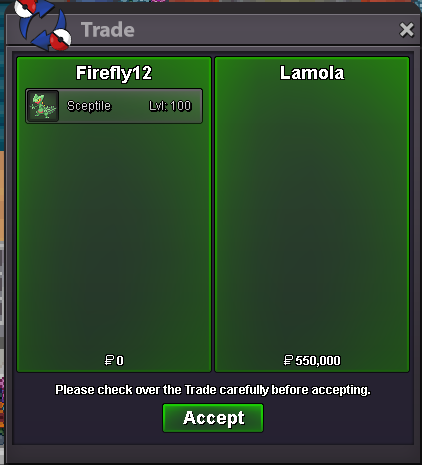
Use the new Trade Zone for auctions and instant-price trades so Pokemon and item offers are easy to find.

Firefly12
Suspended
-
Joined
-
Last visited
Everything posted by Firefly12
-
-
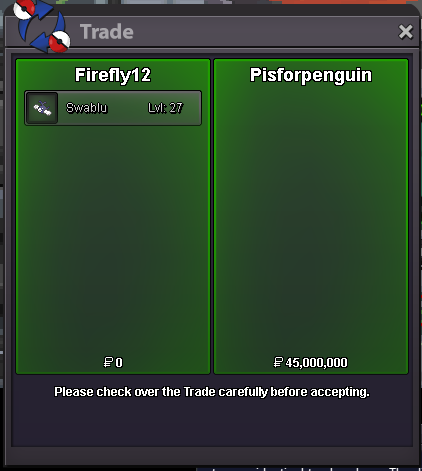
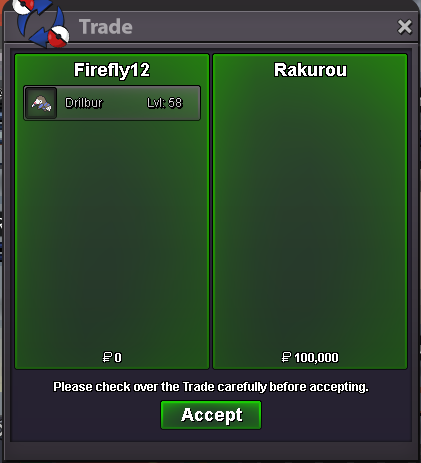
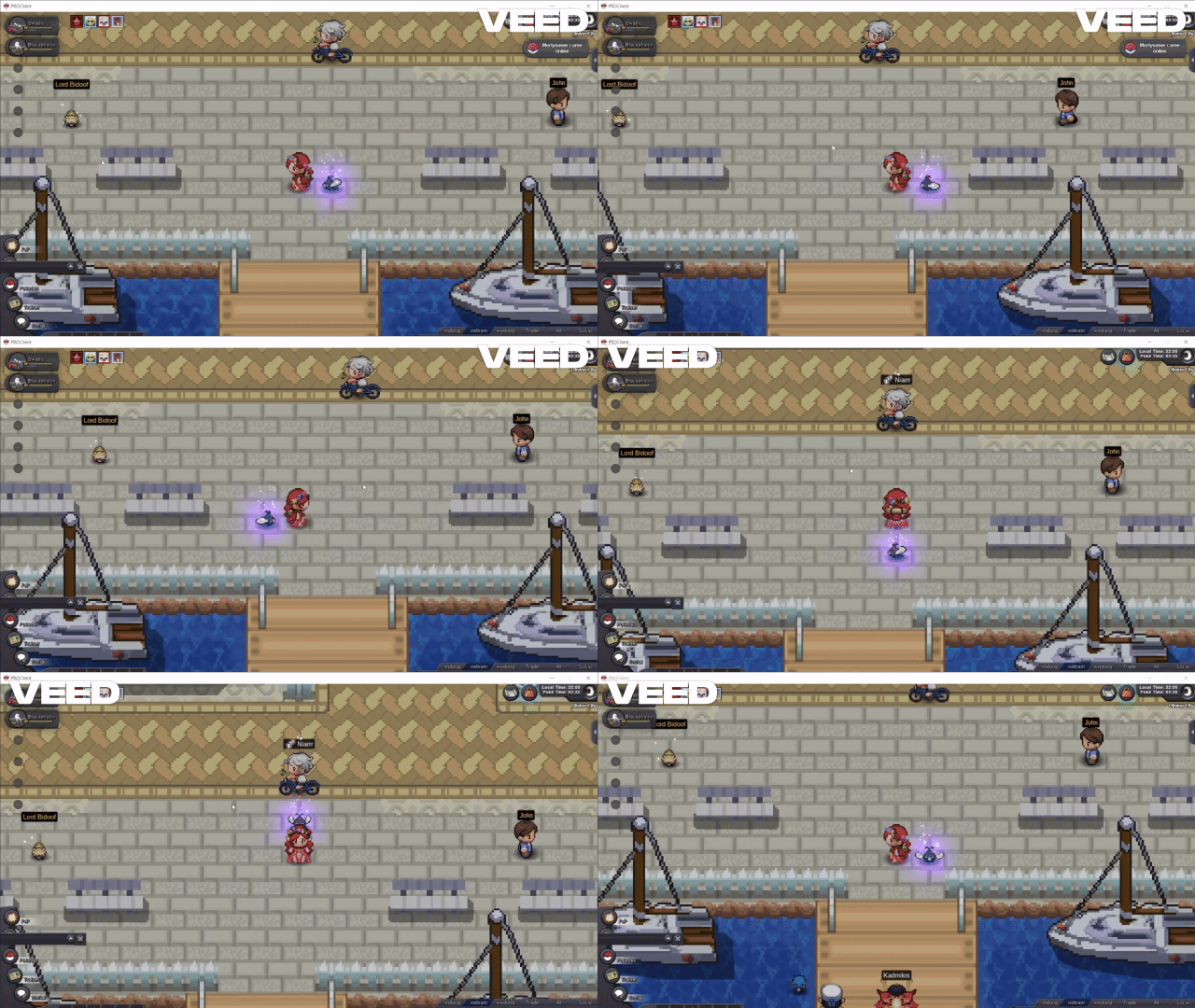
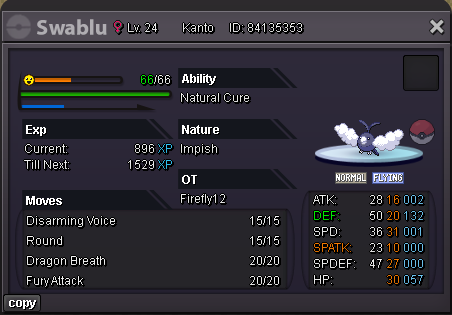
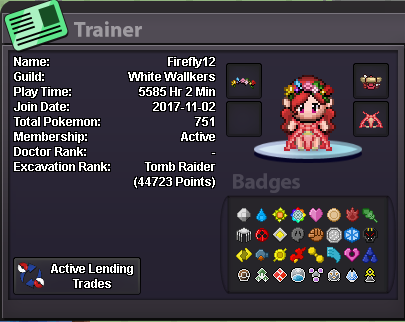
4m manetricstart manetricCongratulation, you WINShadow Swablu is a rare pokemon, you only have a chance got that on Crux of Melody, when ur guild got a ladder in Pinkan dungeon. Contact me : Ingame Firefly12 (SEVER GOLD) Discord Firefly12 Start : 45m, min bid 1m, No insta Duration : August 17, 2025 23h00 GMT +7 https://www.tickcounter.com/countdown/7903879/shadow-swablu Accept payment : CC 480k, RR ticket 680k, $$poke Transfer to sever GOLD if you win and in SILVER 15 Mins rule : On Happy bidding !!
 you online now ?you online now ?you onl now ?
Account
Navigation
Search
Configure browser push notifications
Chrome (Android)
- Tap the lock icon next to the address bar.
- Tap Permissions → Notifications.
- Adjust your preference.
Chrome (Desktop)
- Click the padlock icon in the address bar.
- Select Site settings.
- Find Notifications and adjust your preference.
Safari (iOS 16.4+)
- Ensure the site is installed via Add to Home Screen.
- Open Settings App → Notifications.
- Find your app name and adjust your preference.
Safari (macOS)
- Go to Safari → Preferences.
- Click the Websites tab.
- Select Notifications in the sidebar.
- Find this website and adjust your preference.
Edge (Android)
- Tap the lock icon next to the address bar.
- Tap Permissions.
- Find Notifications and adjust your preference.
Edge (Desktop)
- Click the padlock icon in the address bar.
- Click Permissions for this site.
- Find Notifications and adjust your preference.
Firefox (Android)
- Go to Settings → Site permissions.
- Tap Notifications.
- Find this site in the list and adjust your preference.
Firefox (Desktop)
- Open Firefox Settings.
- Search for Notifications.
- Find this site in the list and adjust your preference.