




New Trade Zone
Trade Zone is now live
Use the new Trade Zone for auctions and instant-price trades so Pokemon and item offers are easy to find.

Mihawk95
Registered User
-
Joined
-
Last visited
Everything posted by Mihawk95
-
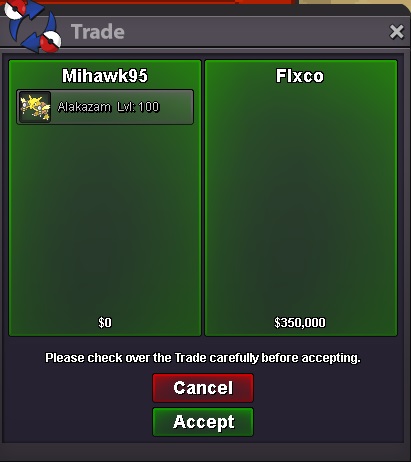
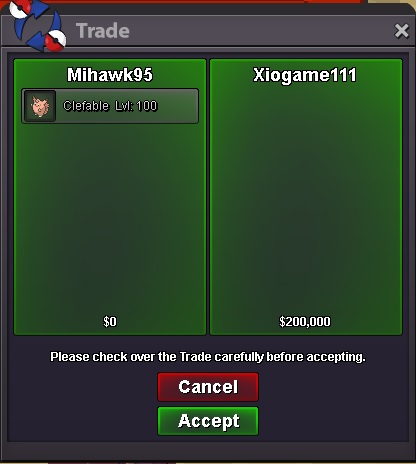
alakazam and clefable sold
-
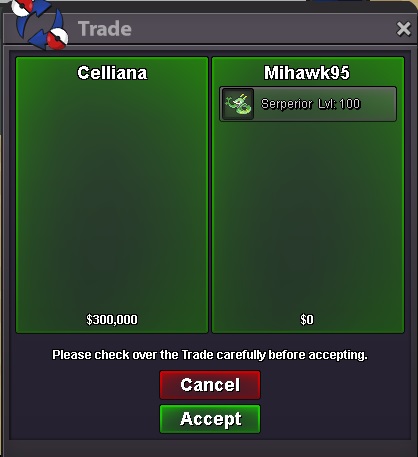
Serperior sold to Celliana
-
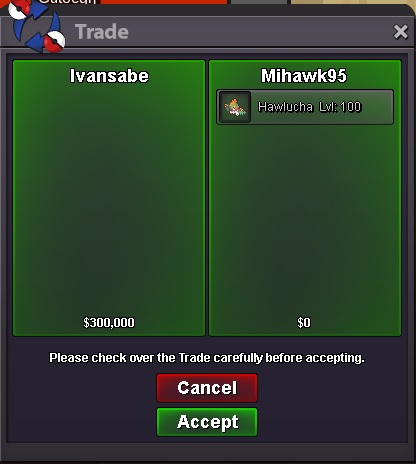
Sold thx
-
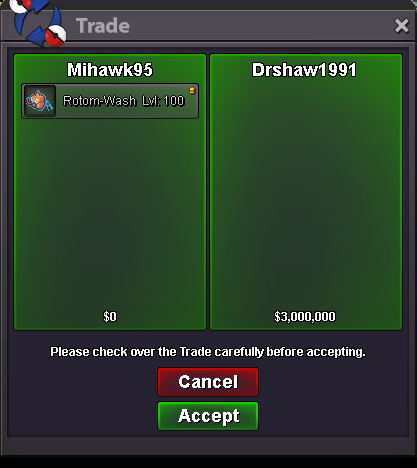
Start bid 1m min raise 200k insta 3m Instabuy by DrShaw1991
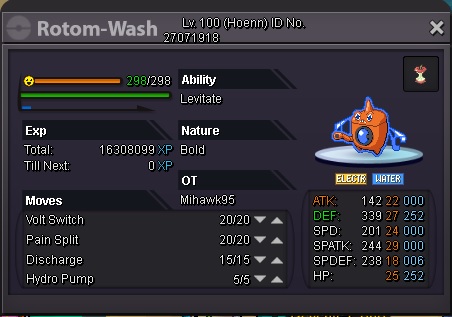 new pokes addedHaxorus soldnew pokes: conkeldurr, haxorus, weezing, dragonite, golem, amoonguss, kingler5hrs leftauktio end in 24hrs c.o 2m by basilisgountisc.o 1.45m
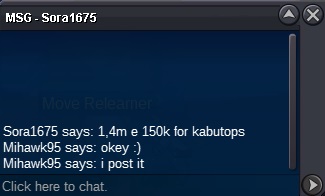 c.o 1.15m
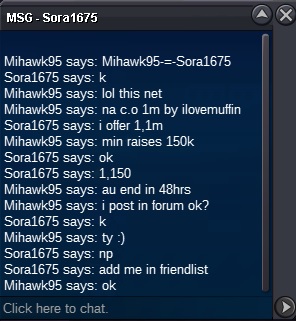 c.o 1m
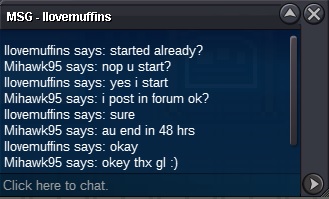 okey :)Starting Price : 1m Insta : 5m Min raises 150k Auction starts with first bid and will end 48 hours after the first offer i accept cash or reroll tickets(IV=600k nature=300k) comment here or pm me ingame(Mihawk95) c.o: 2.5m by Leonidas92
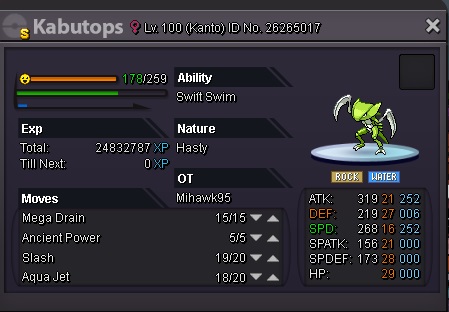 800k but is negotiable :)new pokes ferrothorn, snorlax, magnezone, rapidashupPrice lowerednew pokes: hitmonlee, swabsbuck,alakazam,garchomp and lanturnokey pm me in gameWelcome To My Personal Shop If u buy poke then comment in this thread, or Pm ingame (IGN: Mihawk95) or discord: Mihawk95#6469 Fake buyer's will be reported! Price are negotiable! How To Pay Pokedollers Coins Capsules - 400k Re-Roll Tickets - ( Iv's - 650k ) ( Nature - 320k ) 15 day - 200k 30 days - 400k [spoiler=PVP pokes] [spoiler=Trained pokes] [spoiler=Low LVL] [spoiler=SOLD] [spoiler=SOLD] Thanks For Visiting My Personal Shop! :)
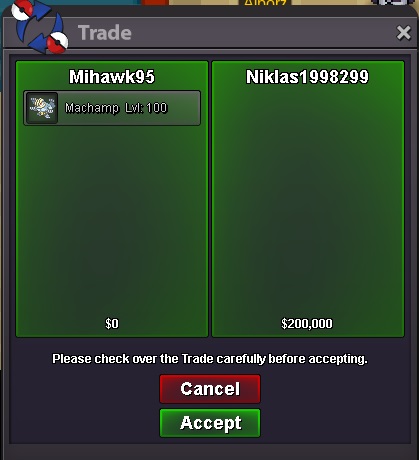
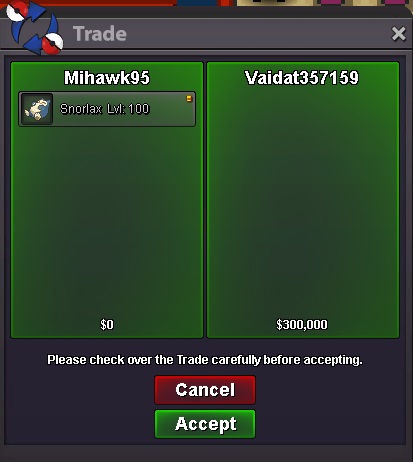



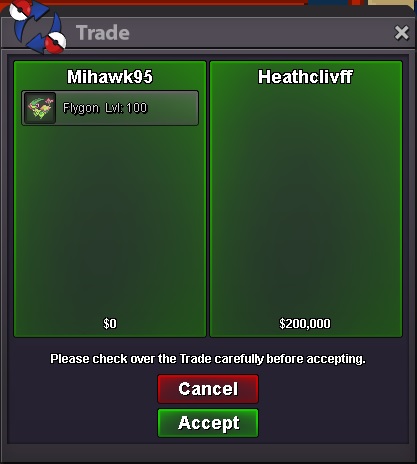
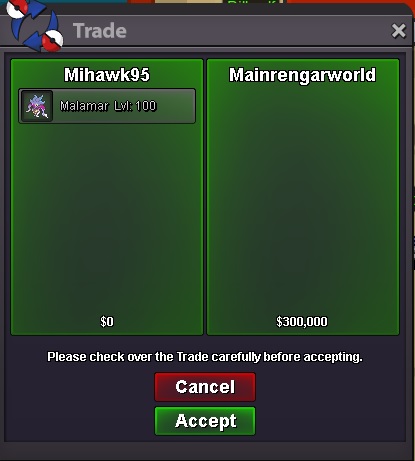

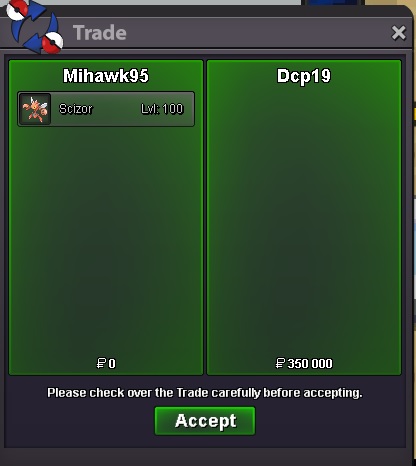
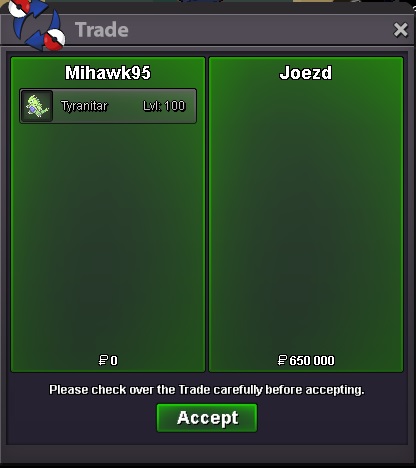
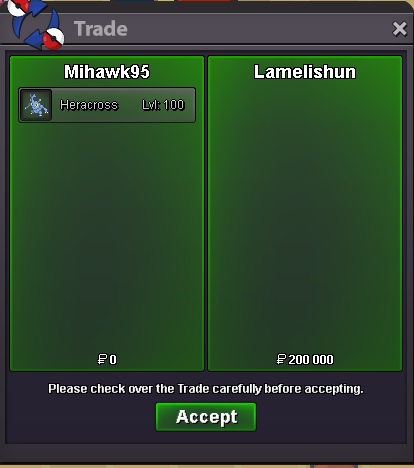
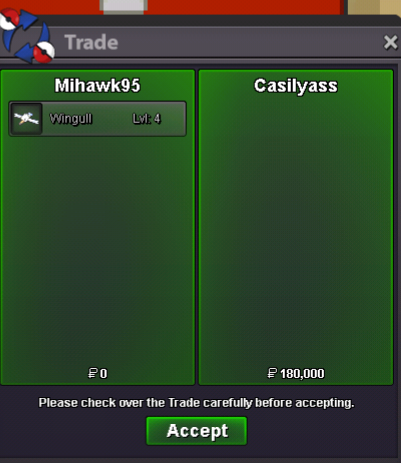
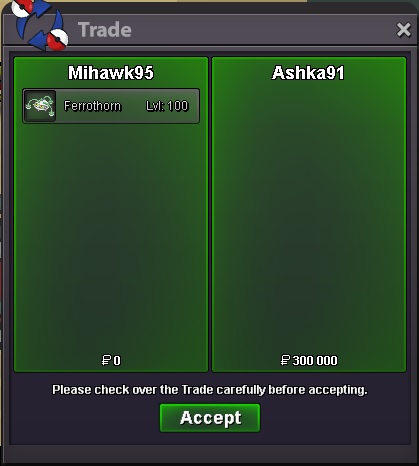

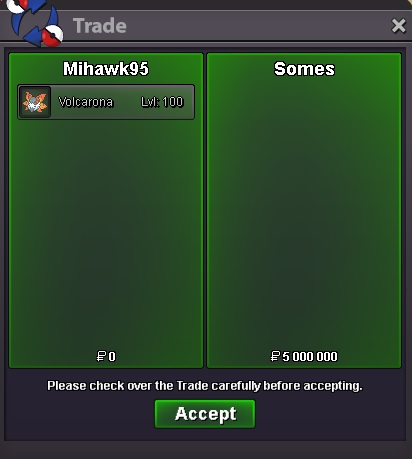
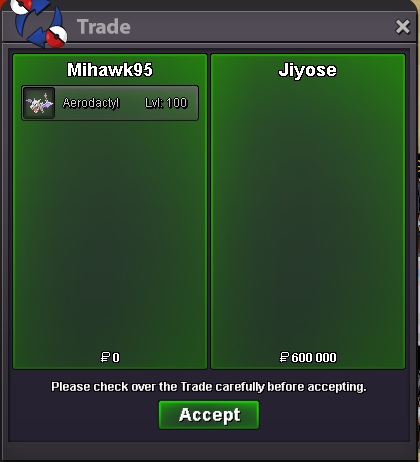


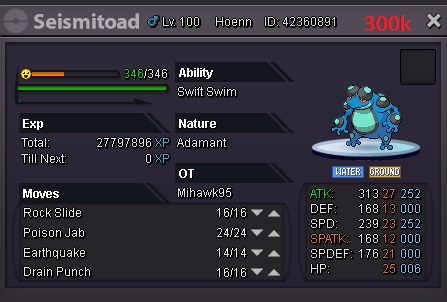
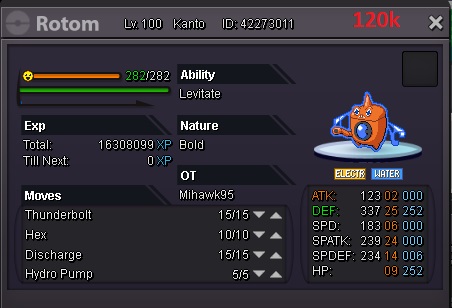
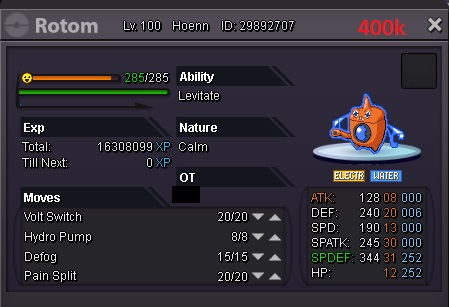
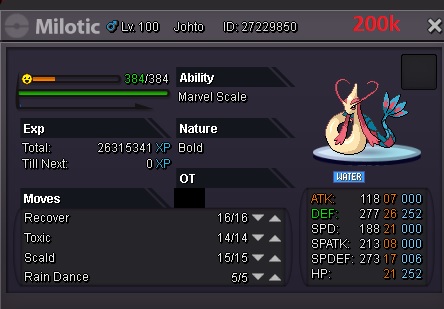
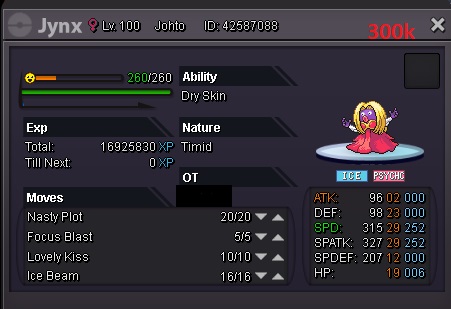
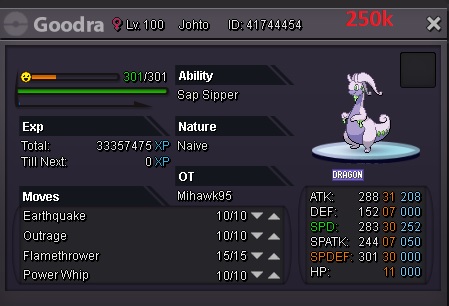
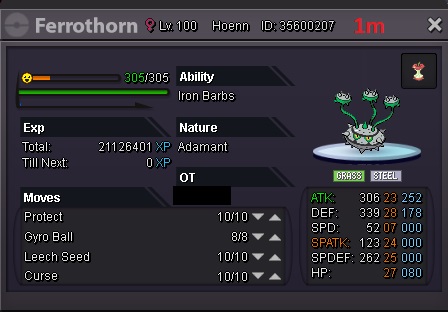

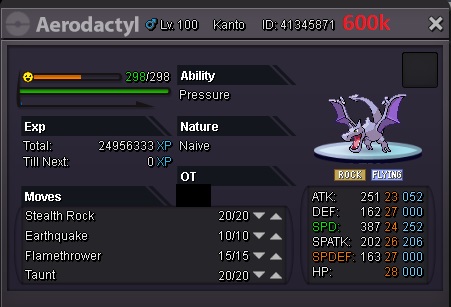
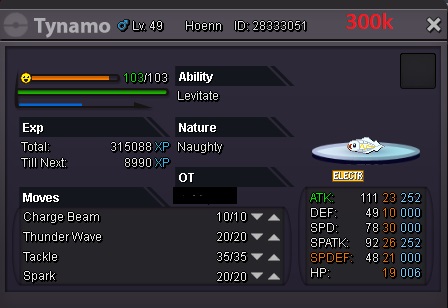


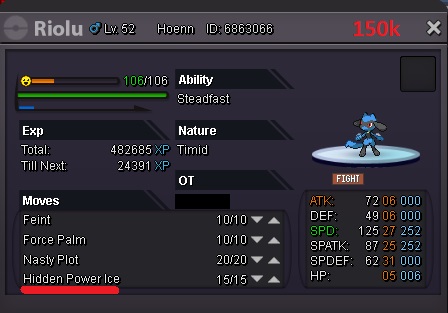


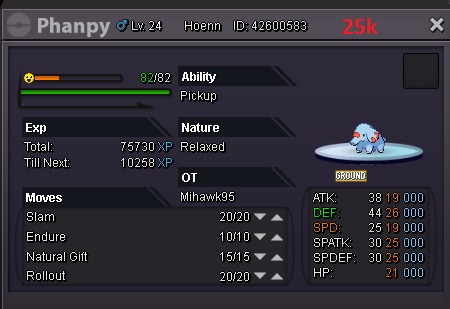
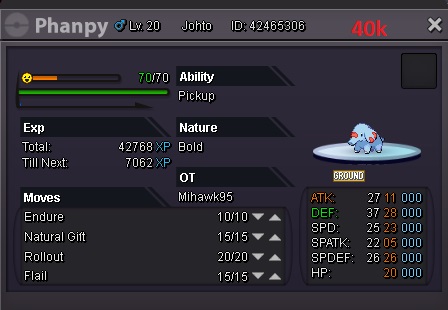
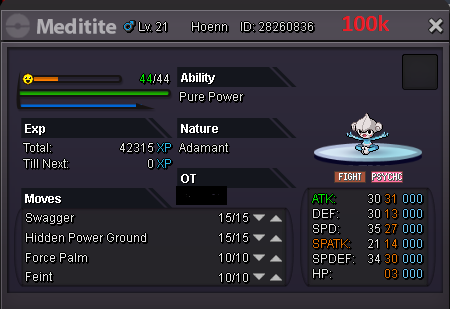
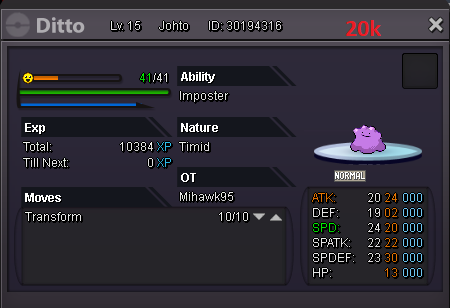 i start
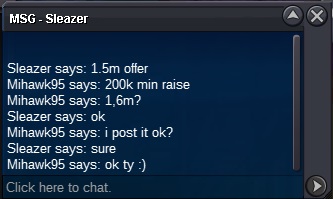


Account
Navigation
Search
Configure browser push notifications
Chrome (Android)
- Tap the lock icon next to the address bar.
- Tap Permissions → Notifications.
- Adjust your preference.
Chrome (Desktop)
- Click the padlock icon in the address bar.
- Select Site settings.
- Find Notifications and adjust your preference.
Safari (iOS 16.4+)
- Ensure the site is installed via Add to Home Screen.
- Open Settings App → Notifications.
- Find your app name and adjust your preference.
Safari (macOS)
- Go to Safari → Preferences.
- Click the Websites tab.
- Select Notifications in the sidebar.
- Find this website and adjust your preference.
Edge (Android)
- Tap the lock icon next to the address bar.
- Tap Permissions.
- Find Notifications and adjust your preference.
Edge (Desktop)
- Click the padlock icon in the address bar.
- Click Permissions for this site.
- Find Notifications and adjust your preference.
Firefox (Android)
- Go to Settings → Site permissions.
- Tap Notifications.
- Find this site in the list and adjust your preference.
Firefox (Desktop)
- Open Firefox Settings.
- Search for Notifications.
- Find this site in the list and adjust your preference.