




New Trade Zone
Trade Zone is now live
Use the new Trade Zone for auctions and instant-price trades so Pokemon and item offers are easy to find.

Lcolorado
Registered User
-
Joined
-
Last visited
-
THIS SHOP IS CURRENTLY UNAVAILABLE! TY FOR YOUR INTEREST.
-
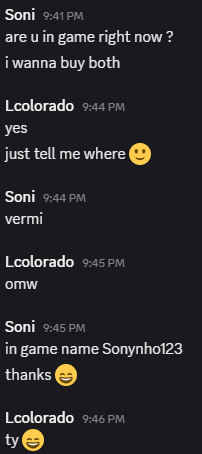
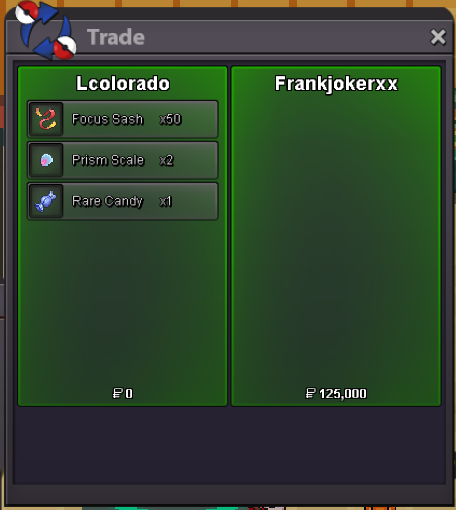
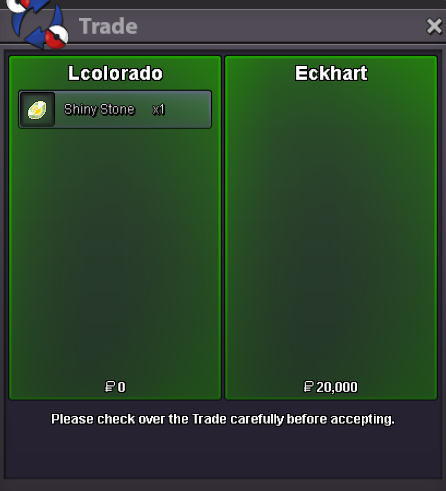
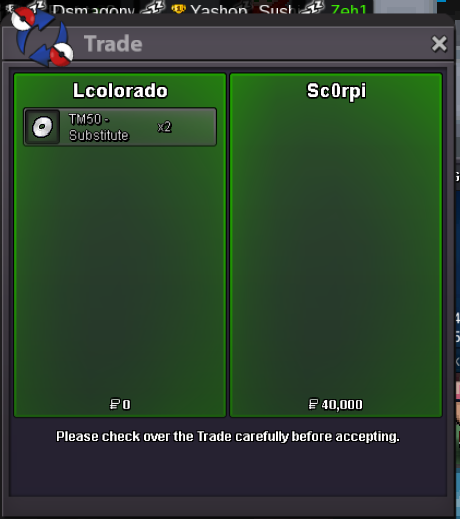
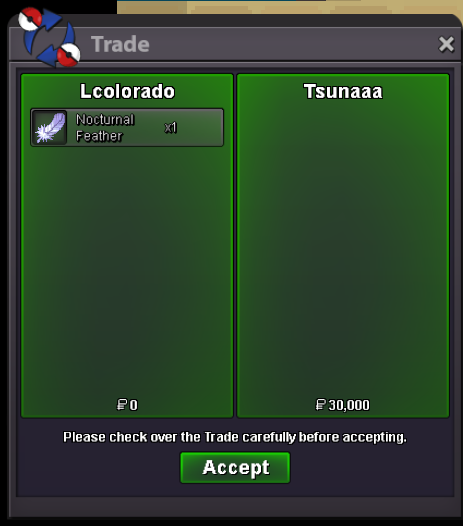
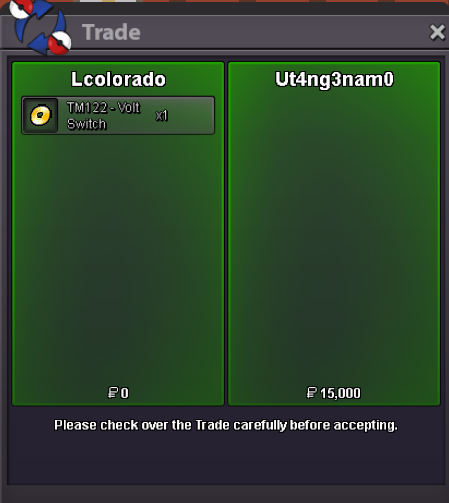
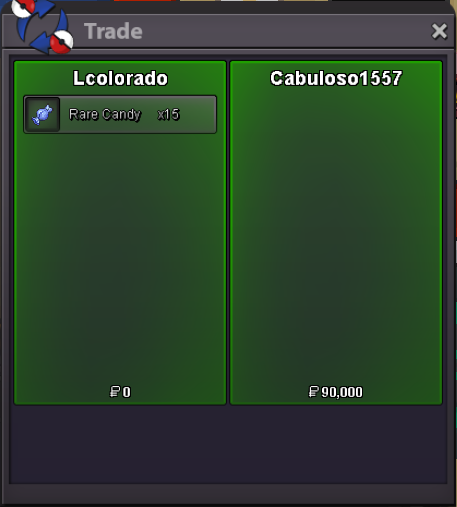
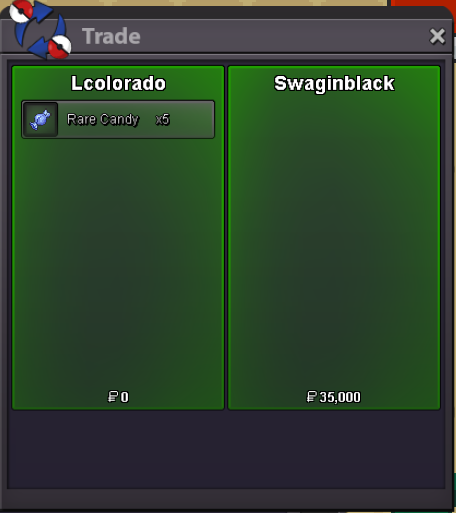
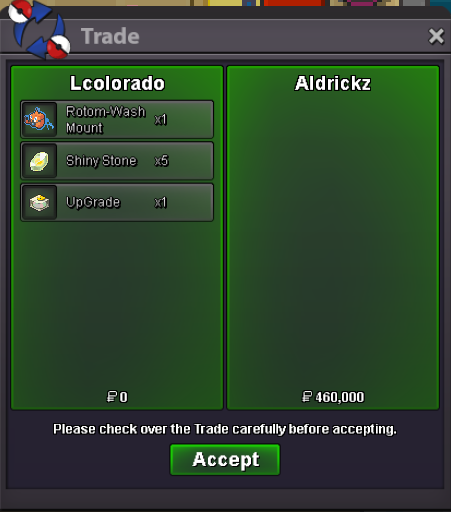
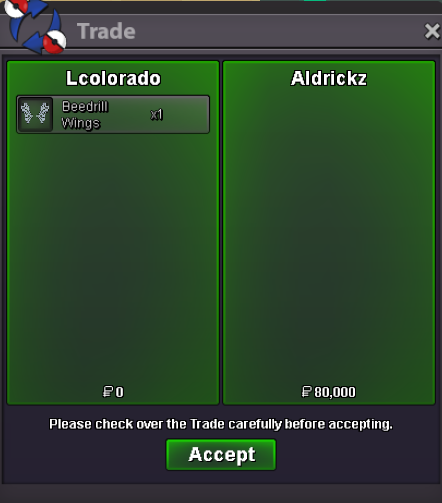
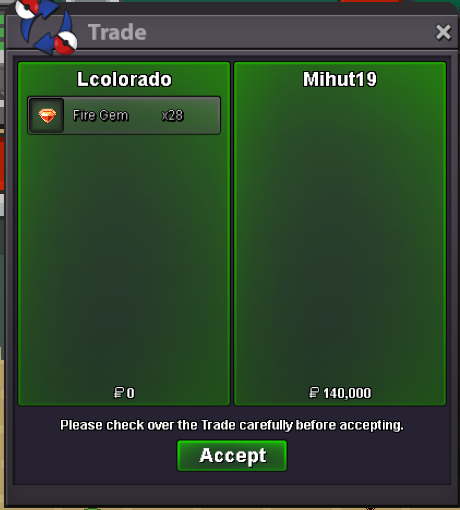
Contacted through DiscordList of available items for search feature Note: please click here or manually go to the main post of this thread to check current stock/availability) Items and Cosmetics List Reroll Ticket, Coin Capsule, Rare Candy, PP Up, Focus Sash, Special Pokéballs, Lum Berry, Master Ball, Macho Brace, Choice Band, Choice Scarf, Choice Specs, Life Orb, Toxic Orb, Nocturnal Feather, Black Augurite, Peat Block, TM96 - Thief, TM104 - False Swipe, MISCELLANEOUS, Reroll Ticket, Coin Capsule, Air Balloon, Focus Sash, Power Herb, Rare Candy, PP Up, Macho Brace, Weakness Policy, Nocturnal Feather, Soothe Bell, EV VITAMINS, Calcium, Carbos, HP Up, Iron, Protein, Zinc, HEALING BERRY / ITEMS, Aspear Berry, Cheri Berry, Chesto Berry, Full Heal, Lum Berry, Oran Berry, Pecha Berry, Persim Berry, Rawst Berry, POKEBALLS, Master Ball, Fast Ball, Friend Ball, Level Ball, Lure Ball, Moon Ball, Nest Ball, Net Ball, Repeat Ball, HELD ITEMS, Black Sludge, Choice Band, Choice Scarf, Choice Specs, Damp Rock, Everstone, Eviolite, Expert Belt, Heat Rock, Leftovers, Lagging Tail, Life Orb, Light Clay, Toxic Orb, Quick Claw, Stick, Smooth Rock, Thick Club, TYPE-ENHANCERS, Black Belt, Black Glasses, Charcoal, Dragon Fang, Hard Stone, Magnet, Mystic Water, Poison Barb, Sharp Beak, Silver Powder, Soft Sand, Spell Tag, Twisted Spoon, EVO STONES / ITEMS, Leaf Stone, Fire Stone, Thunder Stone, Water Stone, Dawn Stone, Dusk Stone, Moon Stone, Sun Stone, Oval Stone, Shiny Stone, Ice Stone, Black Augurite, Deep Sea Scale, Deep Sea Tooth, Dragon Scale, Dubious Disc, Electirizer, King's Rock, Metal Coat, Peat Block, Prism Scale, Protector, Upgrade, Razor Claw, Reaper Cloth, TMs, TM05 - Mega Kick, TM09 - Take Down, TM12 - Water Gun, TM17 - Submission, TM18 - Counter, TM19 - Seismic Toss, TM21 - Mega Drain, TM22 - Solar Beam, TM23 - Dragon Rage, TM24 - Thunder Bolt, TM26 - Earthquake, TM29 - Psychic, TM30 - Teleport, TM32 - Double Team, TM36 - Self-destruct, TM42 - Dream Eater, TM46 - Psywave, TM50 - Substitute, TM51 - Endure, TM54 - Calm Mind, TM57 - Hail, TM61 - Sunny Day, TM62 - Taunt, TM67 - Protect, TM68 - Rain Dance, TM69 - Roost, TM74 - Dazzling Gleam, TM75 - Swords Dance, TM76 - Dark Pulse, TM80 - Shadow Ball, TM77 - Curse, TM80 - Shadow Ball, TM83 - Bulldoze, TM86 - Sludge Bomb, TM96 - Thief, TM104 - False Swipe, TM105 - Scald, TM108 - Leech Life, TM111 - Will-O-Wisp, TM114 - Rock Smash, TM115 - Shadow Claw, TM122 - Volt Switch, TM130 - Return, TM138 - Sleep Talk, TM139 - U-turn, TM143 - Poison Jab, TM147 - Flash Cannon, TM167 - Power-up Punch, TM179 - Trailblaze, TM304 - Aura Sphere, TM313 - Earth Power, COSMETICS, Gouging Fire Mount, Raging Bolt Mount, Walking Wake Mount, Shiny Rotom-Wash Surf Mount, Gyarados Surf Mount, Rotom-Wash Surf Mount, Lapras Surf Mount, Shiny Haunter Mount, Aggron Mount, Muk Mount, Houdoom Mount, Manectric Mount, Arcanine Mount, Winter Set Blu, Winter Set Pink, Tingle Set, Ludicolo Clothes, Samurai Set Green, Bug Net, Golden Bug Net, Beedrill Wings, Beautifly Wings, Gracidea Flower Black, Straw Hat 1 (Red), Chocolate, Red Clothes, Green ClothesHW Rapidash Mount and Samurai Set Green sold for 400k
Account
Navigation
Search
Configure browser push notifications
Chrome (Android)
- Tap the lock icon next to the address bar.
- Tap Permissions → Notifications.
- Adjust your preference.
Chrome (Desktop)
- Click the padlock icon in the address bar.
- Select Site settings.
- Find Notifications and adjust your preference.
Safari (iOS 16.4+)
- Ensure the site is installed via Add to Home Screen.
- Open Settings App → Notifications.
- Find your app name and adjust your preference.
Safari (macOS)
- Go to Safari → Preferences.
- Click the Websites tab.
- Select Notifications in the sidebar.
- Find this website and adjust your preference.
Edge (Android)
- Tap the lock icon next to the address bar.
- Tap Permissions.
- Find Notifications and adjust your preference.
Edge (Desktop)
- Click the padlock icon in the address bar.
- Click Permissions for this site.
- Find Notifications and adjust your preference.
Firefox (Android)
- Go to Settings → Site permissions.
- Tap Notifications.
- Find this site in the list and adjust your preference.
Firefox (Desktop)
- Open Firefox Settings.
- Search for Notifications.
- Find this site in the list and adjust your preference.