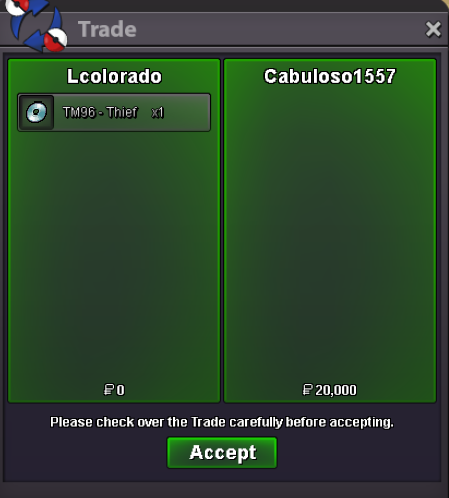
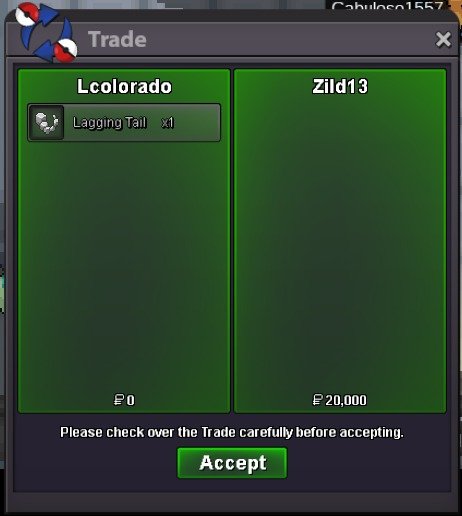
New Trade Zone
Trade Zone is now live
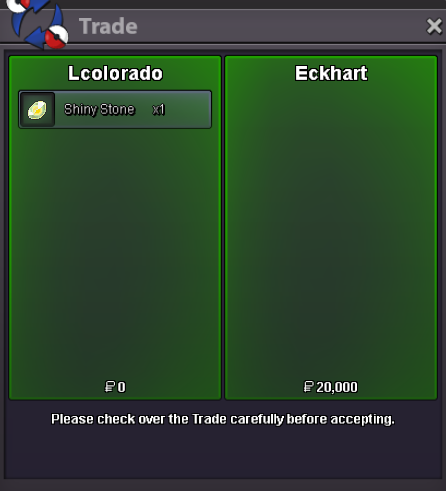
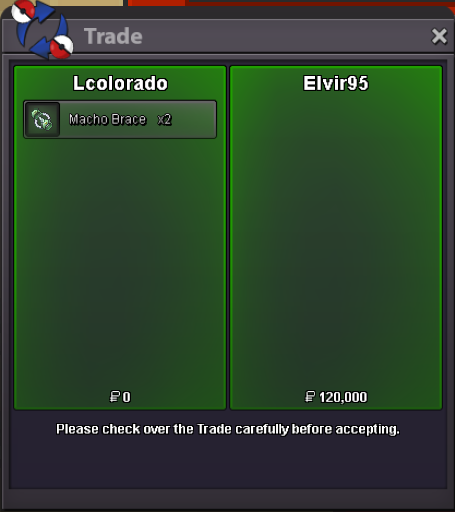
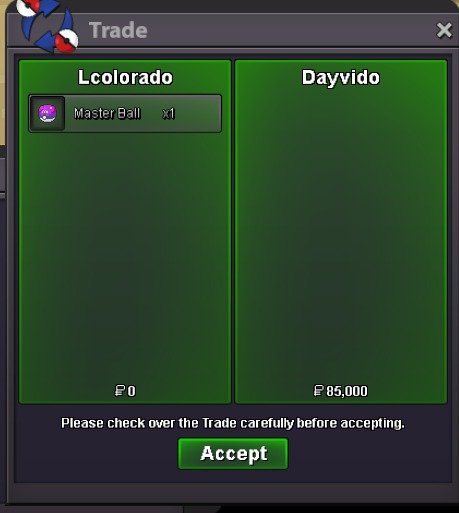
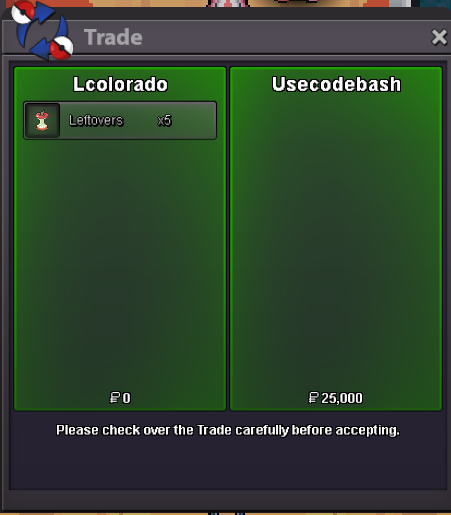
Use the new Trade Zone for auctions and instant-price trades so Pokemon and item offers are easy to find.


Lcolorado
Registered User
-
Joined
-
Last visited
Everything posted by Lcolorado
-
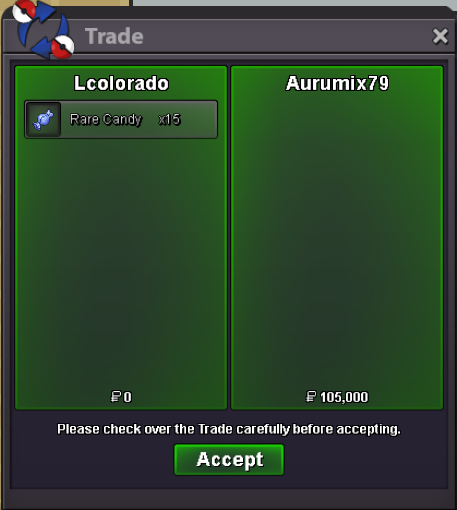
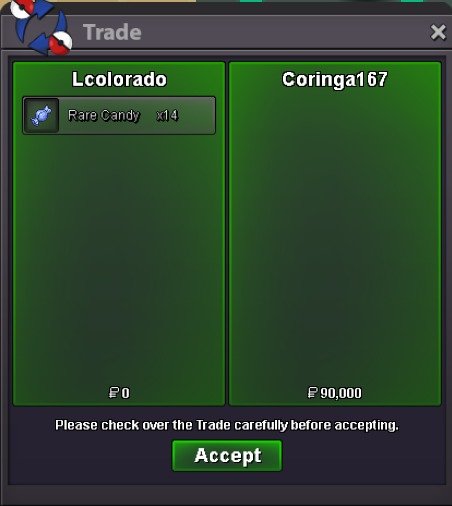
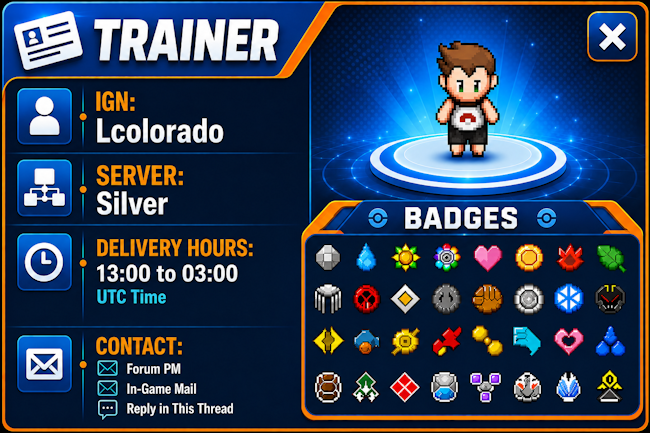
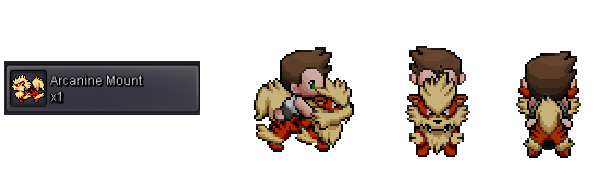
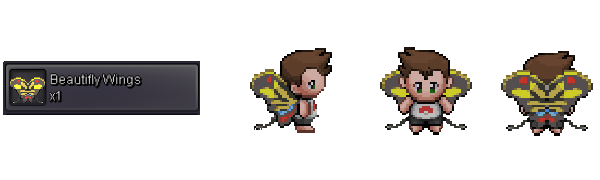
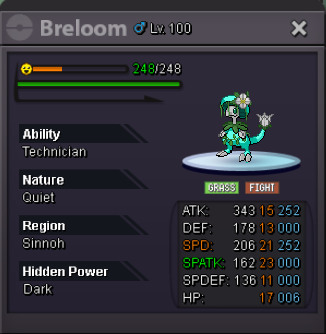
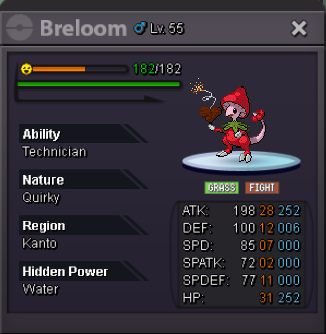
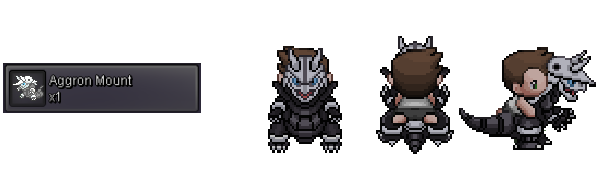
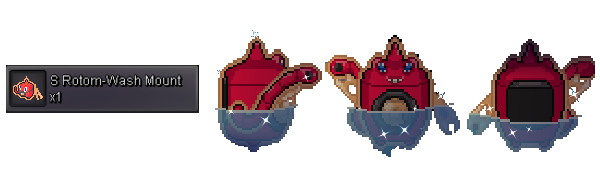
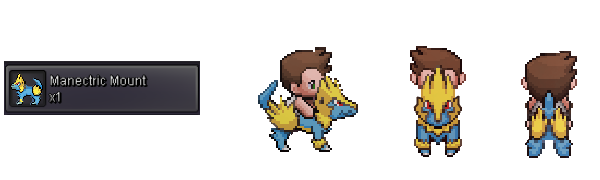
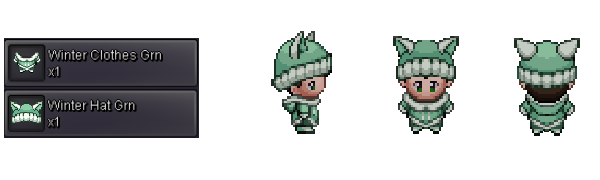
The Shop is open! Feel free to contact me here, discord or in-game! -> IGN: Lcolorado -> Discord: LcoloradoL// ☀️ // ☀️ // 💎 ITEMS & COSMETICS 💎 \\ ☀️ \\ ☀️ \\ -> IGN: Lcolorado -> Discord: LcoloradoL -> YOU CAN ADD ME IN-GAME AND IF I'M NOT ONLINE AT THAT TIME, JUST SEND A MESSAGE IN THIS THREAD OR FORUM PM. YOU CAN ALSO SEND ME A MESSAGE IN DISCORD CLIKCING HERE. -> IF YOU ARE LOOKING FOR A SPECIFIC ITEM, I RECOMMEND USING THE SEARCH FIELD (🔍) AT THE TOP OF THE PAGE AND MAKING SURE TO SELECT "THIS TOPIC" TO SEARCH WITHIN THIS SHOP ONLY. -> MINIMUM ORDER FOR ITEMS IS ₽ 10.000 -> ACCEPTED PAYMENT METHODS: ₽OKEDOLLARS/ REROLL TICKET ₽ 650.000 / COIN CAPSULE ₽ 450.000 / NATURE REROLL TICKET ₽ 300.000 / RARE CANDY ₽ 5.000 -> ☀️💎 COSMETICS Spoiler -> ☀️💎 ITEMS Spoiler -> ☀️💎 POKÉMON SHOP Spoiler
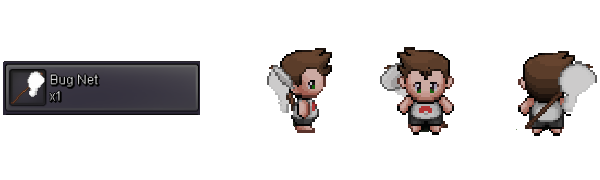
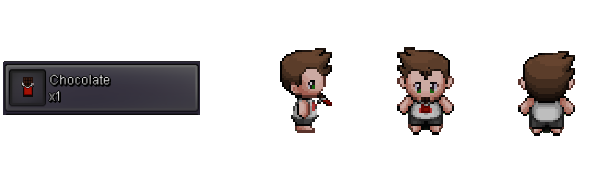
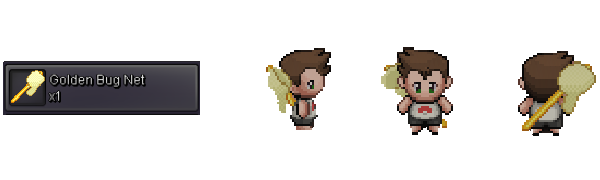
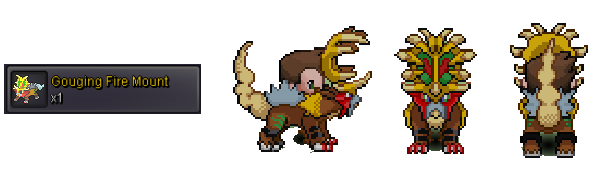
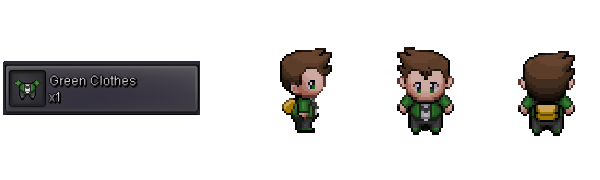
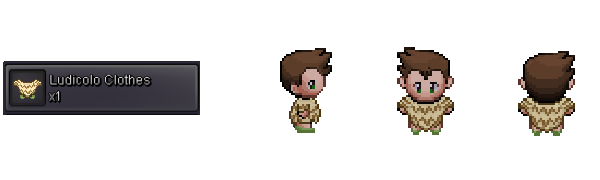
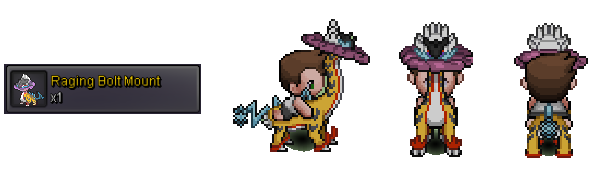
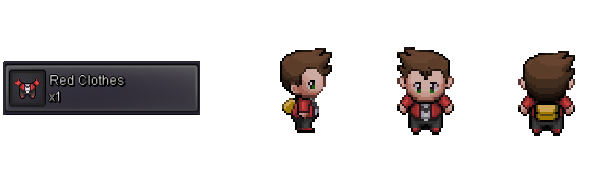
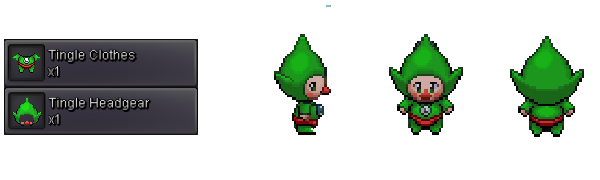
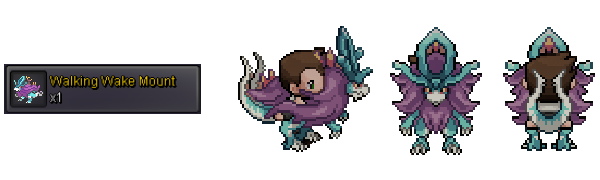
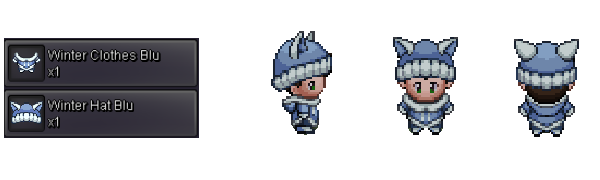
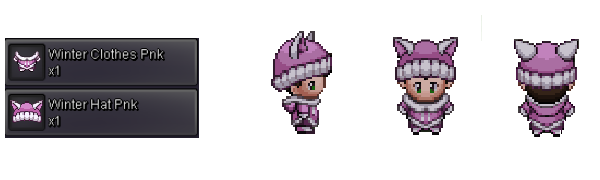

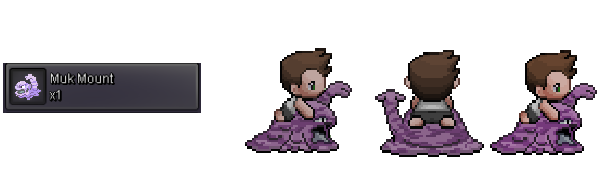
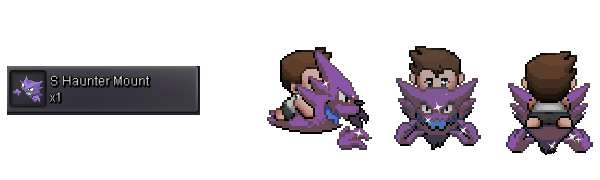
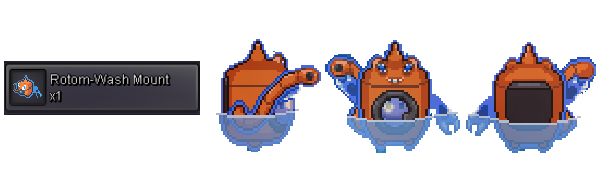
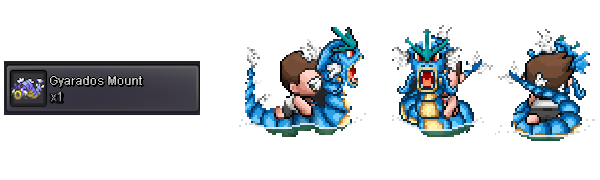
 NPC Name: Santa Claus Dialogue: Ho Ho Ho... But still not a Merry Christmas. One of my reindeers is missing. Could you get one for me? Then I can give your Christmas gift! Special Request (If any): Show a Stantler, Deerling or Sawsbuck to get a reward.
Account
Navigation
Search
Configure browser push notifications
Chrome (Android)
- Tap the lock icon next to the address bar.
- Tap Permissions → Notifications.
- Adjust your preference.
Chrome (Desktop)
- Click the padlock icon in the address bar.
- Select Site settings.
- Find Notifications and adjust your preference.
Safari (iOS 16.4+)
- Ensure the site is installed via Add to Home Screen.
- Open Settings App → Notifications.
- Find your app name and adjust your preference.
Safari (macOS)
- Go to Safari → Preferences.
- Click the Websites tab.
- Select Notifications in the sidebar.
- Find this website and adjust your preference.
Edge (Android)
- Tap the lock icon next to the address bar.
- Tap Permissions.
- Find Notifications and adjust your preference.
Edge (Desktop)
- Click the padlock icon in the address bar.
- Click Permissions for this site.
- Find Notifications and adjust your preference.
Firefox (Android)
- Go to Settings → Site permissions.
- Tap Notifications.
- Find this site in the list and adjust your preference.
Firefox (Desktop)
- Open Firefox Settings.
- Search for Notifications.
- Find this site in the list and adjust your preference.