




All Activity
- Past hour
-
bump
-
bump
-
Gibson17 joined the community
-
IGN: The99 Timezone: ESTHello everyone This auction was not conducted properly, and unfortunately we are unable to fully correct the situation without causing further harm to players who were not at fault. We sincerely apologize for the situation and appreciate your understanding actions are being taken within accordance of our policies. best of luck, GlitterwingBUMP450kHello @Boltackle ! I can confirm there is no bug provided by your screen, I see a Gardevoir you missed. Here is a screen where the Gardevoir is : As you can see with my draw, there is a Gardevoir behind the right side candle. You will have to talk with it to be able to spawn the Gardevoir boss in the middle of the boss room. Hope it clears your issue. Very Respectfully, Zarachi
.png.191e44c00cd18e91d0831d8adac5e6d2.png.51ab857b476bda6c62e6d67c548cd264.png) Trade complete post can be closed
Trade complete post can be closed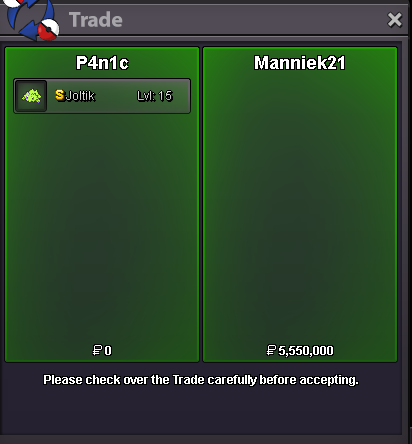 Sinsss joined the communitycongrats @Manniek21 you win with bid of 5.55m
- Today
5,55m5.5mThe total of Full House is 26, just before the number 27. If you agree, feel good to buy it auction end 24 hours after first bid start offer 40k min raise 70 k aution on forum only cash only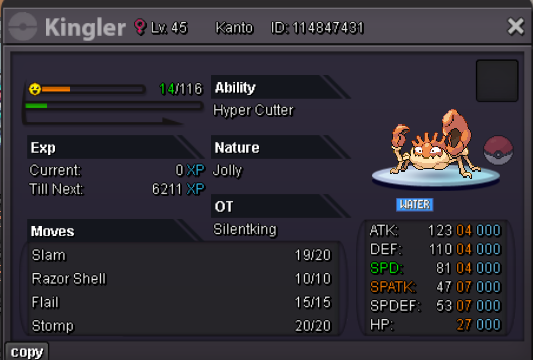 5,25m5.2m5,15mIGN: ShaqMate Timezone: CETShaqmate joined the community5.1m5,05mM4rch0n joined the community5maution is extended 15 mins from last bid as per auction rules4,85




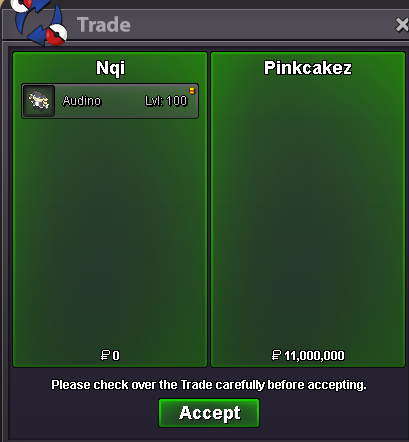

.thumb.gif.5ca2bb8ab27bad84c457676cd94efcb7.gif)


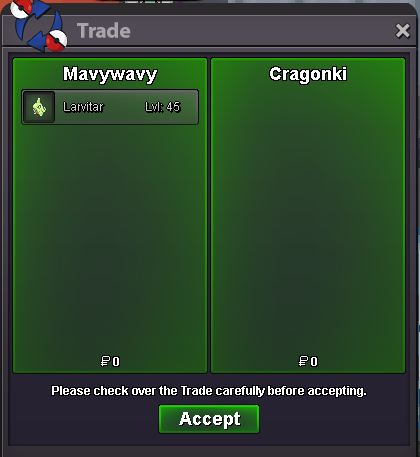



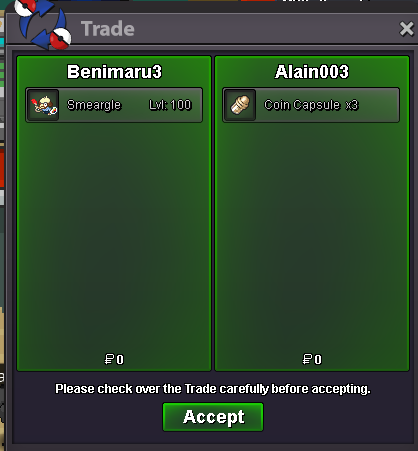






Account
Navigation
Search
Configure browser push notifications
Chrome (Android)
- Tap the lock icon next to the address bar.
- Tap Permissions → Notifications.
- Adjust your preference.
Chrome (Desktop)
- Click the padlock icon in the address bar.
- Select Site settings.
- Find Notifications and adjust your preference.
Safari (iOS 16.4+)
- Ensure the site is installed via Add to Home Screen.
- Open Settings App → Notifications.
- Find your app name and adjust your preference.
Safari (macOS)
- Go to Safari → Preferences.
- Click the Websites tab.
- Select Notifications in the sidebar.
- Find this website and adjust your preference.
Edge (Android)
- Tap the lock icon next to the address bar.
- Tap Permissions.
- Find Notifications and adjust your preference.
Edge (Desktop)
- Click the padlock icon in the address bar.
- Click Permissions for this site.
- Find Notifications and adjust your preference.
Firefox (Android)
- Go to Settings → Site permissions.
- Tap Notifications.
- Find this site in the list and adjust your preference.
Firefox (Desktop)
- Open Firefox Settings.
- Search for Notifications.
- Find this site in the list and adjust your preference.