




New Trade Zone
Trade Zone is now live
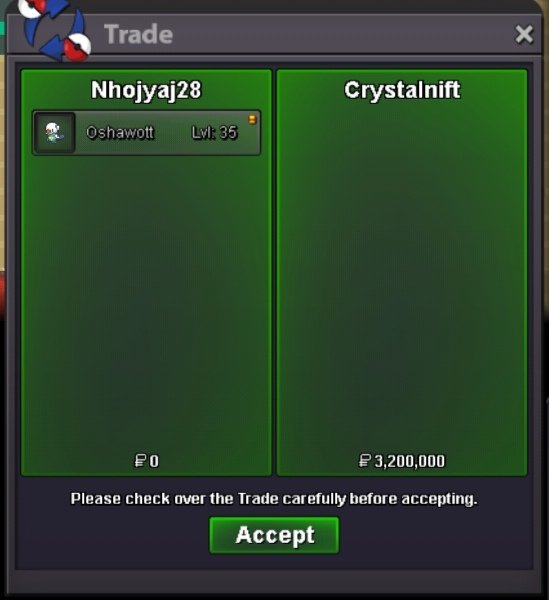
Use the new Trade Zone for auctions and instant-price trades so Pokemon and item offers are easy to find.
All Activity
- Past hour
-
Molayne changed their profile photo
-
600k meta
-
Farrapovelho joined the community
-
Molayne joined the communitybump
- Today
Starting price lowered to 13mVioforpeace joined the communityIGN: Hakunahydroo Timezone: GMT+2Yes im online, pm me ingamethanks for shopping! <3.png.a0109163a256fe85895576d683bda6a5.png) Bean888 joined the communityHello. Can we trade now?600kBumpTrade completed. Thank you for bidding.
Bean888 joined the communityHello. Can we trade now?600kBumpTrade completed. Thank you for bidding.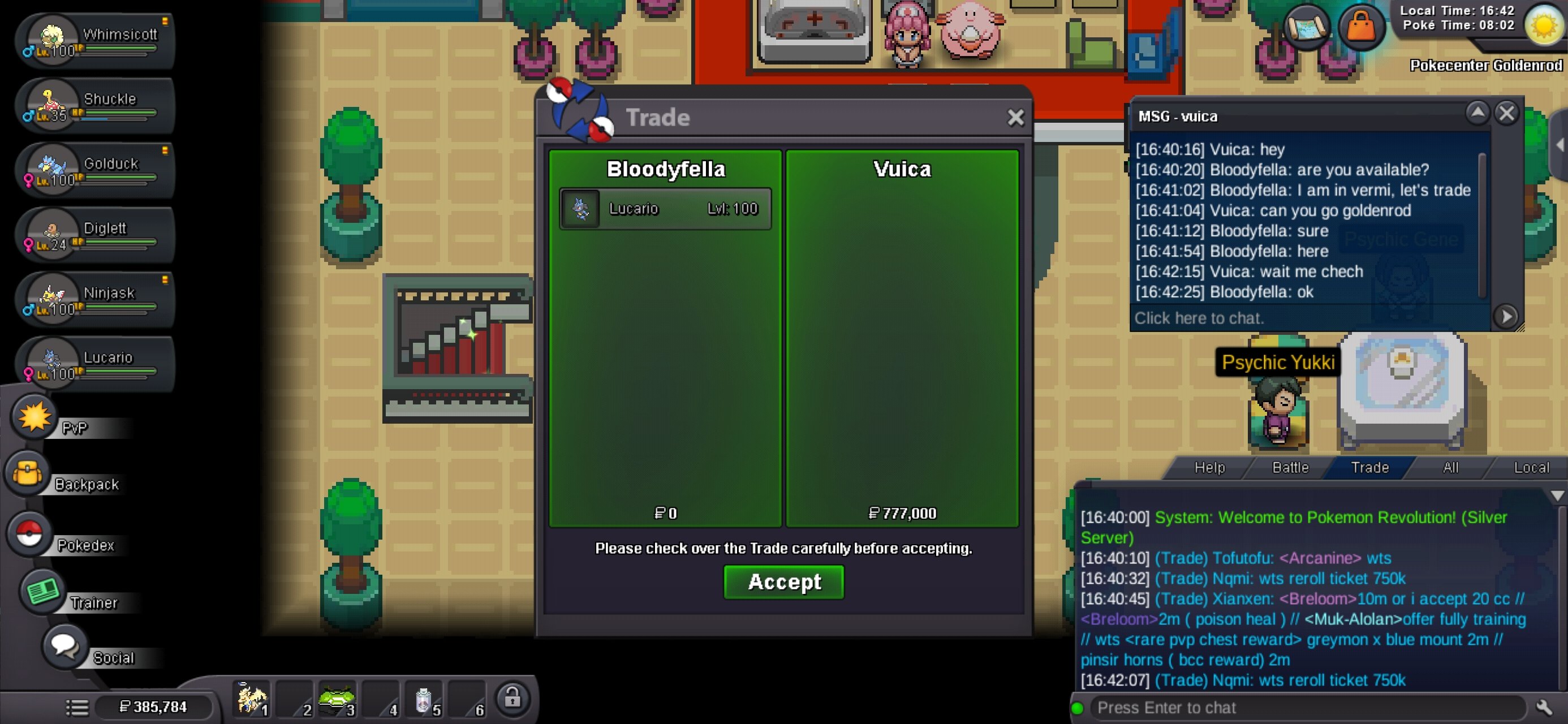 Kkkppp joined the communityLucasku637 joined the communitySaud112233 joined the communityVarrtaa changed their profile photoUtopia291 joined the communityJtrx10 joined the community16mcan i start it at 10m?Tyranitar started
 Free3 joined the community14.5mIGN: Kdey Tz: Gmt +7sold out on s snom hat, goomy hat, lolipop kiwi and beedrill wingIGN Username123456 Timezone GMT+314m12.5m











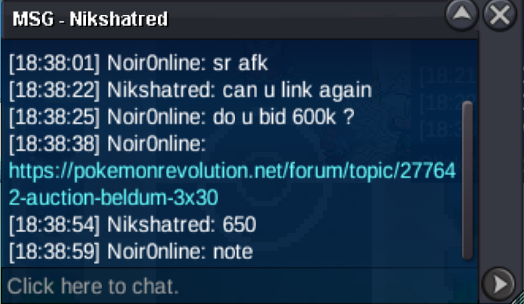



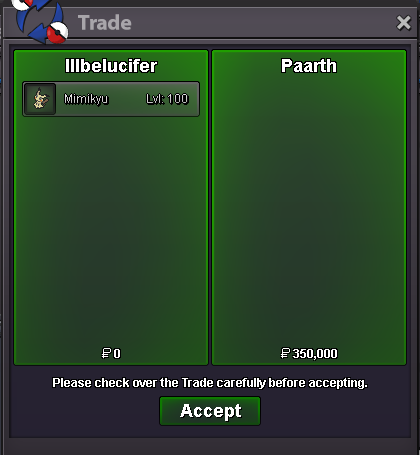



.thumb.png.8639013211f9819a42fbe3b947cb606d.png)
.thumb.gif.5ca2bb8ab27bad84c457676cd94efcb7.gif)









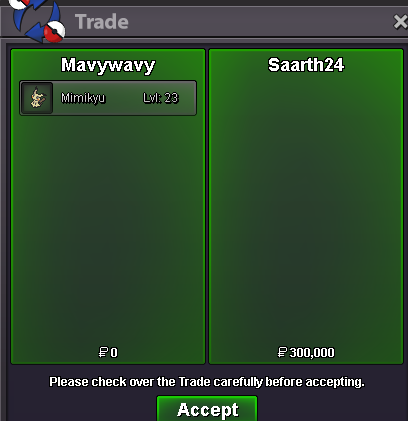



Account
Navigation
Search
Configure browser push notifications
Chrome (Android)
- Tap the lock icon next to the address bar.
- Tap Permissions → Notifications.
- Adjust your preference.
Chrome (Desktop)
- Click the padlock icon in the address bar.
- Select Site settings.
- Find Notifications and adjust your preference.
Safari (iOS 16.4+)
- Ensure the site is installed via Add to Home Screen.
- Open Settings App → Notifications.
- Find your app name and adjust your preference.
Safari (macOS)
- Go to Safari → Preferences.
- Click the Websites tab.
- Select Notifications in the sidebar.
- Find this website and adjust your preference.
Edge (Android)
- Tap the lock icon next to the address bar.
- Tap Permissions.
- Find Notifications and adjust your preference.
Edge (Desktop)
- Click the padlock icon in the address bar.
- Click Permissions for this site.
- Find Notifications and adjust your preference.
Firefox (Android)
- Go to Settings → Site permissions.
- Tap Notifications.
- Find this site in the list and adjust your preference.
Firefox (Desktop)
- Open Firefox Settings.
- Search for Notifications.
- Find this site in the list and adjust your preference.