




New Trade Zone
Trade Zone is now live
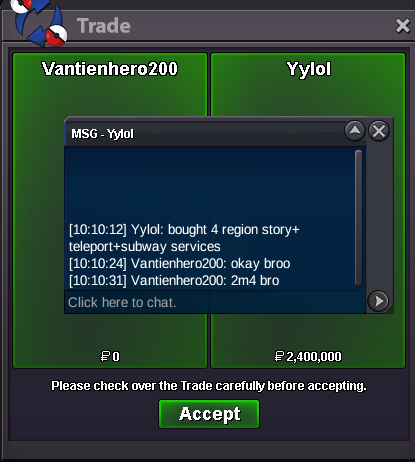
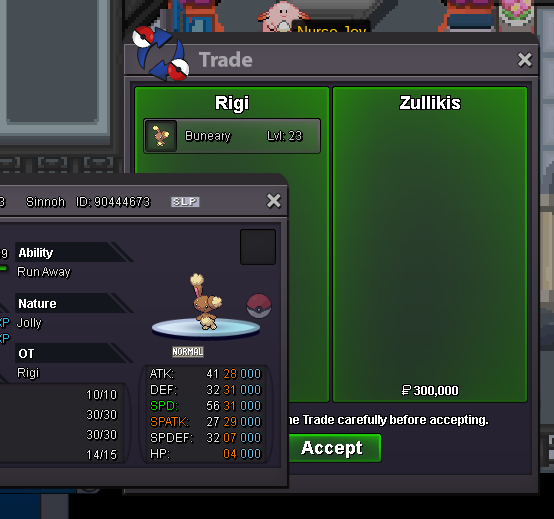
Use the new Trade Zone for auctions and instant-price trades so Pokemon and item offers are easy to find.
All Activity
Past hour
-
Bart0069 joined the communityGaoya1005 joined the communityupSanraku7557 joined the community
Today
fast and mega good service, with high level of communication, I recommend it to everyoneWtb this for 200k.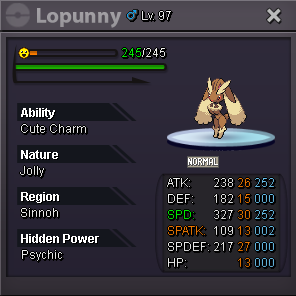 Princenaree joined the communityRaneku joined the communitybumpAlphy3344 joined the communityBump! Open againupPato98117 joined the communityPatusiiiii joined the communitysure when are u availableJakethedog711 joined the communityAnorell joined the community
Yesterday
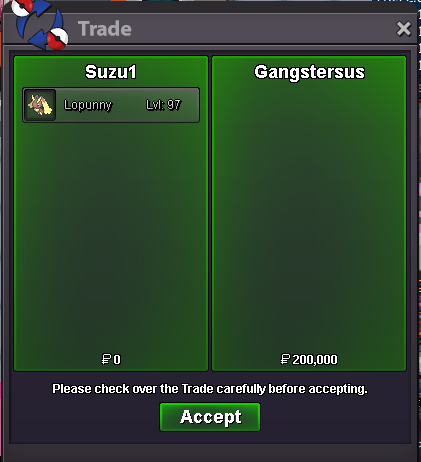
Back then we could check on Discord the exact Rarity Tier of a Poke on any Spot from 1 to 9(was it 10 the maximum?),i don't know why they changed it,because it was better like that imo.@Dreaminit hi bro, if u take both, there will be 300kHry, i started quest for pikan Island, some dude take off my pokeballs, because Its prohibited to catching pokemons there right now, but my pokeballs from celadon daily quests like snorlax ball or ralts ball remained in my bag. I can Hunt with them, would ne great if those pokeballs were banned zoo.Oh man Ye. We have been with the game over 10 years now.. for me it was time to let go. :)Hey, I am making a guild. Can i use a handheld gameboy pixel art as my logo?Damm bro, good luck in your life and I wish you success. You may not know me, but I was known as former gm senrosia, old player Titania who started his adventure in 2016.It’s all on you now youngbud. I made place on ladder go get itgonna miss ya nubNext pic i send you on discord will be over 4k meters haha ❣️ it was always a pleasureWe will stay in touch my british friend :D <3You will truly be missed. Please stay in touch with everyone you have built and developed a friendship with. Wishing you the best in this new chapter and new endeavours. Thank you for the fond memories. We’ll certainly stay in touch. xx Lyka

















Account
Navigation
Search
Configure browser push notifications
Chrome (Android)
- Tap the lock icon next to the address bar.
- Tap Permissions → Notifications.
- Adjust your preference.
Chrome (Desktop)
- Click the padlock icon in the address bar.
- Select Site settings.
- Find Notifications and adjust your preference.
Safari (iOS 16.4+)
- Ensure the site is installed via Add to Home Screen.
- Open Settings App → Notifications.
- Find your app name and adjust your preference.
Safari (macOS)
- Go to Safari → Preferences.
- Click the Websites tab.
- Select Notifications in the sidebar.
- Find this website and adjust your preference.
Edge (Android)
- Tap the lock icon next to the address bar.
- Tap Permissions.
- Find Notifications and adjust your preference.
Edge (Desktop)
- Click the padlock icon in the address bar.
- Click Permissions for this site.
- Find Notifications and adjust your preference.
Firefox (Android)
- Go to Settings → Site permissions.
- Tap Notifications.
- Find this site in the list and adjust your preference.
Firefox (Desktop)
- Open Firefox Settings.
- Search for Notifications.
- Find this site in the list and adjust your preference.