




All Activity
- Past hour
-
IGN: minglil Timezone: gmt+7
-
IGN: 143zed Timezone: GMT +8
-
2m
-
22 hours left
- Today
-
Jonha30 joined the community
-
Fluke444 joined the community
-
Hello, your issue should now be resolved. Could you confirm if it has properly respawned? Kind regards, Hallowglow
-
Hello, I sincerely apologize for the delay. Your issue should now be resolved. Could you please try to catch Terrakion at its location and confirm if it has properly respawned? I look forward to your response. My sincerest apologies for the inconvenience. Kind regards. Hallowglow.
-
Hello! I'm sorry for the inconvenience. Unfortunately, there is nothing we can do,, we do not provide a de-evolution service, as stated here. Make a Pokemon back to a previous state Because it is each player's responsibility to manage their Pokémon. In this situation, it should have been specified at the time of the service request that the Pokémon should not be evolved. As an alternative, you can catch another Oshawott in Pinkan Island Meadow (Lv. 34–36) or Dragonspiral Tower Exterior (Lv. 21–25). Since this has been answered, I will proceed to close the thread. Kind regards. Hallowglow.

-
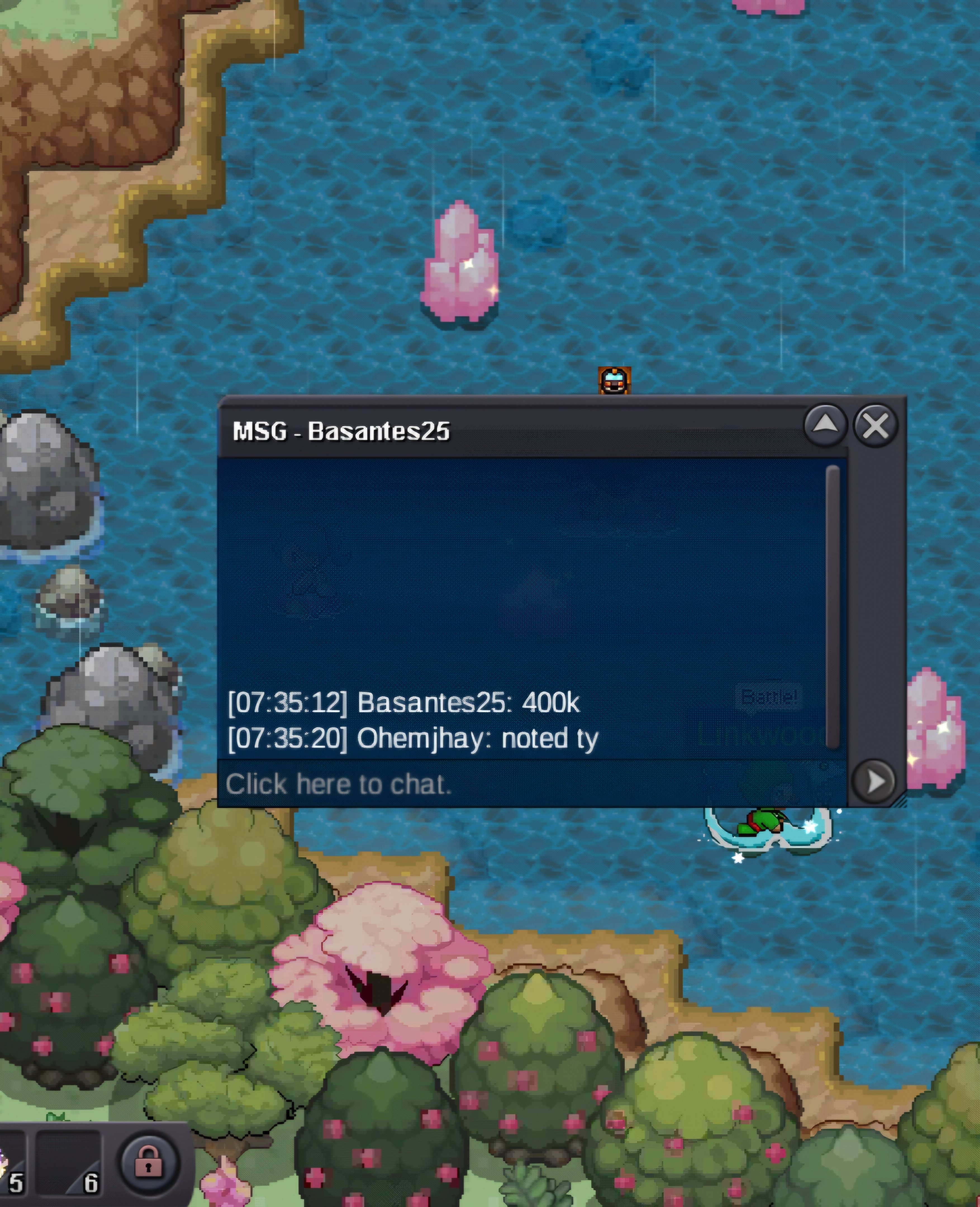
400k
-
Lajoyo joined the communitybumpTorontomandem joined the communityPlease let me know when the issue has been resolved. Thank you!I hired someone to level up three of my Pokémon for me. However, I don't know how, but he evolved my Oshawott into Samurott. I really didn't want that to happen. I wanted to keep it unevolved because I spent a lot of time hunting for that Oshawott, and it means a lot to me. I'm really upset about this. Is there any way you could help me get my unevolved Pokémon back?Hello! I sincerely apologize for the issue again. I have forwarded it for further review. We kindly ask for your patience while we look into this. Thank you for your understanding. Kind regards. Hallowglow.Im looking for a guild im Australian and have over 200+ hours in Pokemon games, and I have 85 Hours on PRO, I have discord and im active daily discord PsyphonxauSagittario joined the community13h left20 left
- Yesterday
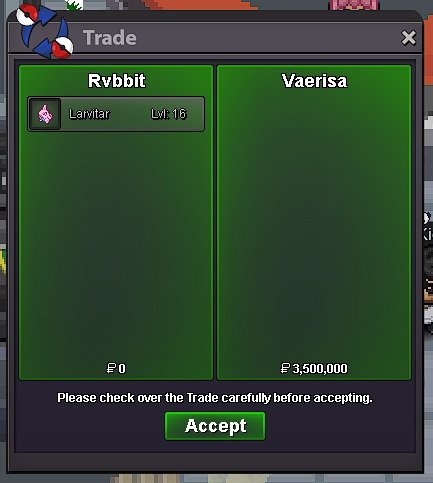
Hello everyone, Up for auction is a clean Timid Blacephalon with Hidden Power Ice. Pokémon: Nature: Timid Hidden Power: Ice SB: 500,000 Min Raise: 100,000 IB: 4,000,000 Duration: 48 hours after first valid bid Payment: Pokedollars only Good luck to everyone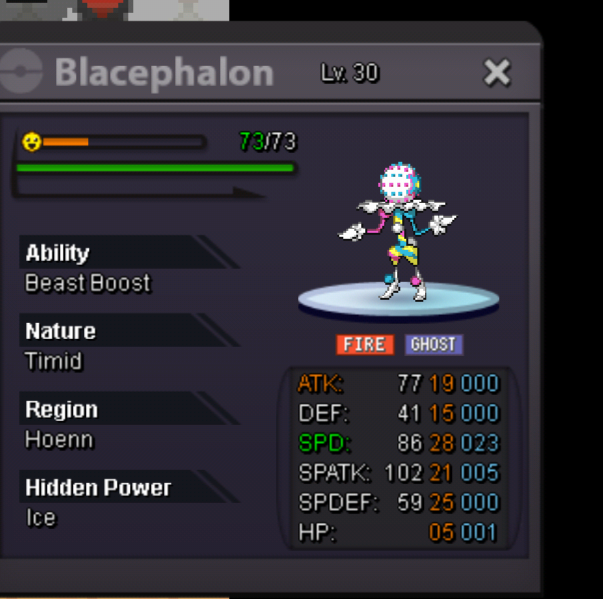 I already tried that, and I even waited more than 24 hours, but Terrakion still hasn’t appeared. I’m still unable to continue the quest. Could you please check my quest status or reset this part of the quest? Thank you.I already tried that, and I even waited more than 24 hours, but Terrakion still hasn’t appeared. I’m still unable to continue the quest. Could you please check my quest status or reset this part of the quest? Thank you.Astonn joined the communityTwistied joined the communityEND OF AUCTION WINNER : Vaerisa
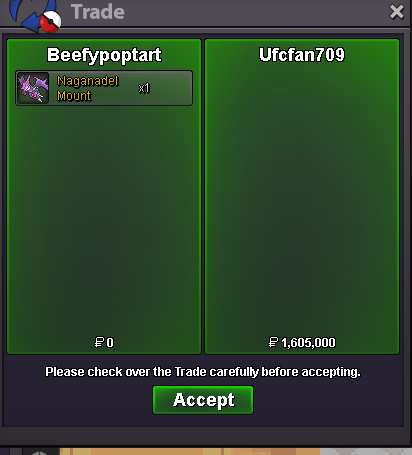
 Auction Details Start Price: 50,000 each Duration: 48 Hours after Start Price is met Insta Price: None Minimum Raise: 10k Accepted Payments: Pokédollars Rare Candies (1 = 6k) Current offer: 0 Current offer: 0 Current offer: 0 Important Reminders: This is a Silver Server auction. The winner is expected to be in silver to purchase this pokemon. If you intend to purchase with an alt account, specify the account alongside your bid. If a bid is received in the final 15 minutes of the auction, the end point will be delayed by 15 minutes from that bid, and will be delayed by 15 minutes for each new bid thereafter, until the current offer has been held for a full 15 minutes.


.thumb.gif.9acc072195fed7e9e788846f3f8a632e.gif)










.thumb.jpg.1c08a2ef0d0b295e14d9a9e0e7459efa.jpg)









Account
Navigation
Search
Configure browser push notifications
Chrome (Android)
- Tap the lock icon next to the address bar.
- Tap Permissions → Notifications.
- Adjust your preference.
Chrome (Desktop)
- Click the padlock icon in the address bar.
- Select Site settings.
- Find Notifications and adjust your preference.
Safari (iOS 16.4+)
- Ensure the site is installed via Add to Home Screen.
- Open Settings App → Notifications.
- Find your app name and adjust your preference.
Safari (macOS)
- Go to Safari → Preferences.
- Click the Websites tab.
- Select Notifications in the sidebar.
- Find this website and adjust your preference.
Edge (Android)
- Tap the lock icon next to the address bar.
- Tap Permissions.
- Find Notifications and adjust your preference.
Edge (Desktop)
- Click the padlock icon in the address bar.
- Click Permissions for this site.
- Find Notifications and adjust your preference.
Firefox (Android)
- Go to Settings → Site permissions.
- Tap Notifications.
- Find this site in the list and adjust your preference.
Firefox (Desktop)
- Open Firefox Settings.
- Search for Notifications.
- Find this site in the list and adjust your preference.