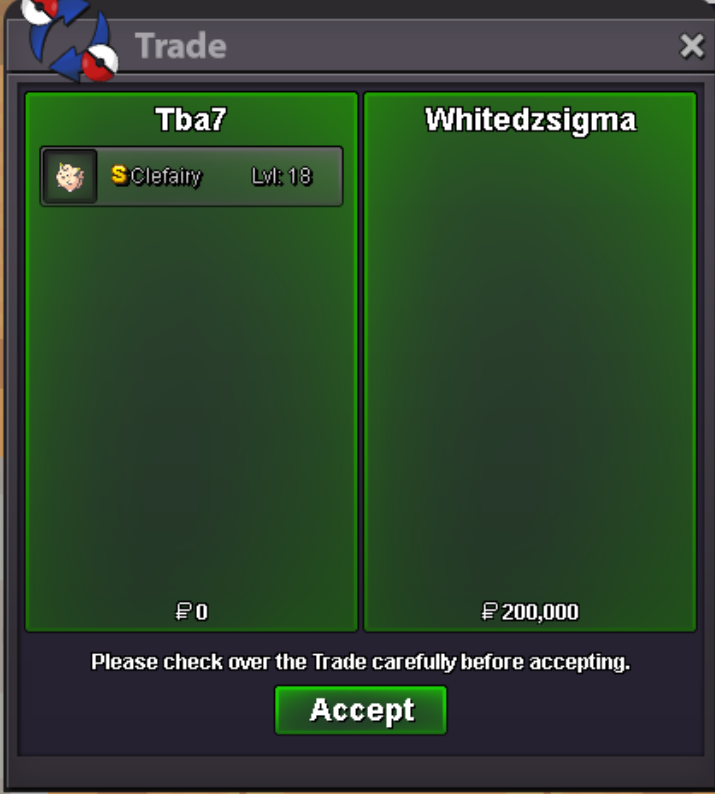
New Trade Zone
Trade Zone is now live
Use the new Trade Zone for auctions and instant-price trades so Pokemon and item offers are easy to find.
All Activity
Past hour
-
Hey Gold, tried that too hasnt changed unfortunately. It logs me on as soon as i go onto silver but gold it just delays for so long
-
Burx joined the community
-
Smokeypanda33 joined the community
Today
-
soi cầu miền bắc là nội dung được nhiều người quan tâm khi muốn theo dõi xổ số miền Bắc và tham khảo dữ liệu từ các kỳ quay trước. Soi Cầu XSMB 24 tổng hợp kết quả XSMB, bảng thống kê loto, tần suất xuất hiện, lô gan, đầu đuôi và các cặp số nổi bật theo từng ngày. Thông tin được trình bày theo từng chuyên mục, giúp người đọc dễ dàng tra cứu, so sánh và theo dõi biến động của các bộ số. Những bảng thống kê lịch sử cung cấp thêm dữ liệu để tham khảo trước mỗi kỳ quay. Tuy nhiên, xổ số có kết quả mang tính ngẫu nhiên, vì vậy các phương pháp phân tích hay dự đoán không thể bảo đảm độ chính xác tuyệt đối. Người đọc nên xem thông tin trên website với mục đích tham khảo và chủ động cân nhắc. Với cách trình bày rõ ràng và nội dung cập nhật thường xuyên, Soi Cầu XSMB 24 là nguồn tham khảo thuận tiện cho người muốn tìm hiểu thông tin xổ số miền Bắc mỗi ngày.
-
Soiicauxsmbnet joined the community
-
+1 and bring back pokemon shops
-
Sharkkbait007 joined the community
-
i think all the images died, can you fix pls
-
Natedawg1987 joined the communityAshera01 joined the communitycan u online now?Maike001 joined the community-1-1 , i like the tactical shifts involved in the boss battles, but my opinion -1 ban baton pass; you don't necessarily have to copy someone else's boss battle team,try creating team boss your ownLogancochran82 joined the community-1I like the novelty of bosses. I’d like they keep them and they add some new, harder PVE content+1+1Once adapted, everything becomes tedious again, nothing's changed, this is just making it more painful for new players.Soobak joined the community-1, boss is a place to help players with their income because it is easy and required low investment. If you want to have fun with battle you can just go PVP then.
Yesterday
+1+1Diiporto21 joined the community+1+1Pls check, something wrong!! +1Sorry my greek friend! big -1+1+1+1The Trade Zone was a very positive addition to the game; I managed to make plenty of sales and some great purchases. I even got hooked on auctions at the start. 😂 However, lately, I find the Trade Zone a bit cluttered with too many listings from the same player; this makes it hard to spot cool Pokémon—ones you might have favorited or that come with great offers—amidst the noise. I know there’s a filter for specific Pokémon, but if you rely solely on filters, you might miss out on cool Pokémon you weren't actively looking for but that are priced really well. With that in mind, my suggestion is simply to limit the number of listings per player. For example: a player could have a maximum of 10 active auctions and 10 active "instant buy" listings (I actually think 10 is already a lot, but fair enough 😅). For players with a large number of Pokémon for sale, the right approach would be to open a shop to showcase them. That way, things would be more organized, making it easier to view all the listings without having to scroll past 50 "instant buy" Pikachu listings from the same player. 😅😂