New Trade Zone
Trade Zone is now live
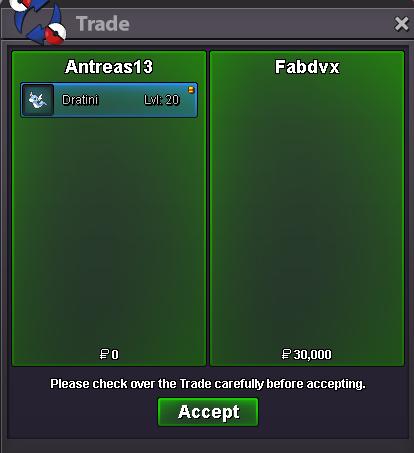
Use the new Trade Zone for auctions and instant-price trades so Pokemon and item offers are easy to find.
All Activity
Past hour
-
Saske112 joined the community
-
Good day @Madhavxdark I apologize for the delay in response. Are you still experiencing these issues? I look forward to hearing from you. Regards, Bitterblade
-
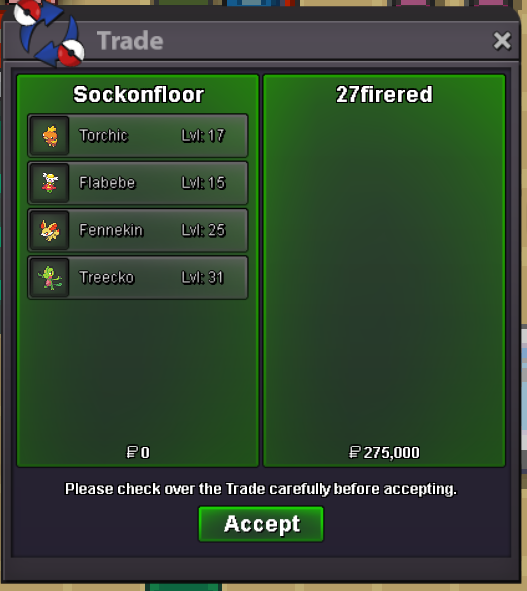
Sale 8/8/26
-
Good day @Zwirrfinst As this issue is no longer present, I will be closing this thread. If you have any further questions or concerns, do not hesitate to reach out. Regards, Bitterblade
-
bump
-
Good day @Mrweekmaster Were you able to retrieve your items? I look forward to hearing from you. Regards, Bitterblade
-
Good day @Alex123smith I apologize for the delay in response and for the inconvenience of this. This issue should be fixed in the next client update. I hope this information finds you well. Regards, Bitterblade
-
Thawnder joined the community
-
Good day @Xfallen04 Are you still experiencing these issues? I look forward to hearing from you. Regards, Bitterblade
-
Good day @Ynosvt I am glad to hear that the issue was resolved. With that being said, I will be closing this thread now. If you have any further questions or concerns, do not hesitate to reach out. Regards, Bitterblade
-
Good day @Barwiejsan Are you still experiencing these issues? I look forward to hearing from you. Regards, Bitterblade
-
No, I solved this, it was problem on fedora
-
Good day @Ynosvt Are you still experiencing these issues? I look forward to hearing from you. Regards, Bitterblade
-
Good day @Bagankiaa As this thread has not received a response in quite some time, I will be closing it now. If the issue continues, do not hesitate to make a new thread. Regards, Bitterblade
-
Good day @Nhanpok Due to this thread not receiving a response in quite some time, I will be closing it. If you have any further questions or concerns, do not hesitate to reach out. Regards, Bitterblade
-
Good day @Furylemon As stated, thank you for reporting this issue. As of December 2025, this issue has been fixed. You can view the fix (and others) in the Change Logs. With that being said, I will be closing this thread. If you have any further questions or concerns, do not hesitate to reach out. Regards, Bitterblade
Today
-
-1 its not in any official pokemon games and its not needed here
-
-1 What's done is done. Don't try to buff rich players
-
-
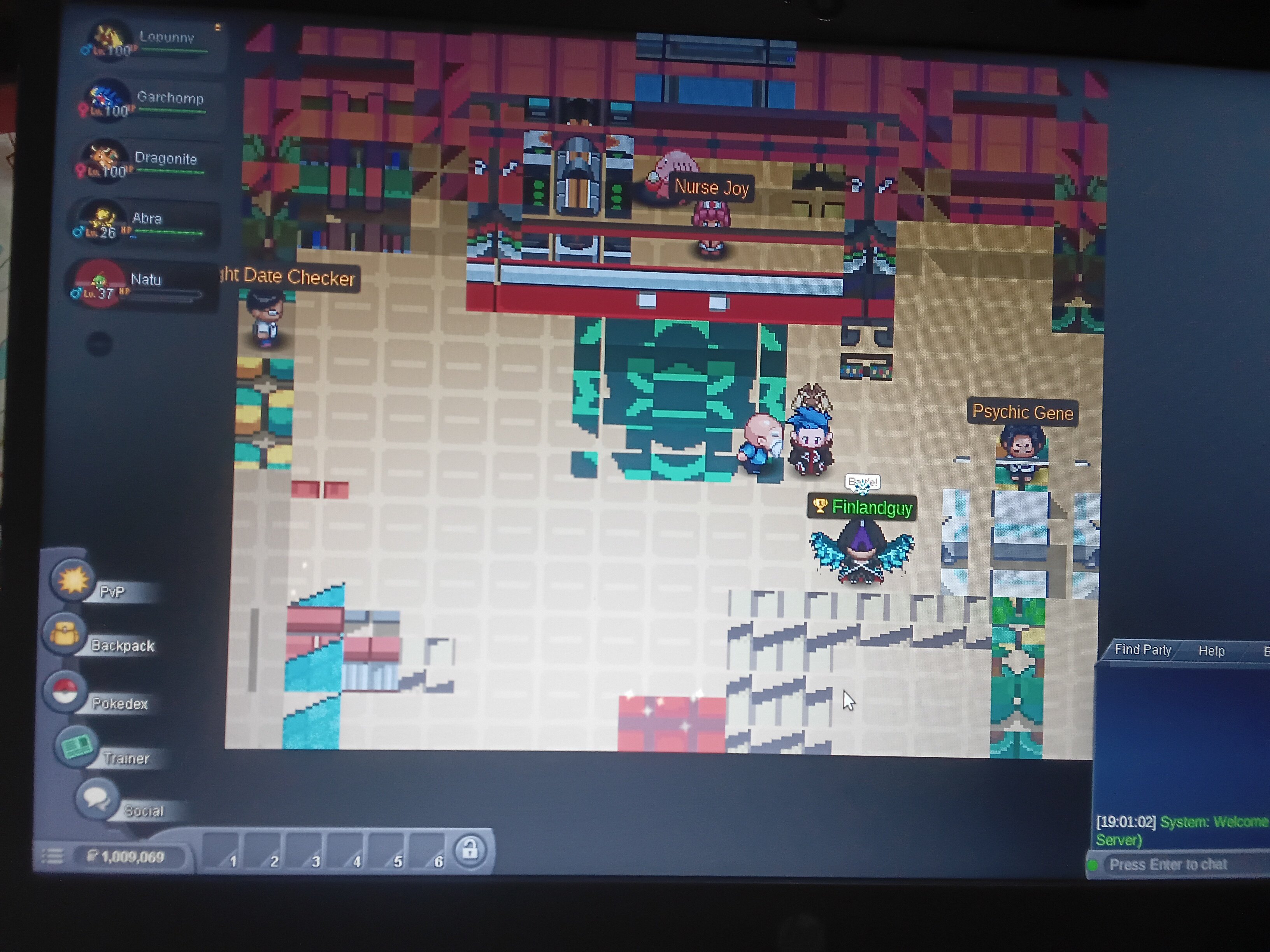
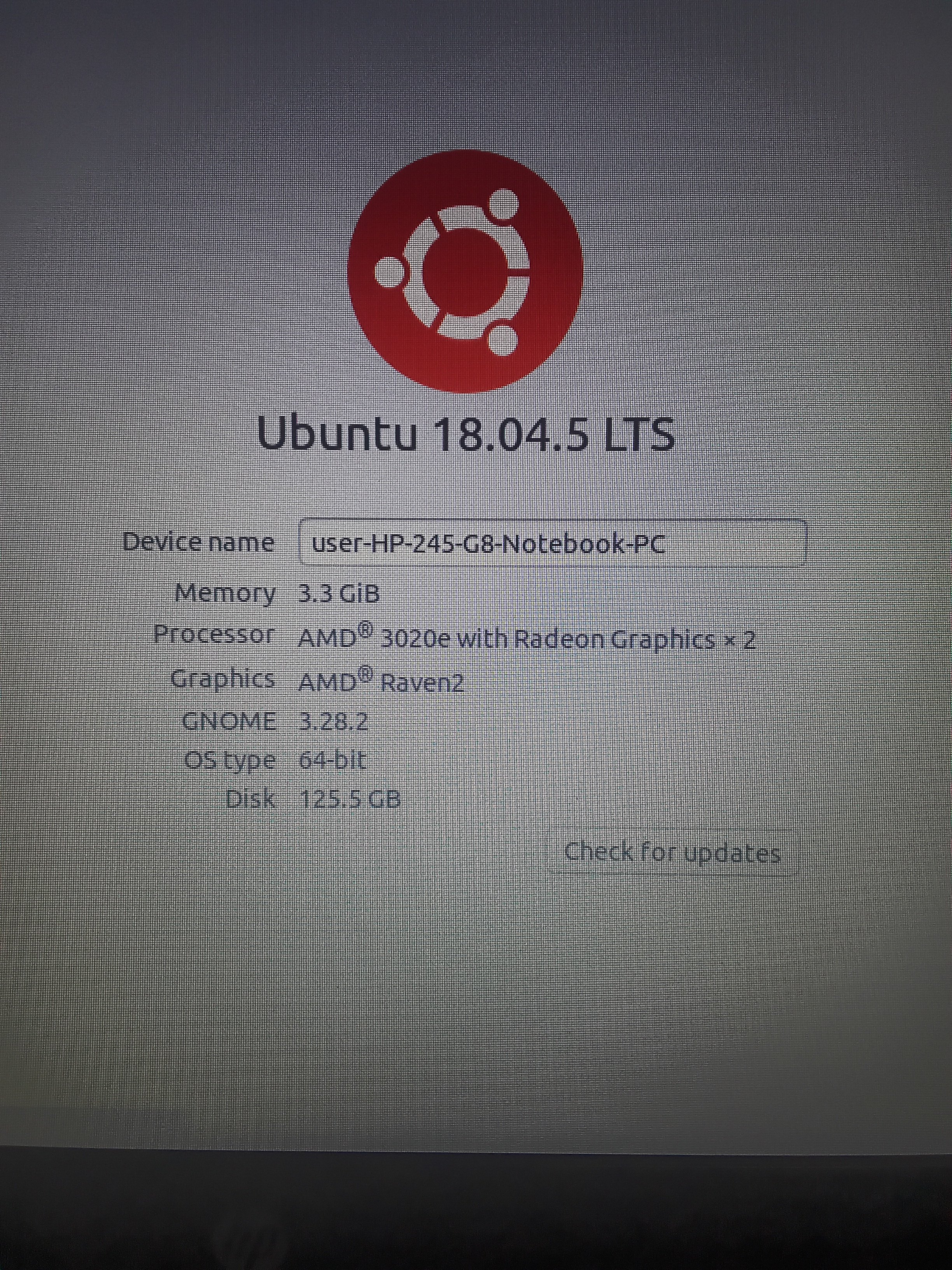
This is how the client looks on linux laptop. It has been like this since many years and i didnt bother to look it up till now.maybe because my linux is an old version?
-
Good day @3ttor3 I am glad to hear your friend was able to retrieve their Pokeballs! With that being said, I will be closing this thread. If you have any further questions or concerns, do not hesitate to reach out. Regards, Bitterblade
-
Good day @Kingbilly You're welcome. I will be closing this thread now. If you have any further questions or concerns, do not hesitate to reach out. Regards, Bitterblade
-
Majstorkoki joined the community
-
Bestiasparta joined the community
-
+1...but should be 10 pve
-
Labenzzzz joined the community
-
+1..but the price looking hell...100pve coins fair
-
oh sorry, I forgot to reply. Yes it was usefull and she got all the pokeballs back. Ty! Have a nice day.Ok, Thank You :)