New Trade Zone
Trade Zone is now live
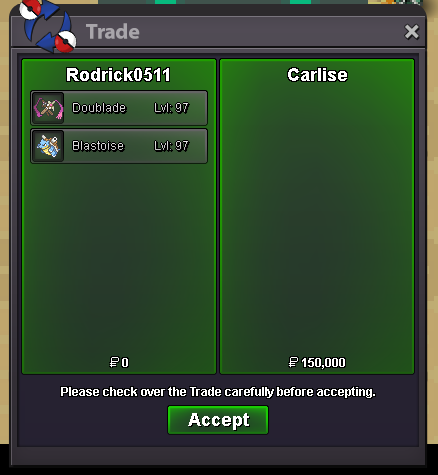
Use the new Trade Zone for auctions and instant-price trades so Pokemon and item offers are easy to find.
Leaderboard
-
1cloudz
Suspended2Points1359Posts -

Novus
Former Staff2Points4021Posts -
Blackmoonn
Suspended2Points319Posts -

Kvar
Moderator2Points10114Posts




Popular Content
Showing content with the highest reputation on 02/22/25 in Posts
-
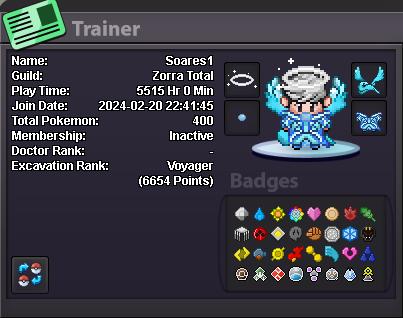
1 pointSOARES'S COSMETIC SHOP Discord - soares1vlr Nickname: Soares1 Accepted payments: Pokedollar 500k 700k 6k COSMETIC
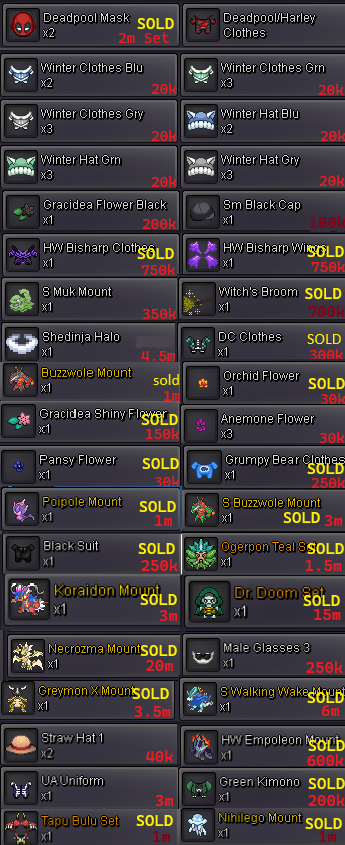 1 point
 -
1 pointStart Offer: 2m for 1,5m. Min Bid: 50k. Insta: 5m Duration: 24 hours after the first bid. Accepted Payment(s): cash only CC 450k Rerrol 500k Nature rerrol 250k1 point
-
1 point
-
1 point
-
1 point
-
1 point
-
1 point
-
1 point
-
1 point
-
1 point
-
1 point
-
1 point
-
1 point
-
1 point
-
1 point
-
1 point
-
1 point
-
1 point
-
1 pointHello @Metalgreymon @Toxicsoggy The trade has been forced, on Gold accounts. Kindly, K-Mew1 point
-
1 point1 pointOne thing to add on the top of that is to be able to mass select-drag-delete on pc,like we do outside of games if possible like this : 2025-02-21 14-15-21.mp41 point400k larvesta0 points0 points300k larvesta0 points0 points0 points0 pointsHeyy Sorry for the late response Yes i am still doing services , but As for z crystal services , i only do the quest related ones like alolan crystals / kanto crystals / mewnium etc I sadly dont provide z crystal service for the mono type tournaments Thanks for reaching out0 points0 points0 points0 points200k larvesta0 points150k larvesta0 pointsStart scyther0 pointsStart larvesta0 points