New Trade Zone
Trade Zone is now live
Use the new Trade Zone for auctions and instant-price trades so Pokemon and item offers are easy to find.
Leaderboard
-

Vaerisa
Registered User10Points413Posts -
1cloudz
Suspended8Points1359Posts -
Suncity
Suspended8Points5399Posts -
Pepemelenas
Suspended6Points439Posts




Popular Content
Showing content with the highest reputation on 05/21/25 in Posts
-
2 pointsHello, Although not explicit, sellers should not evolve a pokemon if the pokemon is being auctioned already. If the pokemon being auction was a Ferrossed, then it should be kept as a Ferroseed, until the auction is over. If it's being auctioned a Ferroseed, then it must be a Ferroseed until the very end. No actions will be applied because of this, but players should be aware of that fact. Players might bid because they wish to keep the pokemon as a Ferroseed, so the same way we don't allow changes on prices, alternative payments (etc) when an auction has started, the pokemon itself (in this case evolution) should also not change. Kind Regards, K-Mew2 points
-
2 pointsI don't see this rule, I think that rule only applies for this: Regardless, I think everyone who bid in this auctions wants an iron barb Ferrothorn not an anticipation one.2 points
-
2 pointsi think if she evo the pokemon its against the forum rule maybe the auction might get cancelled because of it since it started as ferroseed auction.2 points
-
1 pointStart: 10k no insta Min bid: 2OK Duration: 48 hours (after the first bid) ACCEPTED PAYMENT METHODS : - Coin Capsule = 500k PokeDollars
 1 point
 -
1 point
-
1 pointHi @Vendettita once a player posts on your shop wtb x and there is a set price, you must follow through with this trade. Although it might be deemed a low price by others, you regret your decision to post it at this price, or you receive better offers after the fact, you still must follow through with the person who posted to buy first. In this case, @Financebro was the first person to wtb this poke, thus you must trade with them. I have forced this trade, with 200k being removed/added. Please check out our General Trade Rules and Auction Rules. to familiarise your self with the rules.1 point
-
1 point
-
1 point
-
1 point
-
1 point
-
1 point
-
1 point
-
1 point
-
1 point
-
1 point
-
Hello, Sadly, your hypothesis is correct, and the bid made by @Kirayoshikage33 is false, as the doesnt have the funds required. With that said, @Topscammer I will give you the chance to keep your 2m bid and win the auction. Please provide a reply, so @Heroofthestreet can know if you are still interested, and if you are not, then for me to void this auction completly. Kind Regards, K-Mew1 point
-
Hello @Jamoncito26 @Harolxd The trade has been forced. Kindly, K-Mew1 point
-
1 pointHello, Do not excessively bump your post as it can be bumped a maximum of once every 24 hours, including after the post has been created. Kindly, K-Mew1 point
-
1 point
-
1 point
-
1 point
-
1 point
-
1 point
-
1 point@Sidkagenouyou won the auction ..pm me when you are avail;able for trade1 point
-
1 point
-
1 point
-
1 point
-
flying 400k electric 600k steel 300k1 point
-
1 point
-
1 point
-
1 point
-
1 point
-
1 point
-
1 point
-
1 point
-
1 point
-
1 point
-
1 point
-
1 point
-
+1 super good idea and amazing.. im not glazing its a really good needable suggestion1 point
-
1 point
-
1 point
-
1 point
-
1 point
-
1 point
-
1 pointHi this is not true. The user does not have a 'time frame' that you set, until to carry out the trade. If you cant meet up, report the thread and explain the situation and a trade moderator will assist in carrying out the trade, if you two cant meet up. Regarding your rule you had in your Original Post of "10 minutes rules", which is likely in relation to our auction rules, that people refer to as 15 minute rule, wont apply. The rules will always be what our trade and auction rules reflect, no matter if stated differently like you did here or not. I have edited this out. What will apply always is what is quoted below @Rhaegar92 Please meet up with @Grayzhang to carry out the trade and if you have trouble doing so, report the thread and explain so.1 point
-
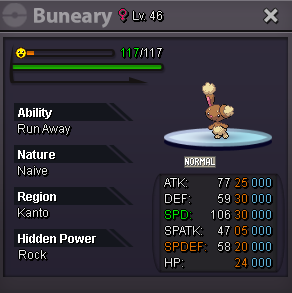
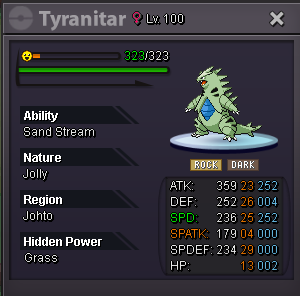
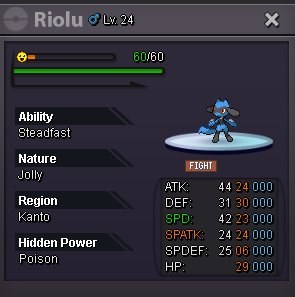
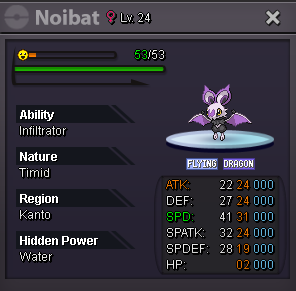
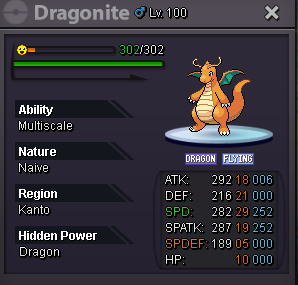
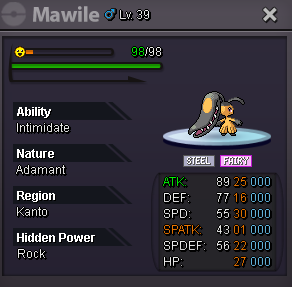
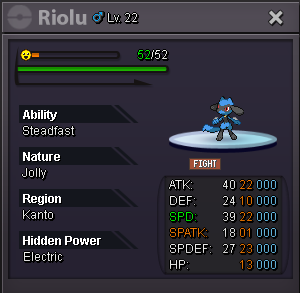
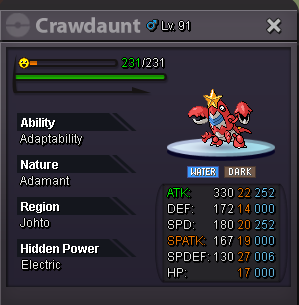
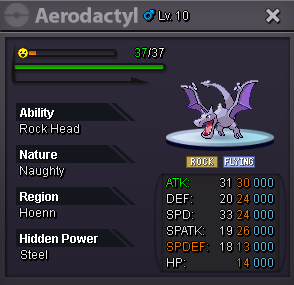
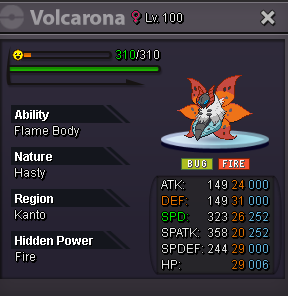
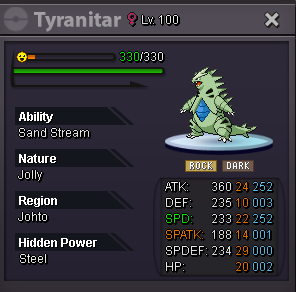
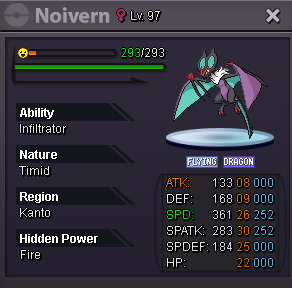
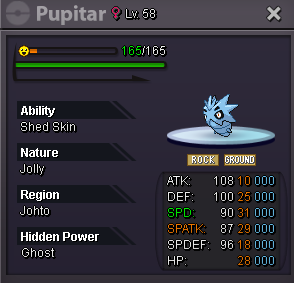
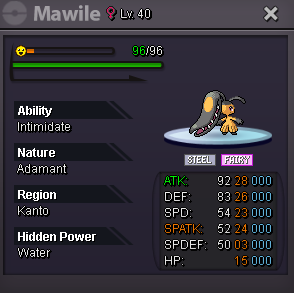
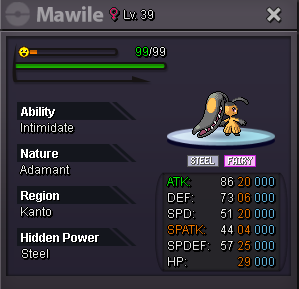
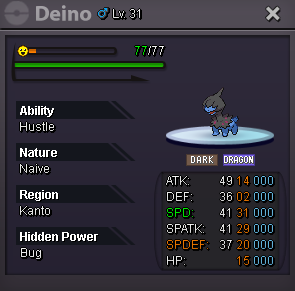
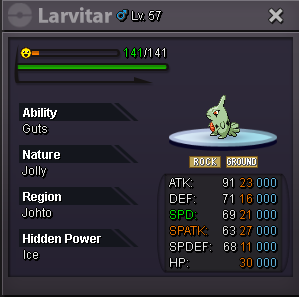
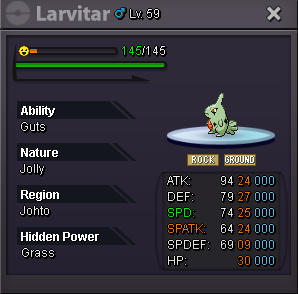
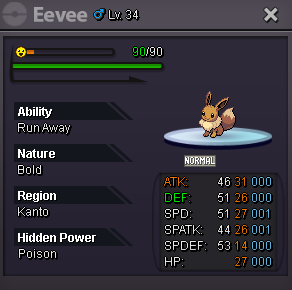
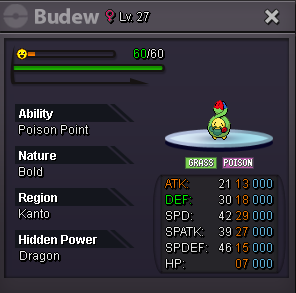
1 point1 point1 point1 pointWELCOME TO VAERISA SHOP DISCORD: KaiMew#1443 ACCEPTED PAYMENT METHODS : - Coin Capsule = 370K PokeDollars - IV Reroll Ticket = 520K PokeDollars - Nature Reroll Ticket = 260K PokeDollars THE FOLLOWING POKES 40K EACH - 2 X 70K THE FOLLOWING POKES 100K EACH - 2 X 180K THE FOLLOWING POKES 200K EACH - 2 X 380K THE FOLLOWING POKES 400K EACH - 2 X 750K THE FOLLOWING POKES 600K EACH THE FOLLOWING POKES 800K EACH --- MIMIKYU 1.2M --- THANKS FOR YOUR TIME


















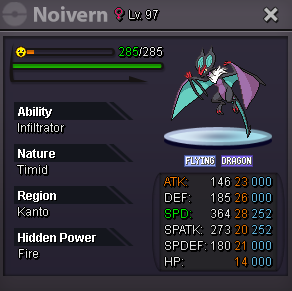

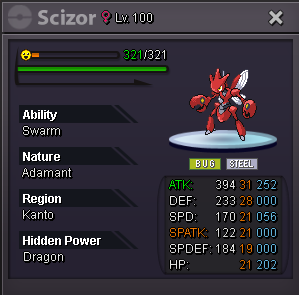
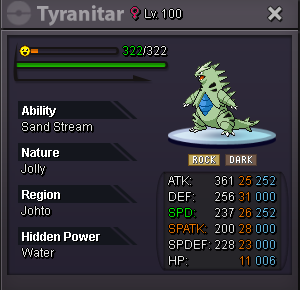
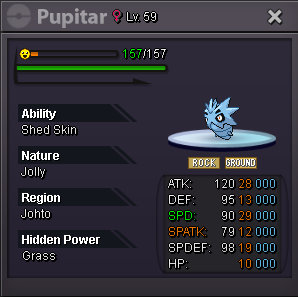

































































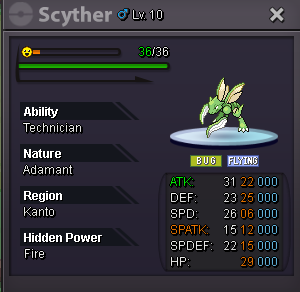













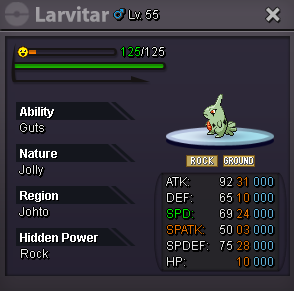







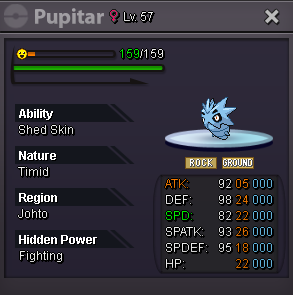









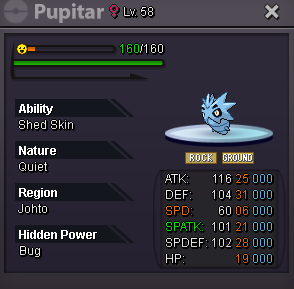





































 1 point1 point