




New Trade Zone
Trade Zone is now live
Use the new Trade Zone for auctions and instant-price trades so Pokemon and item offers are easy to find.

Yigido2006
Registered User
-
Joined
-
Last visited
-
i go to the corsica island to fishing contest times. anothers doing but i cant enter the poke spawn area
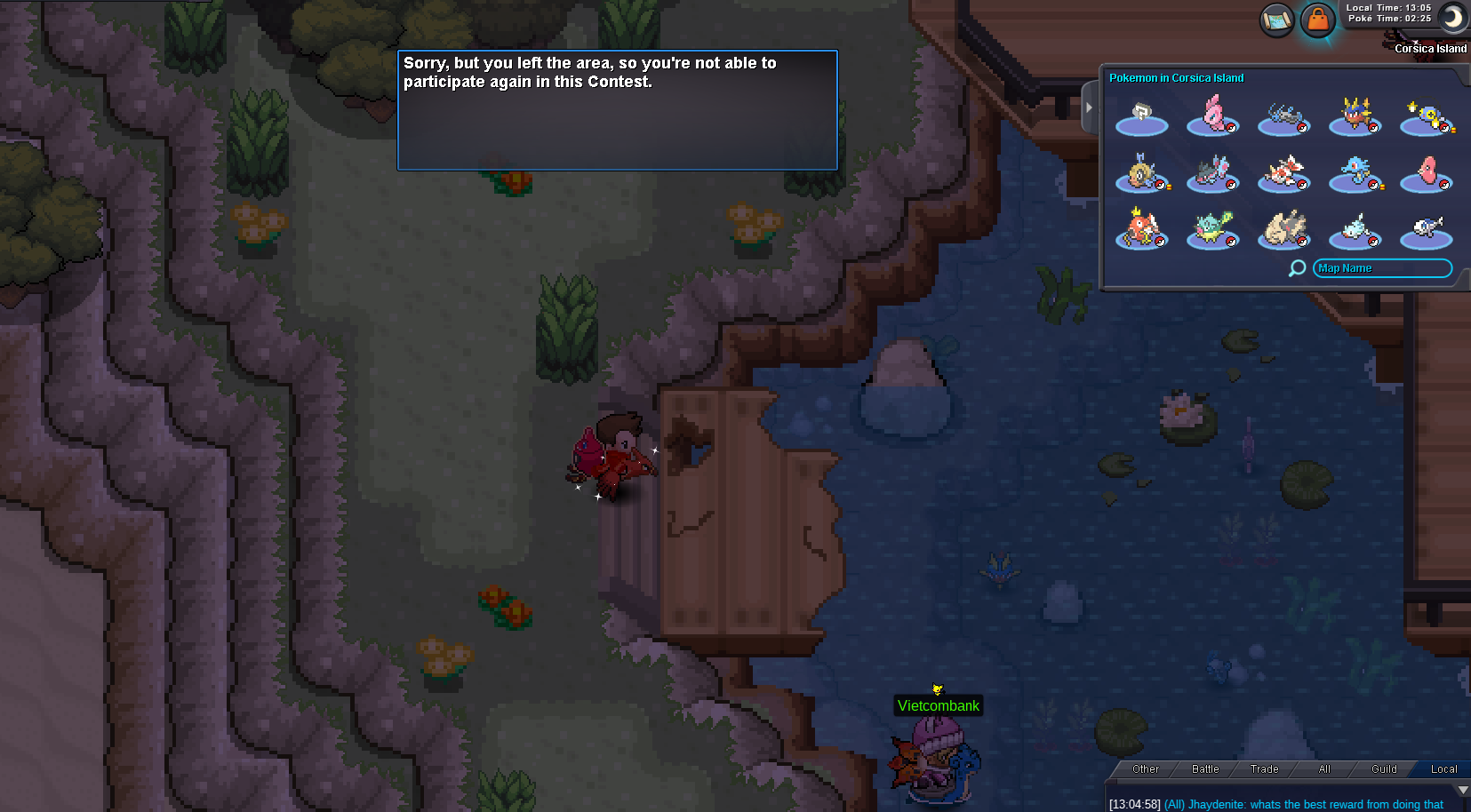
-
Yigido2006 changed their profile photo
-
i started pvp and i disconntected. i come back to game but i lose 28 point and 3 lose before i am 4 win 3 lose
.png.86bf155e3d7e44968dd8e266d46b4daf.png)
-
wtb lvl service 3 slowpoke
-
@Dingdidong now can you sell iv rr
-
thanks @Epithet
-
i can do it @Epithet
-
how much
-
i think its bug
-
tthis arena i can do 3 days but i correct his question. he cant pass me another @Epithet
.png.eb939954d6600cf36b820dd0e3b32c9b.png)
-
@Epithet
-
hi i know this questions i look at there and i answered he said correct but he cant pass me another arena
-
hi @Epithet i am going trick house, per day you correctly his question he pass your arena but second arena altought i answer correctly he cant pass me thirt day arena
-
hi, i am going to trick house and answered his questions but day 2 he can ask me question and i answer correct he said but another day i am in 2 day map in trick house and i can do it one more time this one correct too but he cant pass me thirth day in quest
-
-
hi @Epithet i can talk with brock and he said help pokemons i can help but he cant accept quest or i can watch videos she can help oddish in viridian city but i dont see oddish