




New Trade Zone
Trade Zone is now live
Use the new Trade Zone for auctions and instant-price trades so Pokemon and item offers are easy to find.

Saucedallas
Registered User
-
Joined
-
Last visited
Everything posted by Saucedallas
-
150k
-
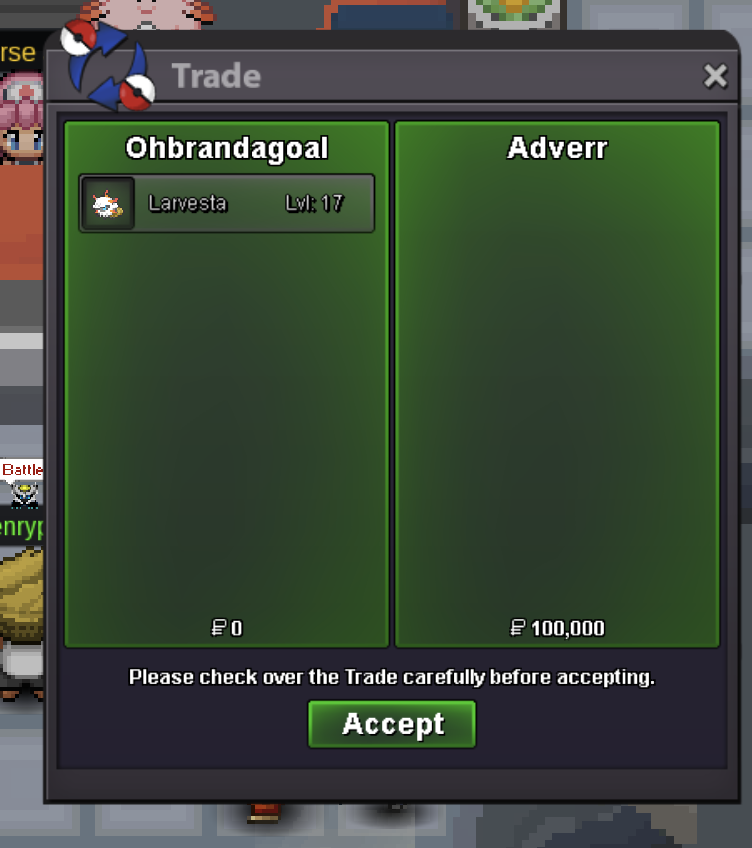
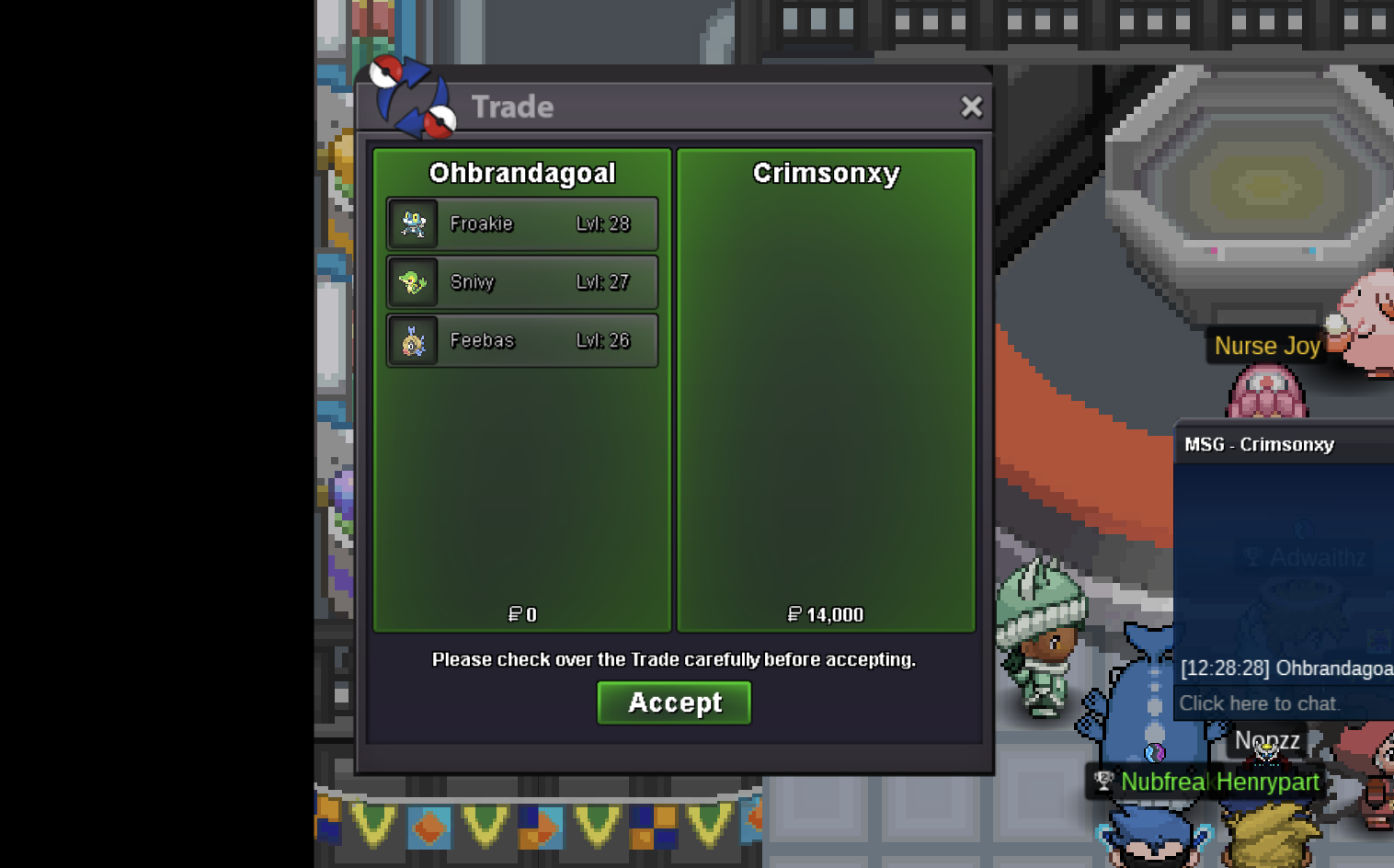
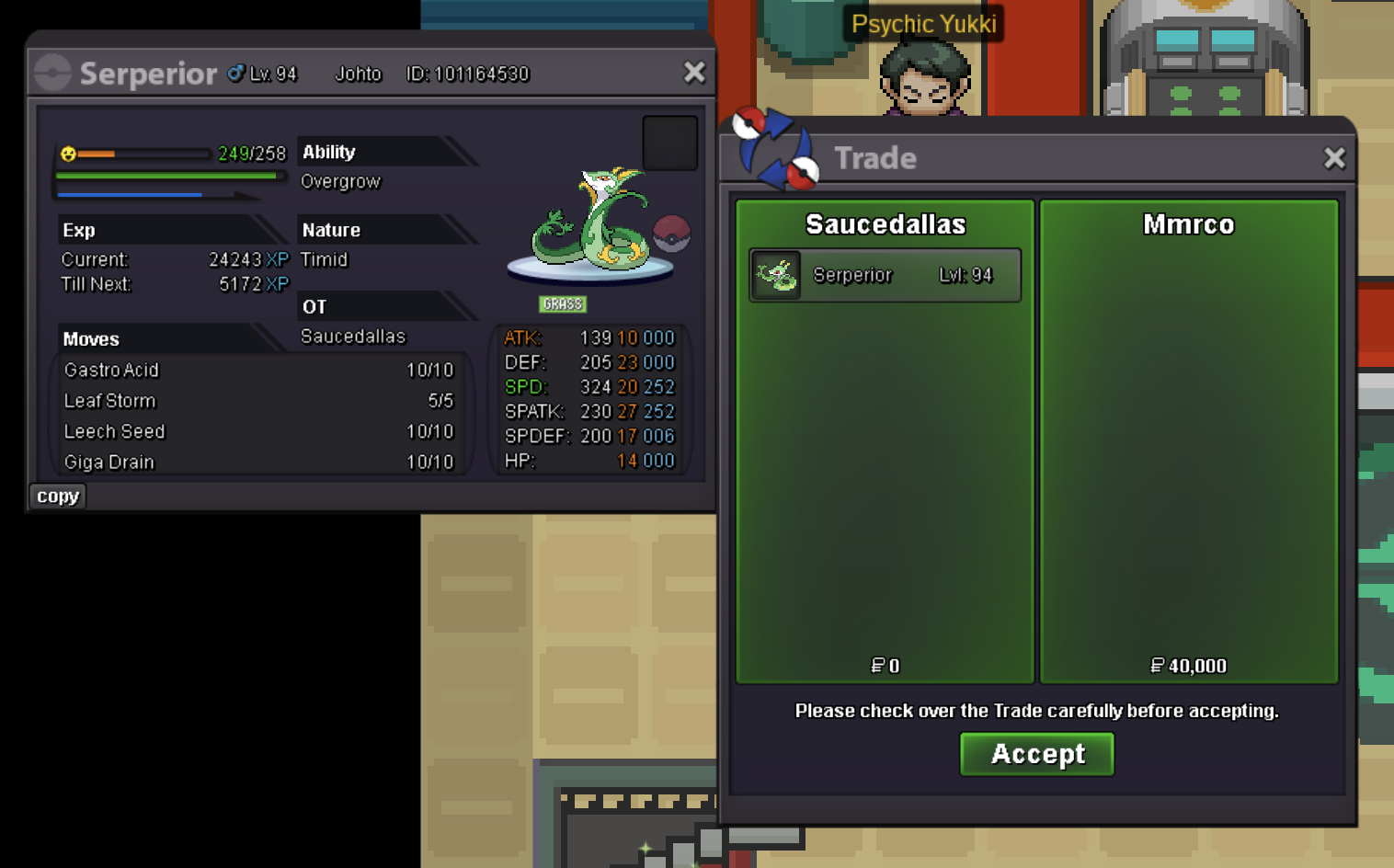
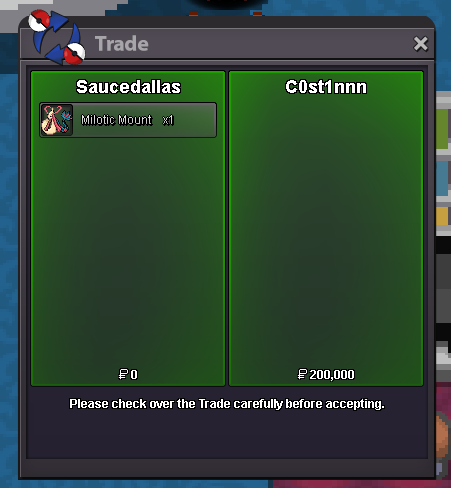
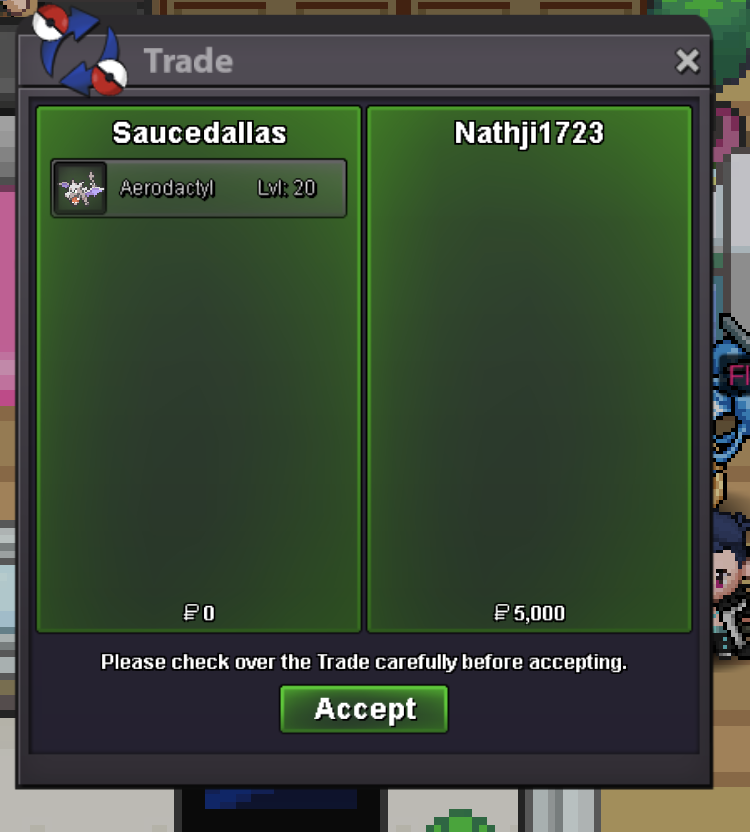
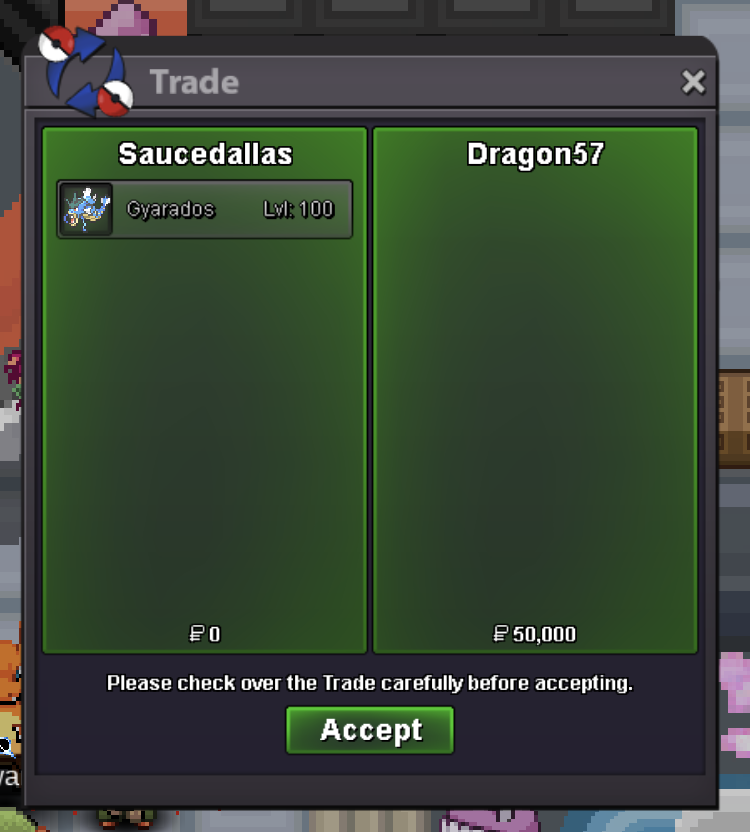
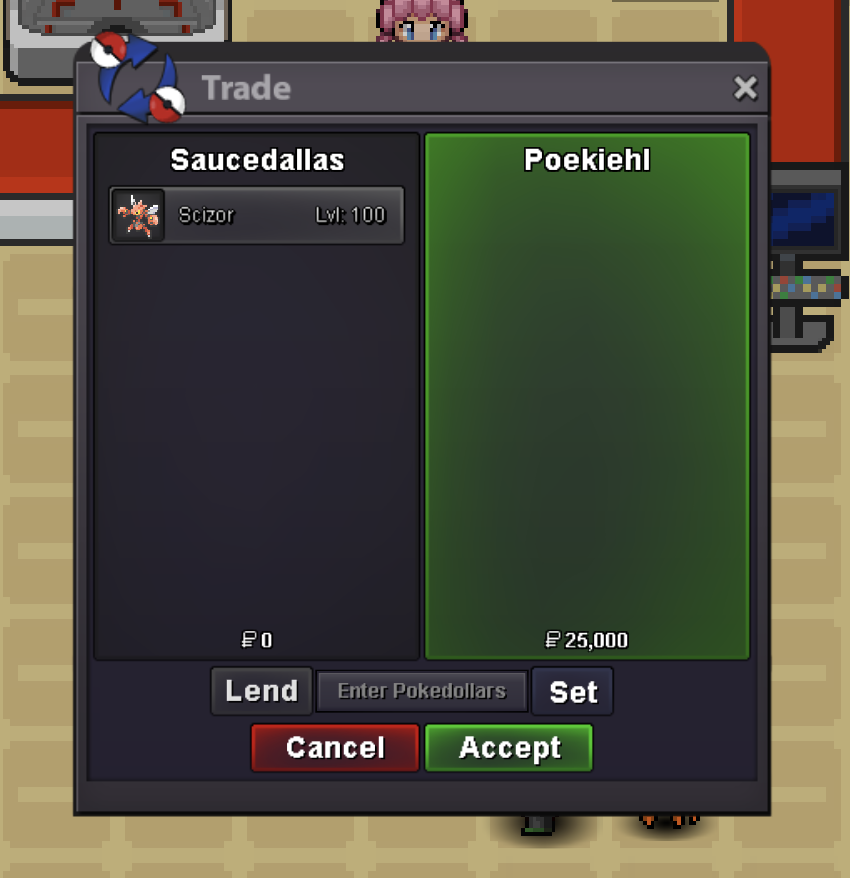
Adding new mons !Hello, I know there were a lot of suggestions about black medaillon, I don’t want to ask for a full rework but a little help to people for whose it can be complicated to dedicate 3 days to the game. I also know that it’s not because it’s a 3-day stuff, you should commit 72hours to only hunting, but i’m sure it can discourage people from buying it cause 3 days in a row is a lot of time. What I think that could be a good idea, without making it abuseable, it’s a one shot option per BMS (you can use it only one-time per BMS) to pause it for a let’s say, a maximum of 24h (that way I think it’s not too much). That way at least, it’s a bit less stressful, more time friendly for most people and i think keep the current way of working of the BMS. Thanks by Advance.Hello, i'm online right now iyw. Otherwise pm me on discord or here when u get online and will try to reach youCoool 😎 Trying to pm u tomorrow when i get online!200kBig big update ! a lot of mon and items/cosmetics added ! Redesign of the shop to be more easily browse.Can you pm me in game or on forum tomorrow ? Ty@Mmrco can you pm me in game or on forum tomorrow ? Ty@Nathji1723 you win ! u can pm me when you get onlineI guess it's good for Pawn @Verankass ?1m 50k pawn950k PawnWanna buy this one :
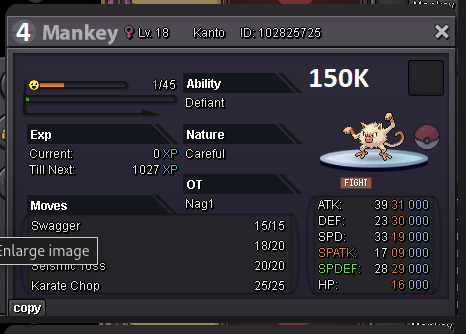 Yes this one, sorry didn't see they were numbered

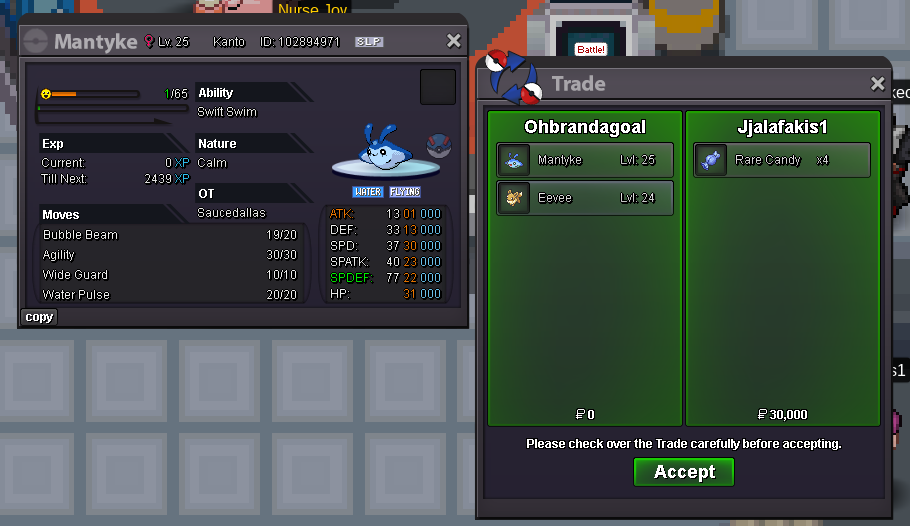
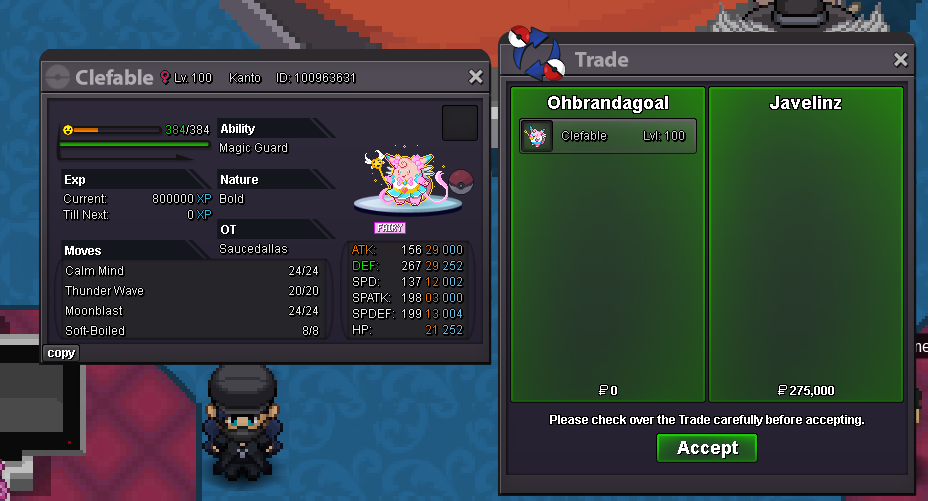

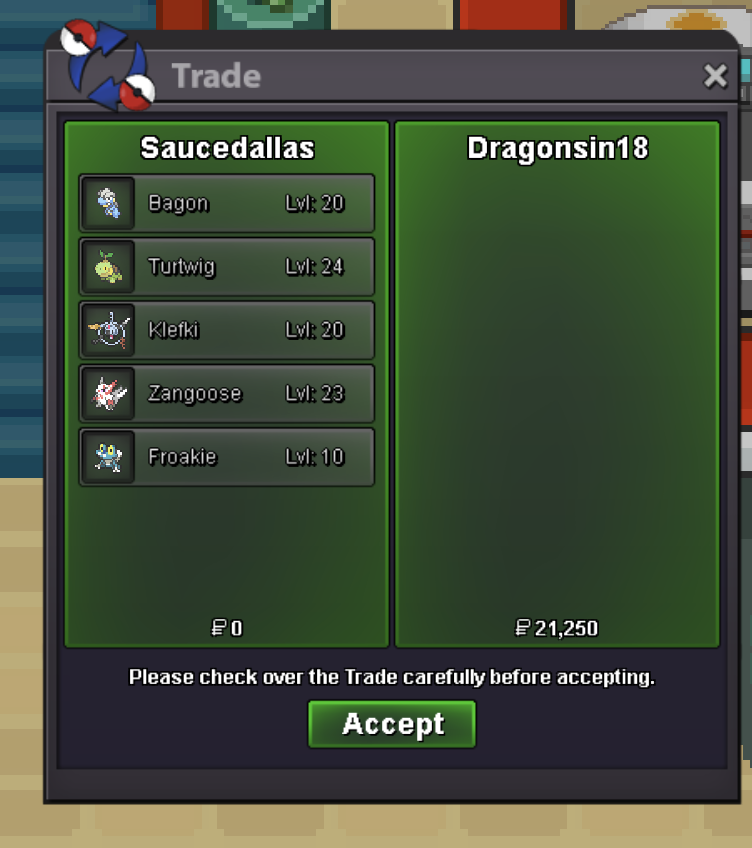
Account
Navigation
Search
Configure browser push notifications
Chrome (Android)
- Tap the lock icon next to the address bar.
- Tap Permissions → Notifications.
- Adjust your preference.
Chrome (Desktop)
- Click the padlock icon in the address bar.
- Select Site settings.
- Find Notifications and adjust your preference.
Safari (iOS 16.4+)
- Ensure the site is installed via Add to Home Screen.
- Open Settings App → Notifications.
- Find your app name and adjust your preference.
Safari (macOS)
- Go to Safari → Preferences.
- Click the Websites tab.
- Select Notifications in the sidebar.
- Find this website and adjust your preference.
Edge (Android)
- Tap the lock icon next to the address bar.
- Tap Permissions.
- Find Notifications and adjust your preference.
Edge (Desktop)
- Click the padlock icon in the address bar.
- Click Permissions for this site.
- Find Notifications and adjust your preference.
Firefox (Android)
- Go to Settings → Site permissions.
- Tap Notifications.
- Find this site in the list and adjust your preference.
Firefox (Desktop)
- Open Firefox Settings.
- Search for Notifications.
- Find this site in the list and adjust your preference.