




New Trade Zone
Trade Zone is now live
Use the new Trade Zone for auctions and instant-price trades so Pokemon and item offers are easy to find.


Mattsw
Registered User
-
Joined
-
Last visited
Everything posted by Mattsw
-
Can u link it? i rebuild the shop and clean pokes that i show. But all pokemons images still save.
-
Hi, i hav mareep, farfetch and stantler.
-
Ty mate T.T and ty Larf for supervises the auction.
-
-
No problem mate, i still interested in ur lileep, and how this auction ended badly at perception of some participates, we need a trade moderator for fix it or give us a final fair trial.
-
Thanks for give a exactly hour xd i wait for @Logan or @Larfleeze for ends properly this auction
-
Yeah, i mean, i start ur timer with my first bid and its like 40min (idk exactly) after u end. I think u decide end auction based in ur post time maybe. Btw if u can link a timer ir something for be sure i appreciated :)
-
I think still left like 30min for finish auction so i offer 550k, if not ignore this ^^
-
-
Hello there, Piplup 6/10 200k and Dragonite 8/10 1m imo, GL!
-
Hello there, 350k imo. GL!
-
Hello there, 1m imo. GL!
-
Hello there, 350k imo. GL!
-
Idk, screens?
-
Sold ty :)

-
Start Sylveon
-
I'll buy that golurk
-
Sold ty

-
Yeah no problem, only tell me when u can login @j4Lord
-
That is wrong. Only exact time/ duration (time) are acceptable for ending point. Read trade/auction rules.
-
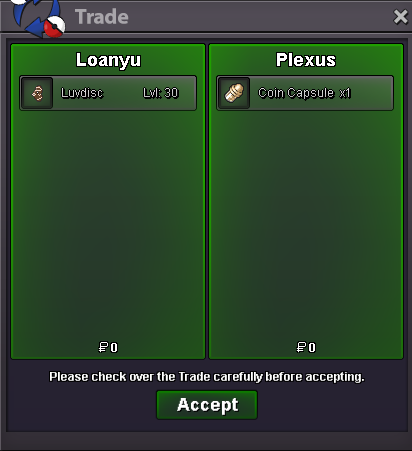
ty sold
-
Sold ty

-
@kasbarinoo ok np can u login now?
-
Ty ty, srry for inconveniences, my mistake, enjoy urs pokes ^^
-
Ty, srry for my PC problems.
