New Trade Zone
Trade Zone is now live
Use the new Trade Zone for auctions and instant-price trades so Pokemon and item offers are easy to find.

Eurice
Registered User
-
Joined
-
Last visited
Everything posted by Eurice
-
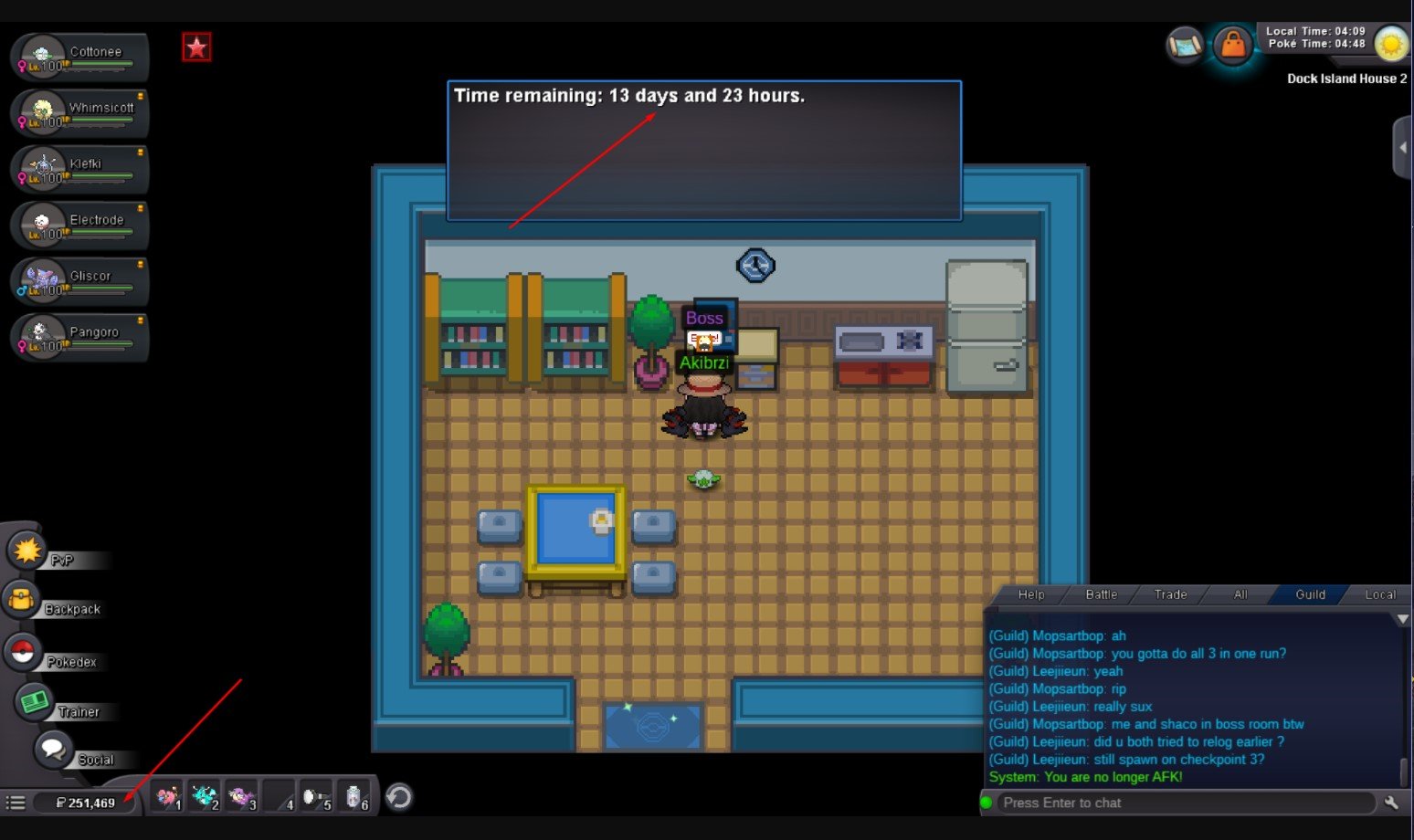
Hello, I fought Boss in Dock Island House 2 and won 70k, but my money didn't change. I was at 250k when I started the fight, and then still 250k when it ended in victory. I got the rare candies (9) but not the money. The only thing I bought before the fight was a 10k Magby from trade. Please advise what could be done, thank you.
-
-
Please close this thread, I have decided to sell it to a friend instead. Thank you!
-
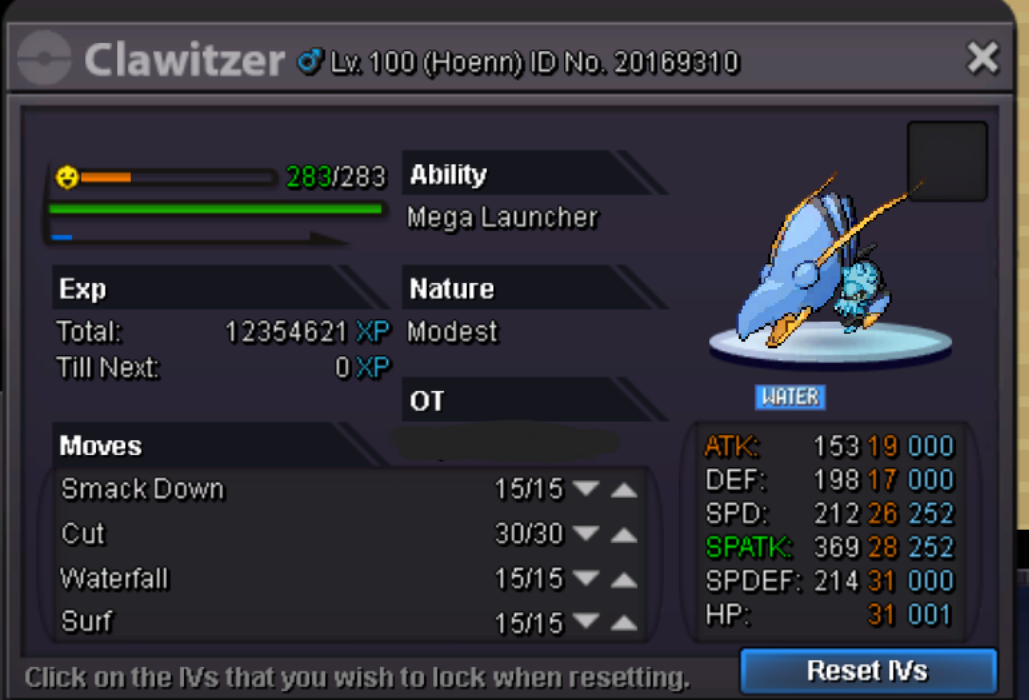
Starting offer: 1m Insta: 5m Min raise: 150k Time: 72 hours after first offer Other accepted payments: CC - 400k value
-
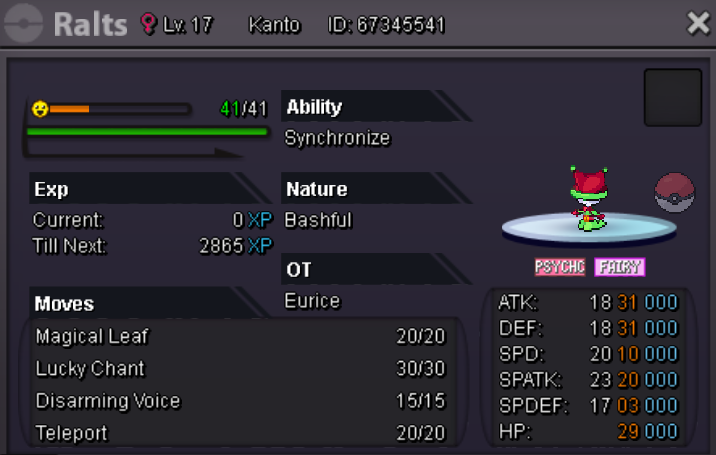
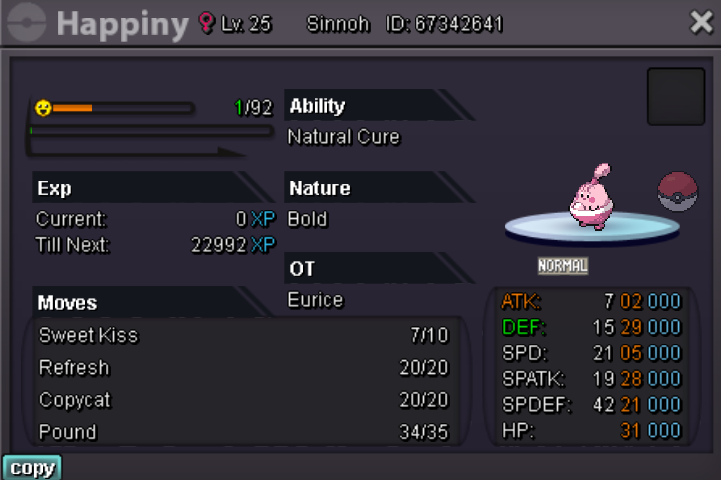
Hello, I'm selling this happiny for 1.4m. I accept cc and rc (7k each) for payment. Please feel free to make reasonable offers. I prefer pokedollars and cc though, so offers like this will be prioritized. Thank you and I hope you're all having a great day. 🙂
-
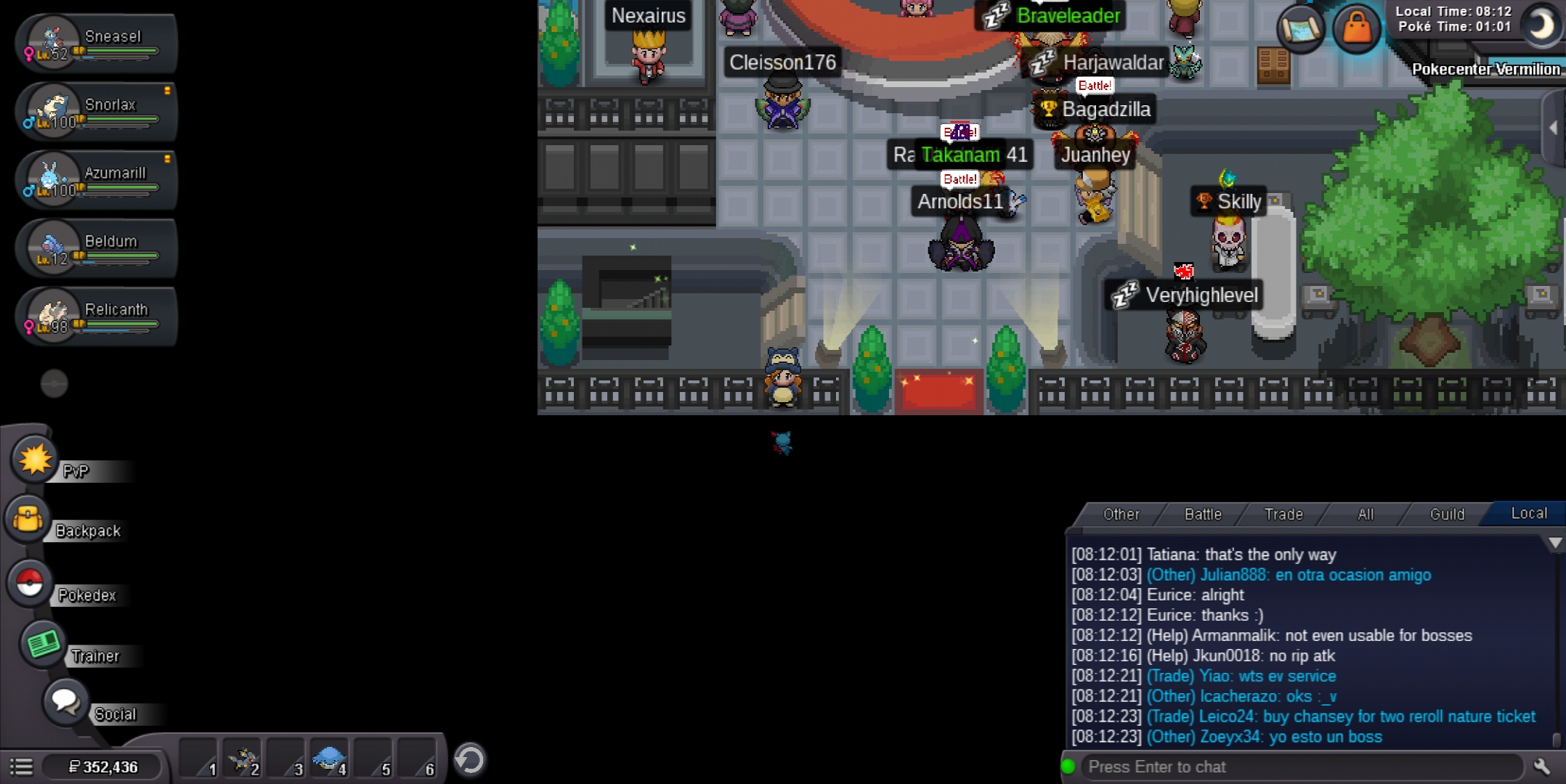
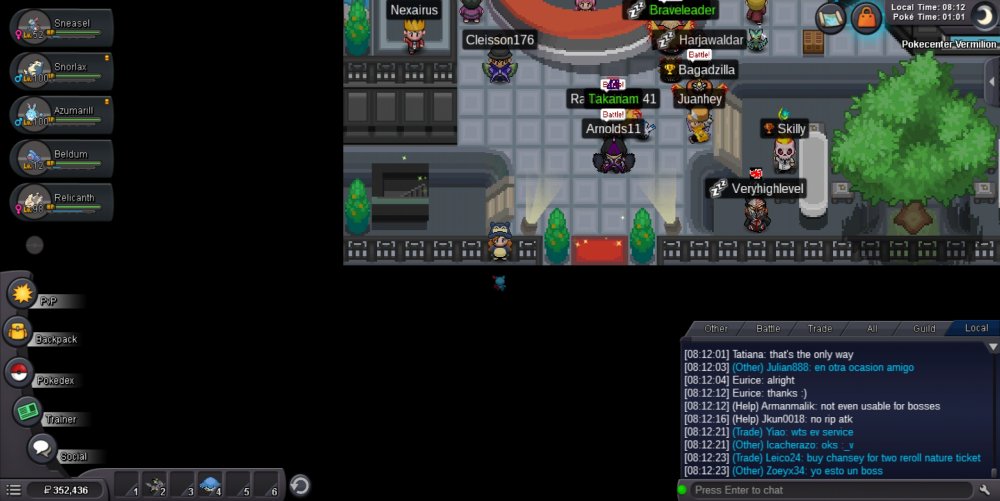
Hi. I'm a returning player. I've been inactive for almost two years, I think, and since the layout of poke center has changed, I find myself stuck in some kind of black fence. Tried relogging but I still can't get out. Please help me. IGN: Eurice Server: Silver
-