




New Trade Zone
Trade Zone is now live
Use the new Trade Zone for auctions and instant-price trades so Pokemon and item offers are easy to find.


B0t
Registered User
-
Joined
-
Last visited
-
Username: B0t Server: Silver Country/Timezone: Philippines / GMT +8
-
From what I see, the current BMS and this are great additions, one for people who barely hunts or have little time and want to save more money, and the other one for those who have plenty of time to hunt and making use of those 3 days productively. Therefore, why not just add another variant a new BMS that only tracks hours when in-game, because I don't think bot users are really affected that much if this will be changed, they will still do it like just more expensive. Regardless of my opinion, +1 for this great suggestion. Also one last thing, I think 24hrs is too good for 50 coins and need to reconsider if this were to be implemented.
-
hii, unfortunately the auction already ended at the time given before your bid, so it'll not be counted, gl tho
-
Auction is over, won by @Nacht at 675k, thanks to everyone who've participated
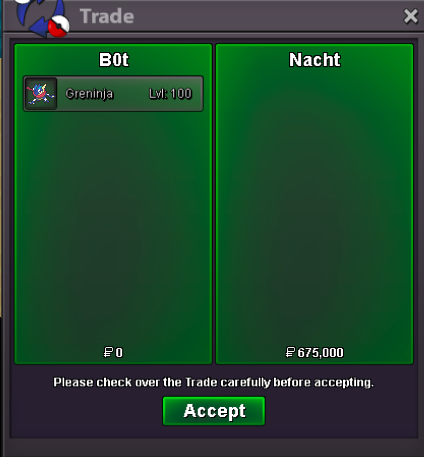
-
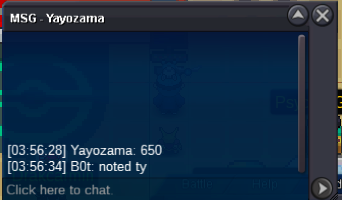
C.O 650k
-
Start - 1k Min.Bid - 25k Duration - 24hrs after started Payment - CC(500k) or Pokedollar GLGL!

-
Bump
-
congratz to the winner @Mareska26 at 120k, dm me here or in discord for trade
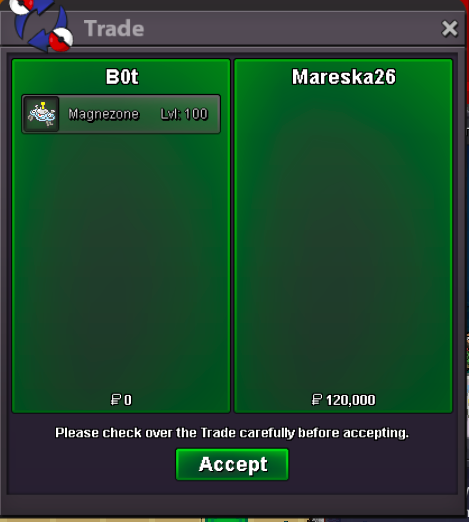
-
Bump! around 2hrs and 20 mins left
-
Welcome to the Auction Today I'll auction my spare hp fire Magnezone, the highest bid wins, GLHF! Start price - 10k Min. bid - 10k 48hrs after started Accept Pokemoney and CC (480k) Also, please take note before participating~

-
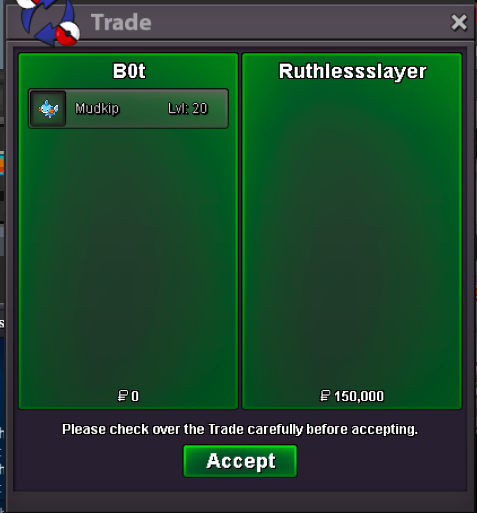
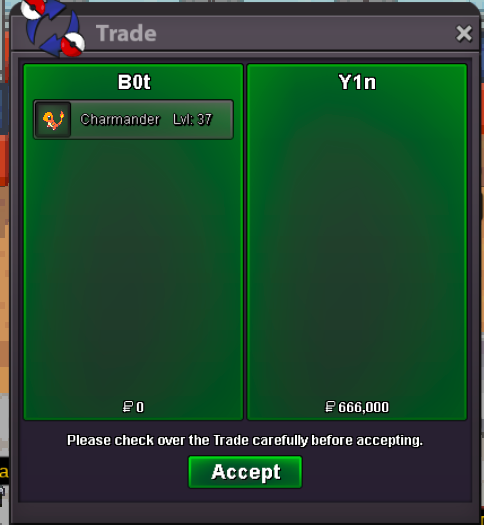
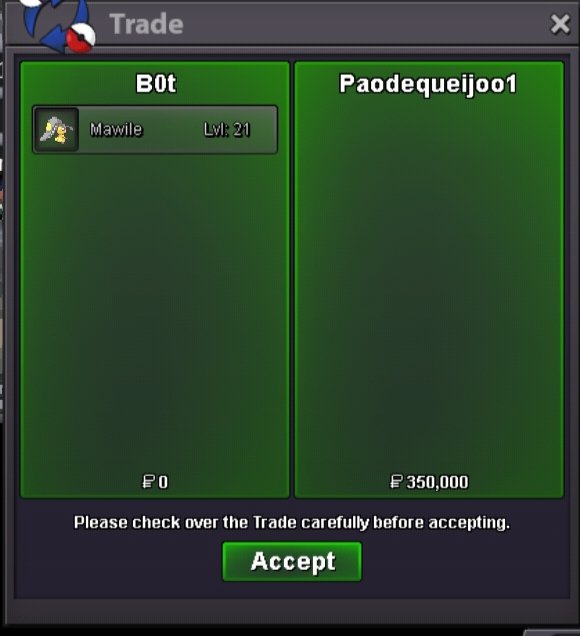
here r the winners, thnx to everyone who've partipated! 666k @Y1ncharmander 150k @Ruthlessslayermudkip 350k @Paodequeijoo1 mawile Trade SS
-
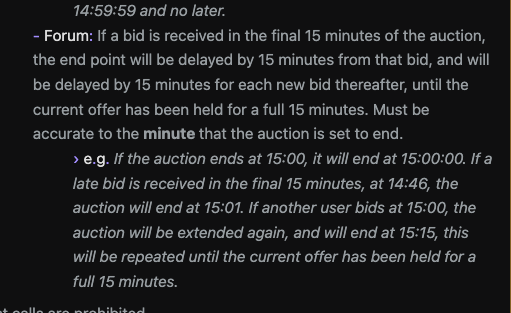
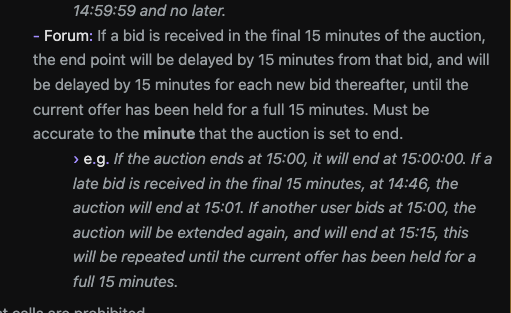
I understand, but there really is, here below https://pokemonrevolution.net/forum/topic/119709-forums-and-in-game-auction-rules/ anyways thnx for participating 🙂
-
its under forum trade rules, it should be there
-
Auction is over!
-
not yet, theres like 2 mins left for charmander

