




New Trade Zone
Trade Zone is now live
Use the new Trade Zone for auctions and instant-price trades so Pokemon and item offers are easy to find.

Tercyduq
Suspended
-
Joined
-
Last visited
Everything posted by Tercyduq
-
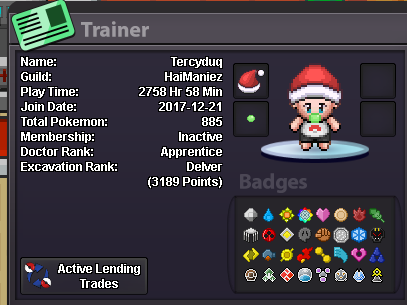
This is when i click it. And my current progress.
-
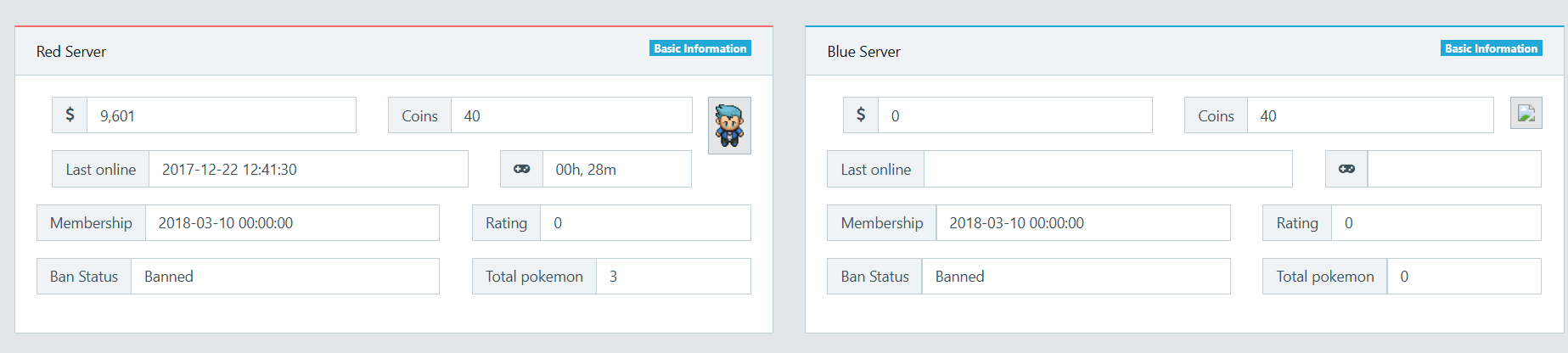
Dear Customer Support, I hope this message finds you well. I would like to request assistance with transferring my account from the Gold Server to the Silver Server. However, when I access my dashboard, I receive the following notification: "You have to merge before you can log in on Silver! Click here." When I click the link, I am shown two accounts—one from the Red Server and one from the Blue Server. Unfortunately, neither of these accounts belongs to me, and they do not reflect my current progress. Could you please help me verify and correctly transfer my account to the Silver Server? Thank you very much for your assistance.
-
gegeh ty
-
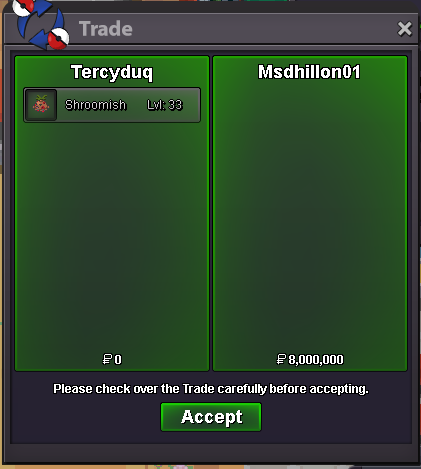
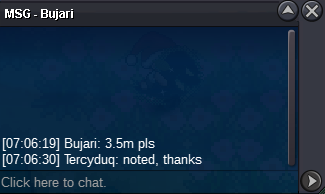
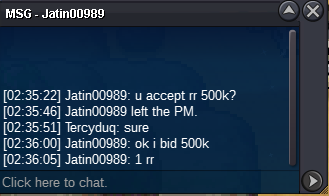
S.O : 3m Min bid : 200k C.O : 3.5m by Bujari insta : 8m Ends 72hrs after first bid +15min rules TIMER : https://countingdownto.com/countdown-pages/fvatqcPK Accepted Payments-Cash,CC@400k, IV RR@500k
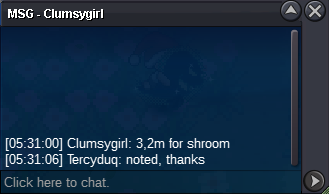
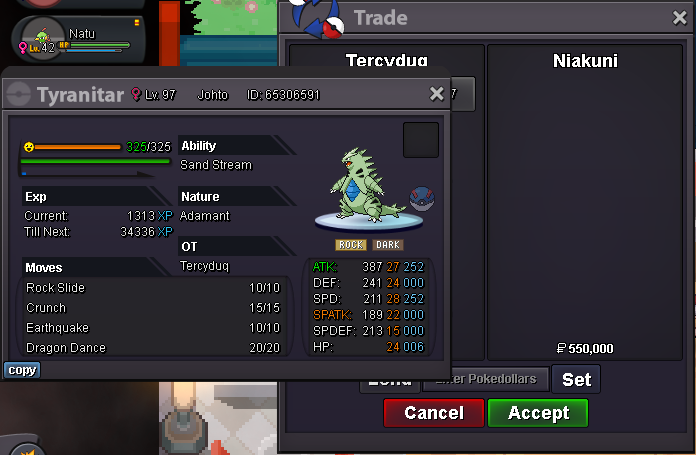
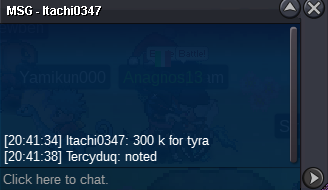
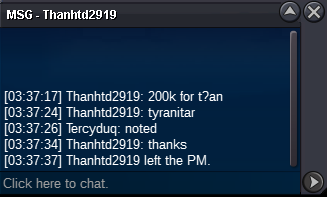
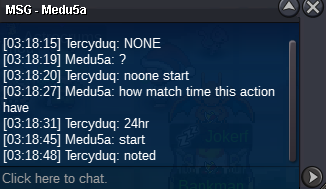
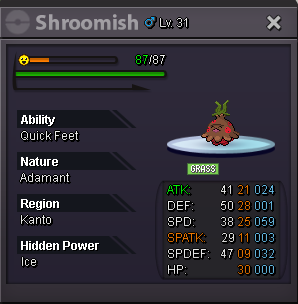 startno 15min rules..26560k klefki :3buy 50+ evo service // ign Tercyduq350k70k5.1yea i think, you won. Congratz !!s.o 100k min bid 50k INSTA 700K accept : cc 380k // iv rr 510k // nat rr 225k ends 24 hours after start 15 MINUTES RULES APPLIED
 100k
100k


Account
Navigation
Search
Configure browser push notifications
Chrome (Android)
- Tap the lock icon next to the address bar.
- Tap Permissions → Notifications.
- Adjust your preference.
Chrome (Desktop)
- Click the padlock icon in the address bar.
- Select Site settings.
- Find Notifications and adjust your preference.
Safari (iOS 16.4+)
- Ensure the site is installed via Add to Home Screen.
- Open Settings App → Notifications.
- Find your app name and adjust your preference.
Safari (macOS)
- Go to Safari → Preferences.
- Click the Websites tab.
- Select Notifications in the sidebar.
- Find this website and adjust your preference.
Edge (Android)
- Tap the lock icon next to the address bar.
- Tap Permissions.
- Find Notifications and adjust your preference.
Edge (Desktop)
- Click the padlock icon in the address bar.
- Click Permissions for this site.
- Find Notifications and adjust your preference.
Firefox (Android)
- Go to Settings → Site permissions.
- Tap Notifications.
- Find this site in the list and adjust your preference.
Firefox (Desktop)
- Open Firefox Settings.
- Search for Notifications.
- Find this site in the list and adjust your preference.