New Trade Zone
Trade Zone is now live
Use the new Trade Zone for auctions and instant-price trades so Pokemon and item offers are easy to find.

Jaycords0
Registered User
-
Joined
-
Last visited
-
Jaycords0 changed their profile photo
-
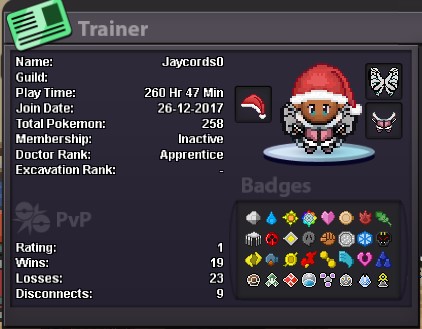
What's your Player name? (Jaycords0) Number of hours played? (275 hours) What's your favourite Pokemon? (haxorus) What country are you from? (US) How old are you? (16) Which server do you play on? (Silver)
-
What's your IGN?-- Jaycords0 How old are you?-- 16 turning 16 in a month from now What is Your Discord ID?-- Jaycords#8788 What's your goal in PRO?-- Catch all the pokes including the catch-able legendary`s and finish quest that the npc have and try to get better at pvp What is your favorite aspect of PRO?-- They all ways update the game to keep there players active and having fun and adding events What was your highest rating achieved in the last 3 PvP seasons?-- didn't do pvp pvp till this year so im still trying to build my team
-
Okay thank you for the note
-
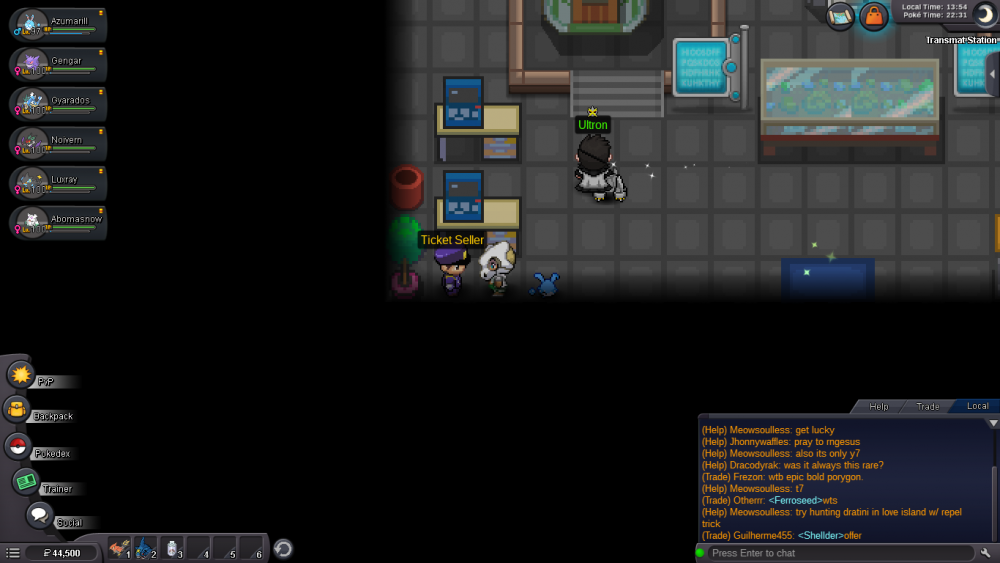
Hello there's a NPC bug with the hoenn teleport quest I finished it and when I when I needed to go to the computer and needed to talk to it and I had to it and the npc was there in blocking teleport quest
-
IGN: Jaycords0 Playtime:130 around there Fav pokemon:Charzard , Axew Country: USA Age:15 Birthday: 01 - 16 - 2004
-
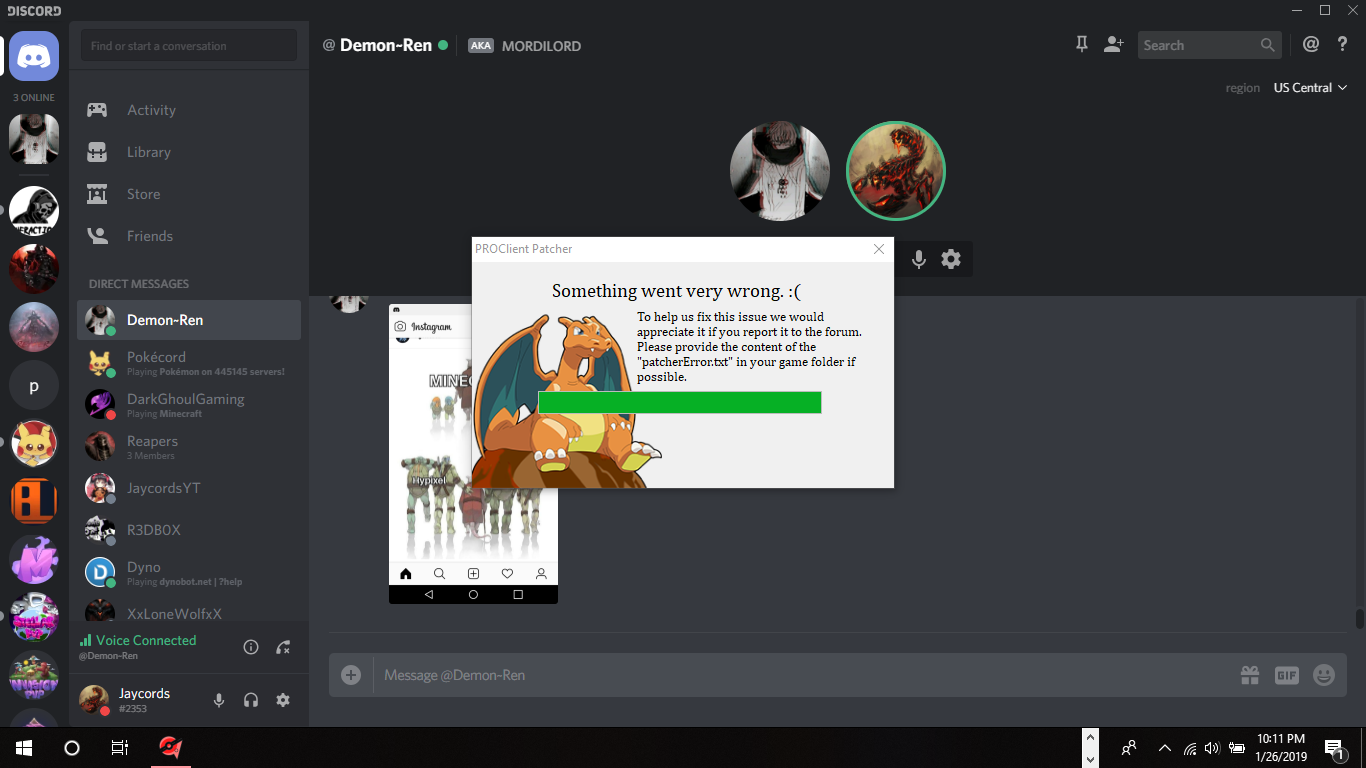
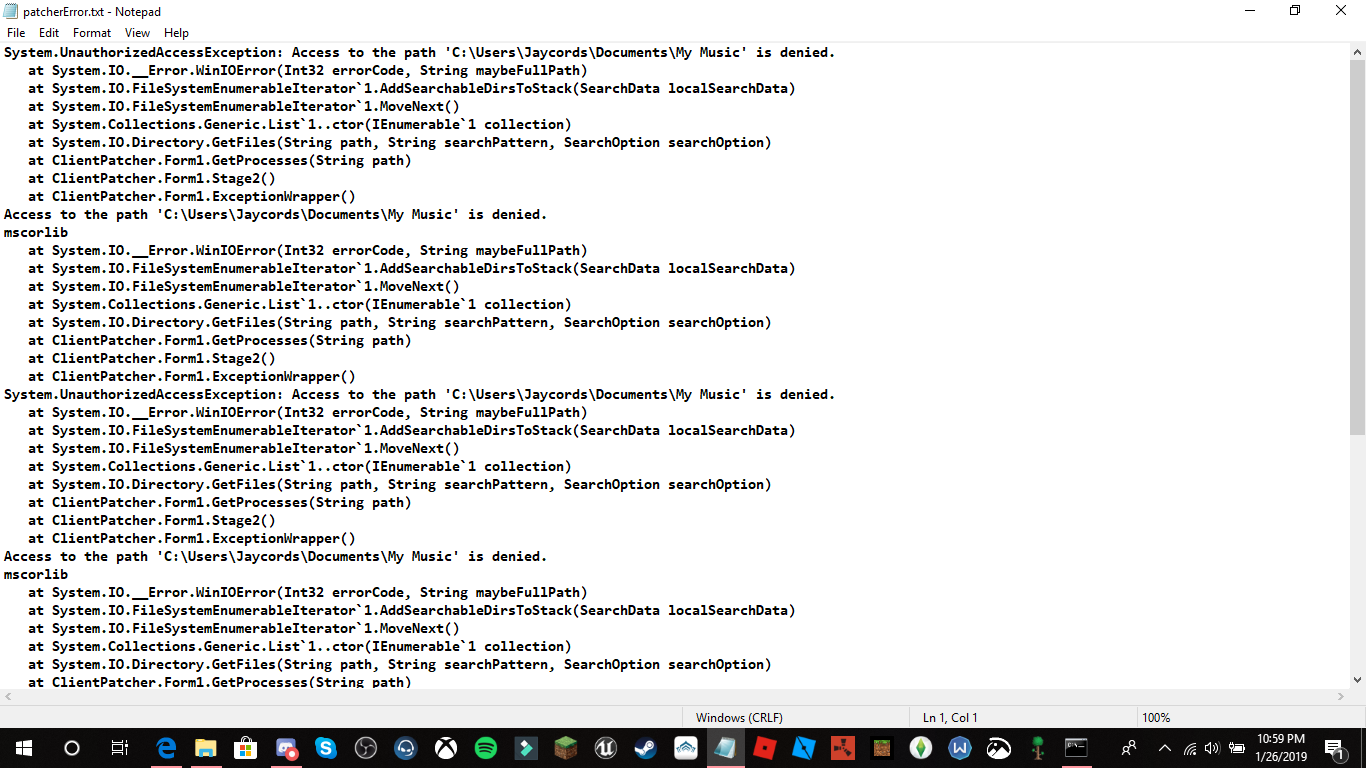
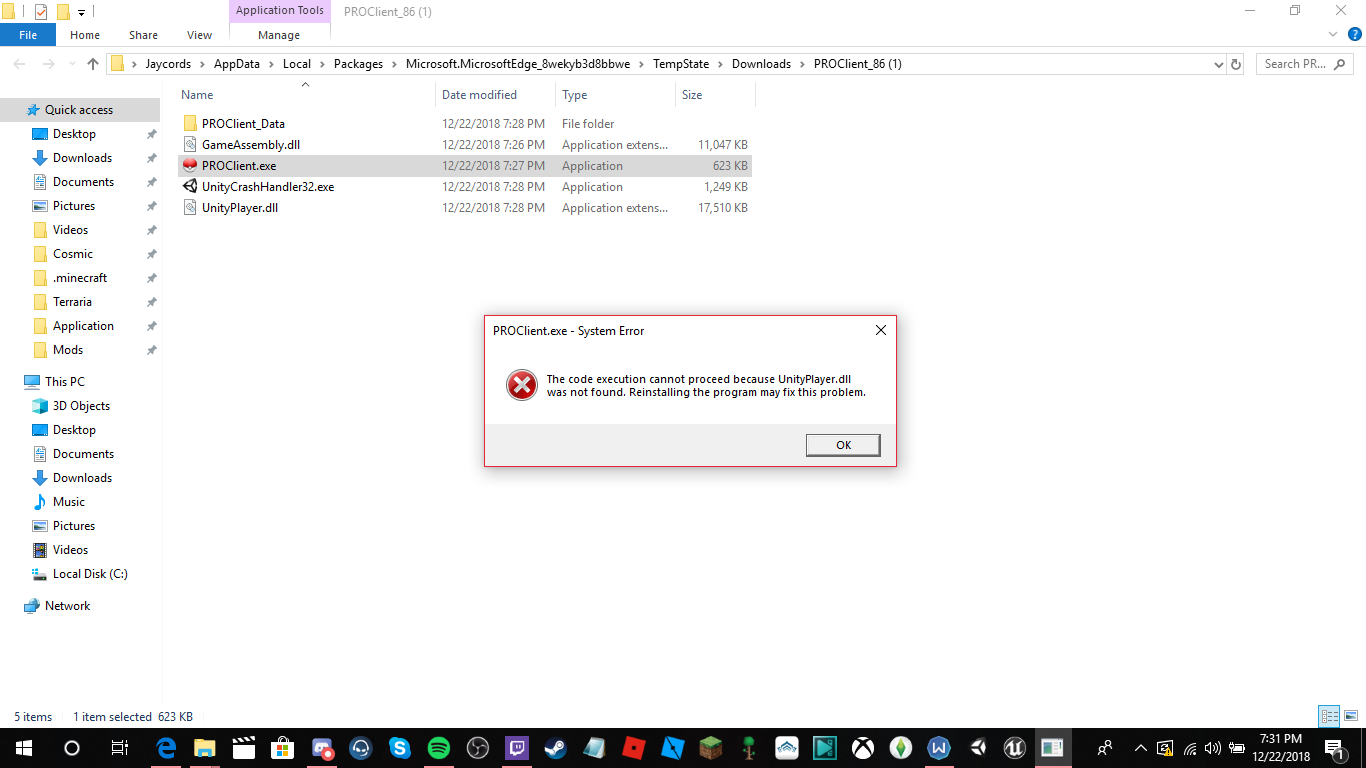
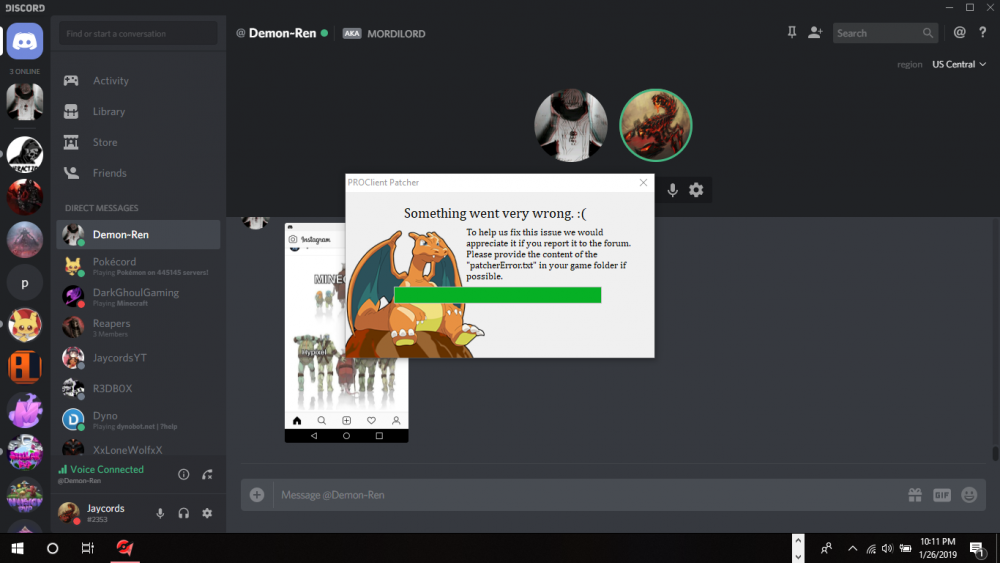
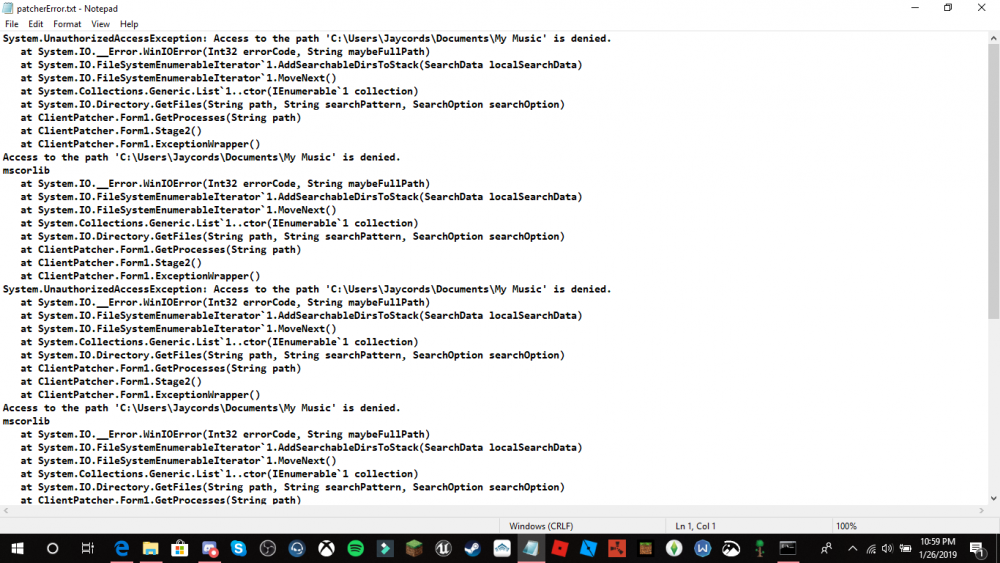
what do I do im able to open the client but after that im not able to do anything because it pops up thisBut theres no my music file But there is no my music folder in my documents
-
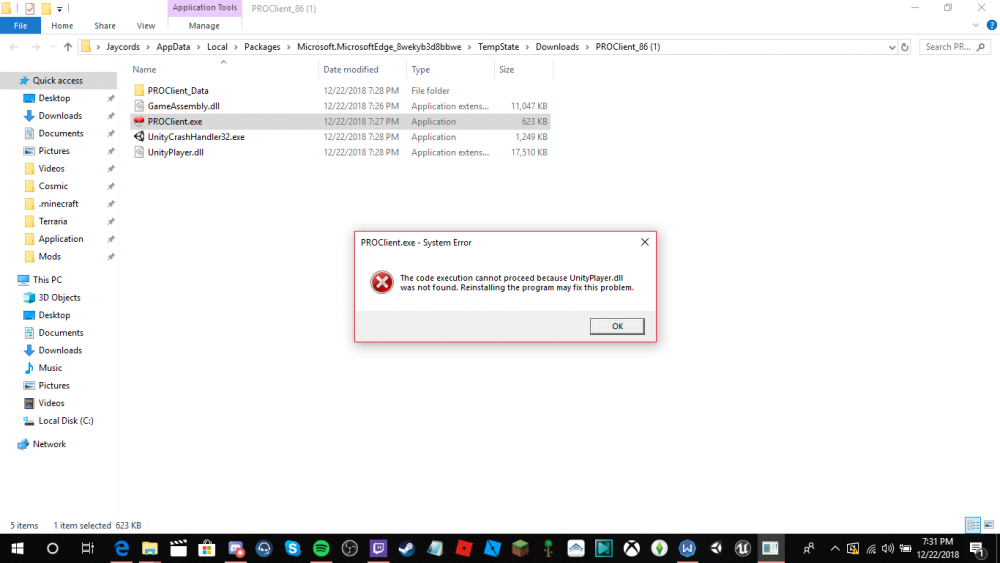
When I open the game it crashes with this msg the code execution cannot proceed because unityplayer.dll was not found reinstalling the program may fix this problem I reinstalled 5 times on every download and nothing couldn't work help please.