New Trade Zone
Trade Zone is now live
Use the new Trade Zone for auctions and instant-price trades so Pokemon and item offers are easy to find.

Ruthestephanie
Registered User
-
Joined
-
Last visited
-
The solution be more simple like Piine say, Im download again the game and put it the unzip on one folder execute and the game now work good. Thank for the support. Regards.
-
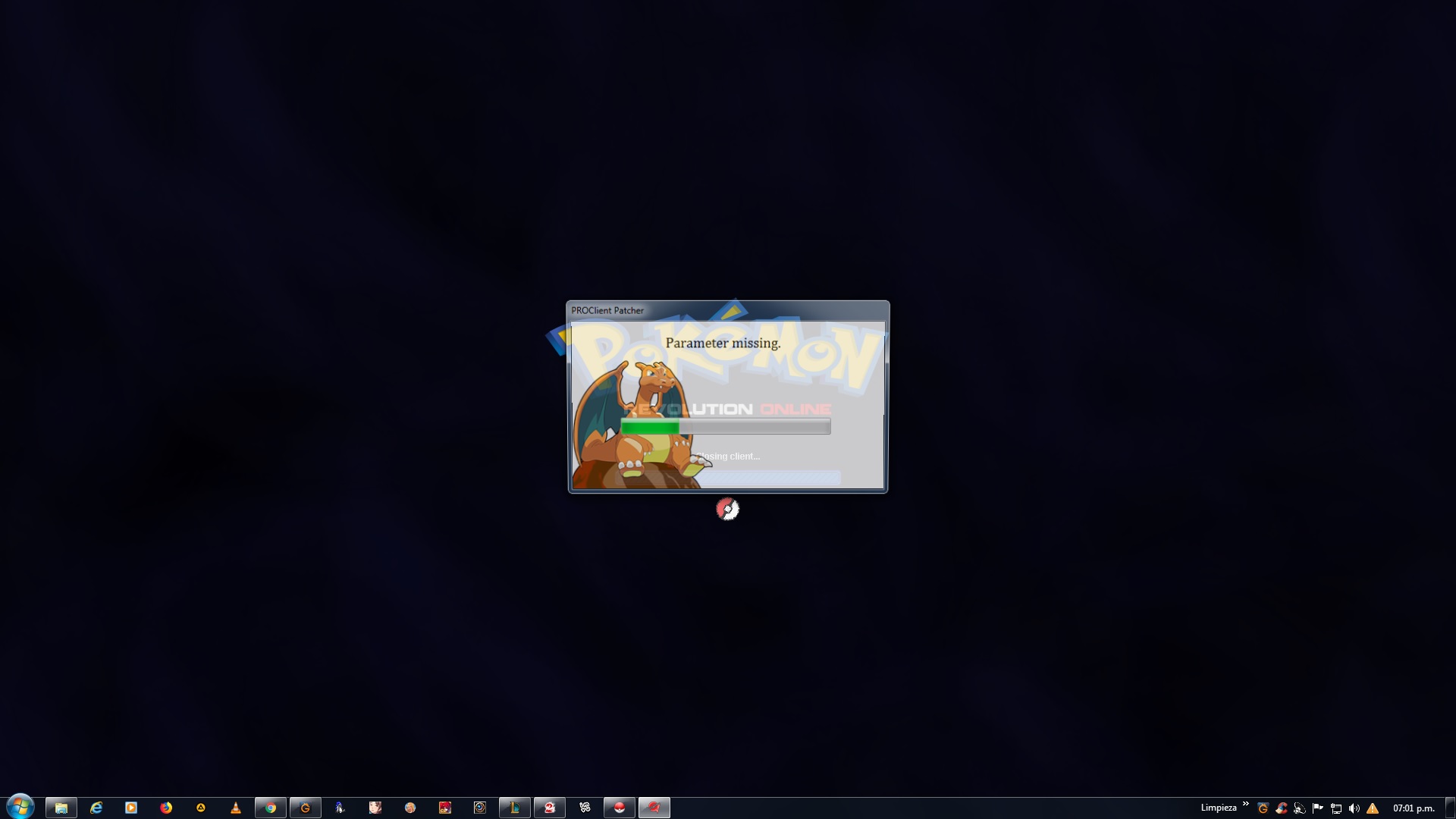
I got a "parameter missing" message and cant log in.
-
Thank you so much, Is now work. Have a nice day !!
-
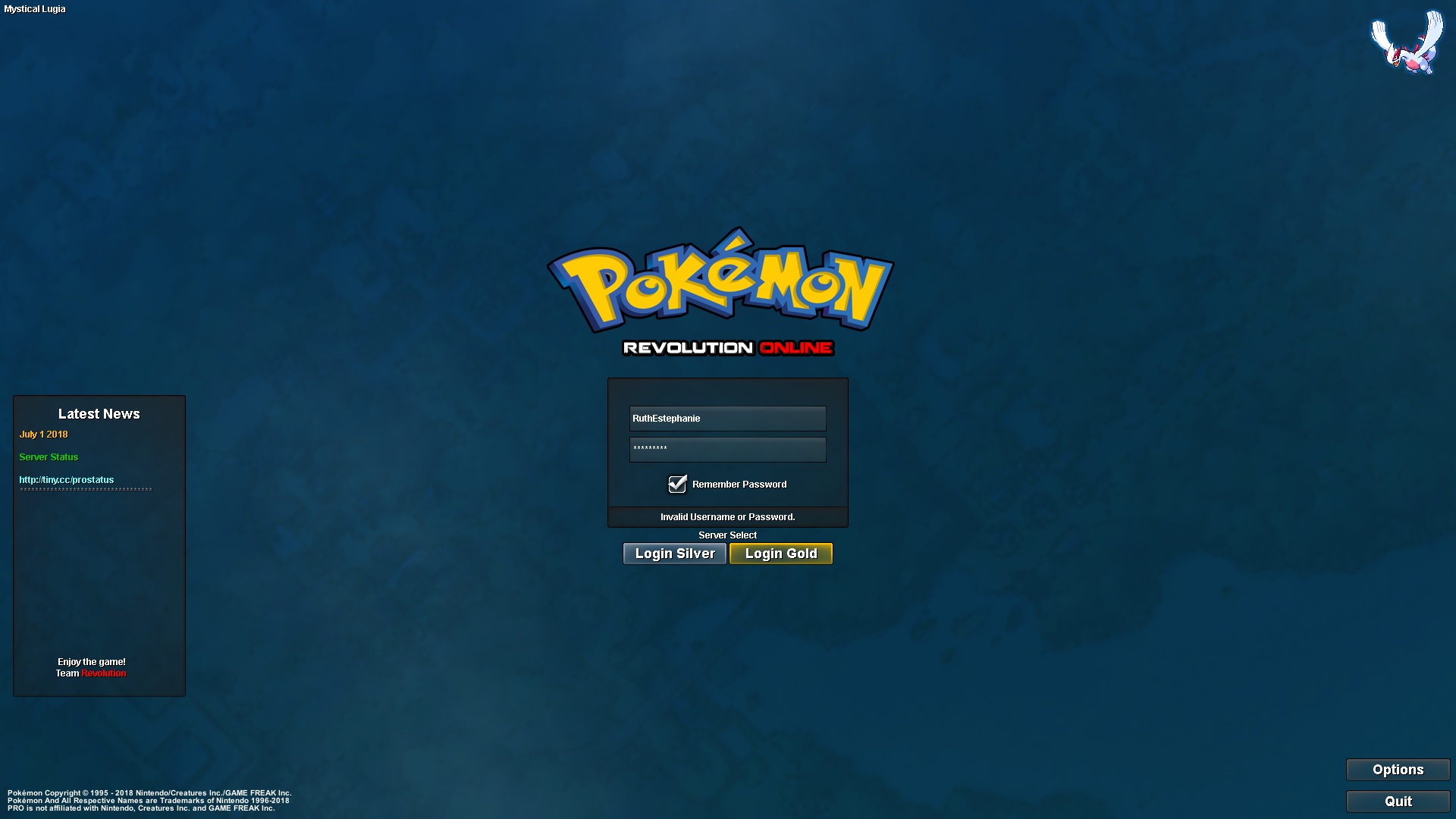
Recently I want to play again my old account, I read the forum about merge my account, I already doing it. But when try to log on, have a " Invalid Username or Password". I change my password after try login and my account summary works perfect. I dont really know how to do to play game again. Can help me please.