




New Trade Zone
Trade Zone is now live
Use the new Trade Zone for auctions and instant-price trades so Pokemon and item offers are easy to find.

Iciv
Registered User
-
Joined
-
Last visited
Everything posted by Iciv
-
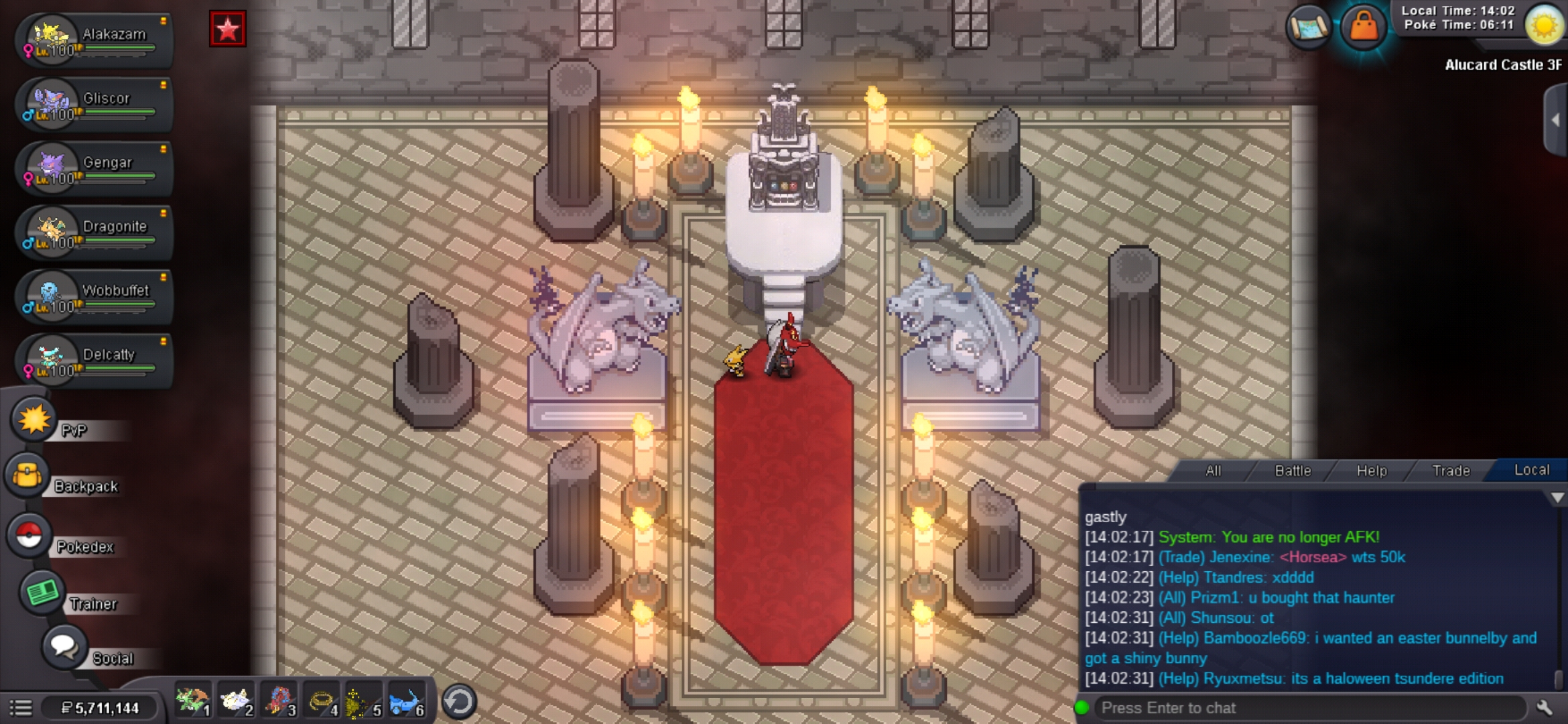
same here i can enter the castle but i dont know how to enter dark realm and no alucard to battle for me.
-
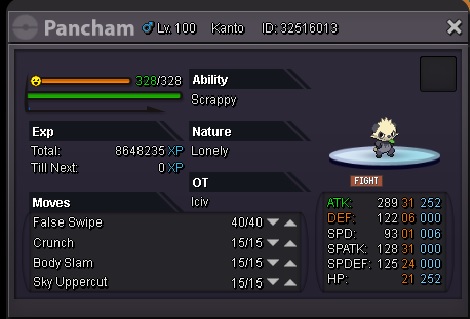
IGN: Iciv Server: Silver Pokemon ID: 32516013
-
It is fixed now thanks for the quick fixed. Have a nice day too.
-
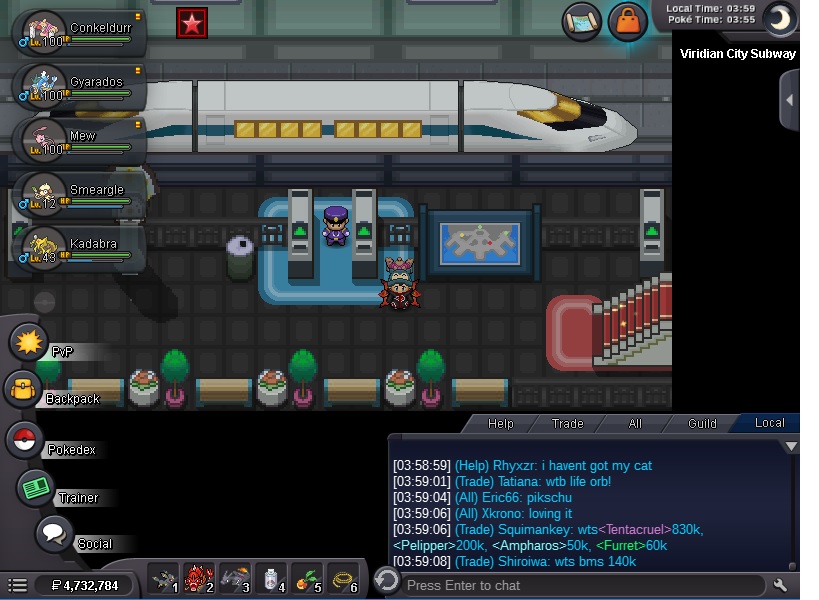
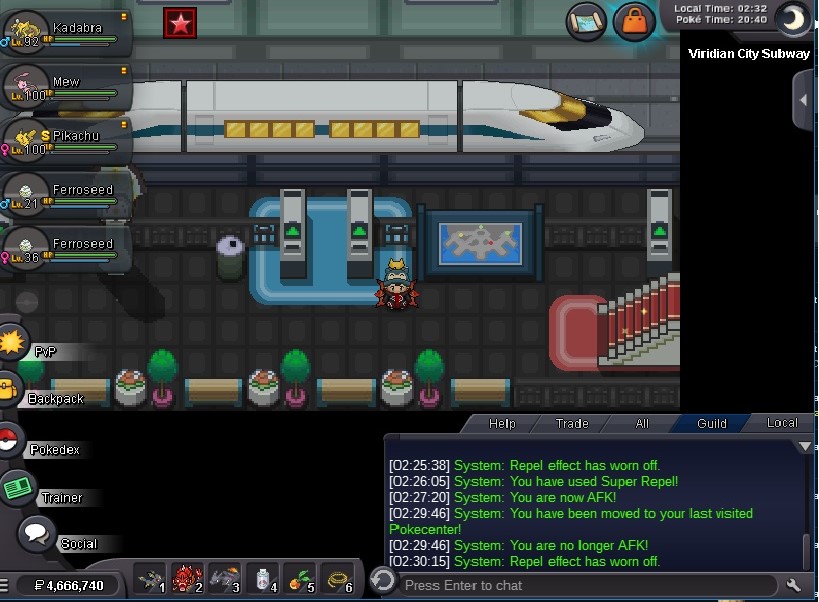
Hello!!! i thought viridian dont really have a npc on subway i ask my guild mate and help chat. And they said they have a npc there. i always walk every time i went in viridian to go to pewter to use the subway. Btw only in viridian that i dont have npc on subway. i hope u fix this. thanks in advance. I hope im in the right section for this post xd.
-
Username/ign: Civ98 Sever: Blue What pokes should have an easter form? eevee,dratini and evos
-
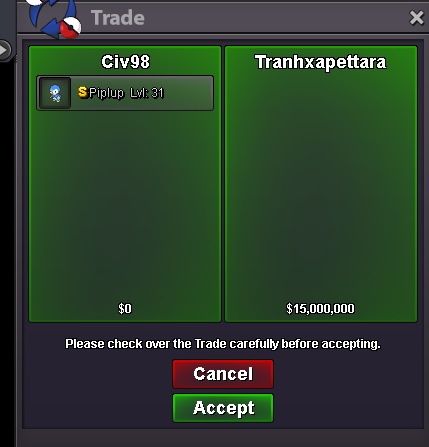
bid is over now...ty all!!! to those who bids
-
15M by @tranhxapettara

-
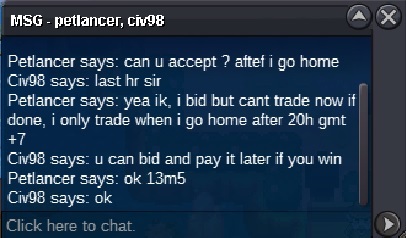
13m5 by @Petlancer
-
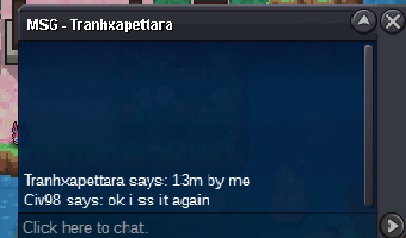
13M by @tranhxapettara
-
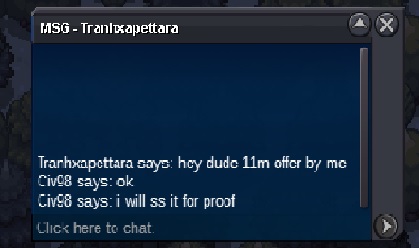
11m bid by @tranhxapettara
-
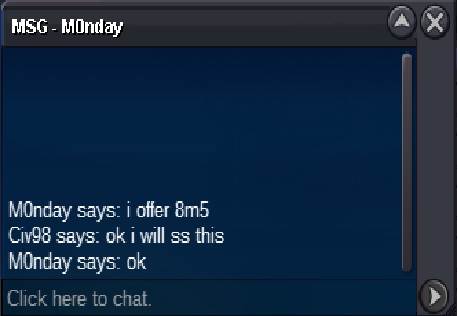
8m5 bid by m0nday
-
bidding starts now will end after 3days thanks.
-
SOLD

-
What is your Discord tag? civ98#5283 How often do you use Discord? only when PRO discord gives me a notification so everyday. If you could improve PRO's Discord with one suggestion, what would it be? add server channels
