New Trade Zone
Trade Zone is now live
Use the new Trade Zone for auctions and instant-price trades so Pokemon and item offers are easy to find.

Oshadz
Registered User
-
Joined
-
Last visited
-
It's not browser problem I tried 3 different ones and my account ain't even appearing only one on yellow server
-
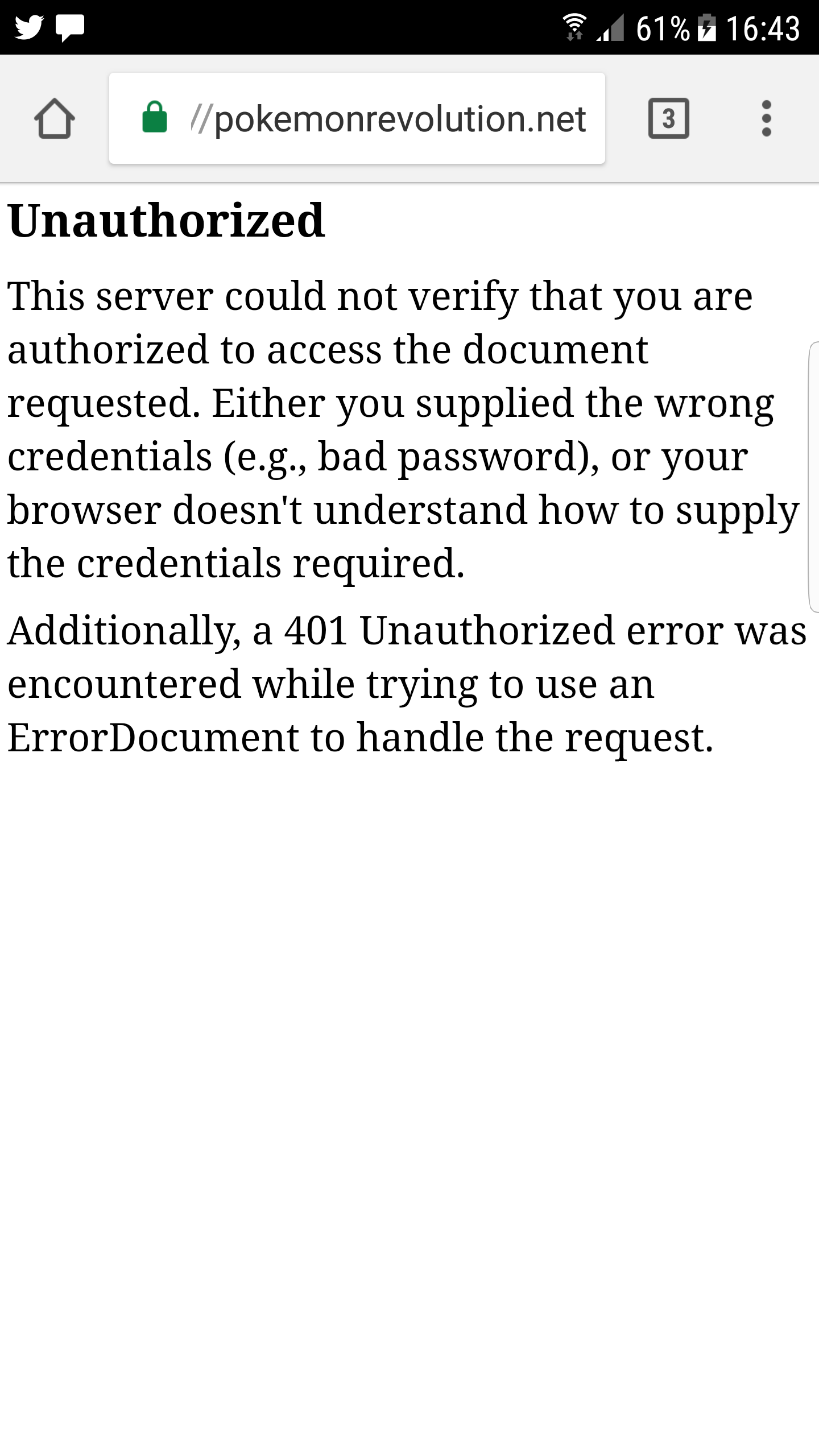
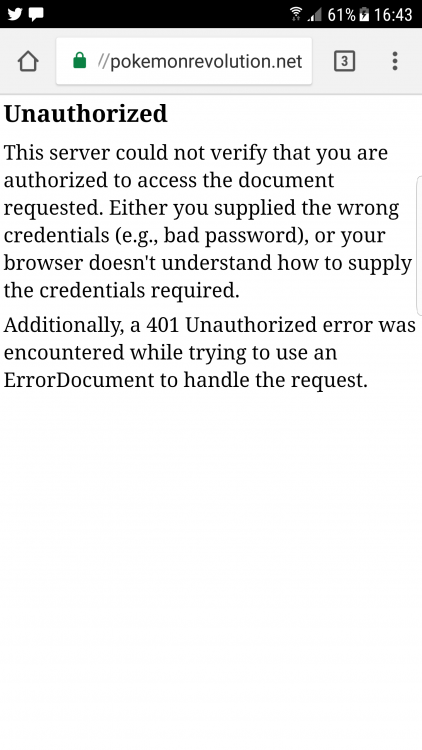
I tried to merge my account but it's asking for login over and over
-
I hope my account ain't lost now I haven't long just had mew :(
-
Well I tried merging it like you said and it keeps popping up for me to sign in even tho I'm already signed in and nothings happening
-
Okay thank you
-
I lost my account on red server and all it shows is my other account on yellow server
-
i recently done the quest for heatran and went up against it but my internet disconnected while having a battle with heatran and its not appearing there anymore. Please can someone help
-
bidding starts at 300k, auction ends in 5hrs from first bid