New Trade Zone
Trade Zone is now live
Use the new Trade Zone for auctions and instant-price trades so Pokemon and item offers are easy to find.

Riotatzu
Registered User
-
Joined
-
Last visited
Everything posted by Riotatzu
-
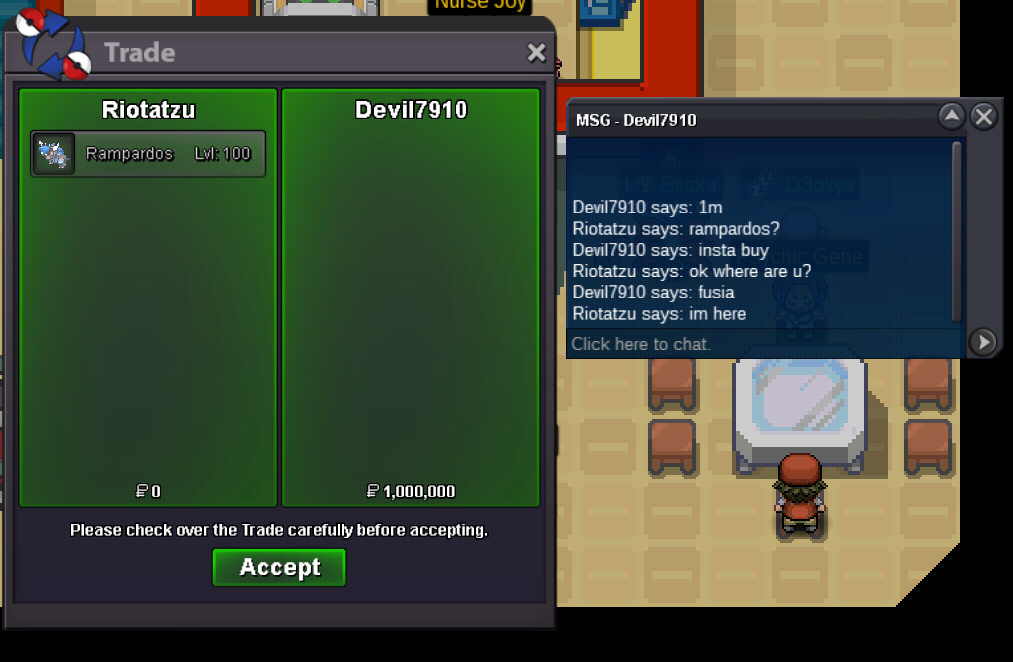
Rampardos sold insta, ty all
-
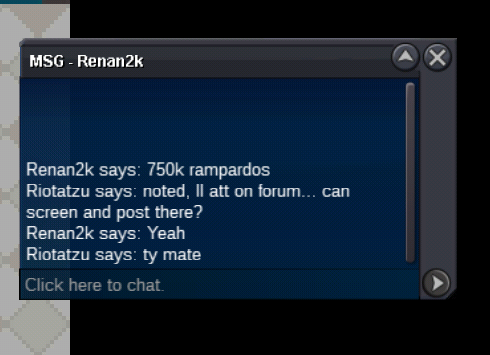
c.o 750 Rampardos by "Renank2k" // insta 1m
-
Wow nice amon ~ Bump
-
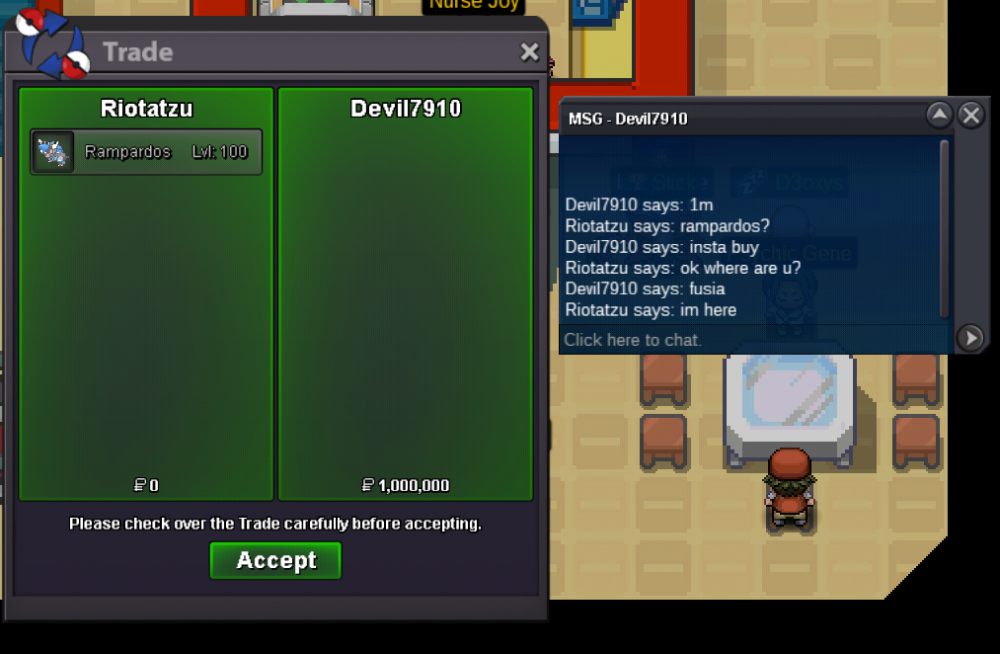
Rampardos (adamant) Started auction 700k // insta 1m ~ Start // Wednesday 22:30 GMT/UTC ~ Ends // Friday 22:30 GMT/UTC ty
-
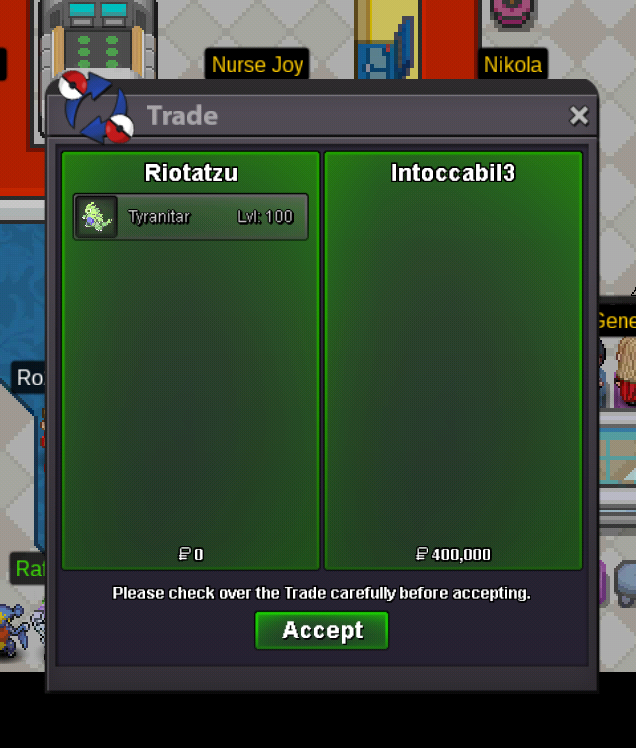
Tyranitar relax sold to winner, ty
-
Added more mons ~ bump
-
Tyranitar s.o 400k ~ Start // Monday 02:30 GMT/UTC ~ Ends // Wednesday 02:30 GMT/UTC Thanks!
-
Rotom Wash 19+ sold in game
-
Thanks for the warning, I will remove the last rule of the auction
-
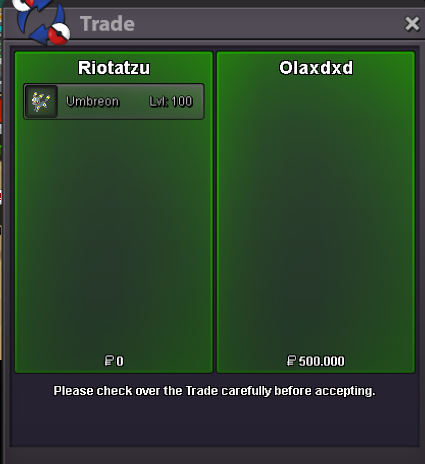
Umbreon sold insta to "Olaxdxd", ty
-
Volcarona timid(kanto) sold in game
-
Garchomp sold in game
-
Goodra sold in game
-
wow nice pokes bro ~ happy auction
-
Breloom h.a sold in game
-
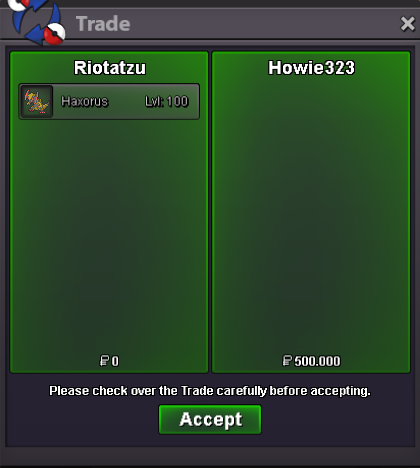
Haxorus sold to auction winner "howie323", ty
-
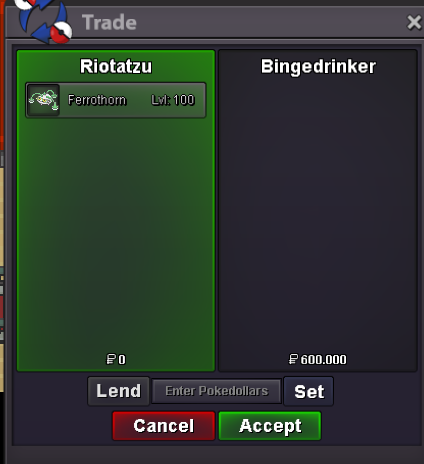
Ferrothorn sold to auction winner "BingeDrinker", ty
-
Ferrothorn c.o 600k ~ Start // Tuesday 01:30 GMT/UTC ~ Ends // Thursday 01:30 GMT/UTC Ty for auction bid
-
medicham 29spd sold in game
-
Darmanitan Zen, Azumarill 31 atk and Machamp sold in game
-
From the experience I have in the forum so far: You can only cancel a sale if the auction has not started You can put this as a rule in your auction (about over 2m) I hope I have helped in some way the o/
-
Excadrill 21 atk sold in game
-
Metagross jolly sold in game
-
Clefable h.a sold in game
-
bump