New Trade Zone
Trade Zone is now live
Use the new Trade Zone for auctions and instant-price trades so Pokemon and item offers are easy to find.

Riotatzu
Registered User
-
Joined
-
Last visited
Everything posted by Riotatzu
-
-
-
Salamence sold in game
-
Tangrowth hp ice sold in game
-
Scizor 31AtK sold in game
-
Eelektross sold in game
-
Ludicolo sold in game
-
New pokes added ~~
-
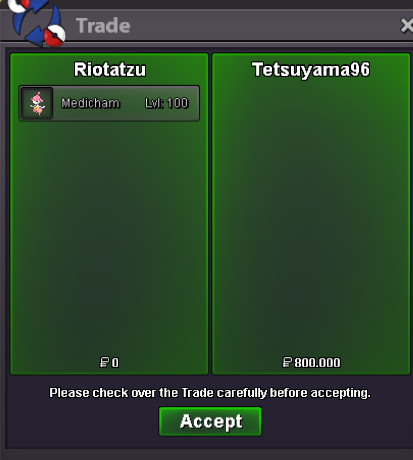
Medicham 26/31 sold insta to "Tetsuyama96", ty
-
Bump ~
-
Umbreon sold in game
-
new pokes added ~
-
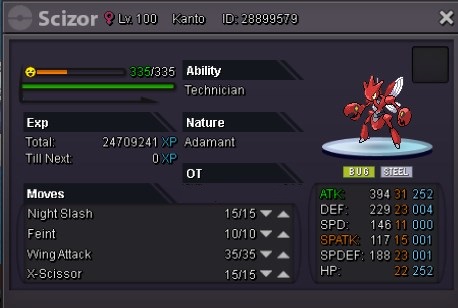
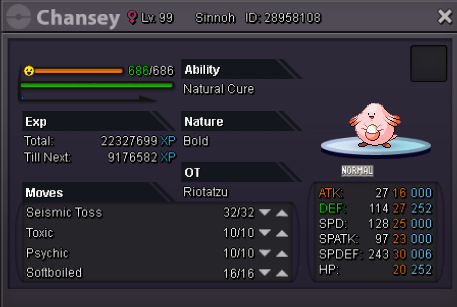
Rules Accept coin capsule as payment fixed amount in 250k and reroll ticket fixed amount in 600k The auction will last 2 days(after i check the offer) Minimum 100k+ bid required to make an offer Only offer if you are really willing to wait for the end of it(no cancel bid after you offered unless i accept for that) >Discord >Riotatzu #3815 Eevee 21+ Start 500k Insta 1.5m Scizor 31attack Start 1.5m Insta 2.5m Chansey 20+ (Can evo to Blissey) Start 2.5m Insta 4.5m

-
Big Nugget - Draconic Site
-
Best guide ! Congratz :D
-
Ferrothorn sold insta to "Zeiden", ty

-
Azumarill sold in game
-
Very nice guide! Congratz :)
-
New pokes added ~ bump
-
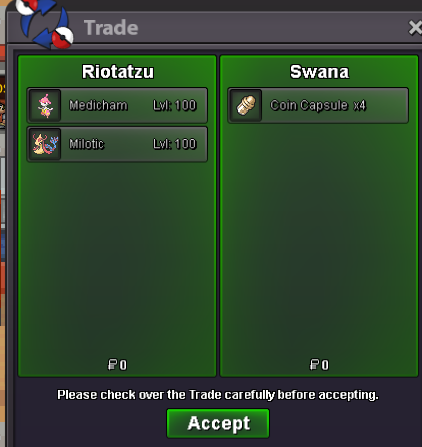
Medicham(adamant) and Milotic sold to "Swana", ty
-
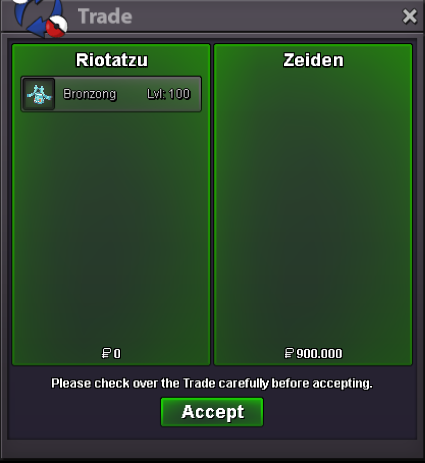
Bronzong levi sold to "Zeiden", ty
-
Cofagrigus 31/31 on defs sold in game
-
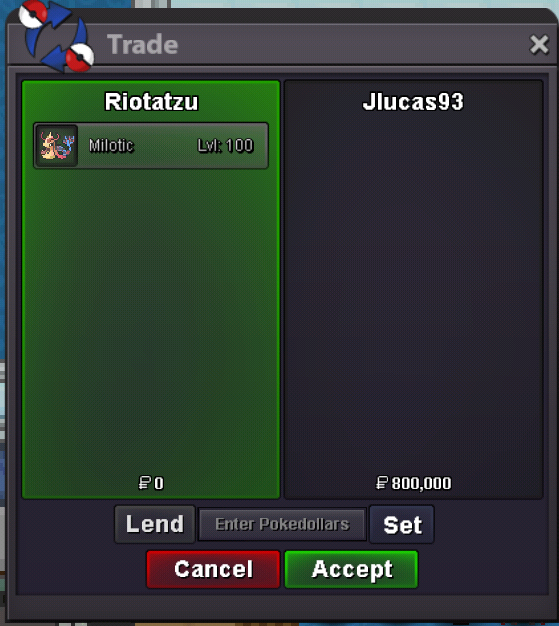
Milotic sold to auction winner "Jlucas93", ty
-
11hrs left to end the auction, ty
-
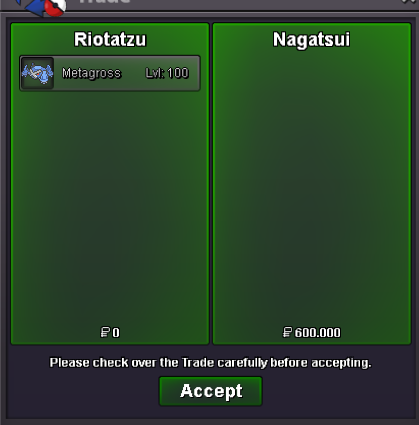
Metagross sold to "Nagatsui", ty