




New Trade Zone
Trade Zone is now live
Use the new Trade Zone for auctions and instant-price trades so Pokemon and item offers are easy to find.

Riotatzu
Registered User
-
Joined
-
Last visited
Everything posted by Riotatzu
-
600k by Darksun20 ~ start Tuesday (20:55 UTC) ~ end Friday (20:55 UTC)
-
Added more pokes (31/07) ~
-
Rotom Wash(bold) sold in game
-
Added more mons :)
-
Heracross 30 spd sold in game ~ bump
-
can be closed, was purchased. Thanks seller :)
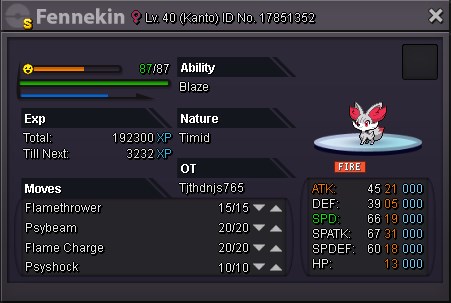
-
11m
-
hydreigon 30/30 sold to Sghir (won auction)
-
Heracross sold in game ~ bump
-
Thanks s.o 400k ~ start Tuesday(14:40 UTC) ~ end Friday(14:40 UTC)
-
added more mons ~ sold rotom to manishbawa96
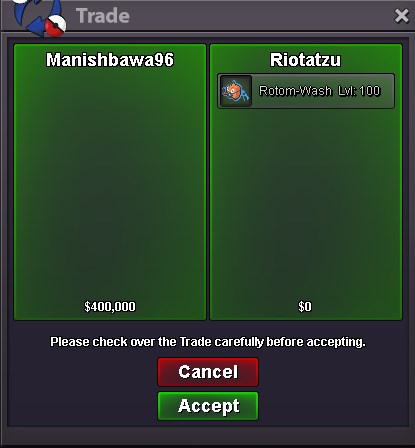
-
Hydreigon 24+ added ~ bump
-
Reduced prices ~ bump
-
thanks dude s.o 400k ~ start Thursday(13:45 UTC) ~ end Sunday(13:45 UTC)
-
How long time to end?
-
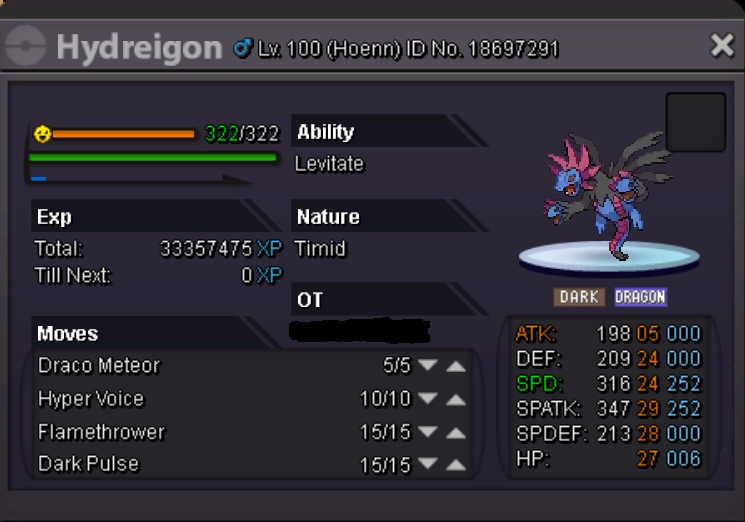
Hello, - Accept coin capsule as payment, fixed amount in 200k - After receiving the initial offer the auction will last 3 days(after I check the offer) - Minimum 100k+ bid required to make an offer - Only offer if you are really willing to wait for the end of it(no cancel bid after you offered unless i accept for that) - Fake offers will be reported - I reserve the right to cancel the sale Discord Riotatzu #3815 Hydreigon 2x30 s.o 400k insta 800k Rotom-Wash s.o 500k insta 1m Hydreigon 24+ s.o 600k insta 1.2m

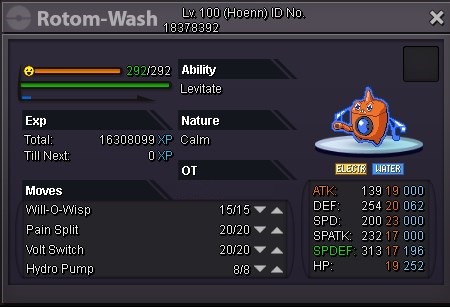
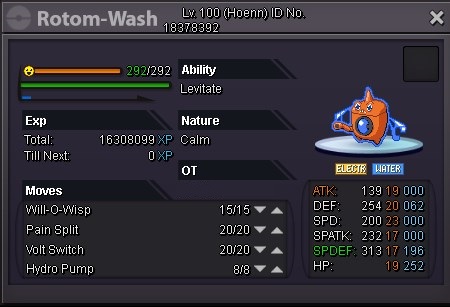
-
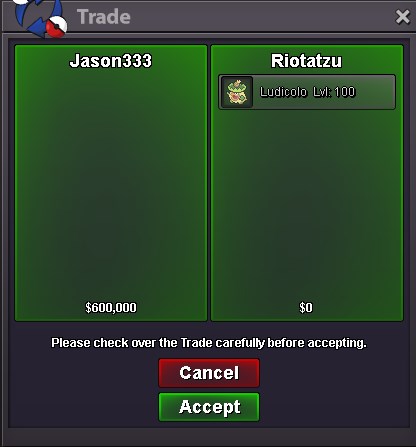
Ludicolo sold to Jason333, thanks all
-
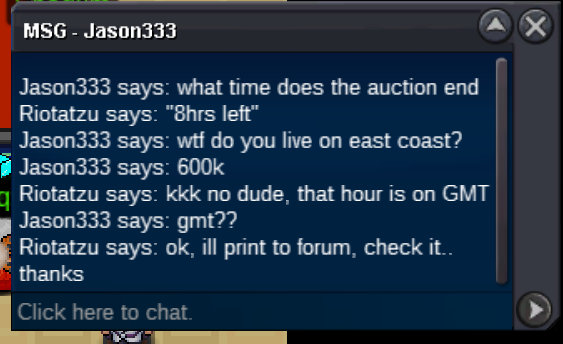
c.o 600k by Jason333 8hrs left Ludicolo auction
-
Ludicolo 11hrs left ~ bump
-
No, s.o 600k
-
Thanks dude
-
c.o 500k Start 10:08(GMT) Saturday End 10:08(GMT) Tuesday Thanks
-
Reduced prices ~ bump
-
Added Mamoswine ~ bump
-
