New Trade Zone
Trade Zone is now live
Use the new Trade Zone for auctions and instant-price trades so Pokemon and item offers are easy to find.

Riotatzu
Registered User
-
Joined
-
Last visited
Everything posted by Riotatzu
-
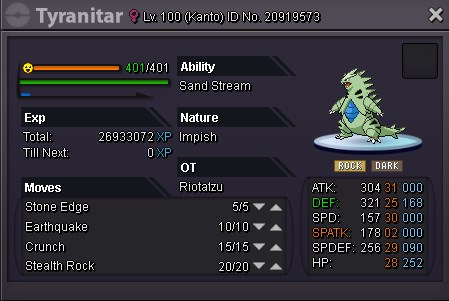
Tyranitar c.o 1m1 by "Schatzimbe" 2h32min left
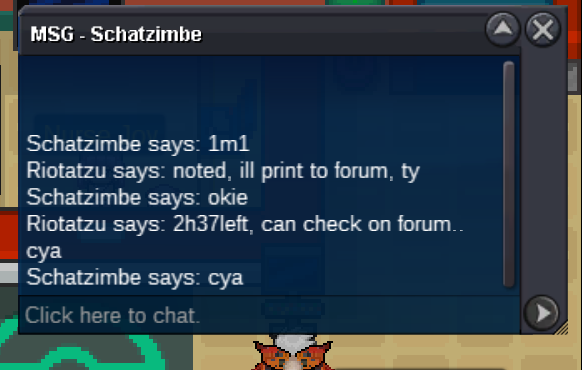
-
3hrs left to end auction tyranitar Reduced insta price for 1.5m ~ bump
-
Chesnaught added on sale ~ bump
-
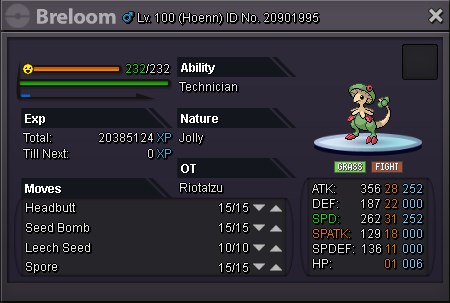
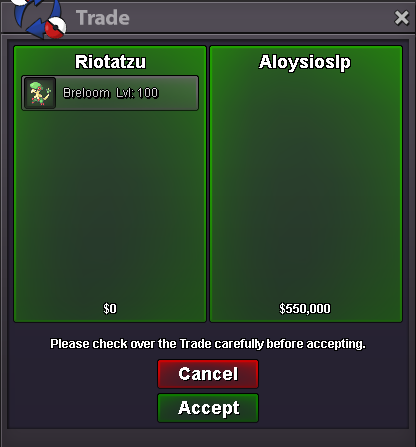
Breloom sold to "Aloysioslp" (won auction), ty
-
16hrs left to end auction breloom ~ bump
-
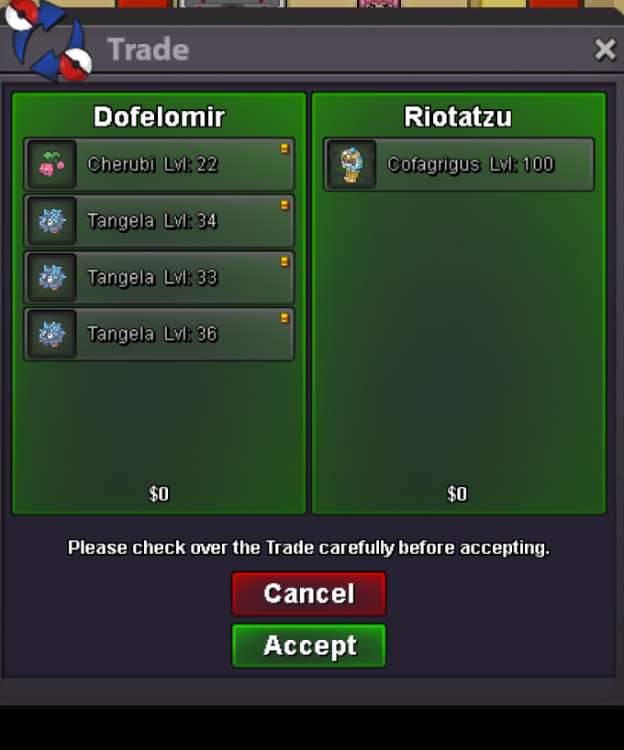
Cofagrigus sold insta to "Dofelomir", ty
-
s.o tyranitar Start Sunday 02:20 a.m. GMT Ends Tuesday 02:20 a.m. GMT Thanks
-
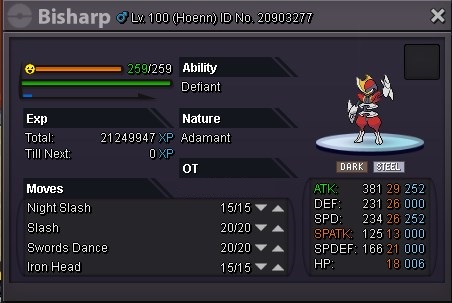
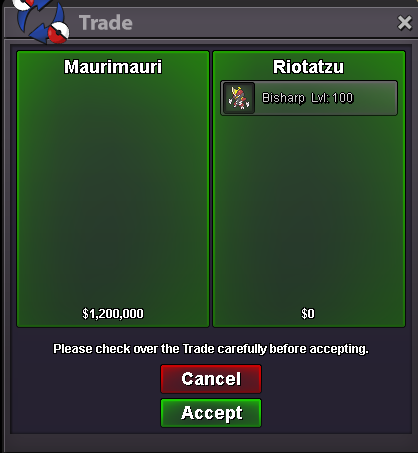
Bisharp sold insta to "Maurimauri", ty
-
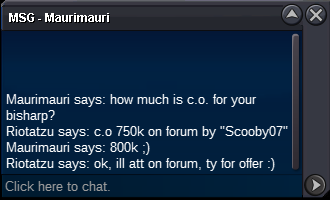
Bisharp c.o 800k by "Maurimauri"
-
s.o 350k Start Saturday 18:27 GMT Ends Tuesday 18:27 GMT thanks
-
Np dude, thanks
-
Metagross 30 spd sold in game
-
s.o 500k Breloom ~ Start Saturday 10:50 GMT End Monday 10:50 GMT thanks
-
s.o 500k Cofagrigus Start Friday 14:07 GMT End Monday 14:07 GMT Thanks
-
c.o 750k Start Friday 14:03 GMT End Sunday 14:03 GMT Thanks
-
Added new pokes ~bump
-
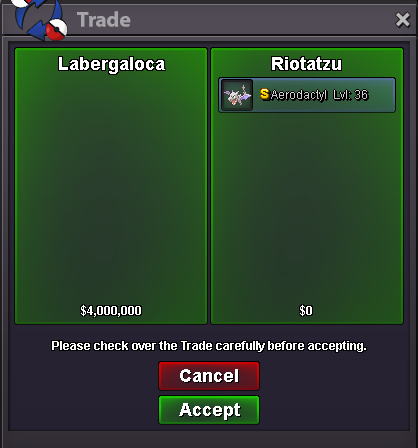
Aerodactyl sold in game, ty
-
-
Do u have discord? Mine is #3815... I could not talk to you in the game
-
Aerodactyl jolly/Excadrill sand force ada/bisharp defiant all sold in game ~
-
Medicham spd 30 sold in game ~
-
C Contact me in game or discord, ty
-
Conkeldurr ada sold in game
-
Crobat sold in game
-
Haxorus sold in game ~